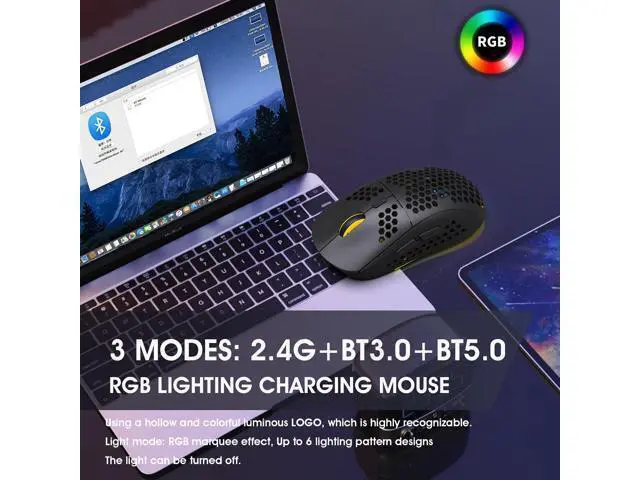
Technical Parameters:; 1.
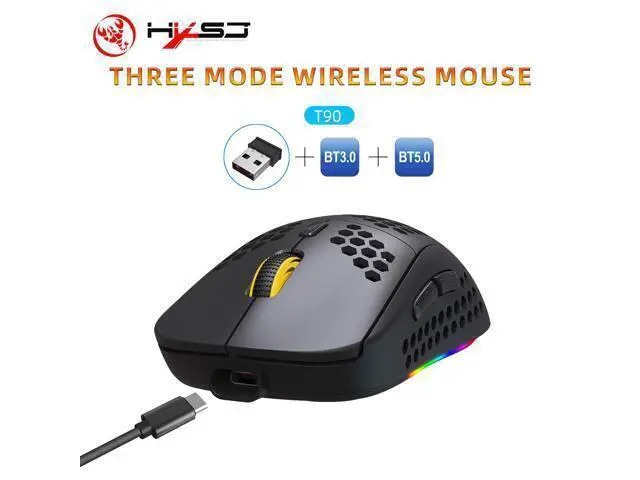
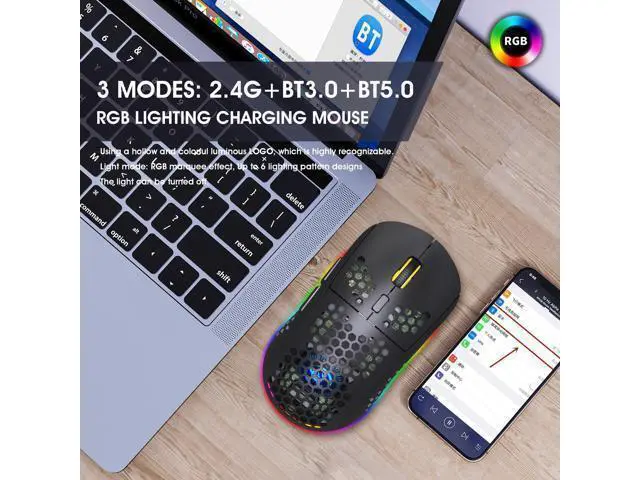
3 Modes: 2.4 G wireless+Bluetooth 3.0 +Bluetooth 5.0;
2.
Rechargeable: 750mAh built-in rechargeable battery;
3.
Accurate tracking: professional IC positioning accuracy; 4. 10M wireless receiving distance;
5. Five-speed DPI adjustment design; 6. 10 million times sound switch design;
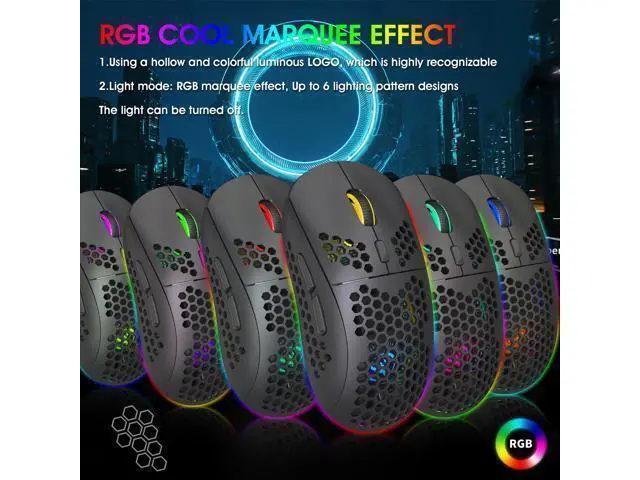
7. Using a hollow and colorful luminous LOGO, which is highly recognizable;
8.
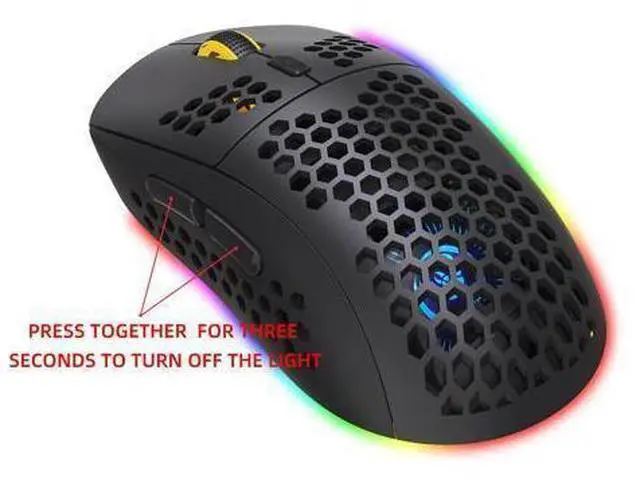
Light mode: RGB marquee effect, Up to 6 lighting pattern designs, The light can be turned off.;
USB 2.4G mode connection steps:;
1. Set the mouse switch to ON.;
2. Plug the receiver into the computer's USB port. Press the mode button once. The red LED flashes and the installation is done automatically.;
Bluetooth mode:; To turn on the Bluetooth mode, you need to press the mode button for 3 seconds and the green light flashes quickly, indicating that the Bluetooth mode is activated and you can search for connections.;
Bluetooth 3.0 mode connection steps:;
1. Turn on the Bluetooth icon on your computer.;
2. Turn on the mouse power switch, press the mode switch 2times, the second mode light turns green and flashes quickly.;
3. Enter BT 3.0 Bluetooth connection mode for pairing.;
Bluetooth 5.0 mode connection steps:;
1. Turn on the Bluetooth icon on your computer.;
2. Turn on the mouse power switch, Press the mode switch3 times, the third mode light turns blue Flashing quickly.;
3. Enter BT 5.0 Bluetooth connection mode to select pairing.





 here!
here!