





Specifications:
CCD size: 1/4 inch
Aperture(F): 1.8
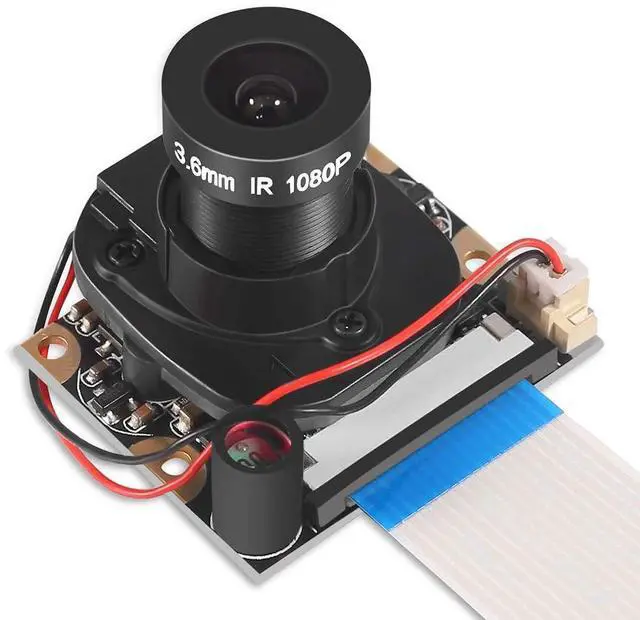
Focal Length: 3.6 mm (adjustable)
Field of View: 72 degrees
Preferred Sensor Resolution: 1080p
Support 3.3V power output
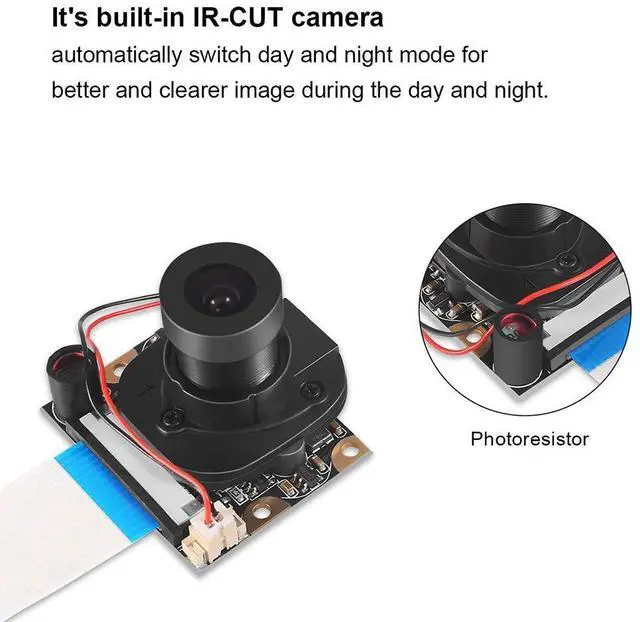
Supports connecting infrared LED or flash LED
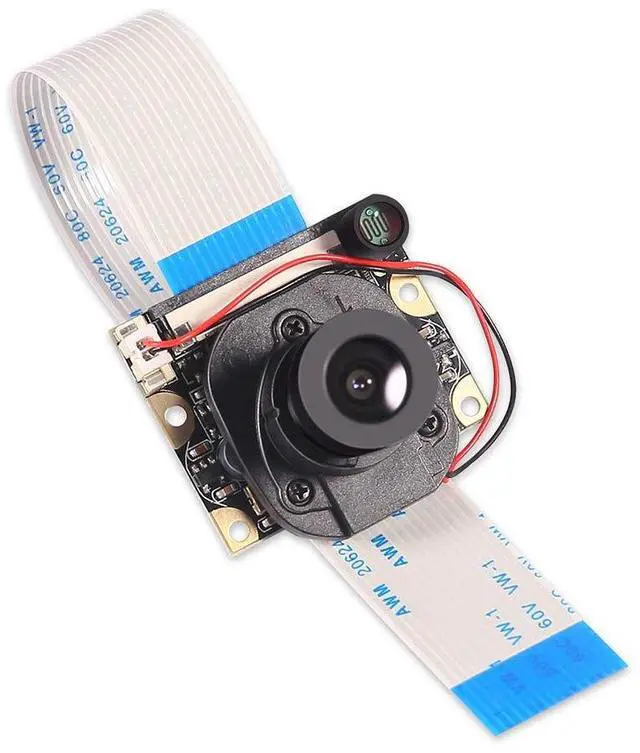
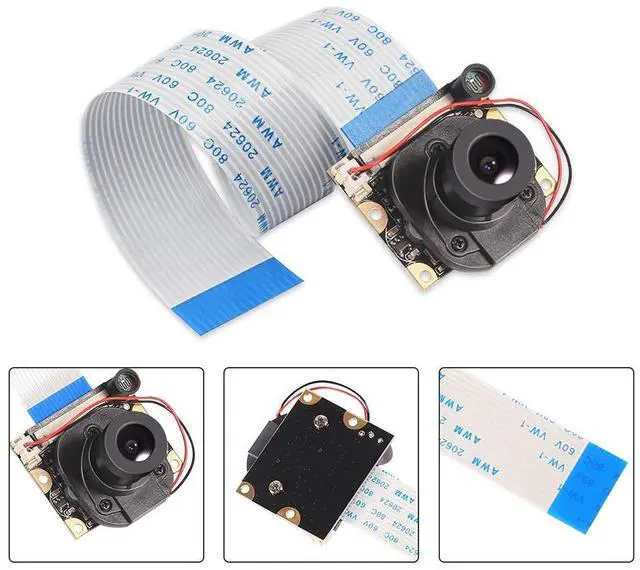
4 screw holes whiche are used for a fixed position
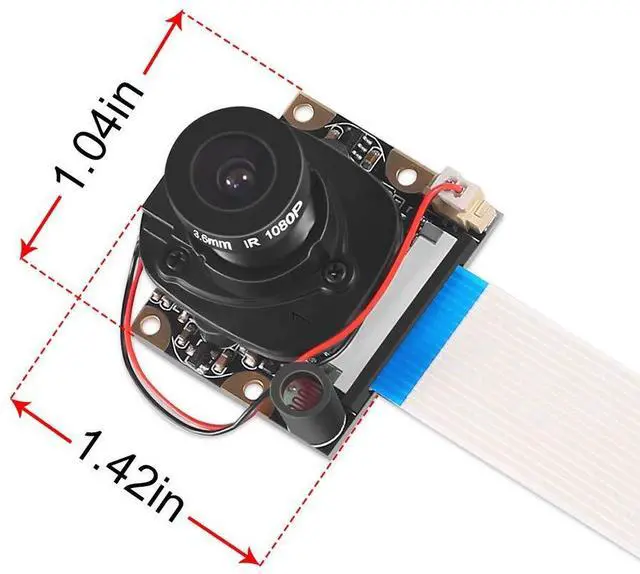
Dimension: 1.42inch x1.04inch x0.94inch

Adjust the focal length :
The lens screws in and out to adjust it.
The camera is capable of 2592 x 1944 pixel static images,and also supports 1080 p @ 30 fps, 720 p @ 60 fps and 640 x480 p 60/90 video recording,with 5MP OV5647 1080p webcam sensor.
The camera is supported in the latest version of Raspbian, Raspberry Pi's preferred operating system.

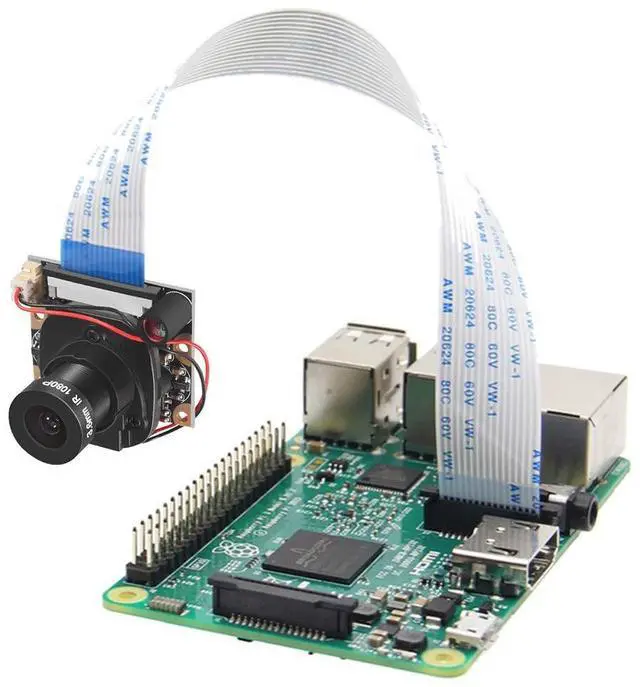
Raspberry Pi computer with a Camera Module port
All current models of Raspberry Pi have a port for connecting the Camera Module.
Note: If you want to use a Raspberry Pi Zero, you need a Camera Module ribbon cable that fits the Raspberry Pi Zero’s smaller Camera Module port.

Ensure your Raspberry Pi is turned off.
- Locate the Camera Module port
- Gently pull up on the edges of the port’s plastic clip
- Insert the Camera Module ribbon cable; make sure the cable is the right way round
- Push the plastic clip back into place
Start up your Raspberry Pi. Go to the main menu and open the Raspberry Pi Configuration tool.
Select the Interfaces tab and ensure that the camera is enabled
Reboot your Raspberry Pi.
Specifications:
CCD size: 1/4 inch
Aperture(F): 1.8
Focal Length: 3.6 mm (adjustable)
Field of View: 72 degrees
Preferred Sensor Resolution: 1080p
Support 3.3V power output
Supports connecting infrared LED or flash LED
4 screw holes whiche are used for a fixed position
Dimension: 1.42inch x1.04inch x0.94inch
Adjust the focal length :
The lens screws in and out to adjust it.
The camera is capable of 2592 x 1944 pixel static images,and also supports 1080 p @ 30 fps, 720 p @ 60 fps and 640 x480 p 60/90 video recording,with 5MP OV5647 1080p webcam sensor.
The camera is supported in the latest version of Raspbian, Raspberry Pi's preferred operating system.
Raspberry Pi computer with a Camera Module port
All current models of Raspberry Pi have a port for connecting the Camera Module.
Note: If you want to use a Raspberry Pi Zero, you need a Camera Module ribbon cable that fits the Raspberry Pi Zero’s smaller Camera Module port.
Ensure your Raspberry Pi is turned off.
- Locate the Camera Module port
- Gently pull up on the edges of the port’s plastic clip
- Insert the Camera Module ribbon cable; make sure the cable is the right way round
- Push the plastic clip back into place
Start up your Raspberry Pi. Go to the main menu and open the Raspberry Pi Configuration tool.
Select the Interfaces tab and ensure that the camera is enabled
Reboot your Raspberry Pi.