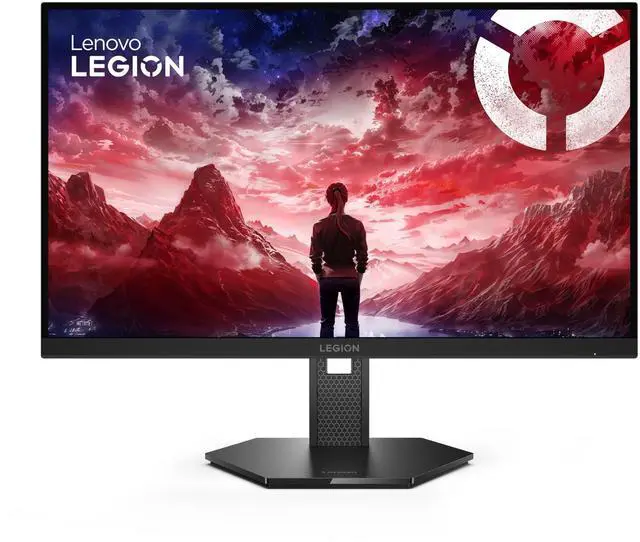
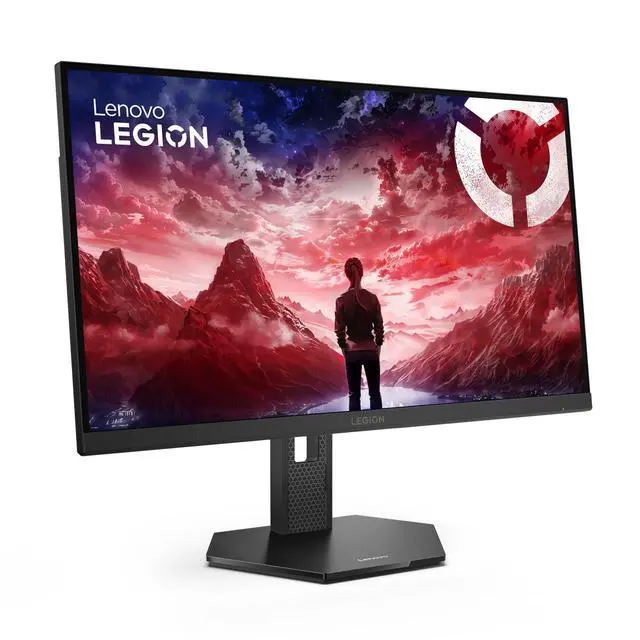
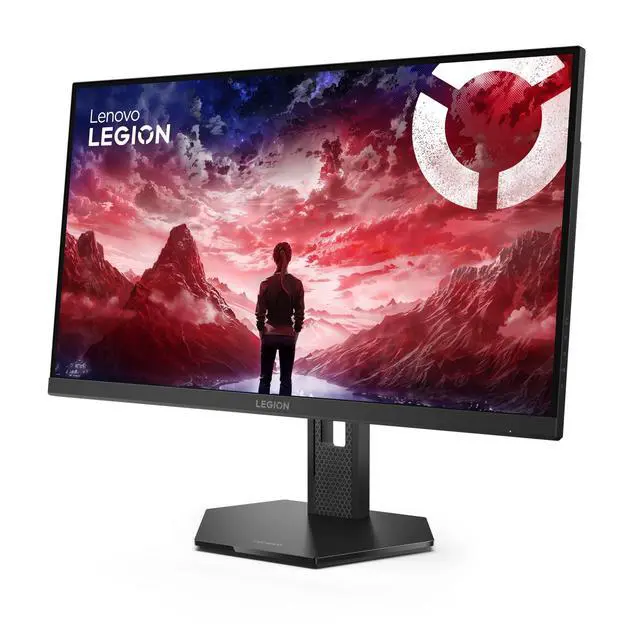
The Lenovo Legion 27U-10 is a 27-inch dual-resolution gaming monitor that pairs 4K at 160Hz with Full HD at 320Hz, making it suitable for gamers who want to choose between detailed visuals and very high refresh rates.
Recommended For
- PC gamers who switch between detailed single-player games and fast competitive titles: the dual mode offers 4K at up to 160Hz for the former and FHD at up to 320Hz for the latter.
- Competitive players willing to use FHD for very high refresh rates, especially in games where they prioritize motion smoothness over 4K detail.
- People who want one 27-inch monitor for high-resolution gaming and everyday desktop work: its 4K panel provides a sharp workspace, while its IPS panel and wide stated color coverage suit general visual tasks.
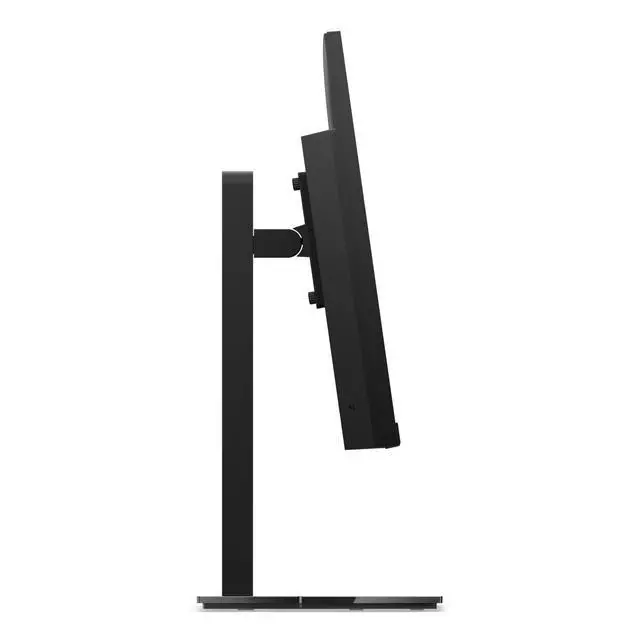
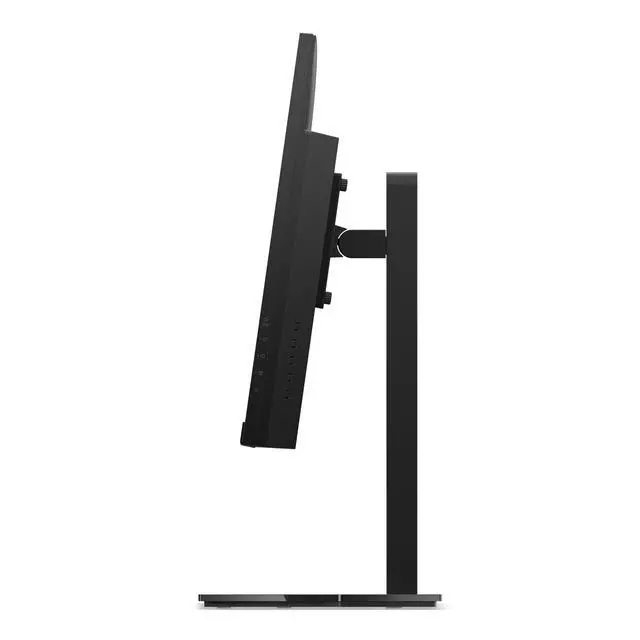
- Desk-based users who need to adjust screen position during long gaming or work sessions; the listed stand supports height, pivot, swivel, and tilt adjustment.
Real-World Use Scenarios
- For competitive PC games, switch to FHD mode when you prioritize a higher refresh rate; compatible games and hardware can use the monitor’s 320Hz mode, while the lower resolution is less sharp than 4K.
- For visually detailed PC games, use 4K mode to keep fine scene details and text sharp while playing; the monitor supports refresh rates up to 160Hz in this mode, depending on the game and PC.
- When alternating between fast-paced games and graphics-focused games, change modes to suit what you are playing: FHD for the monitor’s higher-refresh mode or 4K for sharper image detail.
- For everyday desk work alongside gaming, use the 4K display for documents, browsing, and other detailed desktop tasks, then switch to a gaming mode when you want a faster refresh rate. A Legion 27U-10 owner also described using it as an office monitor.
- For a mixed PC-and-console desk setup, use the monitor with a supported gaming console for console play and a PC for the high-refresh dual-mode options; the console’s available resolution and frame rate depend on the console and game.




 here!