here!
I’m your shopping assistant for PC builds, upgrades, and everything tech.
Got questions? Ask away!
Start a conversation
here!
I’m your shopping assistant for PC builds, upgrades, and everything tech.
Got questions? Ask away!
Start a conversation



Any questions? Ask CelesteSM will help you find out quickly.


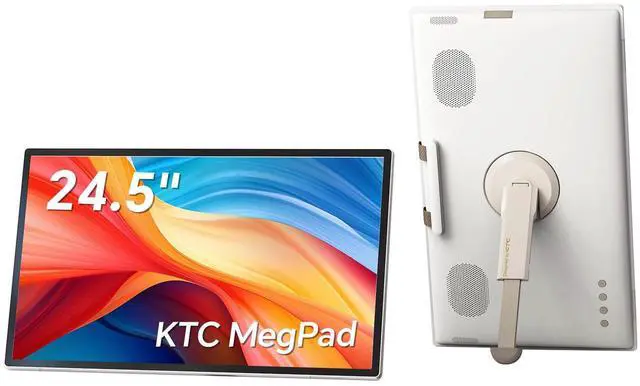
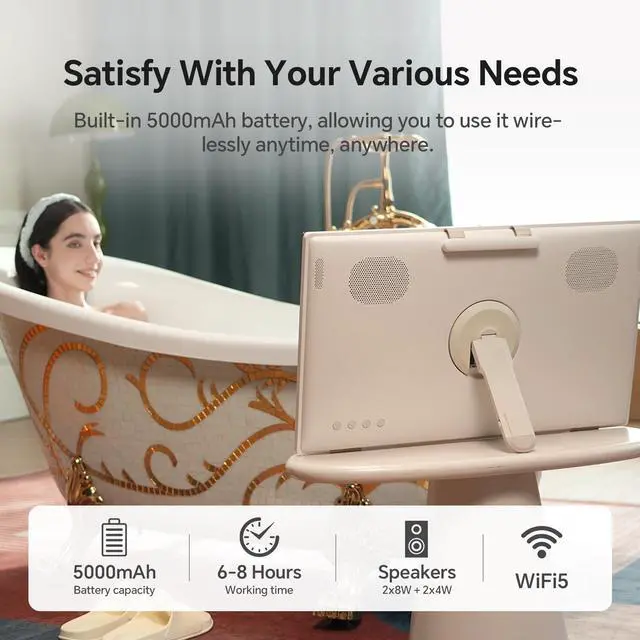
The KTC A25Q5 is a 24.5-inch portable smart TV and touchscreen monitor with 1080p resolution, Android 14, Google Play access, a built-in camera, speakers, and a 5000mAh battery rated for 6–8 hours. It suits travelers, campers, families, and anyone wanting streaming entertainment away from a traditional TV.
| Attribute | Value |
|---|---|
| Best For | Portable viewing and touchscreen entertainment for travel, camping, and outdoor use |
| Display Spec | 24.5-inch screen |
Q: Should I get the KTC MegPad A25Q5 or the SKYWORTH Companion Portable 24P100?
A: Choose the KTC MegPad A25Q5 if you want a touchscreen Android device with Google Play, an 8MP camera, 8GB RAM, 128GB storage, and higher stated brightness. Choose the SKYWORTH 24P100 if you prefer a matte, anti-glare Google TV display with a simpler TV-focused setup, built-in Chromecast, and HDMI. Both provide 1080p resolution and built-in battery operation, but SKYWORTH lists about 3 hours of battery life, while KTC publishes runtime that varies by brightness and volume settings.
Q: Is the KTC MegPad A25Q5 or LG StanbyME 2 better for a portable smart screen?
A: The KTC MegPad A25Q5 is the more practical choice when you want Google Play apps, Android 14, a built-in camera, direct touch control, and a self-contained screen for travel or occasional outdoor use. LG StanbyME 2 is the better fit for room-to-room viewing when you value a wheeled stand, detachable screen, QHD resolution, webOS streaming, and flexible positioning. KTC uses a 24.5-inch 1080p display, while the LG model uses a 27-inch QHD display and offers up to 4 hours of battery life.
Q: Should I choose the KTC A25Q5 or Samsung Smart Monitor M8 for work and productivity?
A: Choose the Samsung Smart Monitor M8 for desk-based productivity because it provides a larger 32-inch 4K display, USB-C connectivity, HDMI, and an ergonomic height-adjustable stand. Choose the KTC A25Q5 when portability, touch input, built-in Android apps, battery operation, and video calls matter more than text sharpness and desktop connectivity. Professional testing of the KTC notes that its 25-inch 1080p panel is functional but less crisp for detailed text than higher-resolution monitors.
Q: Is the KTC MegPad A25Q5 worth choosing over a regular portable monitor?
A: Choose the KTC MegPad A25Q5 if you want a standalone screen that can run Android apps without a laptop or phone, plus built-in touch control, speakers, camera, remote control, and battery power. Choose a regular portable monitor if your priority is a lighter PC or console display and you already have a device to provide the software and processing. The main trade-off is that the KTC offers more built-in functionality but is substantially larger than typical travel monitors and has limited physical connectivity centered on USB-C.
Q: Is the KTC MegPad suitable as a travel work and entertainment device?
A: Yes, it is suitable for travelers who want one portable device for streaming, web browsing, video meetings, and light office tasks. Its Android 14 operating system, Google Play access, touchscreen, camera, speakers, and built-in battery support standalone use. It is not a complete laptop replacement because the listed package does not include a keyboard and the product information does not specify a desktop operating system or exact external-display ports.
Q: Is it good for video meetings and remote work?
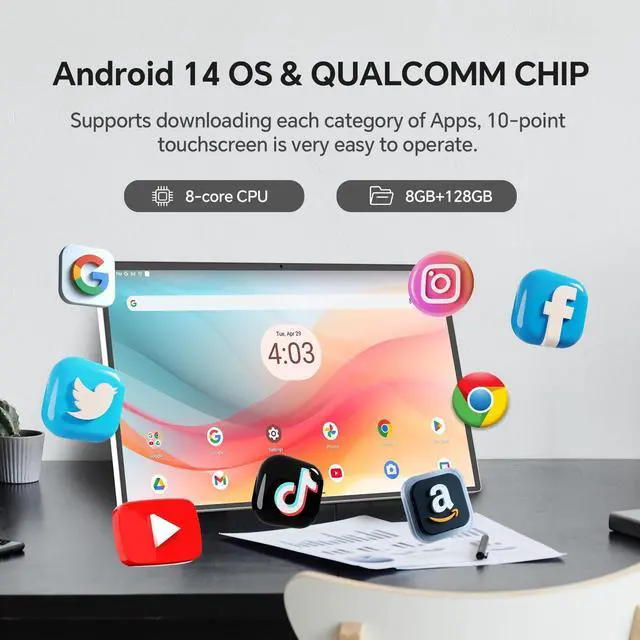
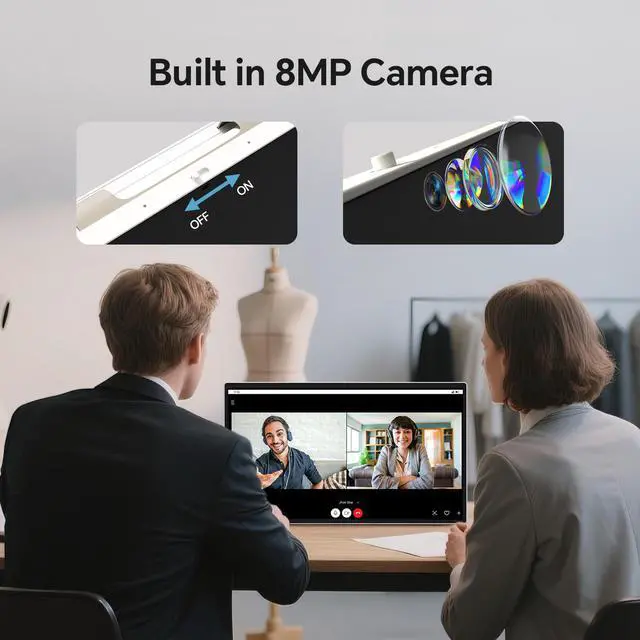
A: It is appropriate for video meetings and light remote work. The built-in 8MP camera, four speakers, Android 14, Google Play support, and 128GB of storage allow it to run compatible meeting, communication, streaming, and productivity apps without requiring a separate computer. The product data does not specify microphone performance, keyboard inclusion, or support for every office application, so those details should be confirmed before using it as a primary work device.
Q: How long can the KTC MegPad run outdoors without being plugged in?
A: The built-in 5000mAh battery is rated for approximately 6 to 8 hours of working time. Actual runtime may vary with screen brightness, streaming, camera use, audio volume, wireless activity, and other app usage. It is best suited for several hours of portable use rather than guaranteed all-day operation.
Q: Is the touchscreen useful for note-taking and office tasks?
A: The 10-point touchscreen is useful for navigating Android apps, tapping controls, browsing, handwriting or annotation apps, and casual note-taking. For extended document writing, spreadsheets, or email, an external keyboard would likely be more practical because a keyboard is not listed as an included feature. The 1080p resolution and 24.5-inch screen provide a large workspace, but the 60Hz refresh rate is intended for general productivity and media rather than high-refresh professional workflows.
Q: Can it be used by itself for streaming, or does it need a laptop or streaming stick?
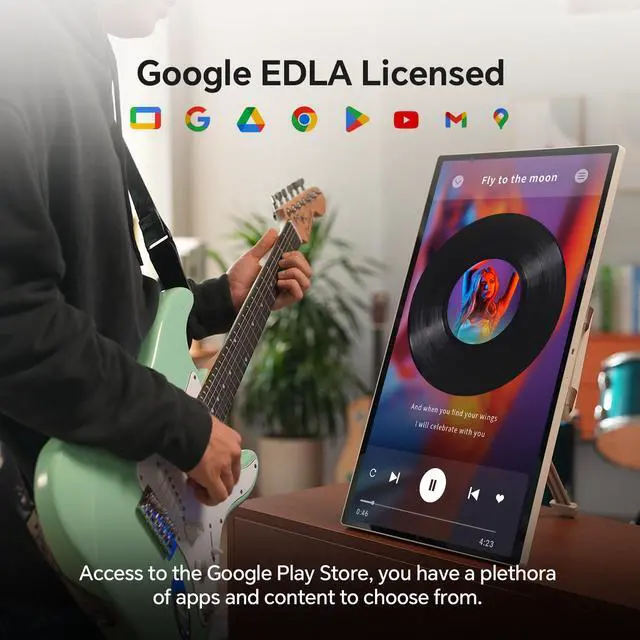
A: It can be used by itself for streaming when connected to Wi-Fi. Android 14, Google EDLA certification, Google Play access, and 128GB of storage support installing compatible apps such as Netflix, YouTube, and Hulu. A separate laptop or streaming stick is not required for supported Android apps, but internet access and individual app compatibility are still necessary.
Q: Is the KTC MegPad A25Q5 a good replacement for a large tablet?
A: It can replace a large tablet for streaming, browsing, video calls, and some productivity tasks when a 24.5-inch screen is more important than compact portability. Its Android 14 system, touchscreen, camera, speakers, and 8GB+128GB storage support tablet-like use, but its 1080p resolution and much larger physical size make it less convenient to carry than a conventional tablet.
Q: Is the KTC MegPad A25Q5 suitable as a portable monitor for a laptop?
A: It supports mobile-monitor use and screen mirroring, but buyers should not assume plug-and-play USB-C display input or USB-C charging. Reddit users reported difficulty getting video output and charging to work over USB-C, so it is better suited to Android apps and wireless casting unless the required wired connection is verified first.
Q: Is the KTC MegPad A25Q5 practical for travel or camping?
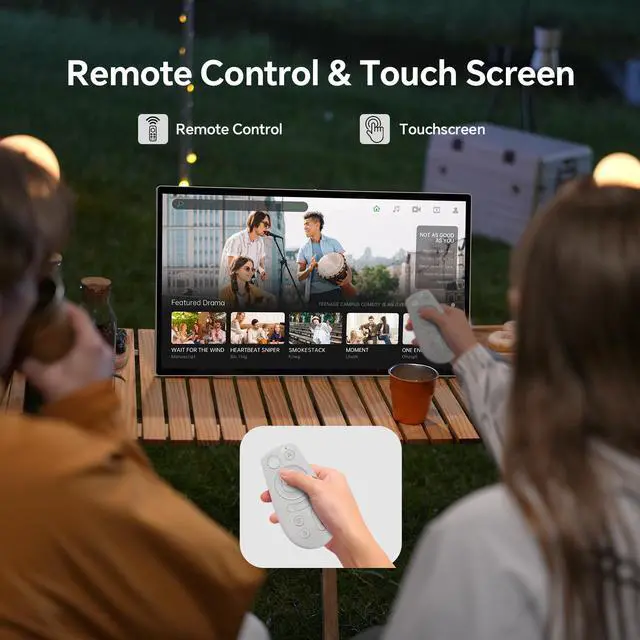
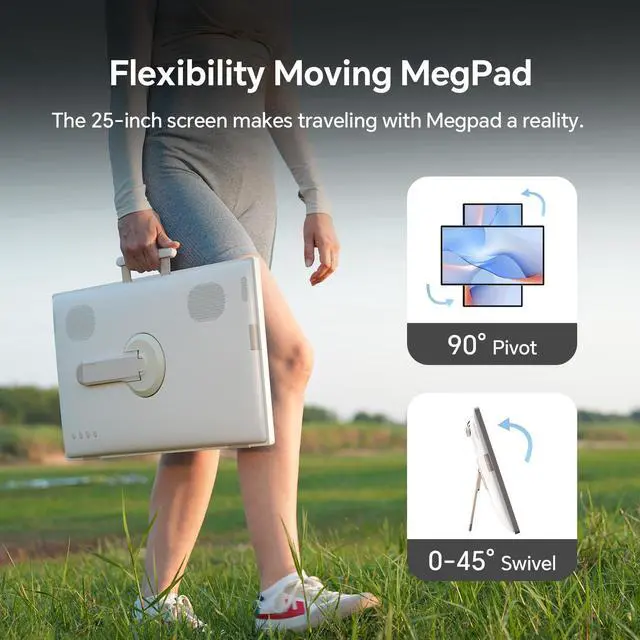
A: It is practical when users want a large built-in smart display away from an outlet. The 24.5-inch 1080p screen, Android apps, remote, speakers, and 5000mAh battery are useful for outdoor viewing, while the stated 6–8-hour battery life and larger size are trade-offs compared with a small tablet or ordinary portable monitor.
Q: What are the main reliability and setup trade-offs of the KTC MegPad A25Q5?
A: The main reported trade-off is connection and recovery behavior rather than basic Android functionality. Reddit users described USB-C display or charging problems and one black-screen incident that recovered after holding the power button for more than 10 seconds. These are individual user reports, not evidence of a known failure rate, but they justify checking return and support options before buying.