




 here!
I’m your shopping assistant for PC builds, upgrades, and everything tech.
Got questions? Ask away!
Start a conversation
here!
I’m your shopping assistant for PC builds, upgrades, and everything tech.
Got questions? Ask away!
Start a conversation



Any questions? Ask CelesteSM will help you find out quickly.


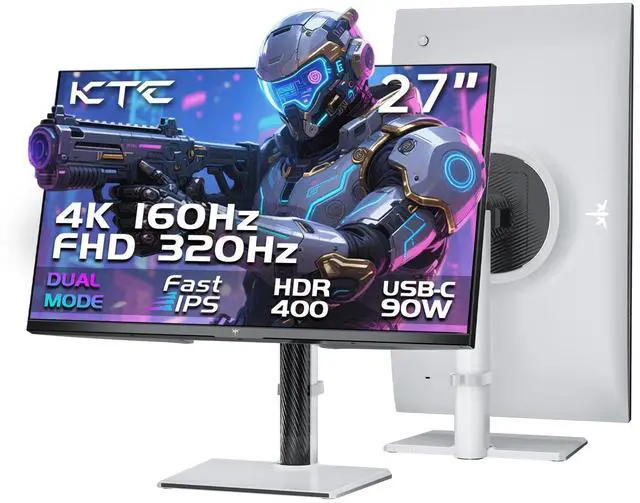
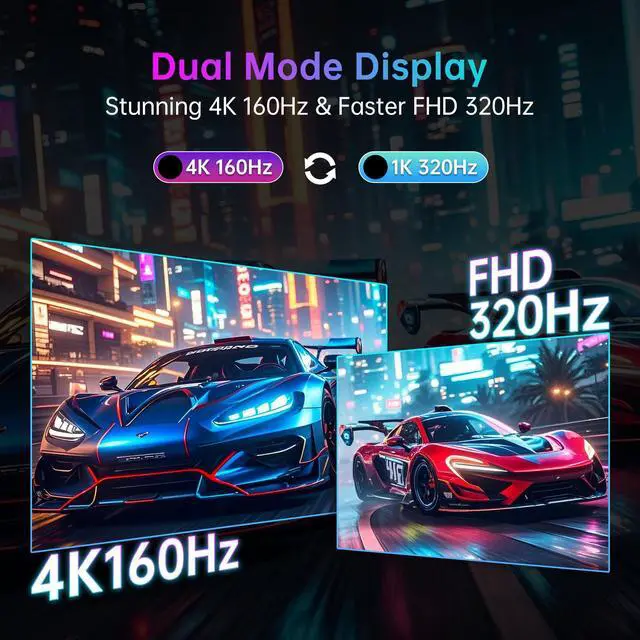
The KTC H27P6 is a 27-inch 4K dual-mode gaming monitor for players who want detailed UHD gaming at 160Hz or ultra-high-speed 1080p gaming at 320Hz, with Fast IPS, 1ms MPRT, Adaptive-Sync, HDR400, and broad color coverage.
| Attribute | Value |
|---|---|
| Best For | Gaming and motion-focused viewing with a 27-inch Fast IPS display that supports 4K UHD at 160Hz or FHD at 320Hz |
| Panel And Resolution | 27-inch 16:9 Fast IPS display with MiniLED backlighting, dual-mode 4K support, and a maximum resolution of 3840 × 2160 |
| Refresh Rate And Response | Dual-mode refresh rates of UHD 160Hz or FHD 320Hz with a 1ms response time for fast-moving content |
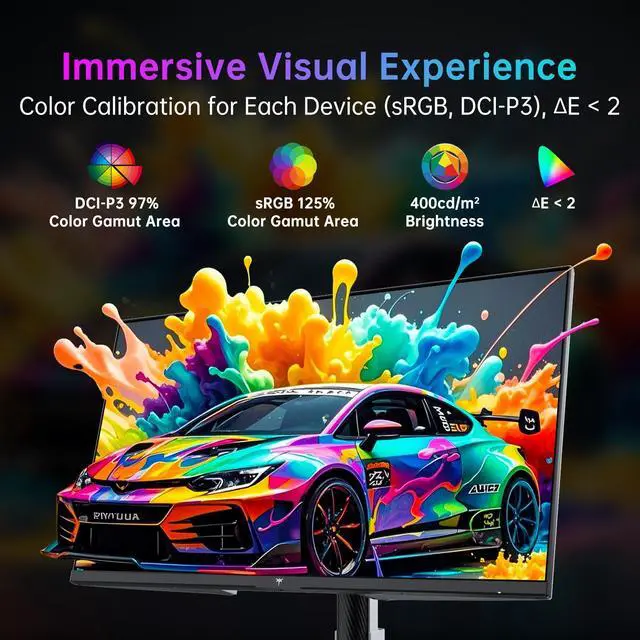
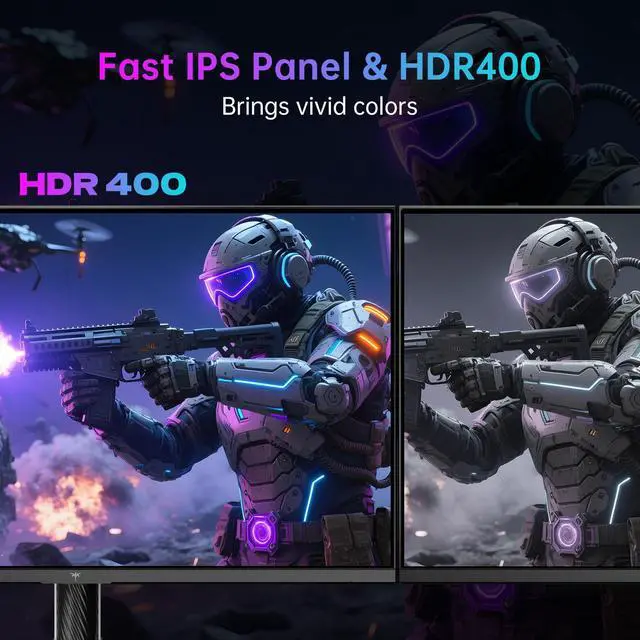
| Color And HDR | 1.07 billion display colors, 400 cd/m² brightness, 1000:1 contrast ratio, sRGB 125% color gamut, and HDR400 support |
| Model Identifiers | KTC H27P6 |
Q: Is the KTC H27P6 better than a regular 4K 160Hz gaming monitor?
A: Choose the KTC H27P6 if you want one monitor for both high-detail gaming and competitive play. It runs at 4K 160Hz for AAA games and productivity, then switches to 1080p 320Hz for esports titles. A regular 4K 160Hz monitor is the simpler choice if you will use native 4K exclusively and do not need a 320Hz mode.
Q: Should I buy the KTC H27P6 or a dedicated 1440p 240Hz monitor?
A: Choose the KTC H27P6 for a mixed-use setup that benefits from 4K sharpness, 90W USB-C charging, KVM, and a height-adjustable stand. Choose a dedicated 1440p 240Hz monitor if competitive gaming is your main use and you prefer a sharper native high-refresh image. The H27P6's 1080p 320Hz mode prioritizes refresh rate, so it appears softer than its native 4K mode.
Q: Is the KTC H27P6 or KTC M27P6 the better upgrade?
A: Choose the H27P6 when SDR gaming, 4K resolution, dual-mode refresh rates, USB-C connectivity, and value are the priorities. Choose the higher-tier M27P6 when HDR image quality is important: it adds a Mini-LED backlight, 1152-zone local dimming, and DisplayHDR 1400-class performance. The H27P6 provides higher USB-C power delivery at 90W, compared with up to 65W on the M27P6.
Q: KTC H27P6 or AOC U27G4R: which dual-mode monitor should I choose?
A: Choose the KTC H27P6 if you need 90W USB-C laptop charging, a built-in KVM, USB hub connectivity, and a fully adjustable stand. Choose the AOC U27G4R if motion clarity features are the priority, because professional testing found its MBR Sync backlight-strobing mode effective at both 4K 160Hz and 1080p 320Hz. Both monitors target the same basic use case: switching between high-detail 4K gaming and high-refresh 1080p gaming.
Q: Is the KTC H27P6 a better choice than a portable USB-C monitor for laptop gaming?
A: Choose the KTC H27P6 for performance-first laptop gaming at a desk. Its 4K 160Hz and 1080p 320Hz modes, 90W USB-C Power Delivery, KVM, USB hub, and ergonomic stand support a full desktop setup through one USB-C connection. Choose a portable USB-C monitor when travel size, low weight, and easy packing matter more than high refresh rates, 4K gaming performance, and desk ergonomics.
Q: Is this monitor suitable for office work, note-taking, and meetings?
A: Yes. The 27-inch 4K display, Fast IPS panel, height adjustment, pivot support, low-blue-light mode, USB hub, KVM support, and 90W USB-C connectivity make it suitable for documents, spreadsheets, note-taking, and video meetings. It does not list built-in speakers or a webcam, so separate audio or camera equipment may be needed. ([bestbuy.com](https://www.bestbuy.com/site/questions/lg-ultragear-27-ips-qhd-200hz-gaming-monitor-with-displayhdr-400-hdmi-displayport-black/6641769/question/27bfeb47-1cff-3fc7-a7cd-e433b2f7b5ca?utm_source=openai))
Q: Can I connect a laptop with one USB-C cable and charge it at the same time?
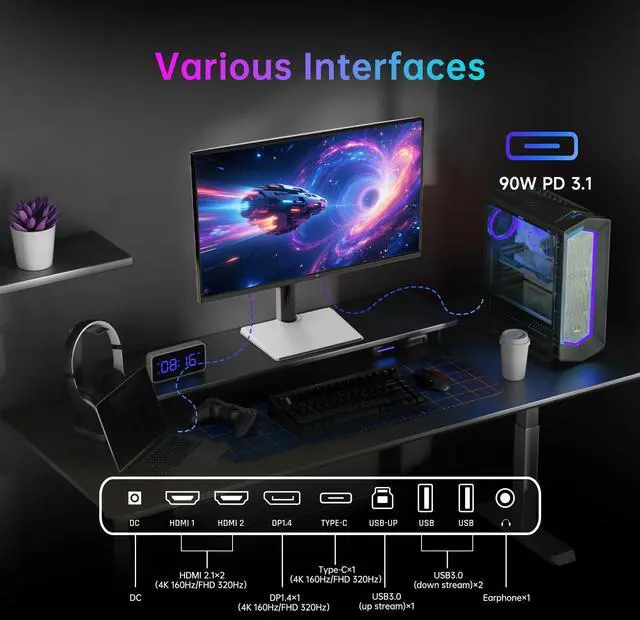
A: Yes, when the laptop's USB-C port supports DisplayPort video output and USB-C Power Delivery. The monitor provides video, data, and up to 90W of charging through USB-C. Actual charging performance depends on the laptop's power requirements, and laptops needing more than 90W may charge slowly or require their original power adapter. ([bestbuy.com](https://www.bestbuy.com/site/questions/lg-ultrawide-34-va-curved-wqhd-100hz-monitor-with-hdr-10-hdmi-displayport-usb-c-black/11532441?utm_source=openai))
Q: Is this monitor a good choice for competitive gaming?
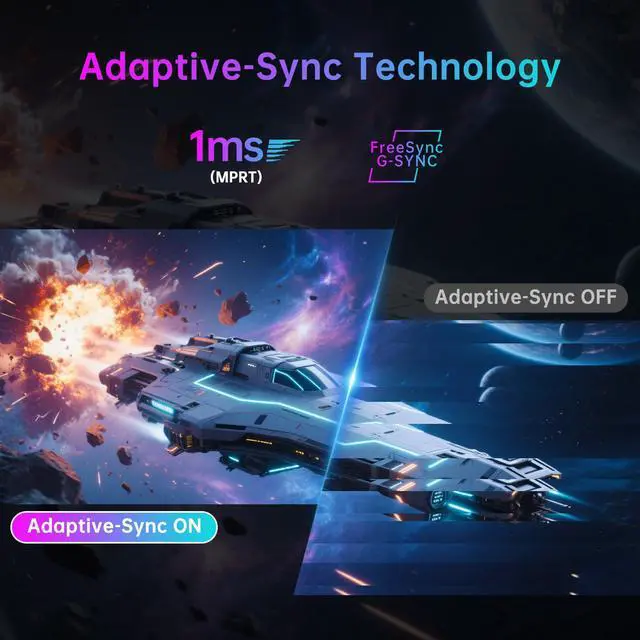
A: Yes. It supports a 320Hz FHD mode for fast competitive play, along with a 1ms MPRT response time and Adaptive-Sync to reduce tearing and stuttering. The trade-off is that FHD mode provides lower image sharpness than the monitor's 4K 160Hz mode. ([bestbuy.com](https://www.bestbuy.com/site/questions/alienware-aw2724hf-27-led-ips-fhd-360hz-5-ms-freesync-gaming-monitor-displayport-hdmi-dark-side-of-the-moon/6576610?utm_source=openai))
Q: Which users are best suited for this monitor?
A: It is best suited for users who want one 27-inch display for both high-detail gaming and high-refresh competitive gaming. The 4K 160Hz mode favors image clarity, while the FHD 320Hz mode favors motion speed. It is less suitable for buyers who want a portable or travel monitor because it is a full-size desktop display with an ergonomic stand.
Q: Can the monitor be mounted and adjusted for a comfortable desk setup?
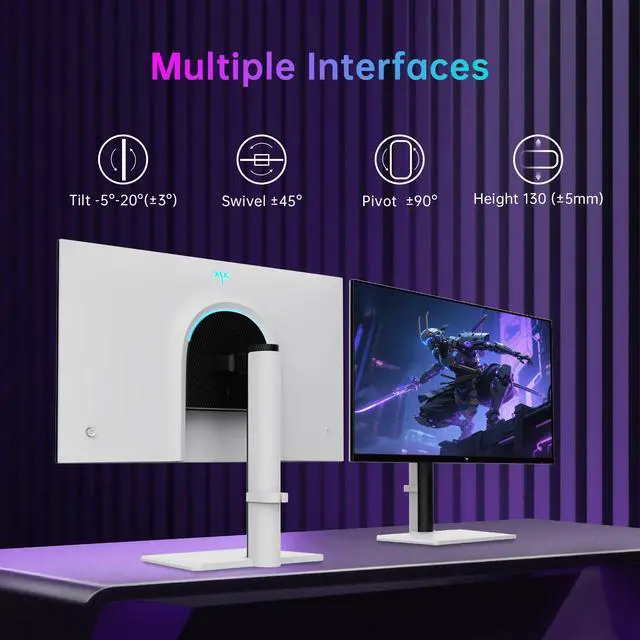
A: Yes. The included stand supports approximately 130 mm of height adjustment, ±90° pivot, ±45° swivel, and -5° to 20° tilt. The monitor also supports a standard 100 × 100 mm VESA mount for compatible arms or wall mounts. ([bestbuy.com](https://www.bestbuy.com/site/questions/aoc-cq27g4x-27-va-curved-qhd-180hz-0-5ms-gaming-monitor-black/6595372?utm_source=openai))
Q: Is the KTC H27P6 worth buying as one monitor for both 4K gaming and competitive gaming?
A: It is suitable for users who want one display for 4K gaming at 160Hz and competitive gaming at 1080p/320Hz. The main trade-off is that the 1080p dual-mode image may look less sharp than native 1080p on some units, so users highly sensitive to image clarity may prefer separate monitors.
Q: Is the KTC H27P6 good for work and laptop use?
A: Yes, it is well suited to mixed work and gaming setups because it combines 4K resolution, height adjustment, 90W USB-C charging, USB connectivity, and KVM support. It can connect a laptop and desktop to the same monitor peripherals, but a suitable USB-C cable is required for high-power charging and video.
Q: Is the KTC H27P6 a good choice if HDR image quality is a priority?
A: Probably not as a primary HDR purchase. The listed HDR400 specification supports basic HDR playback, but Reddit discussion describes HDR as a minor feature on the H27P6 and distinguishes it from the M27P6, which has local dimming. Buyers should verify the exact backlight and local-dimming features of the model being sold.
Q: What are the main trade-offs of buying the KTC H27P6?
A: The main compromises reported by users are less convenient dual-mode switching, possible blur in 1080p/320Hz mode, slightly inconsistent factory calibration or viewing angles, and occasional coil whine at very high refresh rates. KTC is also a less established monitor brand, so buyers who prioritize predictable support and quality control may prefer a larger manufacturer.


