




 here!
here!
I’m your shopping assistant for PC builds, upgrades, and everything tech.
Got questions? Ask away!
Start a conversation
here!
I’m your shopping assistant for PC builds, upgrades, and everything tech.
Got questions? Ask away!
Start a conversation
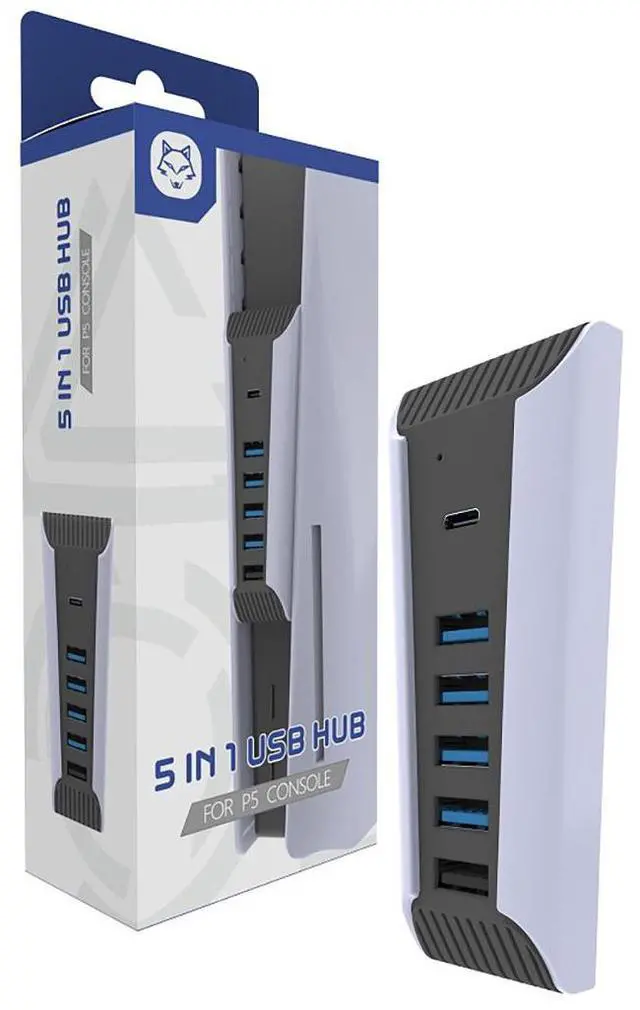



Any questions? Ask CelesteSM will help you find out quickly.


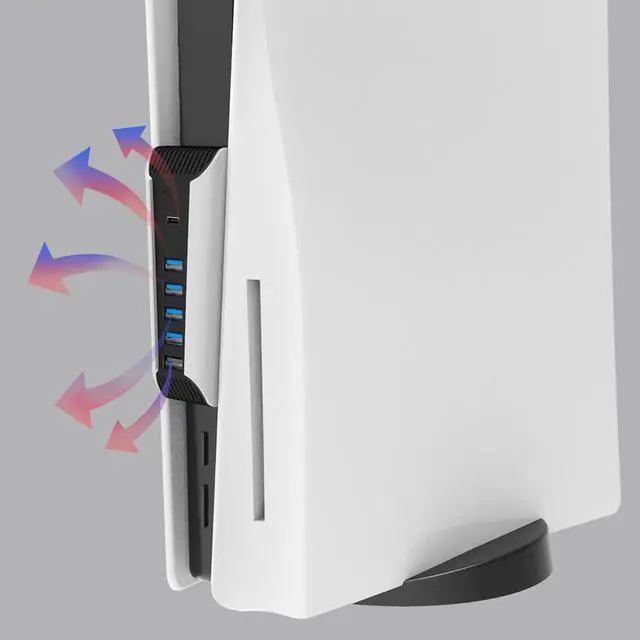
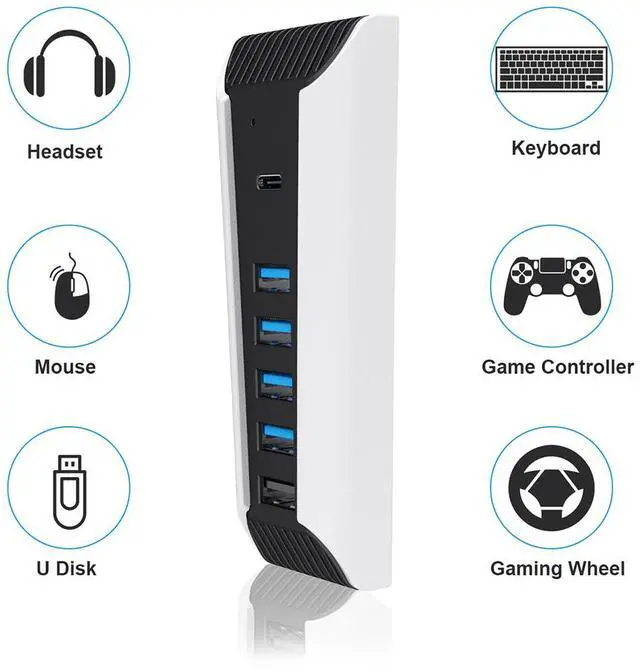
Professional design and perfect fit based on P5 real console.and perfectly fitting with PS5 Digital Edition & Ultra HD game console. No driver needed, just plug and play.
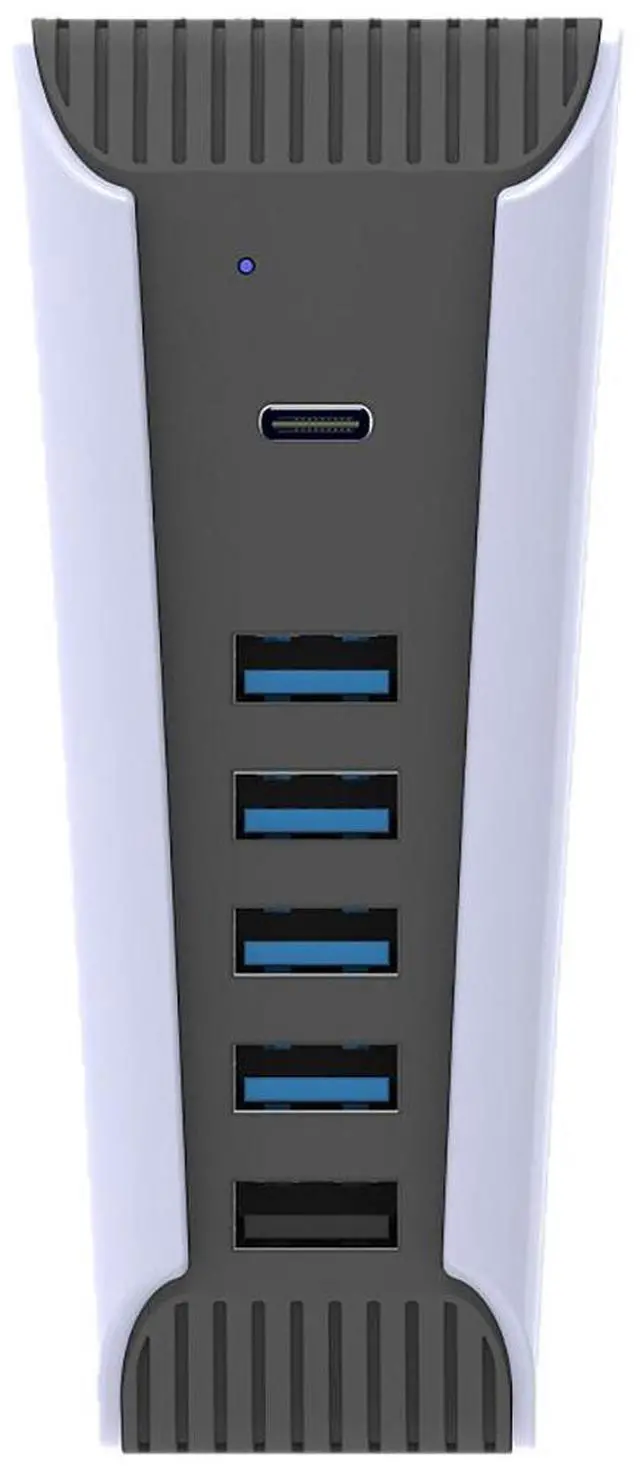
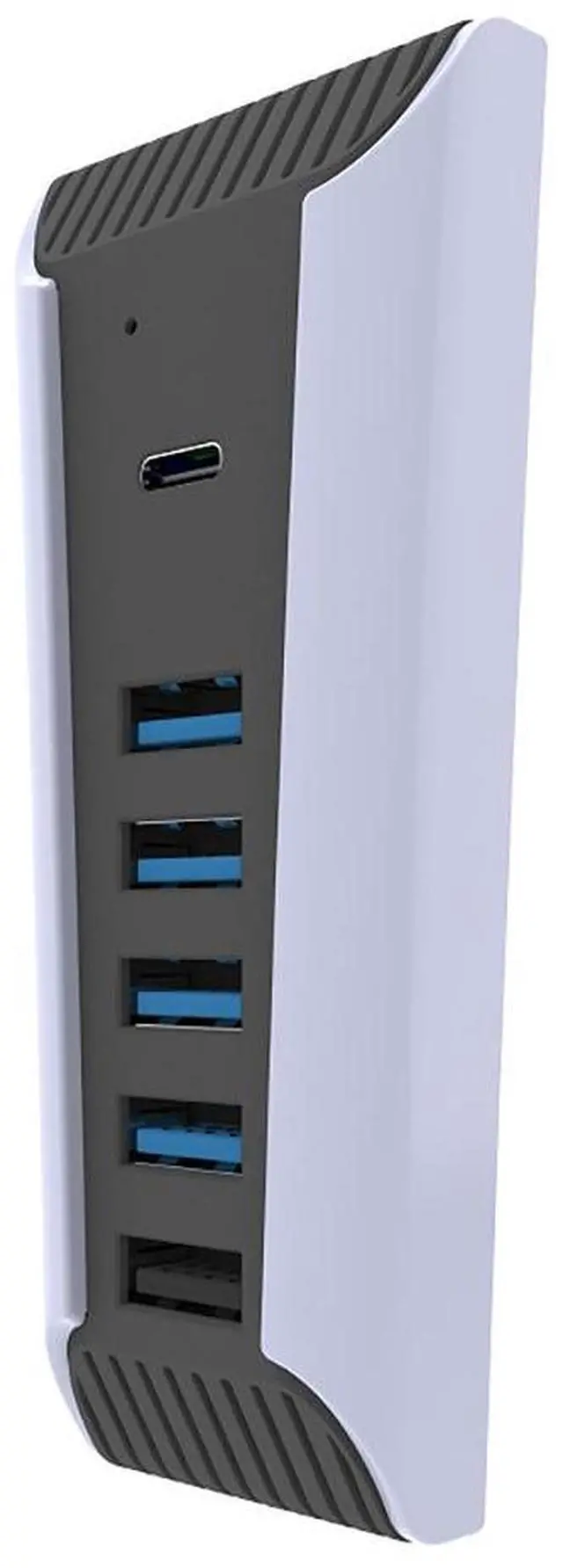
4 USB2.0 output interface, 1 USB3.0 output interface and 1 type-c output interface.
Support multiple devices to connect and operate simultaneously. Efficient, stable and no interference.
Connect USB peripherals such as keyboard, mouse, controller charger, etc. to your PlayStation 5 Console, meet your different needs to the greatest extent. (Please note, Only the black USB port support fast charging)
The TOPWOLF HS-PS5027 is a plug-and-play USB hub designed for PS5 Digital Edition and Ultra HD consoles, adding four USB 2.0 ports, one USB 3.0 port, and one USB-C port for connecting keyboards, mice, controllers, chargers, and other peripherals. It suits PS5 users who need expanded connectivity in a console-matched design.
| Attribute | Value |
|---|---|
| Best For | PS5 users who need additional USB connectivity for peripherals and charging accessories |
| Model Identifiers | TOPWOLF HS-PS5027 |
| Color | White |
Q: Is the TOPWOLF PS5 hub better than using the PS5’s built-in USB ports?
A: The TOPWOLF hub is the more convenient choice when you need to connect several low-bandwidth accessories at the same time, such as controllers, a keyboard, mouse, headset dongle, or charging cables. The PS5’s built-in ports remain the better choice for devices that require a dedicated high-speed connection, including PS5 external storage and PS VR2 on supported PS5 models.
Q: Should I choose this TOPWOLF hub or a basic 4-port USB 2.0 hub for PS5?
A: Choose the TOPWOLF model if you want more connection flexibility, because its listed configuration includes four USB 2.0 ports, one USB 3.0 port, one USB-C output, and a dedicated charging port. A basic 4-port USB 2.0 hub is sufficient for keyboards, mice, wireless dongles, and simple controller charging, but it offers fewer connection options and no listed USB 3.0 output.
Q: Is a USB 3.0 hub better than the TOPWOLF PS5 hub for an external hard drive?
A: A USB 3.0 hub with multiple SuperSpeed ports is the better fit when several connected devices need high data-transfer performance. The TOPWOLF model is better suited to mixed accessory use because most of its listed outputs are USB 2.0. For PS5 extended storage, connect the drive directly to a PS5 SuperSpeed USB port rather than relying on a hub, because Sony specifically recommends a SuperSpeed connection for extended storage.
Q: Should I buy the TOPWOLF hub or a powered USB hub for PS5 accessories?
A: Choose the TOPWOLF hub for compact, plug-and-play accessory expansion when you mainly connect controllers, input devices, headset adapters, or charging cables. Choose a powered hub when several power-hungry devices must operate simultaneously, especially external drives or multiple charging devices. The TOPWOLF listing does not specify an external power adapter, so its available power depends on the PS5 connection.
Q: Is the TOPWOLF hub a better choice than a portable USB-C hub for PS5?
A: The TOPWOLF hub is the better choice for a PS5-centered setup because its housing is designed to fit the console and it provides several USB-A connections plus USB-C output. A portable USB-C hub is more versatile for laptops, tablets, and travel, but it may include features that do not benefit PS5 users, such as display output, card readers, or USB-C Power Delivery. Neither option should replace the PS5’s dedicated high-speed port for PS VR2 or extended storage.
Q: Who is this PS5 USB hub suitable for?
A: It is suitable for PS5 owners who need extra ports for peripherals such as a keyboard, mouse, headset dongle, controller cable, or other USB accessories. It is most useful for setups with several low- to moderate-power devices connected at the same time.
Q: Can I use it for a keyboard, mouse, headset, and controller charger at the same time?
A: Yes. The hub is designed to connect multiple PS5 peripherals simultaneously, including keyboards, mice, controller chargers, and similar USB accessories. Actual performance can vary with the power requirements of the connected devices.
Q: Do all of the ports support fast charging?
A: No. According to the product information, only the black USB port supports fast charging. The remaining USB ports are primarily intended for connecting and operating peripherals, and charging speed may be limited by the PS5 and the connected device.
Q: Can it be used with an external hard drive or PSVR accessories?
A: The product information does not confirm compatibility with every external drive or PSVR accessory. Because the hub provides one USB 3.0 port and multiple USB 2.0 ports, it is better suited to standard peripherals and controller charging than to devices requiring high data throughput or higher power. Confirm the accessory’s USB and power requirements before buying.
Q: Does it work with both PS5 Digital Edition and Ultra HD consoles?
A: Yes. The product is designed to fit and operate with both PS5 Digital Edition and PS5 Ultra HD game consoles. It is plug-and-play and does not require additional drivers.
Q: Is the TOPWOLF PS5 USB hub suitable for keyboards, mice, headset dongles, and controller chargers?
A: Yes, it is best suited for low-bandwidth PS5 peripherals such as keyboards, mice, headset receivers, USB microphones, and controller-charging cables. Community discussions generally treat these devices as more appropriate for a hub than external storage or VR hardware.
Q: Can this PS5 hub replace a direct USB connection for an external hard drive or PSVR equipment?
A: No. PS5 discussions commonly report that external storage and some PSVR components may need to connect directly to the console. This hub is a better choice for general peripherals than for external drives, PSVR processor units, or cameras.
Q: Will all connected devices work reliably at the same time?
A: Not necessarily. The hub supports multiple peripherals, but the PS5 USB port still limits available power and bandwidth. Connecting several power-hungry devices can cause recognition problems or a “too many USB devices” warning, so high-demand devices should remain connected directly or use a powered hub.
Q: Is this hub a good choice if charging speed is the main priority?
A: Only with limited expectations. The product provides one designated fast-charging USB port, while the other ports are intended mainly for peripherals and data. Community reports for similar PS5 clip-on hubs mention slow controller charging and charging that may depend on the console being powered on.


