here!
here!
I’m your shopping assistant for PC builds, upgrades, and everything tech.
Got questions? Ask away!
Start a conversation
here!
I’m your shopping assistant for PC builds, upgrades, and everything tech.
Got questions? Ask away!
Start a conversation



Any questions? Ask CelesteSM will help you find out quickly.
1. Compatible Model:
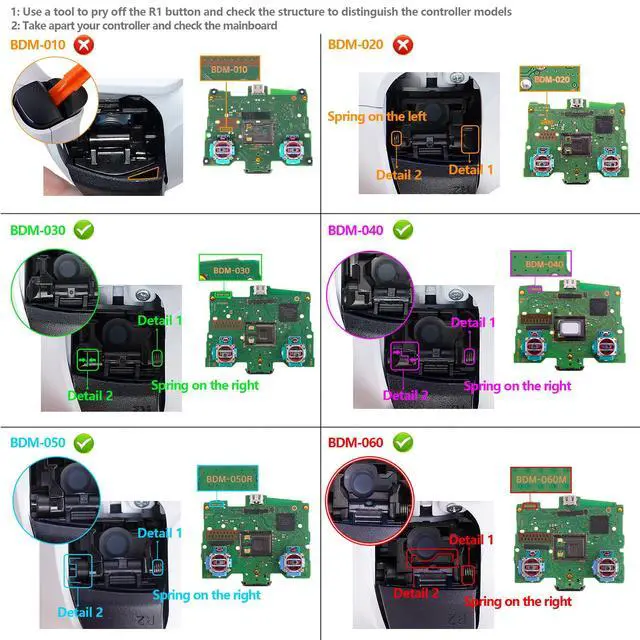
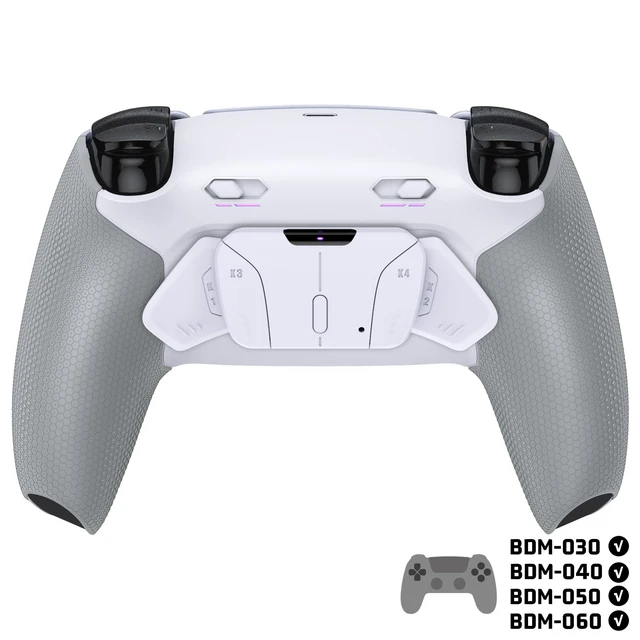
The eXtremeRate RISE4 Plus Max Remap Kit is ONLY compatible with PS5 controller BDM-030, BDM-040, BDM-050, BDM-060. (Please check how to recognize your BDM model on YouTube by searching "extremerate check bdm for ps5 controller" or "fiE4BWSlBRI" before purchase.) Does NOT fit BDM-010, BDM-020 or other controllers.
2. If your controller model is the BDM-010 or BDM-020, please search "B0DKTJ125G" for the right version RISE4 Plus Max Remap kit for PS5 controller.
3. Without the controller and other parts.
4. Installation Guide:
(1) You will need to disassemble your controller for installation and high hands-on skills are required. Soldering is optional.
(2) Get the installation video guide by searching "eXtremeRate RISE4 Plus Max Remap Kit for PS5 BDM 030 040 050" or "MINXZDRSvn0" on YouTube. NOTE: For BDM-060 model controllers, require replace the original battery bracket with the eXtremeRate Kit.
(3) The package contains many small electronic components. Please be patient and careful during the installation process to avoid damaging the accessories or improper installation that may cause the Remap Kit to not work properly.
5. Soldering optional: we recommend soldering for optimized trigger stop performance and to make the L3 and R3 buttons mappable to the back buttons.
 LUNA Front Shell |  Faceplate & Touchpad |  Whole Clicky Kit V2 | 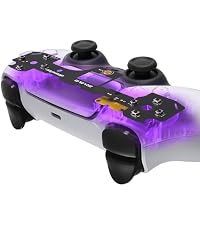 Face Clicky Kit | 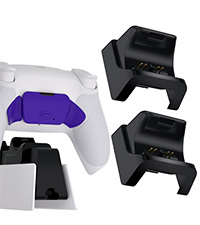 RiseDock Kit | 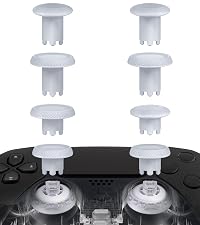 ThumbsGear V3 Thumbstikcs | 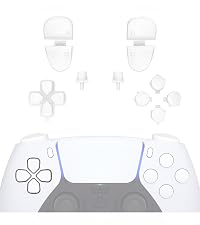 Buttons | |
|---|---|---|---|---|---|---|---|
Customer Reviews | — | — | — | — | — | — | — |
Price | — | — | — | — | — | — | — |
For PS5 BDM-010 | ? | ? | ? | ? | ? | ? | ? |
For PS5 BDM-020 | ? | ? | ? | ? | ? | ? | ? |
For PS5 BDM-030 | ? | ? | ? | ? | ? | ? | ? |
For PS5 BDM-040 | ? | ? | ? | ? | ? | ? | ? |
For PS5 BDM-050 | ? | ? | ? | ? | ? | ? | ? |
For PS5 BDM-060 | ? | ? | ? | ? | ? | ? | ? |
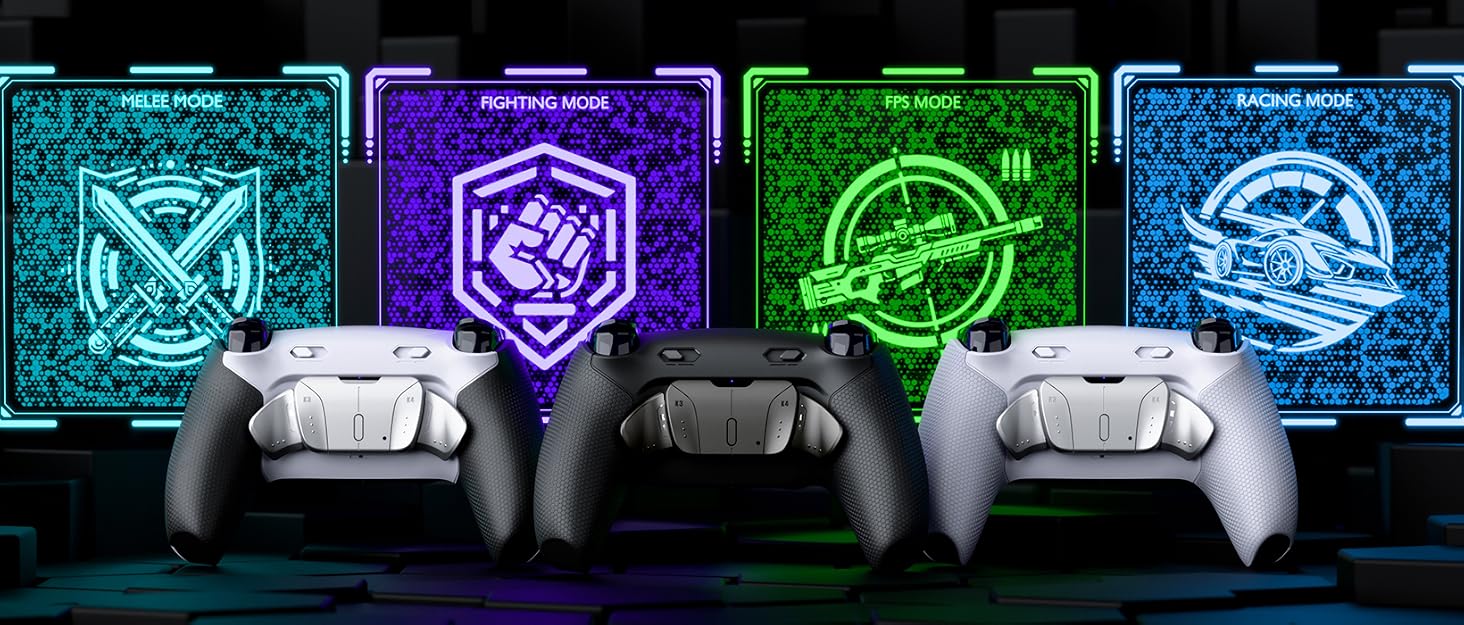
Best Upgrade for PS5 Pro Controller - eXtremeRate RISE/RISE4 PLUS MAX Back Paddles Kit with Clicky Trigger Stops & 4 Mapping Profiles

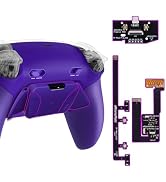

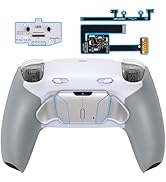
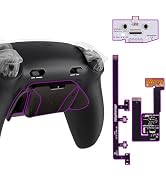
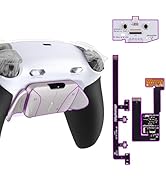
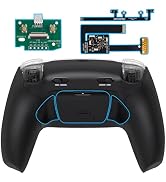
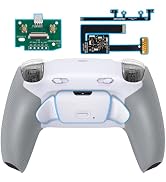
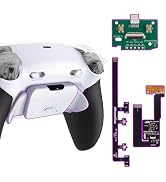
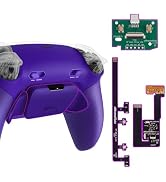
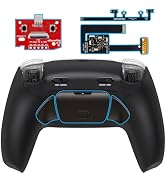
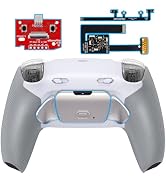
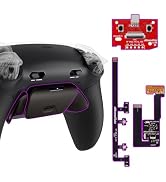
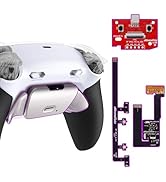
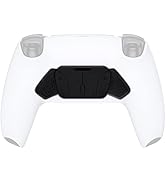
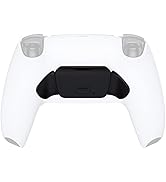
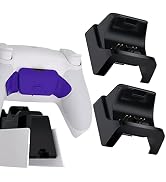


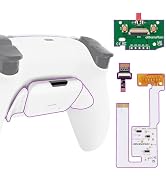
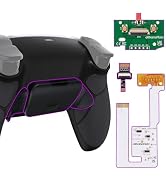
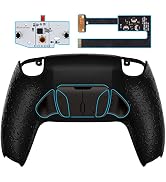
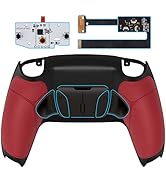
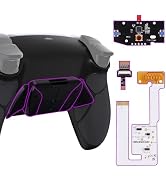
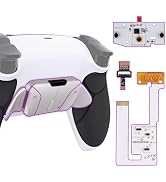
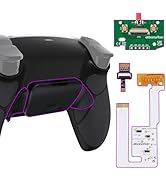
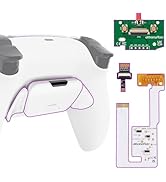
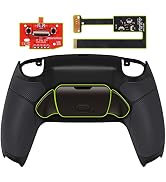
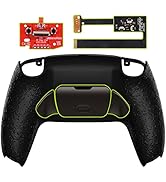
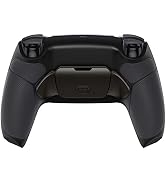
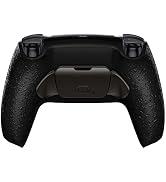

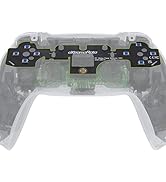
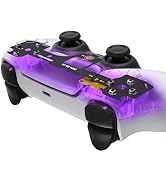
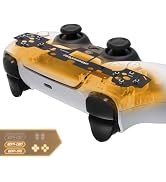

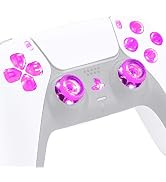
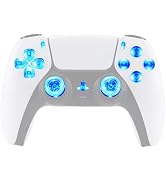
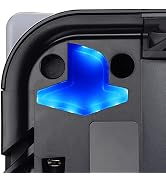
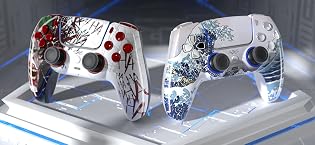

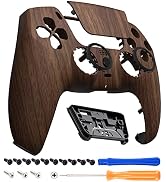
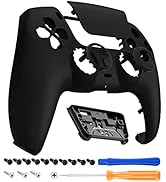
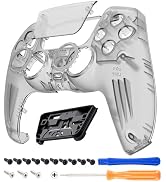
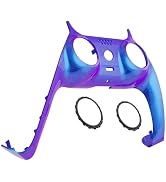
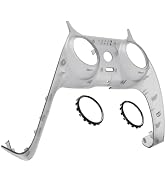
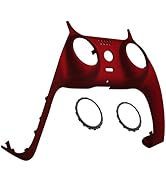
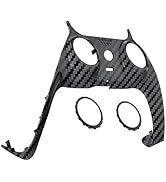
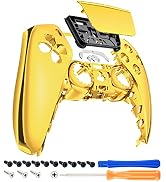
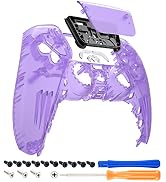
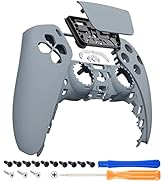
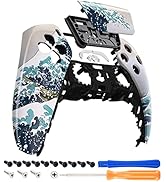
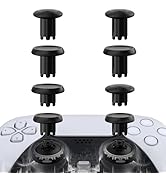
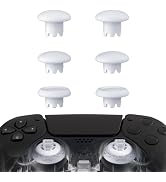
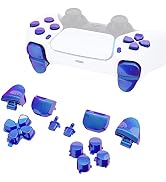
Best Upgrade for PS5 Pro Controller - eXtremeRate RISE/RISE4 PLUS MAX Back Paddles Kit with Clicky Trigger Stops & 4 Mapping Profiles

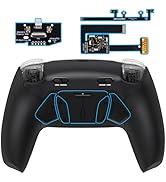
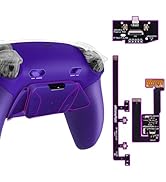
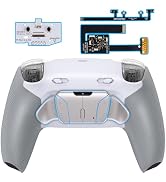
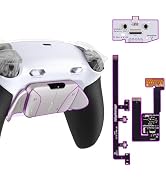
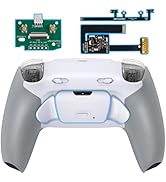
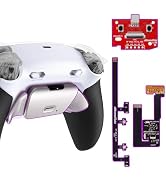

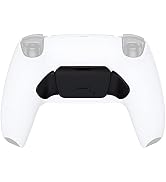
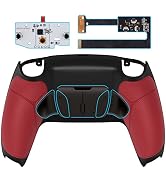
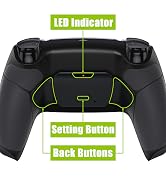
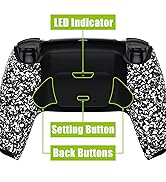
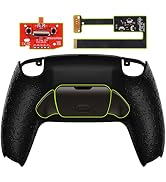

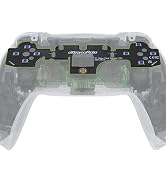

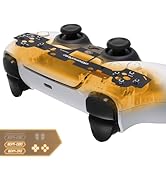
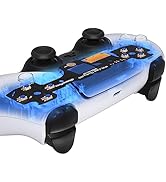
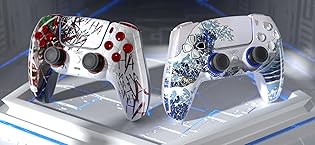
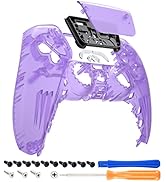
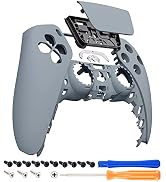
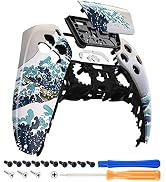
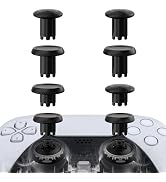
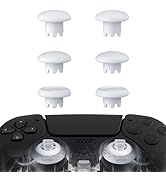

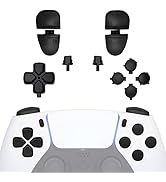
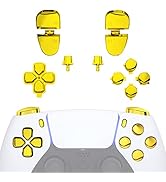
1. Compatible Model:
The eXtremeRate RISE4 Plus Max Remap Kit is ONLY compatible with PS5 controller BDM-030, BDM-040, BDM-050, BDM-060. (Please check how to recognize your BDM model on YouTube by searching "extremerate check bdm for ps5 controller" or "fiE4BWSlBRI" before purchase.) Does NOT fit BDM-010, BDM-020 or other controllers.
2. If your controller model is the BDM-010 or BDM-020, please search "B0DKTJ125G" for the right version RISE4 Plus Max Remap kit for PS5 controller.
3. Without the controller and other parts.
4. Installation Guide:
(1) You will need to disassemble your controller for installation and high hands-on skills are required. Soldering is optional.
(2) Get the installation video guide by searching "eXtremeRate RISE4 Plus Max Remap Kit for PS5 BDM 030 040 050" or "MINXZDRSvn0" on YouTube. NOTE: For BDM-060 model controllers, require replace the original battery bracket with the eXtremeRate Kit.
(3) The package contains many small electronic components. Please be patient and careful during the installation process to avoid damaging the accessories or improper installation that may cause the Remap Kit to not work properly.
5. Soldering optional: we recommend soldering for optimized trigger stop performance and to make the L3 and R3 buttons mappable to the back buttons.
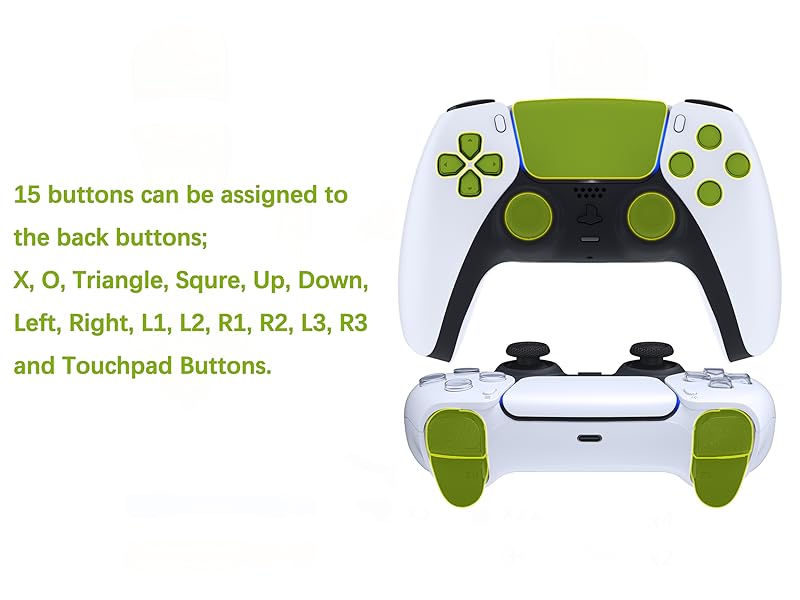
- Assign a maximum of 15 buttons
Note: Without controller and other parts
LUNA Front Shell | Faceplate & Touchpad |  Whole Clicky Kit V2 | Face Clicky Kit | RiseDock Kit | ThumbsGear V3 Thumbstikcs | Buttons |
|---|---|---|---|---|---|---|
| Customer Reviews | ||||||
| — | — | — | — | — | — | — |
| Price | ||||||
| — | — | — | — | — | — | — |
| For PS5 BDM-010 | ||||||
| ? | ? | ? | ? | ? | ? | ? |
| For PS5 BDM-020 | ||||||
| ? | ? | ? | ? | ? | ? | ? |
| For PS5 BDM-030 | ||||||
| ? | ? | ? | ? | ? | ? | ? |
| For PS5 BDM-040 | ||||||
| ? | ? | ? | ? | ? | ? | ? |
| For PS5 BDM-050 | ||||||
| ? | ? | ? | ? | ? | ? | ? |
| For PS5 BDM-060 | ||||||
| ? | ? | ? | ? | ? | ? | ? |
Engineered for e-Sports Tournaments:
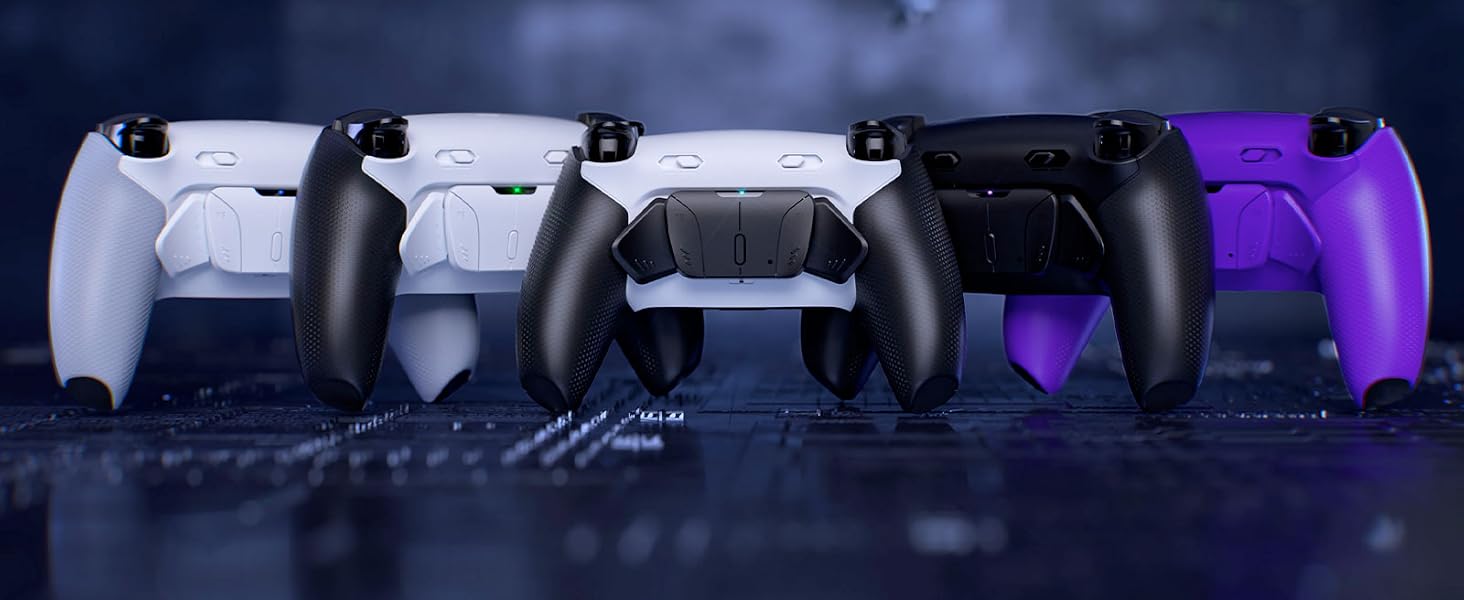
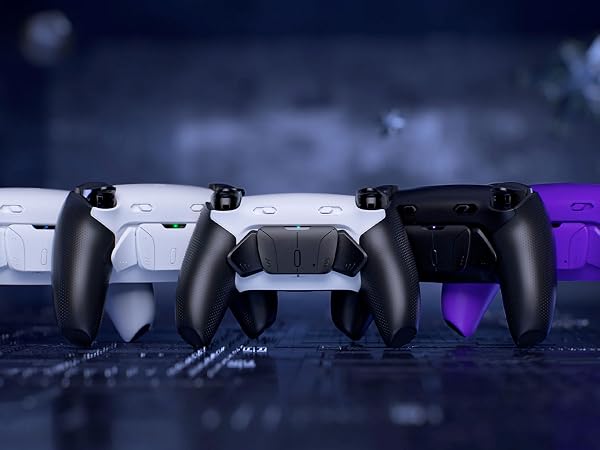
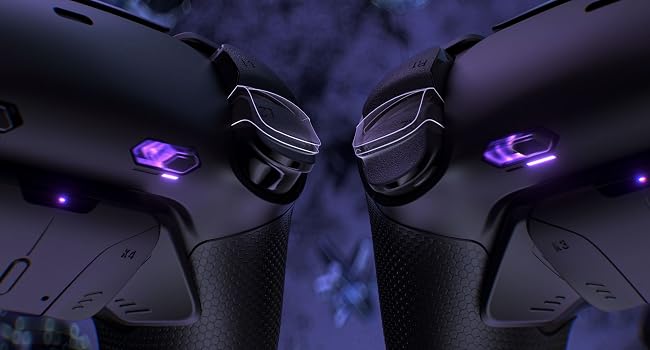
The eXtremeRate RISE4 Plus Max Remap Kit for PS5 is an evolutionary upgrade kit that adds advanced gaming functionality to your controller.
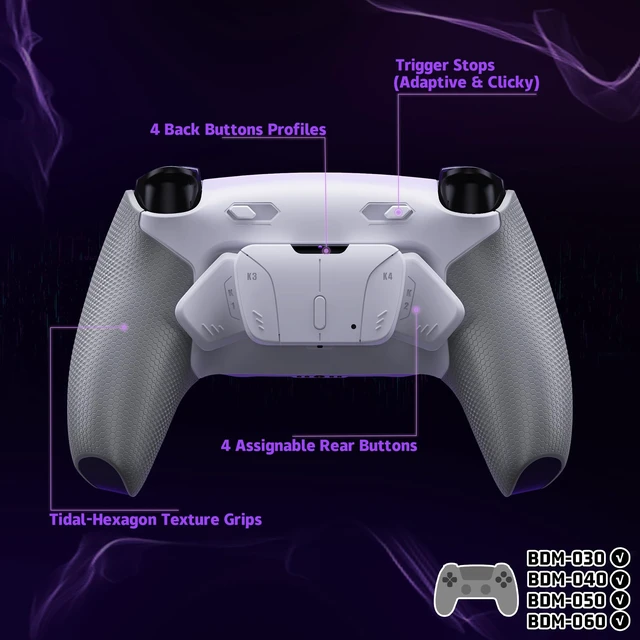
Easily turn your controller into a professional e-sports gamepad with the additional 4 programmable remap buttons and trigger stop mechanism.
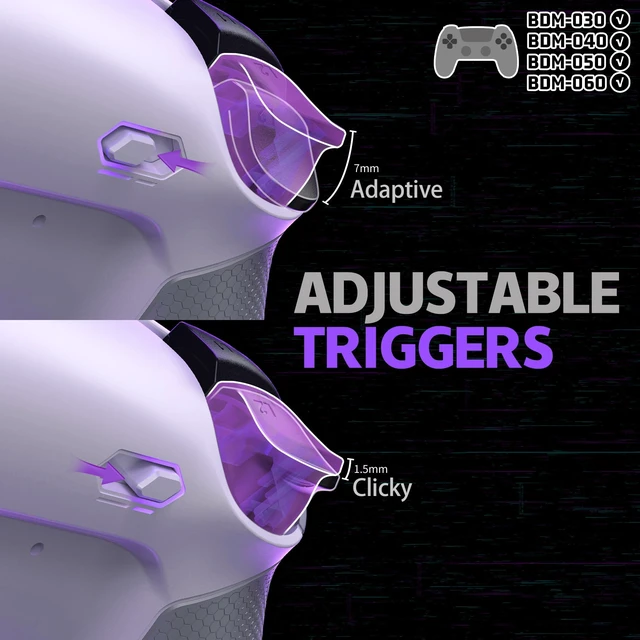
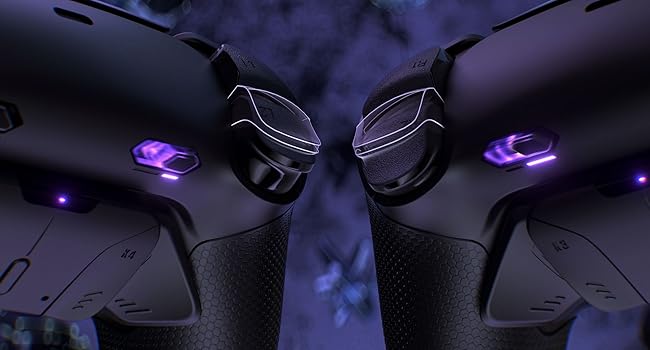
Switch between digital Clicky Triggers for the L2 and R2 and adaptive triggers, to adapt to any game or play style. Enjoy faster, crisper short trip triggers for shooting or long trip triggers for detailed control.
NOTICE: READ BEFORE PURCHASE
1. Compatible Model:
This Remap Kit is ONLY compatible with PS5 controller BDM-030, BDM-040, BDM-050 or BDM-060 (Please search for "eXtremeRate check BDM for PS5 controller" or "fiE4BWSlBRI" on YouTube to confirm if your controller model is compatible).
4. Installation Guide:
(1) You will need to disassemble your controller for installation and high hands-on skills are required.
(2) Get the installation video guide by searching "eXtremeRate RISE4 Plus Max Remap Kit for PS5 BDM040" on YouTube.
5. Soldering optional: we recommend soldering for optimized trigger stop performance and to make the L3 and R3 buttons mappable to the back buttons.
On-the-fly Buttons Remapping:
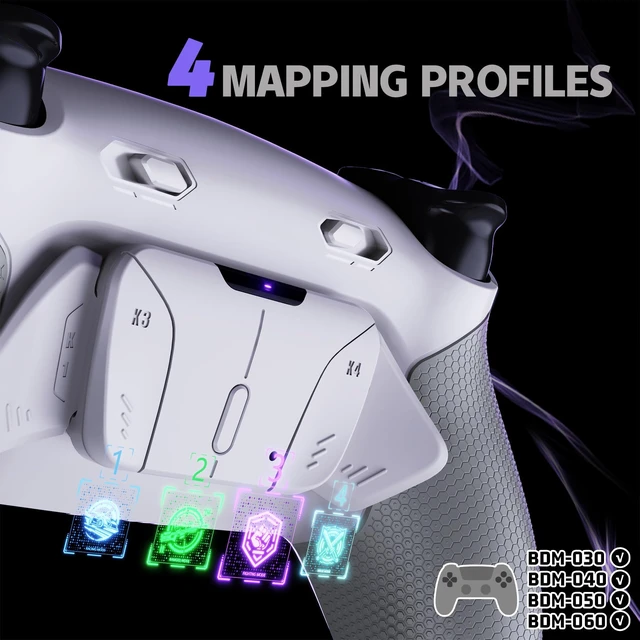
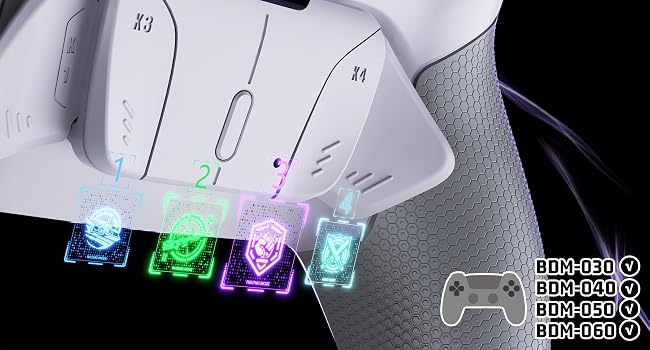
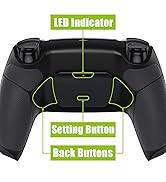
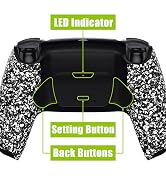
Just press and hold the Set button on the back for 3 seconds to enter the button programming mode.
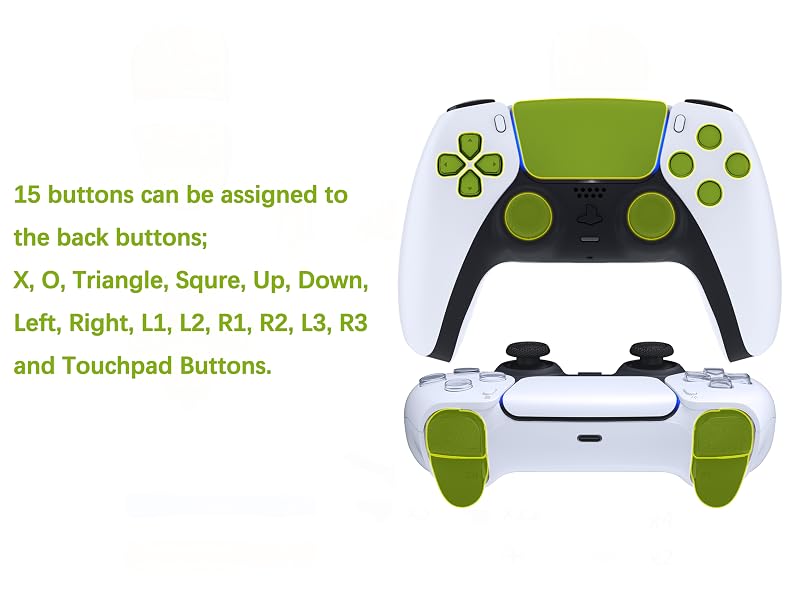
Activate the remapping program during gameplay and assign a maximum of 15 buttons (X, O, Triangle, Square, Up, Down, Left, Right, L1, L2, R1, R2, L3, R3, and the 4 Touchpad Buttons) to the back buttons.
Double-click the Set button to switch the pre-saved back buttons assignment profiles at any time.
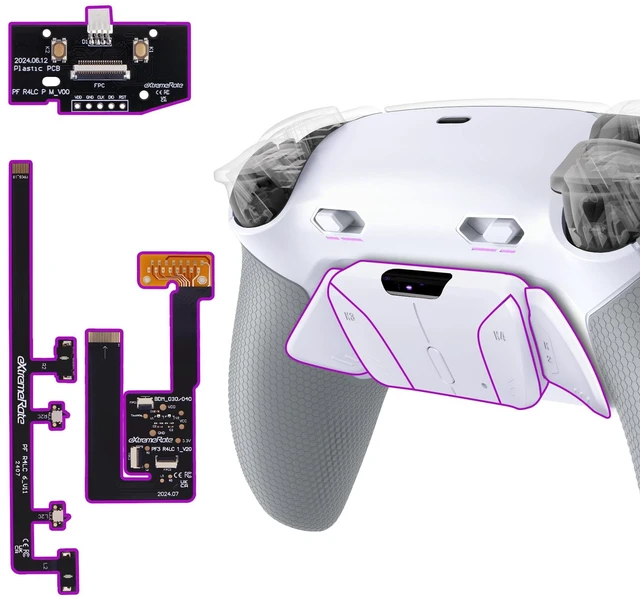
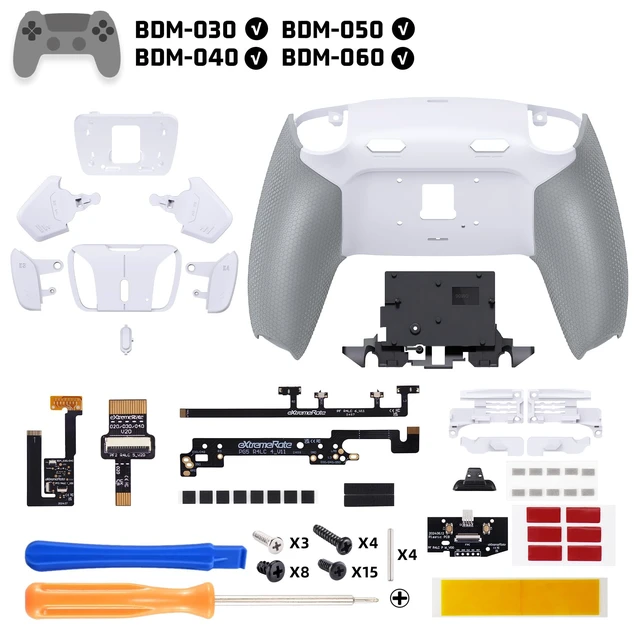
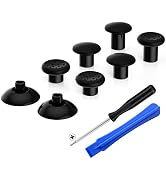
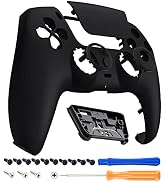
Package Includes:
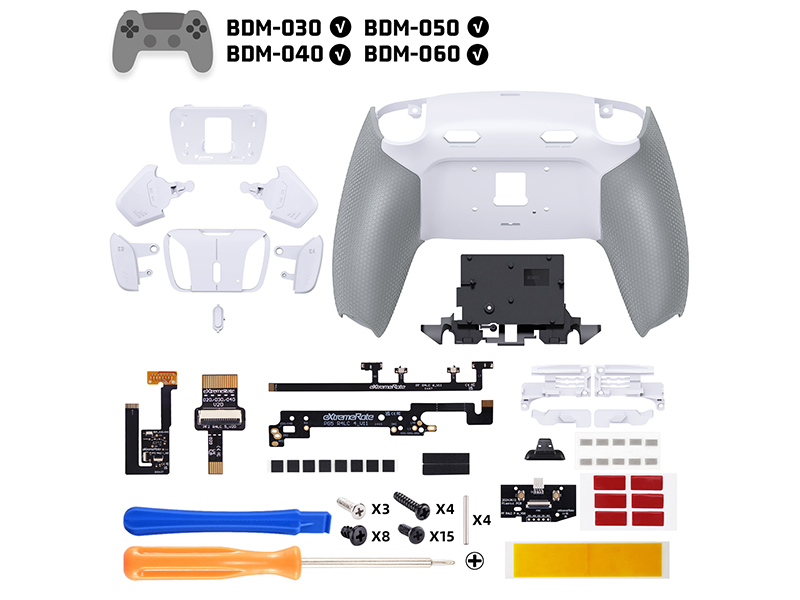
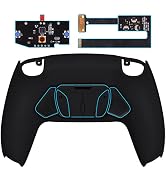
1* RISE4 Plus Max remap board & flex cables
1* Re-designed back shell
1* Battery bracket
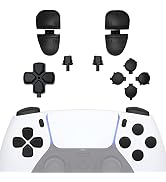
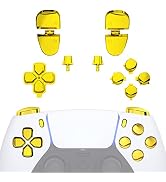
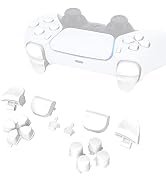
1* K1/K2/K3/K4 back buttons attachment
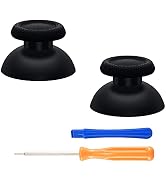
2* Trigger stop kit buttons
1* Prying Tool
1* Screwdriver
30* Screws
| Compatible Devices | PlayStation 5 Controller, Playstation 5 |
| Controller Type | Gamepad |
| Additional Features | Touchpad |
| Hardware Platform | PlayStation 5 |
| Power Source | Battery Powered |
| Compatible Video Game Console Models | Sony PlayStation 5 |
| Item Weight | 40 g |
| Item Dimensions | 5.91 x 3.54 x 0.59 inches |
| Brand Name | eXtremeRate |
| Manufacturer | Extremerate |
| Manufacturer Part Number | HKCPFM002M3 |
| Color | White Gray |