





Prepared for e-Sport Tournaments: RISE4 Remap Kit for PS5 BDM-030 BDM-040
On-the-fly Buttons Remapping:
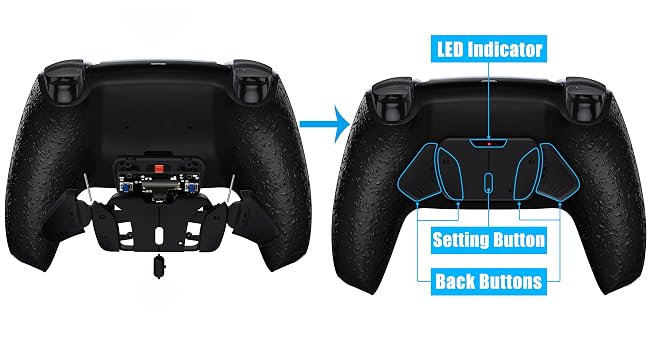
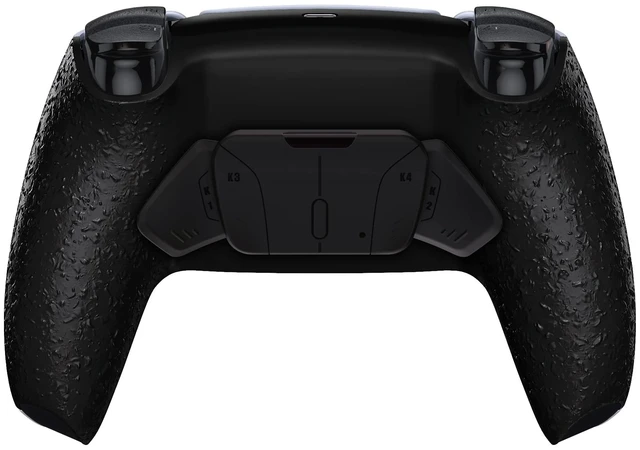
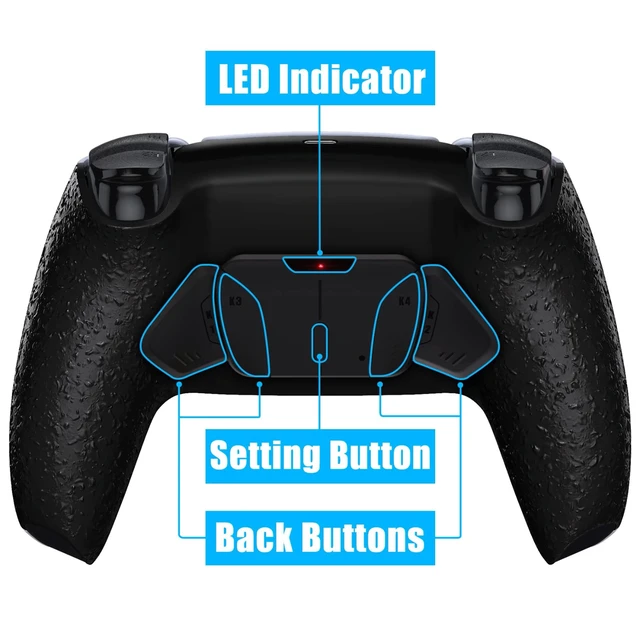
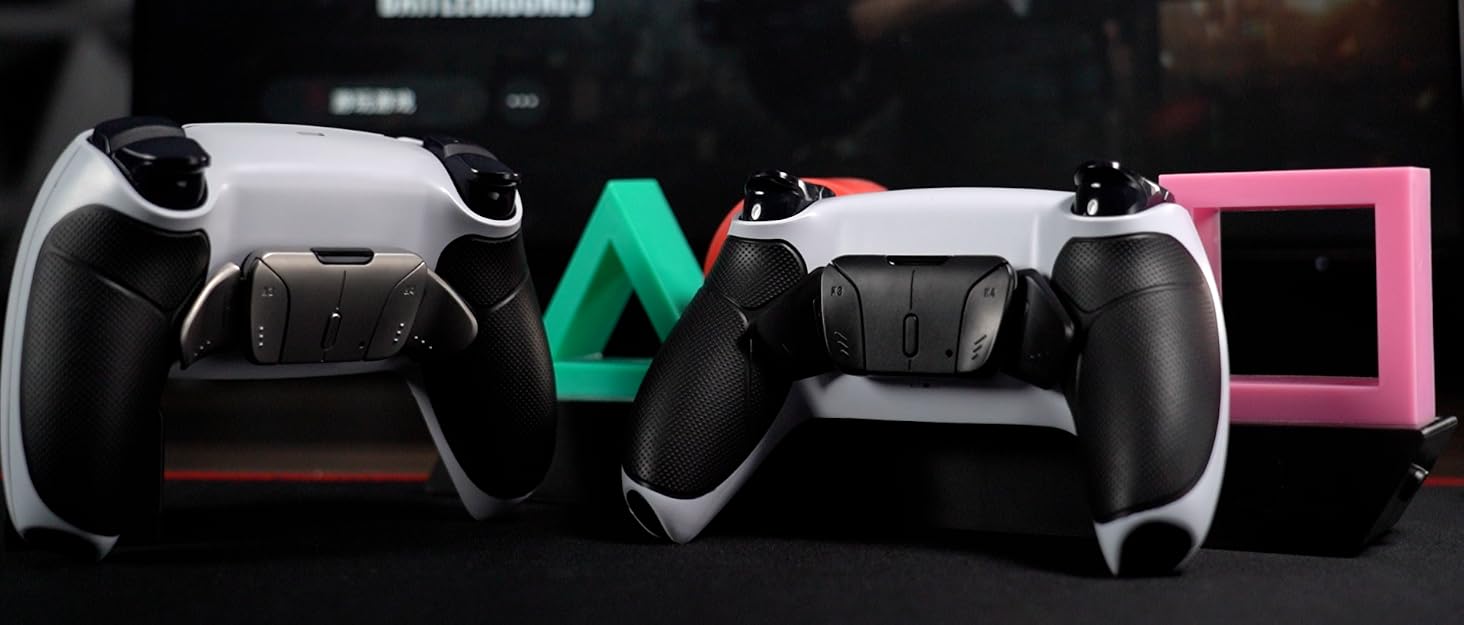
Display after installation
- With this kit, you can easily turn your existing controller into a professional e-sport gamepad with an additional 2 programable remap buttons.
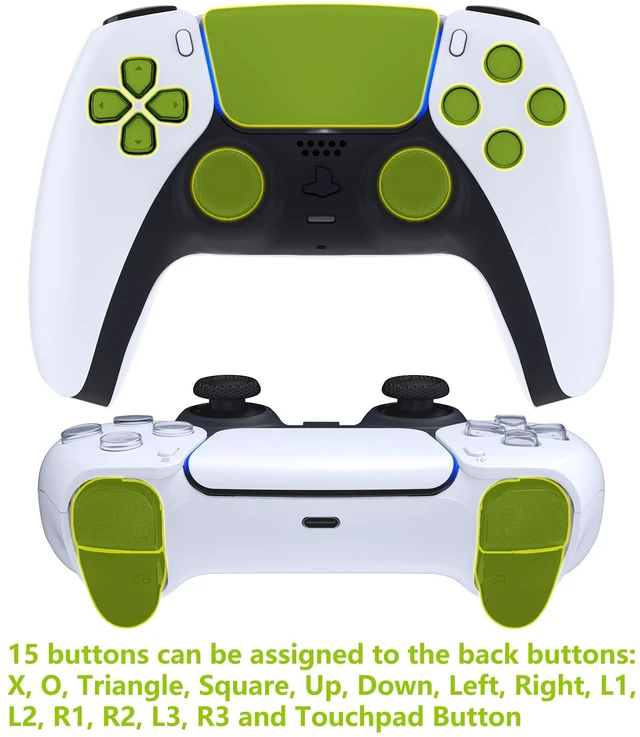
- You can remap 15 buttons to the 2 additional buttons which will be pressed by your middle fingers.
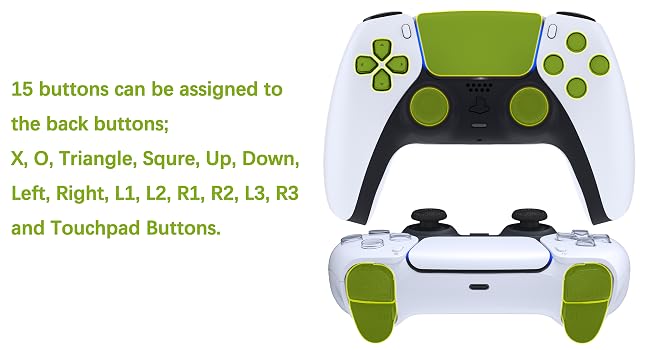
Assign a maximum of 15 buttons
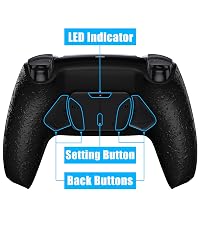
- Just press and hold the Set button on the back for 3 seconds to enter the button programming mode.
- You can activate the remap program during the game and assign a maximum of 15 buttons (X, O, Triangle, Square, Up, Down, Left, Right, L1, L2, R1, R2, L3, R3 and Touchpad Button ) to the back buttons.
NOTICE: READ BEFORE PURCHASE
1. Compatible Model:
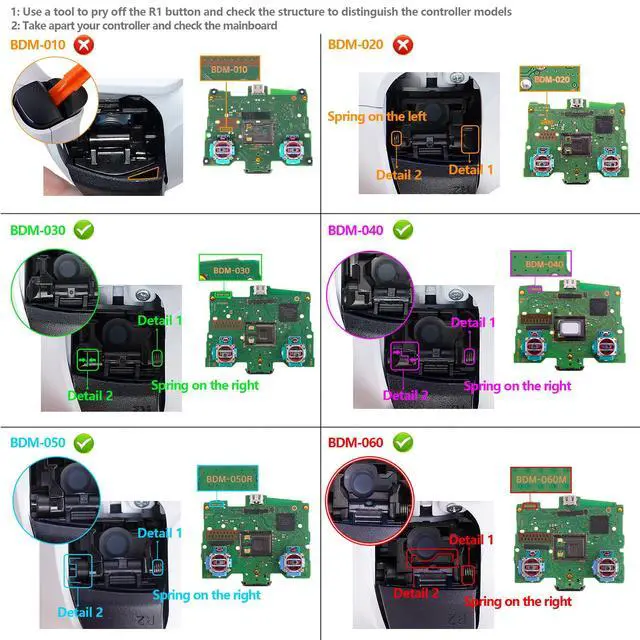
The eXtremeRate RISE4 Remap kit is only compatible with PS5 Controller BDM-030 BDM-040, NOT fit for BDM-010 BDM-020 and other controllers(Please check carefully with your controller's compatibility as per the second picture of the listing shows or the video guide on how to tell the controller's model number before purchase, to ensure your controller model is right and avoid not working after installing for wrong version).
2. If your controller is the BDM-010 or BDM-020 model, please search "B09NTHXVP8" for the right version RISE4 Remap kit for PS5 controller.
3. Controller NOT included. This is only the remap kit, without the controller.
4. Installation Guide:
1) You need to take apart your controller for installation, and high hands-on skills are required.
2) Get the installation video guide by searching “eXtremeRate RISE4 Remap Kit for PS5 BDM 030" or "P8UH64-h_5A" on YouTube.
3) Soldering is optional. If you don’t need the L3, R3, and touchpad buttons can be remapped, soldering is not necessary.
4) Since the package contains so many small electronic components, please be patient and careful during the installation process, to avoid damage the accessories or improper installation that may cause the Remap Kit not working. If you have any questions about the RISE Remap Kit or during installation, we will do our best to provide service.
5. One K button can only remap one function button; One function button can be remapped to two K buttons.
How To Distinguish the Controller Model for PS5
aplus content video
- The video guide on how to distinguish the Controller Model that products fit for BDM-030 and BDM-040 for PS5 controller.
- This RISE4 Remap Kit is only fit for BDM-030 and BDM-040. Please ensure your controller model is right before purchase to avoid ordering the wrong version leading to not working.
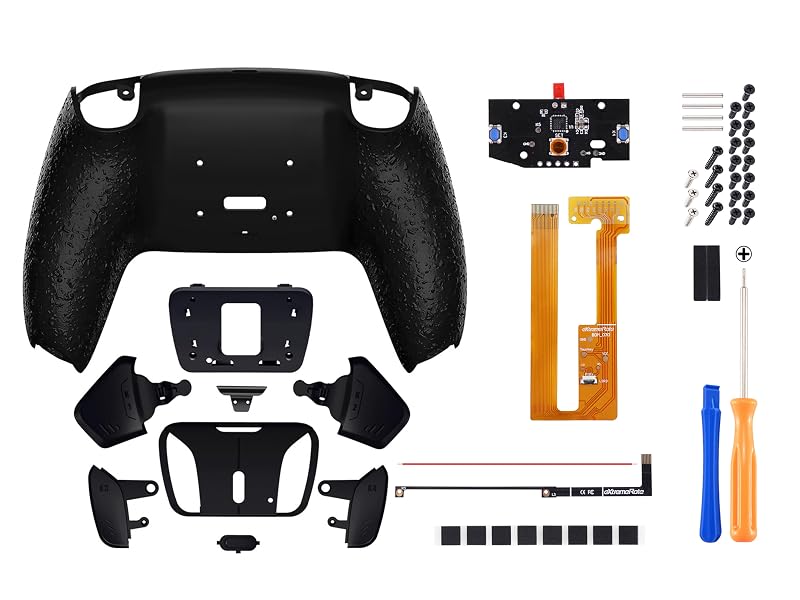
Note: Without controller and other parts
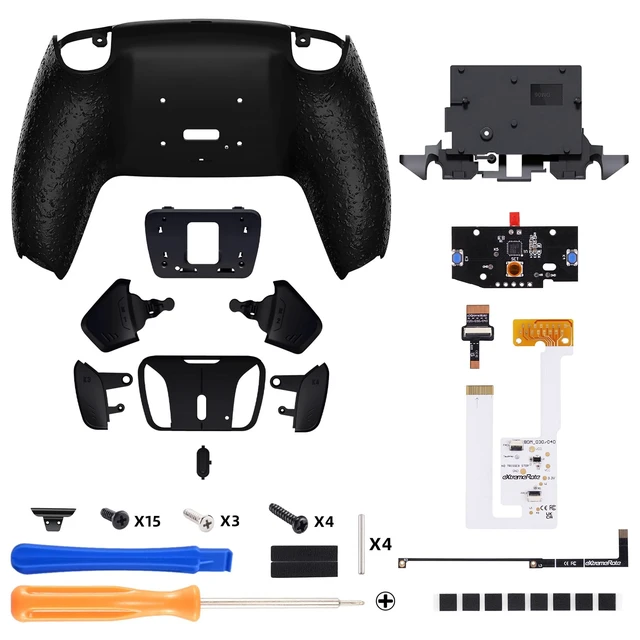
Package Includes:
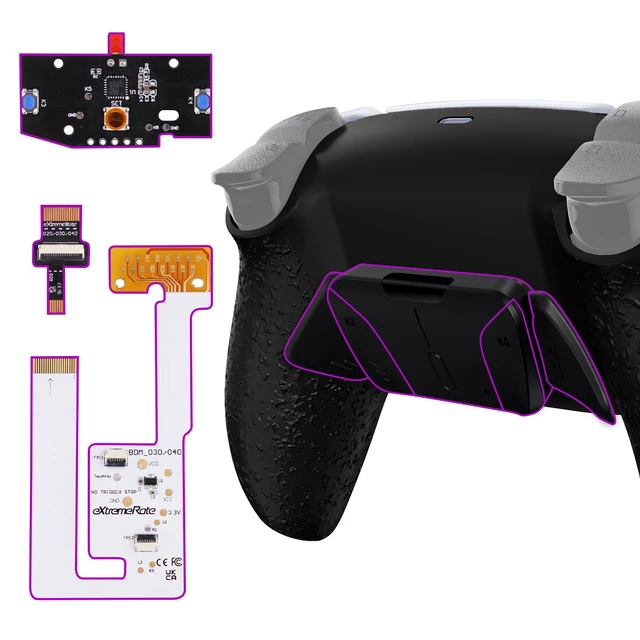
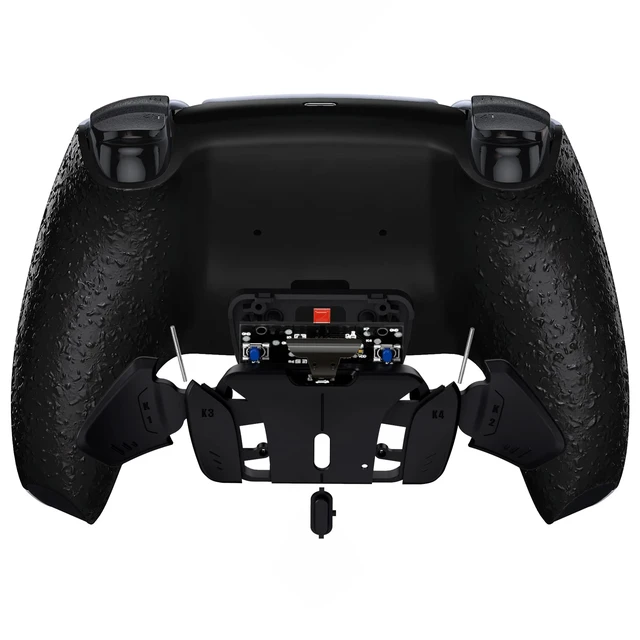
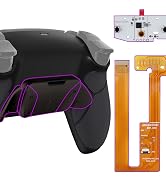
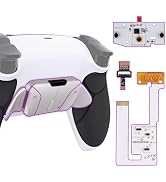
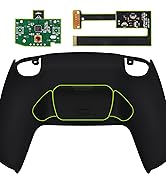
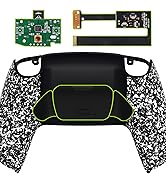
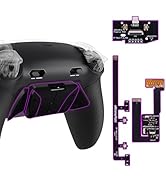
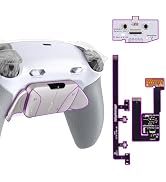
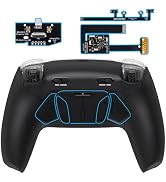
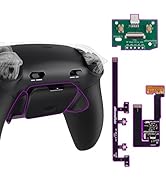
- 1* RISE4 remap board & FPC cable
- 1* Re-designed back shell
- 1* K1&K2&K3&K4 back buttons attachment
- 1* Prying Tool, 1* Cross Screwdriver, 22* Screws
Find More Accessories from eXtremeRate To Customize Your Controller
 RISE Remap Kit |  Whole Clicky Kit | 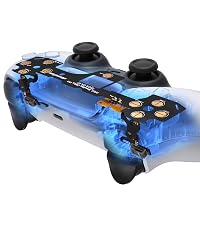 Clicky Hair Trigger Kit | 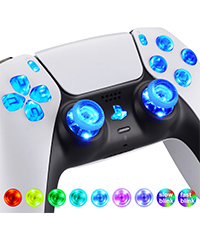 DTF LED Kit | 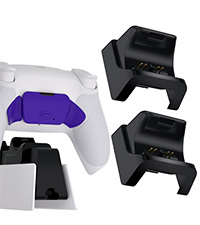 RiseDock Kit | 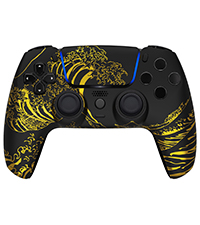 LUNA Faceplate |  Buttons | |
|---|---|---|---|---|---|---|---|
Customer Reviews | — | — | — | — | — | — | — |
Price | — | — | — | — | — | — | — |
Compatible with | For PS5 BDM-010 BDM-020 | For PS5 BDM-030 Only | For PS5 BDM-030 Only | For PS5 BDM-030 BDM-040 | For PS5, RISE, RIS4 Remap Kit | For PS5 BDM-010 020 030 040 | For PS5 BDM-030 BDM-040 |
NOTICE | WITHOUT THE CONTROLLER | WITHOUT THE CONTROLLER | WITHOUT THE CONTROLLER | WITHOUT THE CONTROLLER | WITHOUT THE CONTROLLER | WITHOUT THE CONTROLLER | WITHOUT THE CONTROLLER |
Is this product a finished or a whole controller?
This is only a set of RISE4 Remap Kit, not a controller. You need to take apart the controller to install this RISE4 Remap Kit.
What models are the RISE4 Remap Kit compatible with?
This RISE4 Remap Kit is only compatible with PS5 Controller BDM-030 and BDM-040, NOT fit for BDM-010, BDM-020 and other third party controllers.
How difficult is it to install this RISE4 Remap Kit to the controller?
Installation can be challenging, so we highly recommend watching our installation video “eXtremeRate RISE4 Remap Kit for PS5 BDM 030" or "P8UH64-h_5A" on YouTube. If you have any questions during installation, We will do our best to provide service.
I have already installed the eXtremerate Clicky Kit and DTF LED Kit, can I still install the RISE4 Remap Kit?
Please don't worry, you can still install the RISE4 Remap Kit.
How can I do if the remap kit doesn't work?
1. Please ensure you have the right version and install the kit properly. 2. Check if all plugs are connected in place and if anything has been damaged due to improper installation. 3. Check if the foams are installed in place. 4. Message us.
eXtremeRate - PLAY DIFFERENT
Personalize Your Controller with eXtremeRate (Plastic & Metal Back Paddles Version) RISE4 & RISE Remap Kit for PS5

- eXtremeRate (Plastic & Metal Back Paddles Version) Back Paddles Programable RISE4 & RISE Remap Kit for PS5 Controller, Upgrade Board & Redesigned Back Shell & 2 or 4 Back Buttons Attachment for PS5 Controller - Controller NOT Included
- With eXtremeRate RISE4 or RISE remap kit, the 15 function buttons of the controller can be remapped to the back paddle buttons.


RISE4 Remap Kit - 010 020
RISE4 Remap Kit - 030 040 050
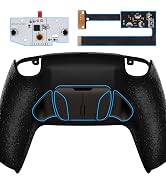
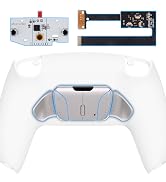

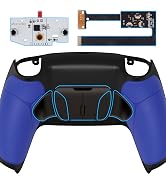
RMB) RISE4 Remap Kit - 010 020
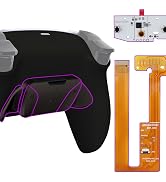

RISE4 Remap Kit - 030 040 050
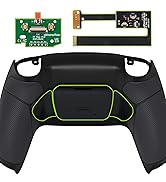
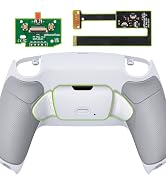
RISE Remap Kit - 010 020


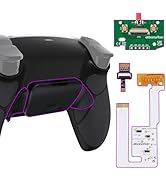
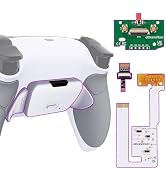
RISE Remap Kit - 030 040 050
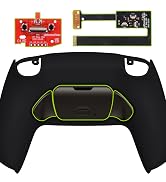
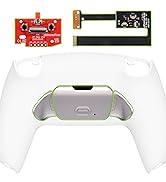
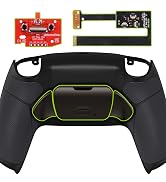
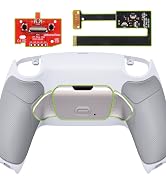
(RMB) RISE Remap Kit - 010 020
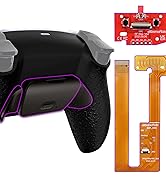
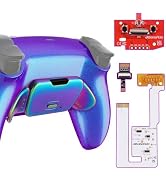
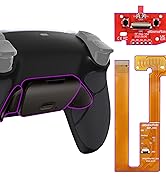
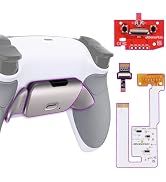
RISE Remap Kit - 030 040 050

RISE4 Plus MAX Remap Kit
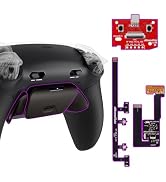
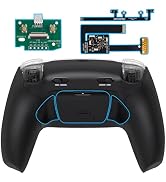
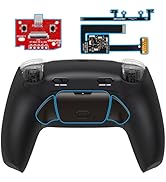
RISE Plus MAX Remap Kit
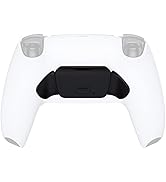

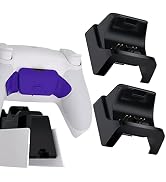
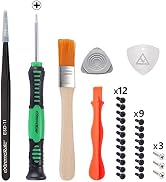
Accessories for Remap Kit

- eXtremeRate Clicky Hair Trigger Kit, Face Clicky for PS5 Controller
- The Clicky Hair Trigger Kit can shorten the trigger distance and make its speed up shooting.
- The Face Clicky Kit can make the face buttons react faster and more accurately.
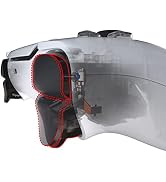
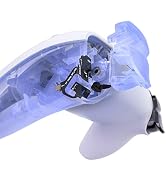
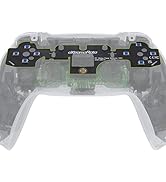
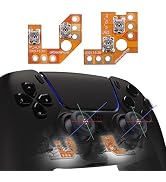
eXtremeRate Clicky Kit for PS5
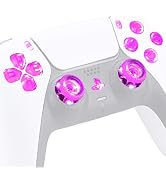
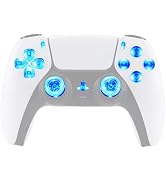
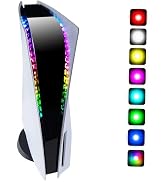
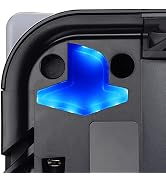
DIY LED Kit

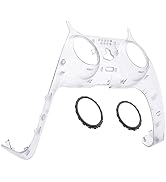

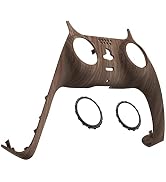
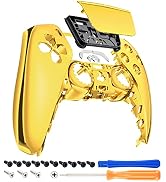
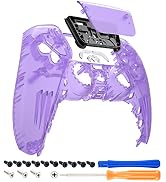
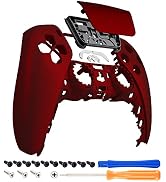
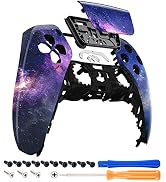
Decorative Trim Shell
Faceplate & Touchpad
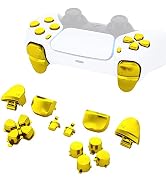
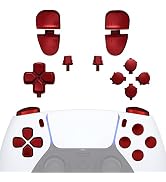
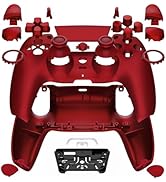
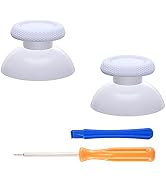
Face Buttons


eXtremeRate - PLAY DIFFERENT
Personalize Your Controller with eXtremeRate (Plastic & Metal Back Paddles Version) RISE4 & RISE Remap Kit for PS5

- eXtremeRate (Plastic & Metal Back Paddles Version) Back Paddles Programable RISE4 & RISE Remap Kit for PS5 Controller, Upgrade Board & Redesigned Back Shell & 2 or 4 Back Buttons Attachment for PS5 Controller - Controller NOT Included
- With eXtremeRate RISE4 or RISE remap kit, the 15 function buttons of the controller can be remapped to the back paddle buttons.
RISE4 Remap Kit - 010 020
RISE4 Remap Kit - 030 040 050
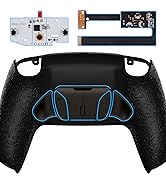

RMB) RISE4 Remap Kit - 010 020
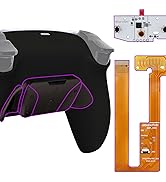
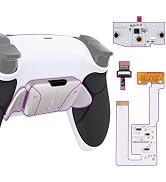
RISE4 Remap Kit - 030 040 050
RISE Remap Kit - 010 020
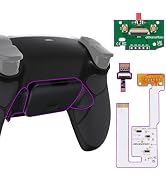
RISE Remap Kit - 030 040 050
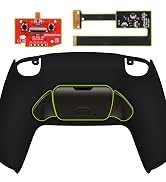

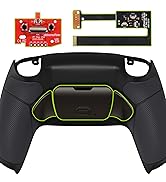
(RMB) RISE Remap Kit - 010 020
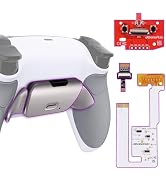
RISE Remap Kit - 030 040 050
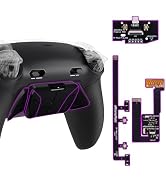
RISE4 Plus MAX Remap Kit
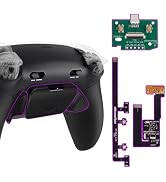
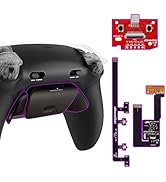
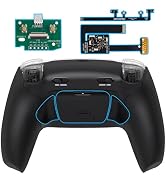
RISE Plus MAX Remap Kit
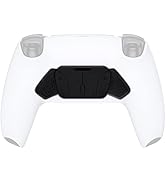
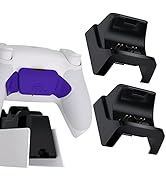

Accessories for Remap Kit
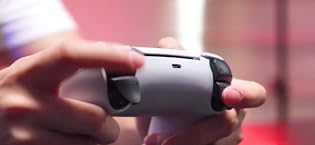
- eXtremeRate Clicky Hair Trigger Kit, Face Clicky for PS5 Controller
- The Clicky Hair Trigger Kit can shorten the trigger distance and make its speed up shooting.
- The Face Clicky Kit can make the face buttons react faster and more accurately.
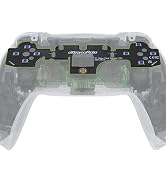
eXtremeRate Clicky Kit for PS5
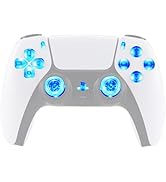
DIY LED Kit

Decorative Trim Shell
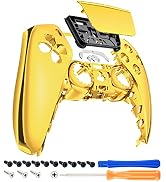
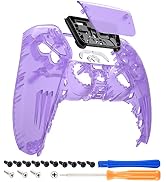
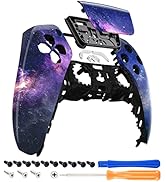
Faceplate & Touchpad
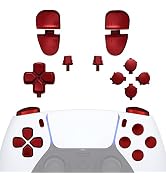
Face Buttons


Prepared for e-Sport Tournaments: RISE4 Remap Kit for PS5 BDM-030 BDM-040
| The UPGRADED remap kit (RISE4) for PS5 controller is finally here! | |
| With the latest RISE4 remap kit, the 15 function buttons of the controller can be remapped to the 4 paddle buttons. | |
| The eXtremeRate RISE4 Remap Kit for PS5 is an evolutionary upgrade kit that adds advanced gaming functionality to your existing controller. | |
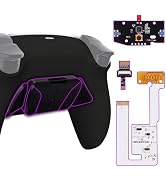
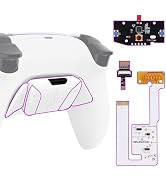
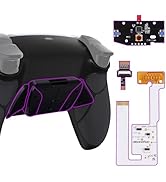
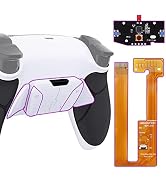
| The RISE4 remap kit includes a remap board, 1 FPC for BDM-030 and an upgrade back shell with 4 additional ergonomic buttons attached. | |
| This remap upgrade solution gives you a competitive edge in Online Gaming and Tournaments, and totally legal. | |
| It’s a huge advantage for you because you don’t need to move off the sticks and triggers to access other buttons like face buttons during fast FPS or shooter games. |
On-the-fly Buttons Remapping:
Display after installation
- With this kit, you can easily turn your existing controller into a professional e-sport gamepad with an additional 2 programable remap buttons.
- You can remap 15 buttons to the 2 additional buttons which will be pressed by your middle fingers.
Assign a maximum of 15 buttons
- Just press and hold the Set button on the back for 3 seconds to enter the button programming mode.
- You can activate the remap program during the game and assign a maximum of 15 buttons (X, O, Triangle, Square, Up, Down, Left, Right, L1, L2, R1, R2, L3, R3 and Touchpad Button ) to the back buttons.
NOTICE: READ BEFORE PURCHASE
1. Compatible Model:
The eXtremeRate RISE4 Remap kit is only compatible with PS5 Controller BDM-030 BDM-040, NOT fit for BDM-010 BDM-020 and other controllers(Please check carefully with your controller's compatibility as per the second picture of the listing shows or the video guide on how to tell the controller's model number before purchase, to ensure your controller model is right and avoid not working after installing for wrong version).
2. If your controller is the BDM-010 or BDM-020 model, please search "B09NTHXVP8" for the right version RISE4 Remap kit for PS5 controller.
3. Controller NOT included. This is only the remap kit, without the controller.
4. Installation Guide:
1) You need to take apart your controller for installation, and high hands-on skills are required.
2) Get the installation video guide by searching “eXtremeRate RISE4 Remap Kit for PS5 BDM 030" or "P8UH64-h_5A" on YouTube.
3) Soldering is optional. If you don’t need the L3, R3, and touchpad buttons can be remapped, soldering is not necessary.
4) Since the package contains so many small electronic components, please be patient and careful during the installation process, to avoid damage the accessories or improper installation that may cause the Remap Kit not working. If you have any questions about the RISE Remap Kit or during installation, we will do our best to provide service.
5. One K button can only remap one function button; One function button can be remapped to two K buttons.
How To Distinguish the Controller Model for PS5
aplus content video
- The video guide on how to distinguish the Controller Model that products fit for BDM-030 and BDM-040 for PS5 controller.
- This RISE4 Remap Kit is only fit for BDM-030 and BDM-040. Please ensure your controller model is right before purchase to avoid ordering the wrong version leading to not working.
Note: Without controller and other parts
Package Includes:
- 1* RISE4 remap board & FPC cable
- 1* Re-designed back shell
- 1* K1&K2&K3&K4 back buttons attachment
- 1* Prying Tool, 1* Cross Screwdriver, 22* Screws
Find More Accessories from eXtremeRate To Customize Your Controller
RISE Remap Kit | Whole Clicky Kit | Clicky Hair Trigger Kit | DTF LED Kit | RiseDock Kit | LUNA Faceplate |  Buttons |
|---|---|---|---|---|---|---|
| Customer Reviews | ||||||
| — | — | — | — | — | — | — |
| Price | ||||||
| — | — | — | — | — | — | — |
| Compatible with | ||||||
| For PS5 BDM-010 BDM-020 | For PS5 BDM-030 Only | For PS5 BDM-030 Only | For PS5 BDM-030 BDM-040 | For PS5, RISE, RIS4 Remap Kit | For PS5 BDM-010 020 030 040 | For PS5 BDM-030 BDM-040 |
| NOTICE | ||||||
| WITHOUT THE CONTROLLER | WITHOUT THE CONTROLLER | WITHOUT THE CONTROLLER | WITHOUT THE CONTROLLER | WITHOUT THE CONTROLLER | WITHOUT THE CONTROLLER | WITHOUT THE CONTROLLER |
Is this product a finished or a whole controller?
This is only a set of RISE4 Remap Kit, not a controller. You need to take apart the controller to install this RISE4 Remap Kit.
What models are the RISE4 Remap Kit compatible with?
This RISE4 Remap Kit is only compatible with PS5 Controller BDM-030 and BDM-040, NOT fit for BDM-010, BDM-020 and other third party controllers.
How difficult is it to install this RISE4 Remap Kit to the controller?
Installation can be challenging, so we highly recommend watching our installation video “eXtremeRate RISE4 Remap Kit for PS5 BDM 030" or "P8UH64-h_5A" on YouTube. If you have any questions during installation, We will do our best to provide service.
I have already installed the eXtremerate Clicky Kit and DTF LED Kit, can I still install the RISE4 Remap Kit?
Please don't worry, you can still install the RISE4 Remap Kit.
How can I do if the remap kit doesn't work?
1. Please ensure you have the right version and install the kit properly. 2. Check if all plugs are connected in place and if anything has been damaged due to improper installation. 3. Check if the foams are installed in place. 4. Message us.