











H13 promotional video
Merchant Video


FIFINE Headset/Headphone
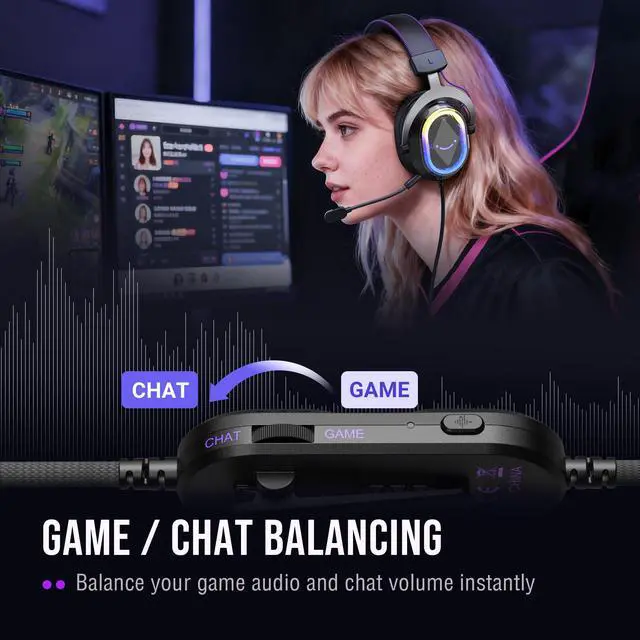
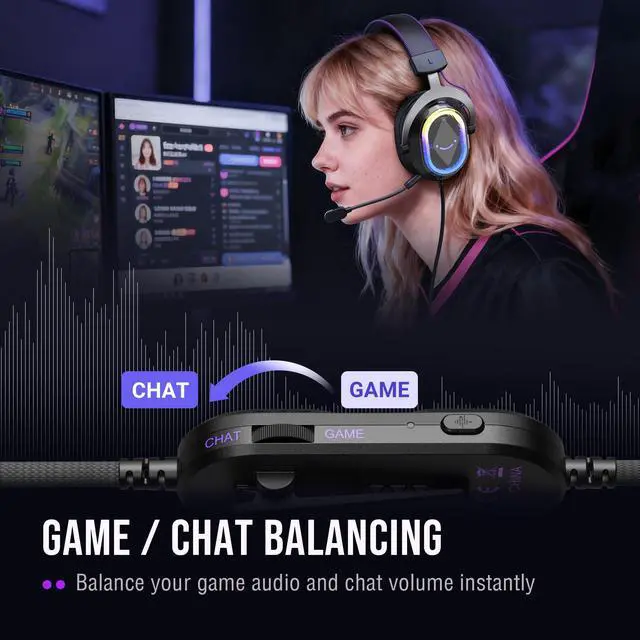
Game/Chat Balance | ||
EQ control | ||
Controllable RGB | ||
Active NC Mic | ||
32O±15% | Impedance | 32O±15% |
7.55ft (2.3m) | Cable Length | Total 10ft (3.15m) |
Gaming/Streaming | Suitable for | Gaming/Streaming |
Game/Chat Balance | ||
EQ control | ||
Controllable RGB | ||
Active NC Mic | ||
32O±15% | Impedance | 32O±15% |
7.55ft (2.3m) | Cable Length | 6.6ft (2m) |
Gaming/Streaming | Suitable for | Gaming/Streaming |
Game/Chat Balance | ||
EQ control | ||
Controllable RGB | ||
Active NC Mic | ||
32O±15% | Impedance | 32O±15% |
7.55ft (2.3m) | Cable Length | Total 4.9ft (1.5m) |
Gaming/Streaming | Suitable for | Gaming/Streaming |


What type of connectivity and ports does the Fifine H13 offer? Does it compatible with Xbox?
The Fifine H13 gaming headset connects to the PC, Laptop, PS4/PS5 via Only USB-A. Not compatible with Xbox.
What type of microphone does the Fifine H13 headset have?
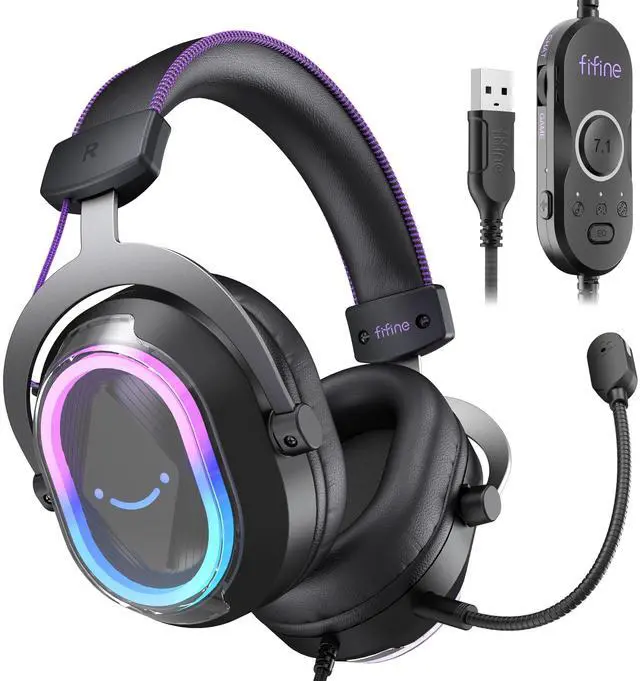
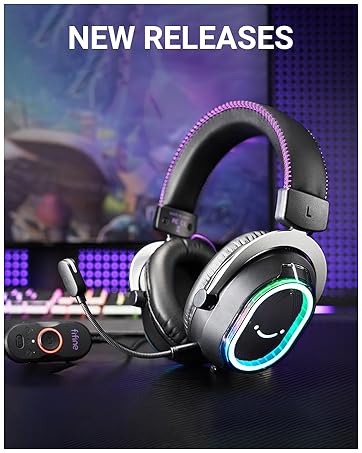
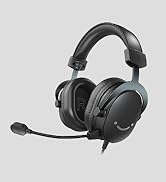
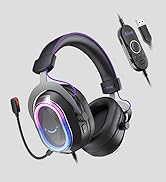
The headset has a detachable omnidirectional mic with a built-in indicator light that provides a clear mute reminder. Make sure to align the detachable mic with the tiny slot of the jack. The red indicator on the mic will turn on after installation.
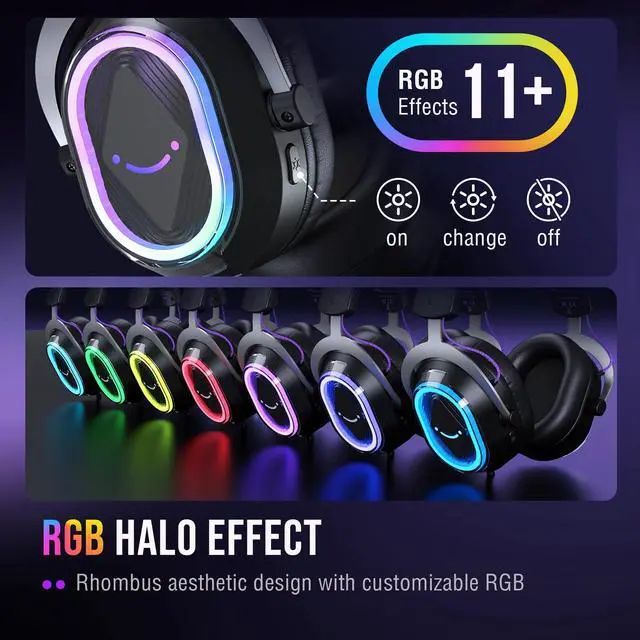
How to control the RGB lighting effects on the H13 headset?
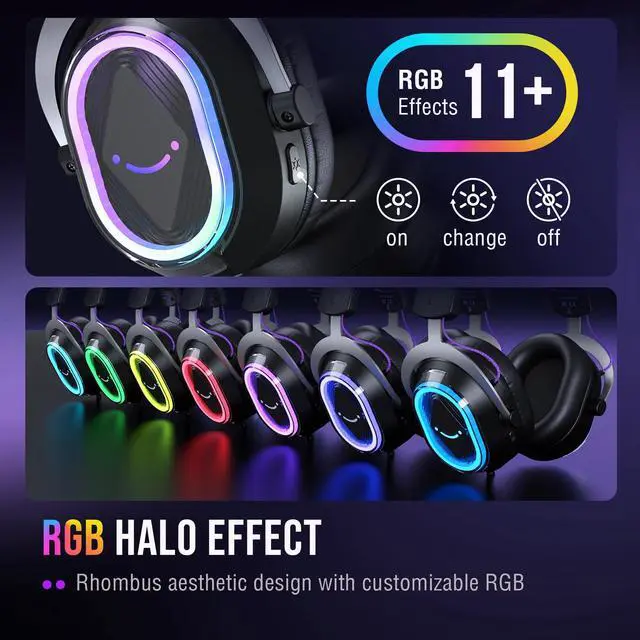
You can control the RGB lighting through the buttons on the back of the headset. Click to switch between 11 preset RGB lighting effects, and you can also long press the button to turn off the RGB lighting effect.
How to switch th EQ modes of the gaming headset?
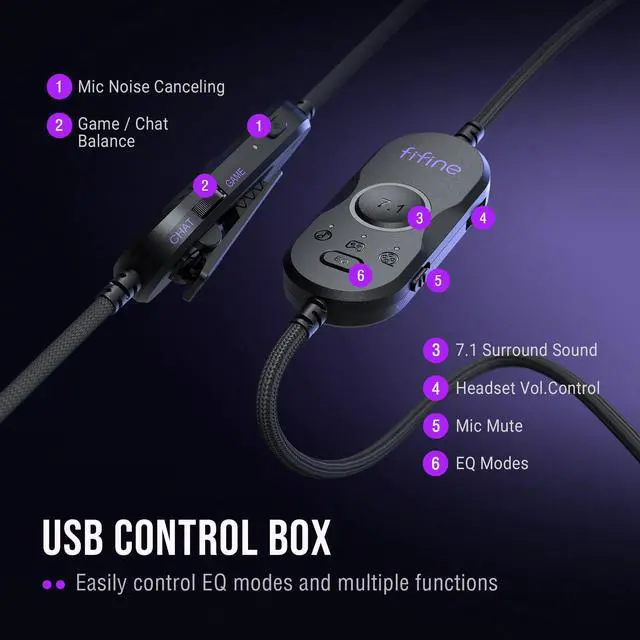
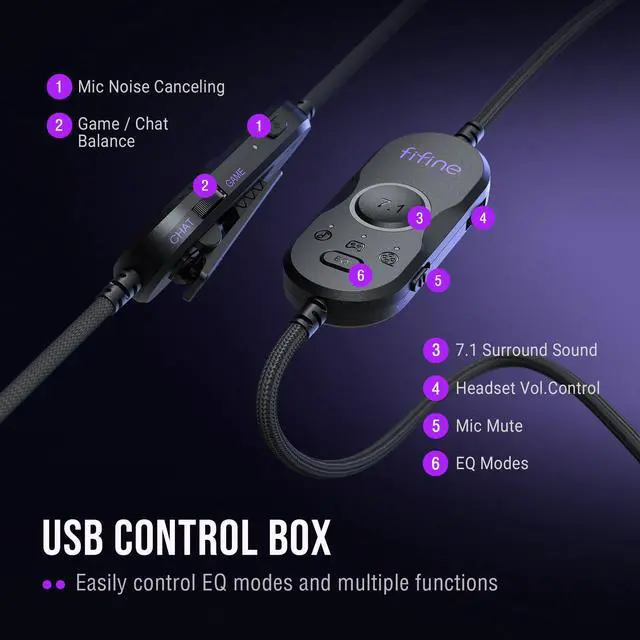
You can find the EQ mode switch key on the USB control box, and click to switch from the default mode to game mode, music mode and movie mode. Long press the switch key to switch to the default mode.
How to turn up the volume level of the gamer headset?
You can find the volume control roller on the USB control box. Turn the wheel towards the "+" / "-" to turn up or down mic volume via the USB control box of gaming headset or computer setting.


H13 promotional video
Merchant Video


FIFINE Headset/Headphone
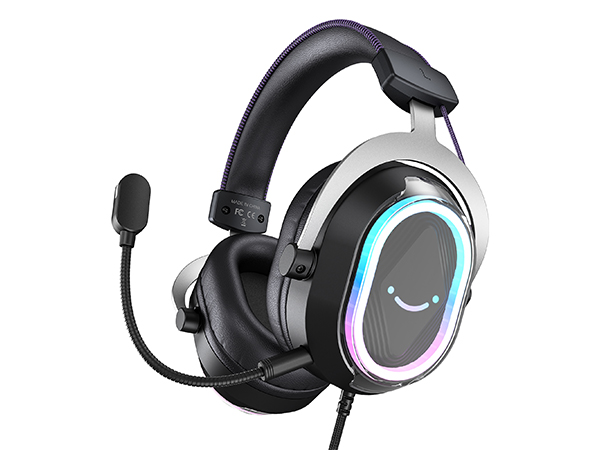
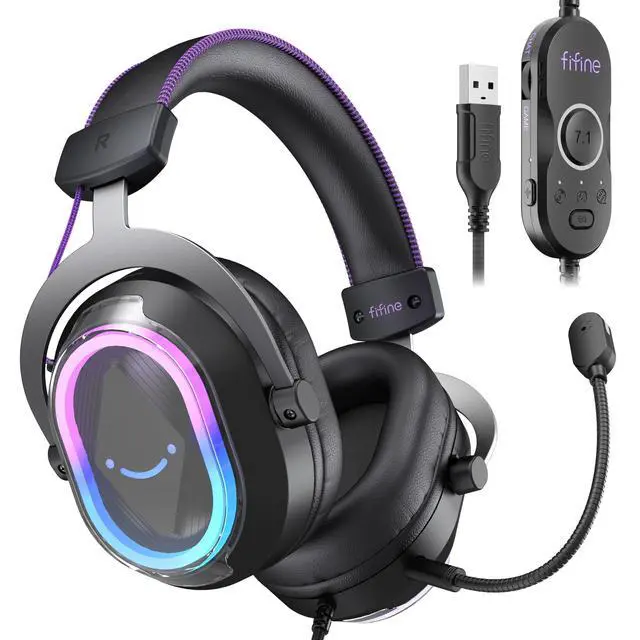
USB Gaming Headset-H13
Game/Chat Balance
EQ control
Controllable RGB
Active NC Mic
Impedance
32O±15%
Cable Length
7.55ft (2.3m)
Suitable for
Gaming/Streaming
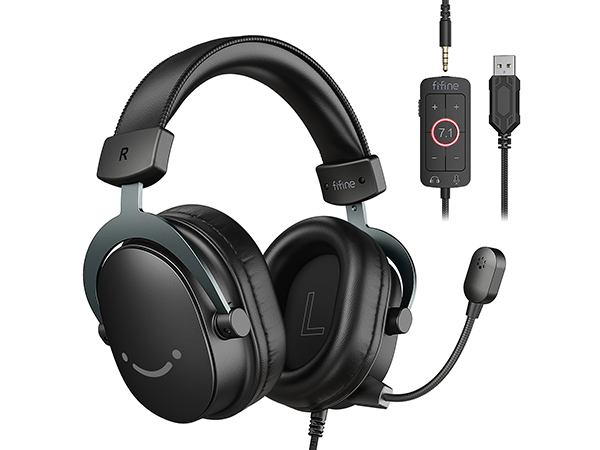
3.5mm/USB Game Headset-H9
Game/Chat Balance
EQ control
Controllable RGB
Active NC Mic
Impedance
32O±15%
Cable Length
Total 10ft (3.15m)
Suitable for
Gaming/Streaming
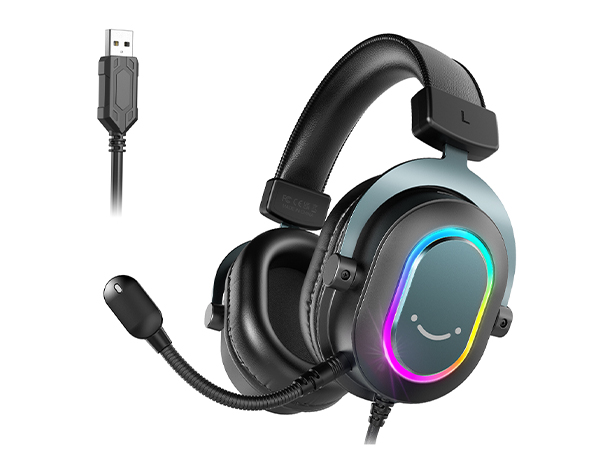
USB Gaming Headset-H6
Game/Chat Balance
EQ control
Controllable RGB
Active NC Mic
Impedance
32O±15%
Cable Length
6.6ft (2m)
Suitable for
Gaming/Streaming
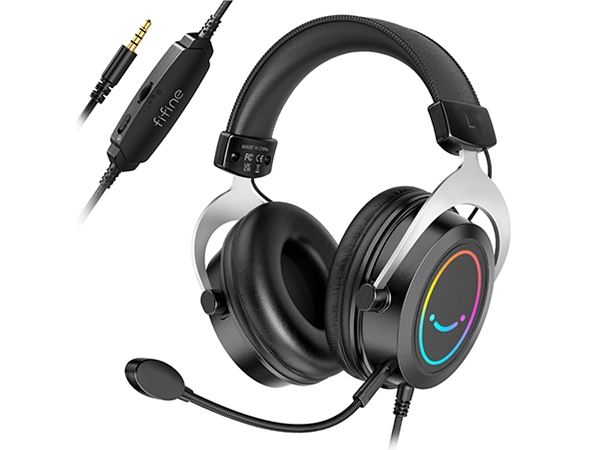
3.5mm Gaming Headset-H3
Game/Chat Balance
EQ control
Controllable RGB
Active NC Mic
Impedance
32O±15%
Cable Length
Total 4.9ft (1.5m)
Suitable for
Gaming/Streaming
What type of connectivity and ports does the Fifine H13 offer? Does it compatible with Xbox?
The Fifine H13 gaming headset connects to the PC, Laptop, PS4/PS5 via Only USB-A. Not compatible with Xbox.
What type of microphone does the Fifine H13 headset have?
The headset has a detachable omnidirectional mic with a built-in indicator light that provides a clear mute reminder. Make sure to align the detachable mic with the tiny slot of the jack. The red indicator on the mic will turn on after installation.
How to control the RGB lighting effects on the H13 headset?
You can control the RGB lighting through the buttons on the back of the headset. Click to switch between 11 preset RGB lighting effects, and you can also long press the button to turn off the RGB lighting effect.
How to switch th EQ modes of the gaming headset?
You can find the EQ mode switch key on the USB control box, and click to switch from the default mode to game mode, music mode and movie mode. Long press the switch key to switch to the default mode.
How to turn up the volume level of the gamer headset?
You can find the volume control roller on the USB control box. Turn the wheel towards the "+" / "-" to turn up or down mic volume via the USB control box of gaming headset or computer setting.
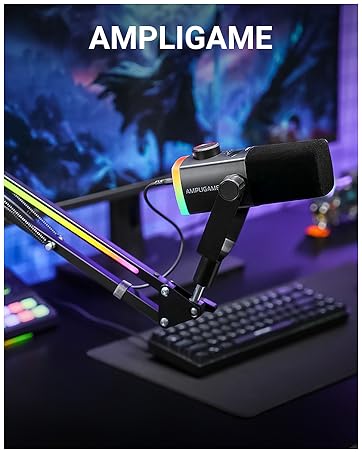
FIFINE AmpliGame Series
Keep Leveling Up for Your Game Victory
FIFINE Gaming Products
FIFINE Streaming Microphone
FIFINE Podcasting Microphone
More from AmpliGame Series