






Best Game Accessories Gifts
The perfect gaming gift for your family and friends for Christmas, Thanksgiving, and birthdays.
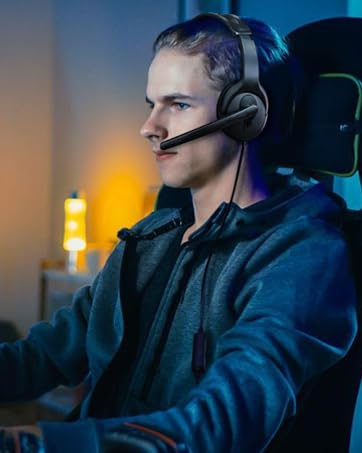
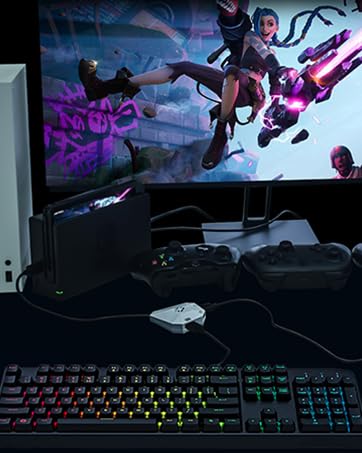
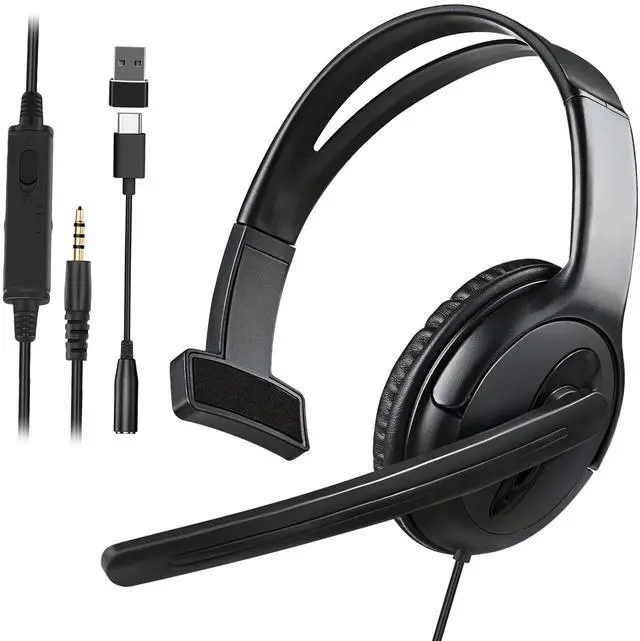
Single Ear Gaming Headset for PS5/PS4/Switch/Switch 2/Xbox Series/One/PC/Phone

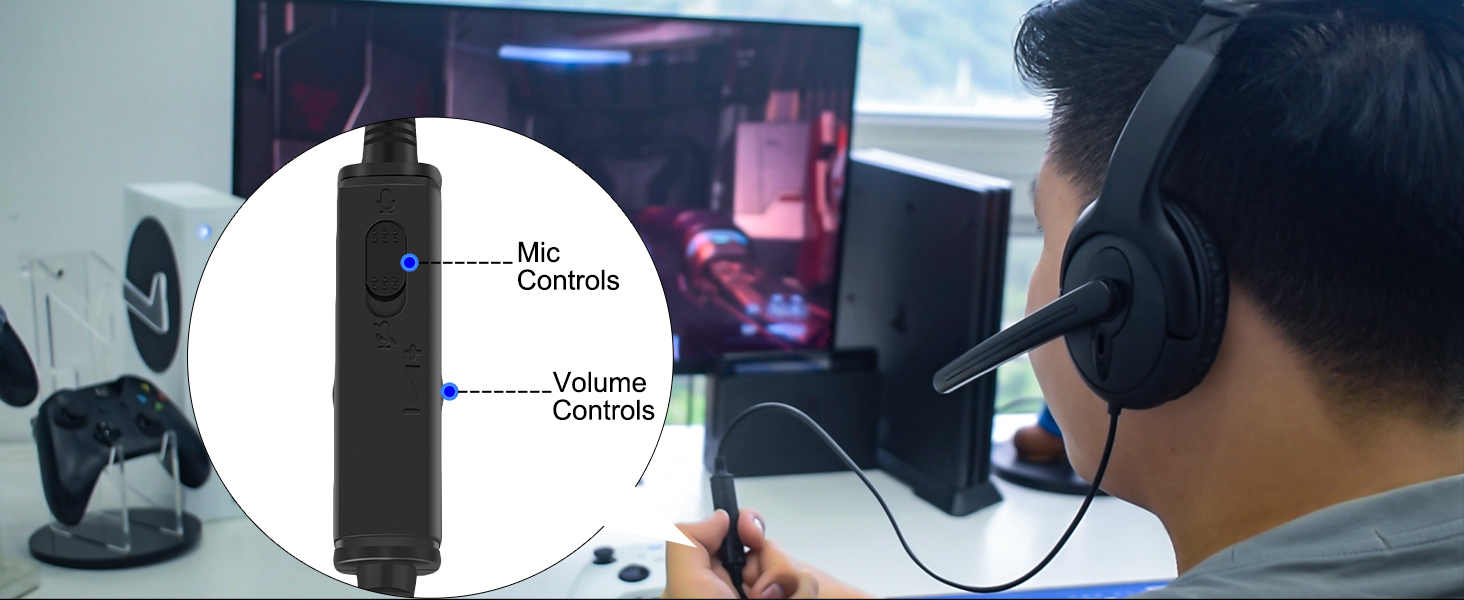
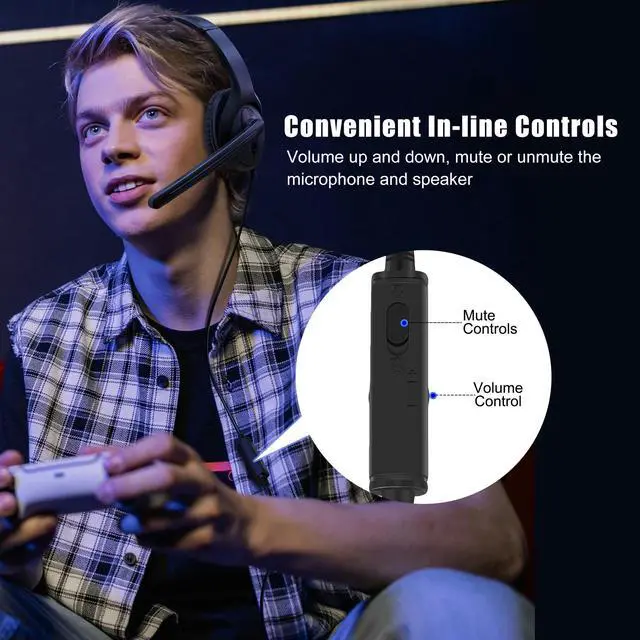
Easy to Access
with a volume control wheel and microphone mute switch, you can quickly adjust the volume as needed
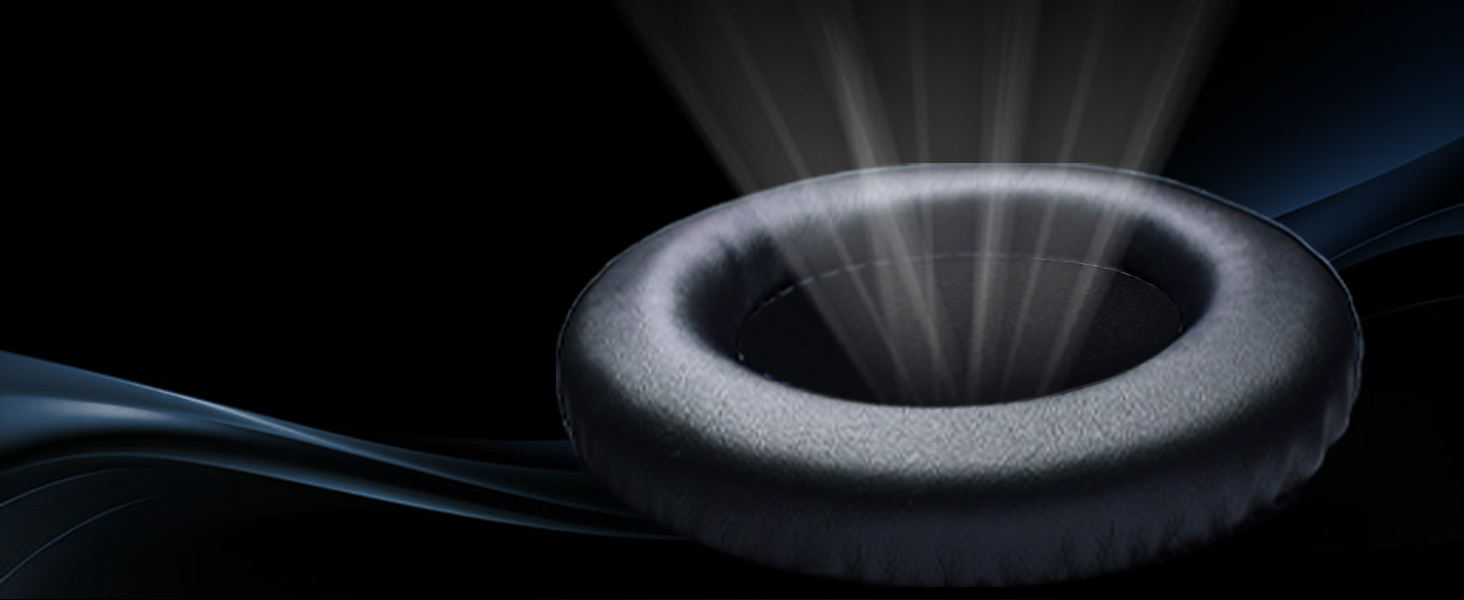
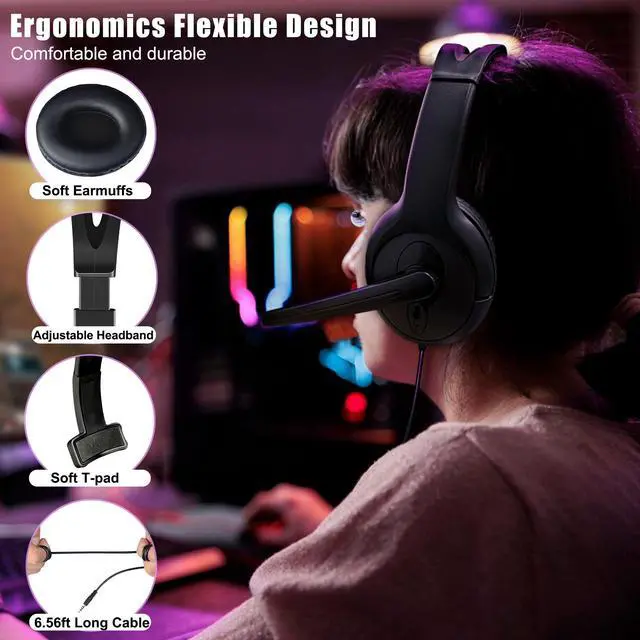
All Day Comfort
Padded memory foam ear cushions provide long-lasting comfort for marathon gaming sessions.
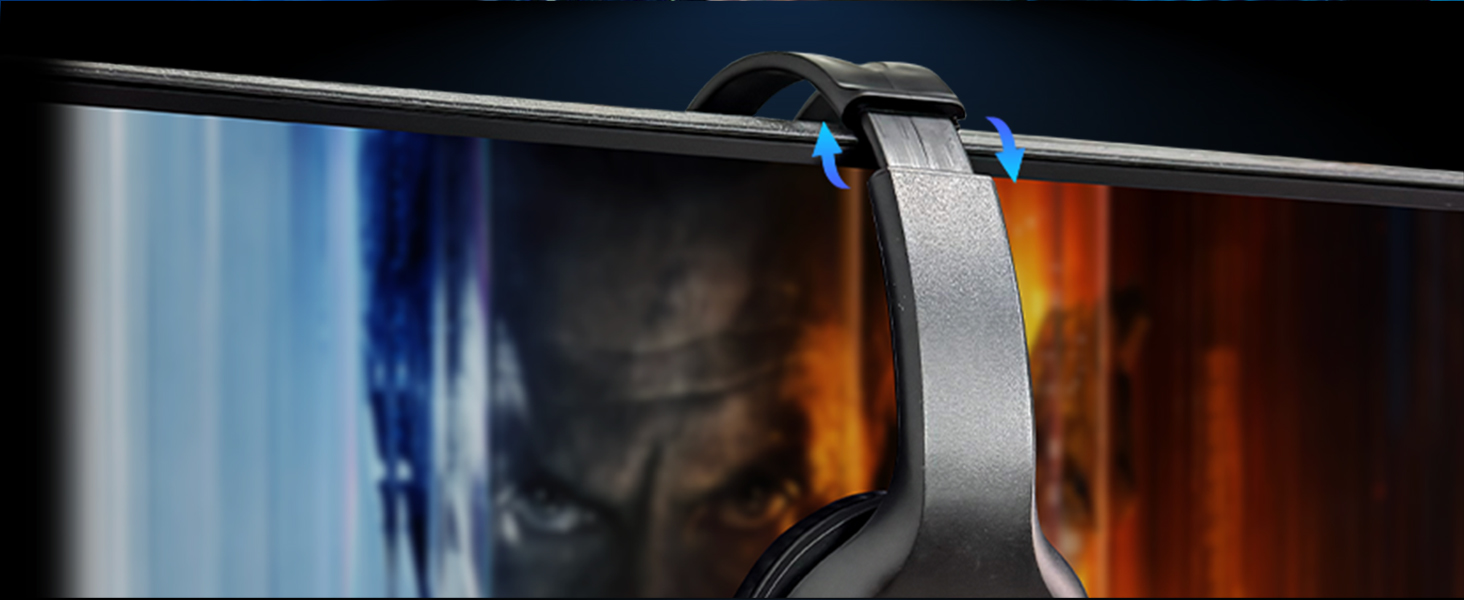
Stretchable Earbands
Ergonomic design and retractable headband ensure optimal wearing comfort for every player
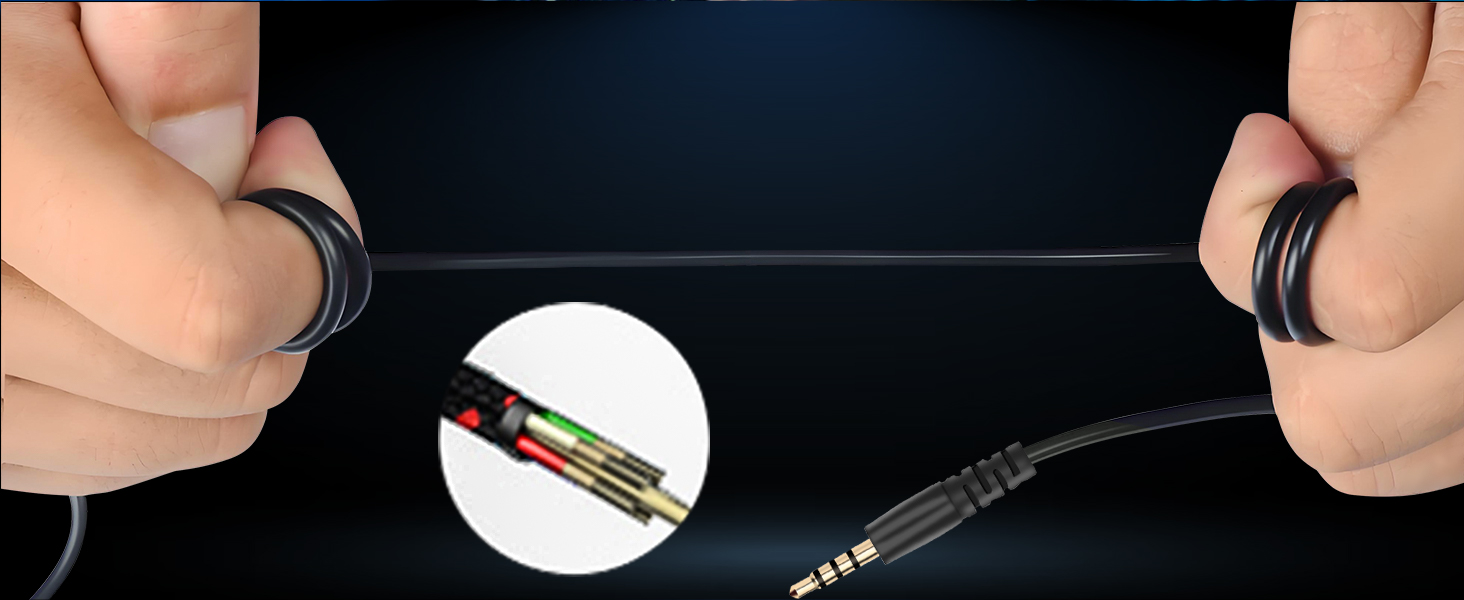
Durable Robust Headset Cable
Our Gaming headset cable can be stretched to 2m, don't worry about the cable is not long enough
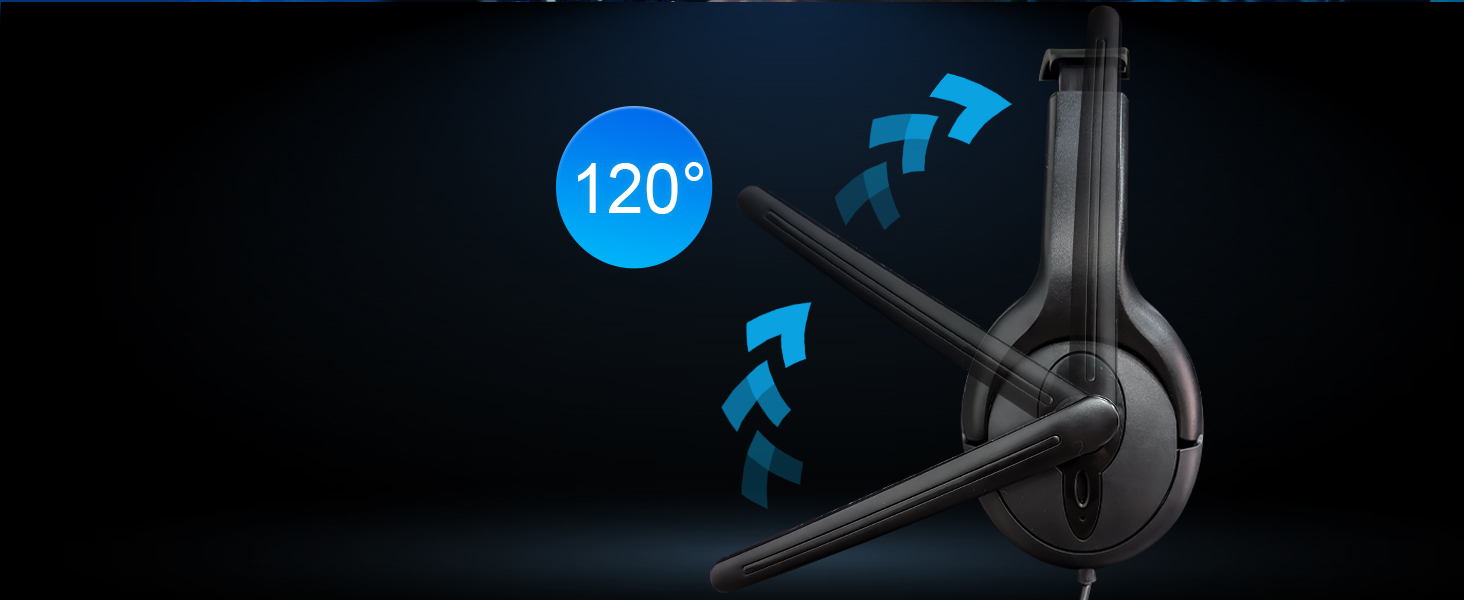
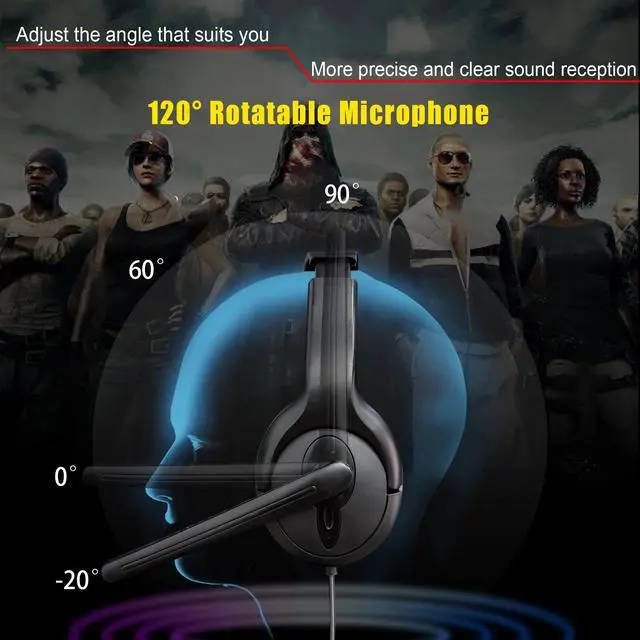
Headphones with Microphone
High sensitivity microphone can rotate up and down 120 ° Precise pickup

Unilateral Wired Headset
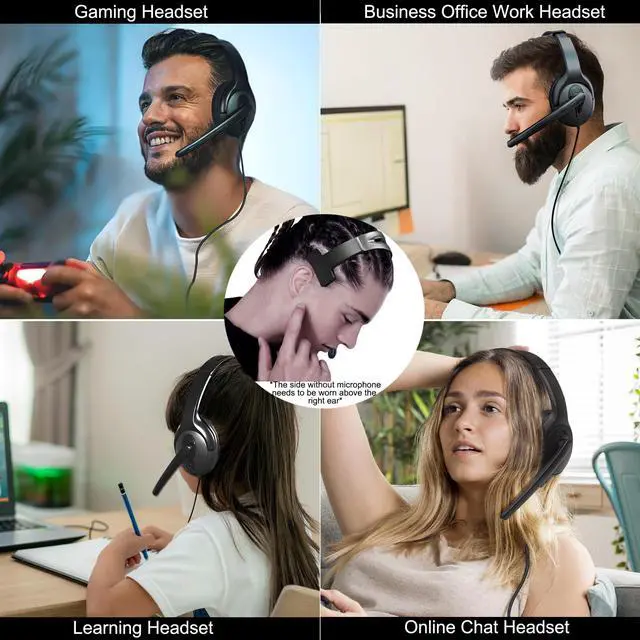
Can only be worn on the left ear and cannot be interchanged
- The side with ear muffs and microphone can only be worn on the left ear
- The side without microphone and earmuffs needs to be worn above the right ear


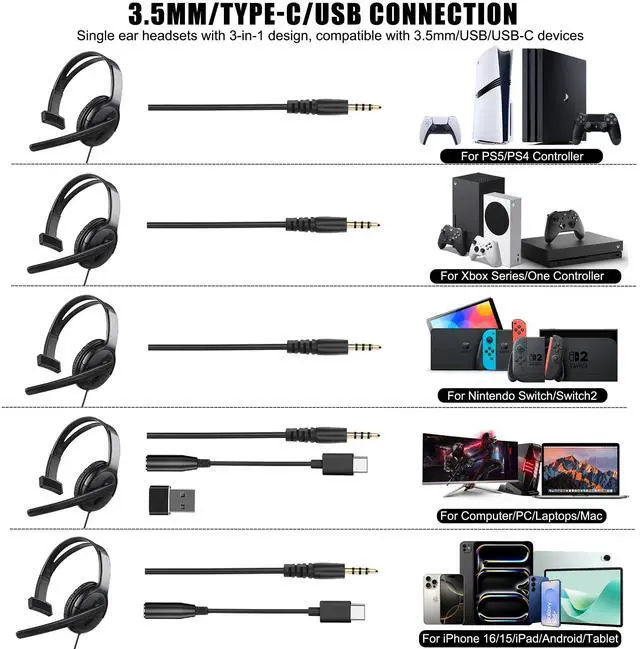
Compatible with all 3.5mm, Type-C, USB Device

Not for old version X-One controller, not for Walkie-talkie
For 3.5mm PC user (2 holes, 1 for mic and 1 for audio), need an audio & microphone splitter cable (Not Included)
For PS5/PS4/New Xbox One/Xbox Series Controller needs to be set on the console before use
For Switch just directly plug and use
How to Connect PS5, PS4, Xbox Series, Xbox One, Siwtch, Siwtch 2
Product Parameters
Single Ear Gaming Headset for PS5/PS4/Switch/Switch 2/Xbox Series/One/PC/Phone

Easy to Access
with a volume control wheel and microphone mute switch, you can quickly adjust the volume as needed
All Day Comfort
Padded memory foam ear cushions provide long-lasting comfort for marathon gaming sessions.
Stretchable Earbands
Ergonomic design and retractable headband ensure optimal wearing comfort for every player
Durable Robust Headset Cable
Our Gaming headset cable can be stretched to 2m, don't worry about the cable is not long enough
Headphones with Microphone
High sensitivity microphone can rotate up and down 120 ° Precise pickup


Can only be worn on the left ear and cannot be interchanged
- The side with ear muffs and microphone can only be worn on the left ear
- The side without microphone and earmuffs needs to be worn above the right ear


Multi-purpose Headphones
Compatible with all 3.5mm, Type-C, USB Device

Not for old version X-One controller, not for Walkie-talkie
For 3.5mm PC user (2 holes, 1 for mic and 1 for audio), need an audio & microphone splitter cable (Not Included)
For PS5/PS4/New Xbox One/Xbox Series Controller needs to be set on the console before use
For Switch just directly plug and use
How to Connect PS5, PS4, Xbox Series, Xbox One, Siwtch, Siwtch 2
For PS4 PS5 Headset with Mic
How to Setup PS Console
Go to "Settings">"Devices">"Audio Devices" : (1). Set "Input Device" to "Headset Connected to Controller"; (2). Set "Output Device" to "Headset Connected to Controller'" ; (3). Set "Output to Headphones"; (4). Set "Volume Control (Headphones)" level to maximum. ; (5). Select "Adjust Microphone Level" and follow the on-screen instructions to calibrate your microphone
For Xbox Series One Headset with Mic
How to Setup Xbox Console
- Go to "Setings" > "Devices & connections" >"Controllers & headsets" >"More options”> "Volume" >”Headset mic" to set to "On".
- Set Headset volume to maximum
- Setting the headset chat mixer to "controller icon
- Set Mic monitoring to your prefered level
Switch Headset with Mic
No Need to Set up, Just Play
Compatible with Nintendo Switch/Switch Lite and Nintendo Switch 2
Product Parameters
| Speaker Driver | F40mm |
|---|---|
| Speaker Impedance | 32O |
| Speaker Noise Level | =78dB |
| Speaker Dynamic Range | =78dB |
| Speaker Distortion THD | =0.1% |
| Speaker Stereo Crosstalk | =-52dBA |
| Speaker Frequency Response | 20Hz-2000Hz |
| Mic Size | F4*1.5mm |
| Microphone sensitivity | -42dB ± 2% |
| Directional Microphone | Noise canceling |
| Mic Impeddance | =2.2kO |
| Mic Frequency Response | 50Hz-15Khz |
| Cable | 6.56ft/2m |
| Headphone Jack | Single 3.5mm Jack |
| Extra Accessories | 1x 3.5mm female to Type-c cable;1x Type-c female to USB Adapter |
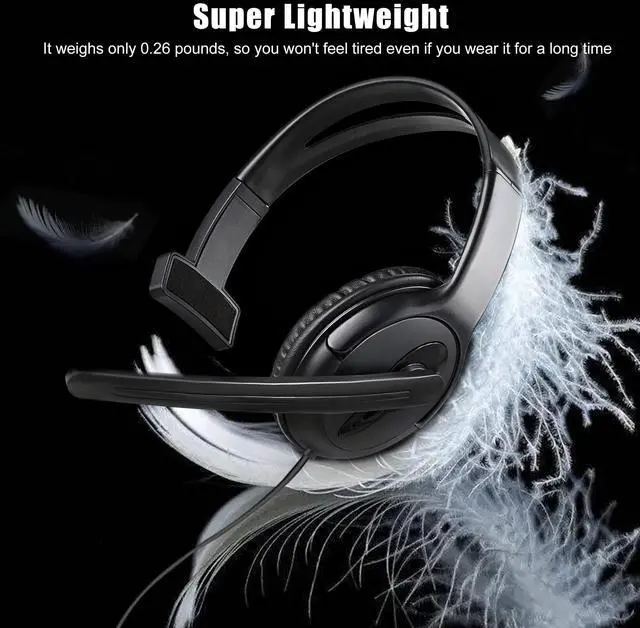
| Weight | 0.26lb |
Best Game Accessories Gifts
The perfect gaming gift for your family and friends for Christmas, Thanksgiving, and birthdays.
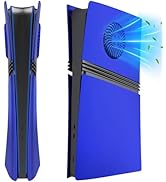
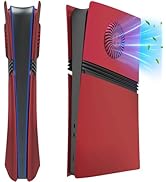
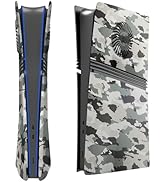
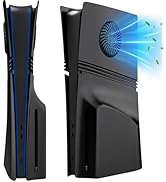
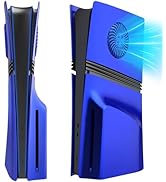
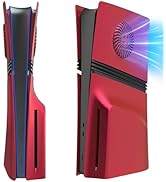
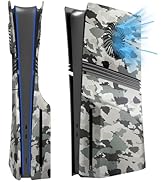
PS5 Pro Digital Edition Cover
PS5 Pro Disc Edition Faceplate
Wired One Ear Headset
For PS5/PS4/Xbox/Nintendo Switch/PC/iPhone/iPad/Mac/Tablet/Android
Keyboard and Mouse Adapter
For Nintendo Switch, Xbox Series S/X, Xbox One, PS4/PS3