here!
here!
I’m your shopping assistant for PC builds, upgrades, and everything tech.
Got questions? Ask away!
Start a conversation
here!
I’m your shopping assistant for PC builds, upgrades, and everything tech.
Got questions? Ask away!
Start a conversation
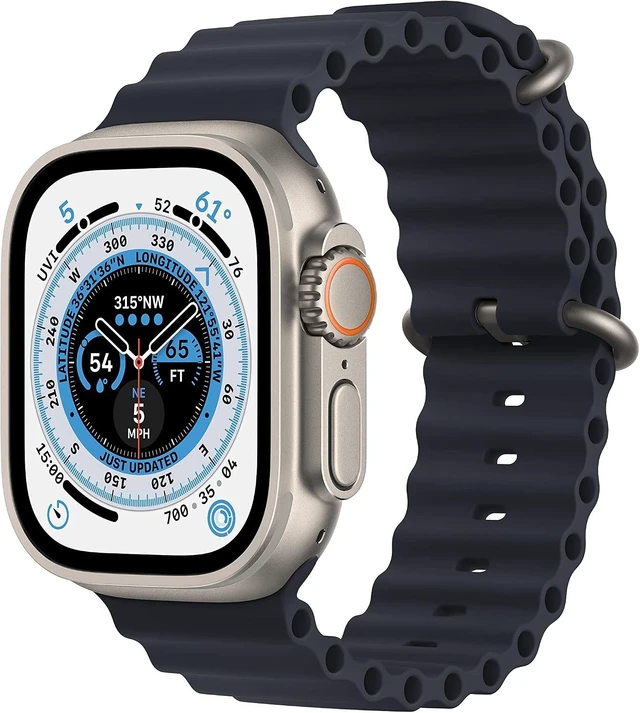
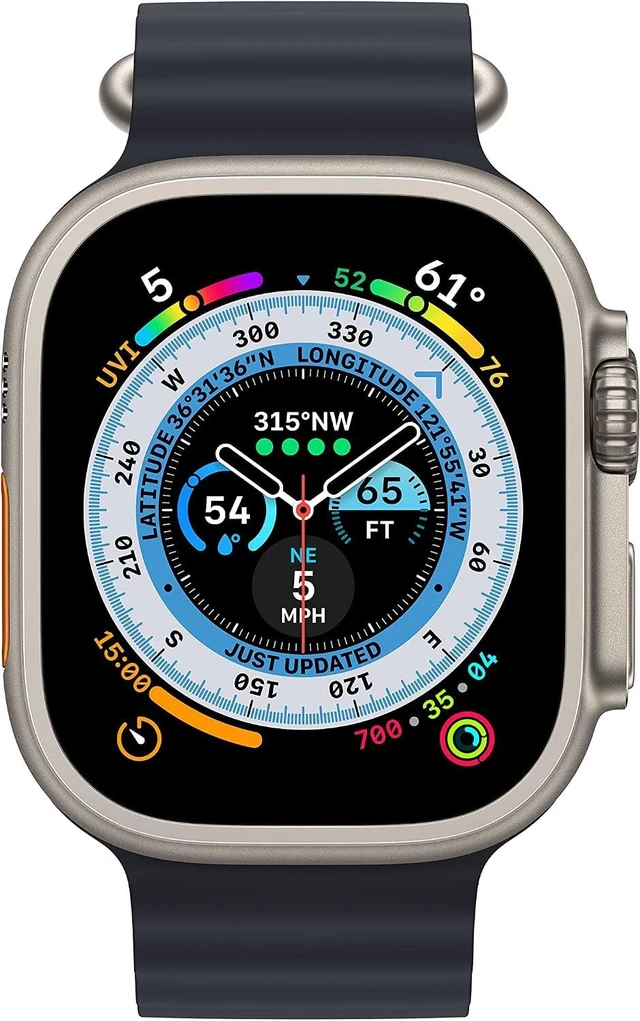
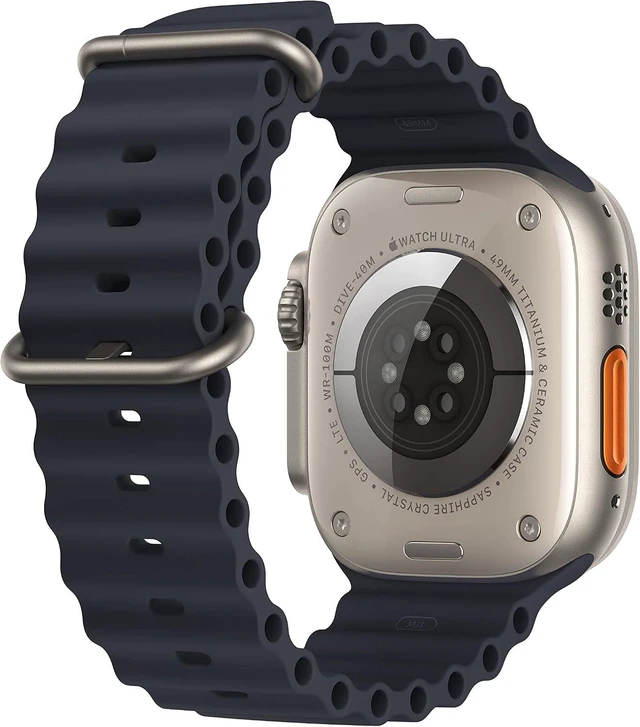


| First Listed on Newegg | September 22, 2026 |
|---|
The Apple Watch Ultra LTE 49MM Natural Titanium (Grade B) is a refurbished rugged smartwatch with an always-on Retina display, health and fitness tracking, GPS navigation, and cellular connectivity on supported plans. It suits active users, hikers, runners, and outdoor enthusiasts who want a large, durable Apple Watch.
| Attribute | Value |
|---|---|
| Best For | Outdoor activities, fitness and health tracking, GPS navigation, and staying connected through LTE cellular service |
Q: Is the Apple Watch Ultra 2 worth paying more for than this Apple Watch Ultra?
A: Choose the Apple Watch Ultra 2 if you want a brighter 3,000-nit display, the newer S9 chip, Double Tap, on-device Siri, Precision Finding, and longer low-power battery life. Choose this listed Apple Watch Ultra if the lower Grade B price is the priority and you mainly need the rugged 49mm titanium design, cellular connectivity, Action button, dual-frequency GPS, and up to 36 hours of normal-use battery life. The day-to-day experience is similar, so the upgrade is most worthwhile when the price difference is modest or the newer features matter to you.
Q: Should I buy this Apple Watch Ultra or a lighter Apple Watch Series 10?
A: Choose this Apple Watch Ultra for longer battery life, a titanium case, a flat sapphire crystal, a customizable Action button, brighter outdoor visibility, dual-frequency GPS, greater water resistance, and adventure-focused features. Choose the Apple Watch Series 10 if you prefer a thinner and lighter watch, faster charging, a more compact design, and a display that is easier to view from an angle. For everyday notifications, health tracking, and workouts, Series 10 covers more of the same core functions; the Ultra is the better fit for hiking, outdoor navigation, diving-related use, and multi-day activity.
Q: Is this Apple Watch Ultra better than a Garmin Fenix 8 for serious outdoor use?
A: Choose this Apple Watch Ultra if you use an iPhone and want cellular calling, messages, apps, payments, safety features, and a more phone-like smartwatch experience alongside fitness tracking. Choose the Garmin Fenix 8 if multi-day battery life, longer GPS sessions, structured training tools, and reduced charging frequency are more important than cellular smartwatch integration. The Apple Watch Ultra is more convenient for connected daily use, while the Garmin is better suited to extended trips and battery-first training.
Q: Should I choose this Grade B Apple Watch Ultra over a standard Apple Watch for everyday use?
A: Choose this Apple Watch Ultra when you want the largest 49mm display, titanium construction, sapphire crystal, cellular connectivity, longer battery life, and a physical Action button for workouts or navigation. Choose a standard Apple Watch when a slimmer, lighter case and faster charging are more important than rugged construction and extended battery life. Because this unit is Grade B, confirm battery health, cosmetic condition, included charger, cellular activation status, and return coverage before choosing it over a newer standard model.
Q: Can the Apple Watch Ultra LTE be used without activating a cellular plan?
A: Yes. The watch can use GPS and connect to an iPhone through Bluetooth or Wi-Fi without a cellular plan. An active, compatible LTE plan is required for calls, messages, and connected features when the iPhone is not nearby.
Q: Is this Apple Watch Ultra suitable for travel and outdoor activities?
A: Yes. It is well suited to travel and outdoor use because it combines LTE connectivity, GPS, navigation, workout tracking, a large always-on display, safety features, and a rugged titanium case. The 49mm case may feel large on smaller wrists, and LTE service depends on carrier compatibility.
Q: Is the Apple Watch Ultra good for office work, meetings, and everyday communication?
A: It is useful for glanceable notifications, activity tracking, brief communication, calls when supported, Apple Pay, and safety features. It is not a replacement for a phone or computer for extended writing, detailed documents, or full meeting work.
Q: Who is the Apple Watch Ultra LTE 49mm best suited for?
A: It is best suited for users who want a large, durable smartwatch with GPS, LTE connectivity, outdoor navigation, workout tracking, health and fitness metrics, and safety features. It may be less suitable for users who prefer a smaller watch, do not need outdoor features, or want a pristine new unit rather than Grade B condition.
Q: Does this Apple Watch Ultra measure blood pressure or blood sugar?
A: Do not assume that it measures blood pressure or blood sugar. The provided product information confirms workout, activity, heart-rate, and other health and fitness tracking, but it does not list blood-pressure or blood-sugar measurement.
Q: Is the Apple Watch Ultra LTE worth buying if I mainly want notifications, workouts, and a larger display?
A: It can be worthwhile if you value the large always-on display, rugged titanium design, longer-use outdoor features, and extended battery discussions associated with the Ultra line. For basic notifications and casual workouts, a standard Apple Watch may be a better fit because the Ultra is larger and more specialized.
Q: Is cellular service useful on the Apple Watch Ultra LTE?
A: Cellular is most useful for running, walking, workouts, errands, or emergencies when you want to leave your iPhone behind. It is less valuable if you usually carry your phone, and an additional monthly carrier fee may reduce its value.
Q: Who is the Apple Watch Ultra best suited for?
A: It is best suited for users who want a large, rugged smartwatch for outdoor activities, workouts, GPS tracking, navigation, health metrics, and safety features. It is less suitable for buyers who prefer a smaller, lighter watch or only need basic smartwatch functions.
Q: What are the main trade-offs of choosing the Apple Watch Ultra?
A: The main trade-offs are its larger case and potentially less comfortable fit for users accustomed to smaller watches. The LTE version can also add cellular-plan costs and may use more battery when operating away from the iPhone, especially during calls, workouts, or weak-signal conditions.
Q: Can the Apple Watch Ultra LTE replace carrying an iPhone during workouts or short outings?
A: For supported cellular coverage, it can handle calls, messages, notifications, GPS tracking, and some connected services without the iPhone nearby. It does not fully replace an iPhone because it has a smaller interface and lacks phone functions such as a camera.