here!
here!
I’m your shopping assistant for PC builds, upgrades, and everything tech.
Got questions? Ask away!
Start a conversation
here!
I’m your shopping assistant for PC builds, upgrades, and everything tech.
Got questions? Ask away!
Start a conversation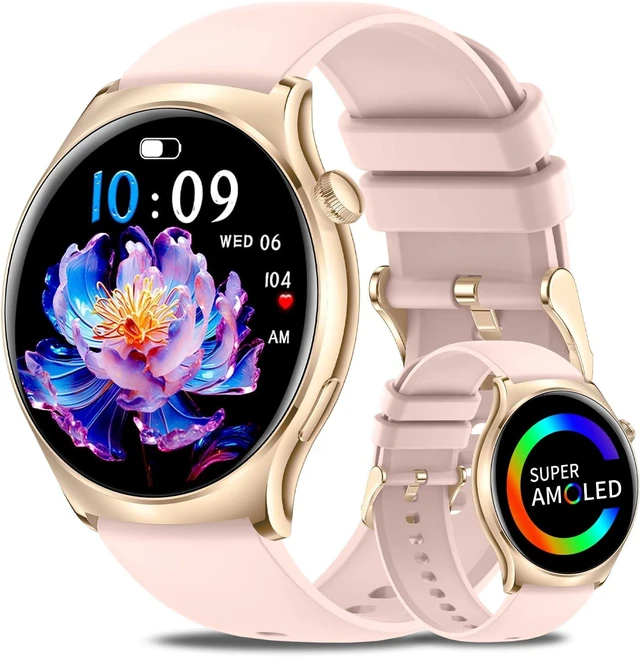



Any questions? Ask CelesteSM will help you find out quickly.
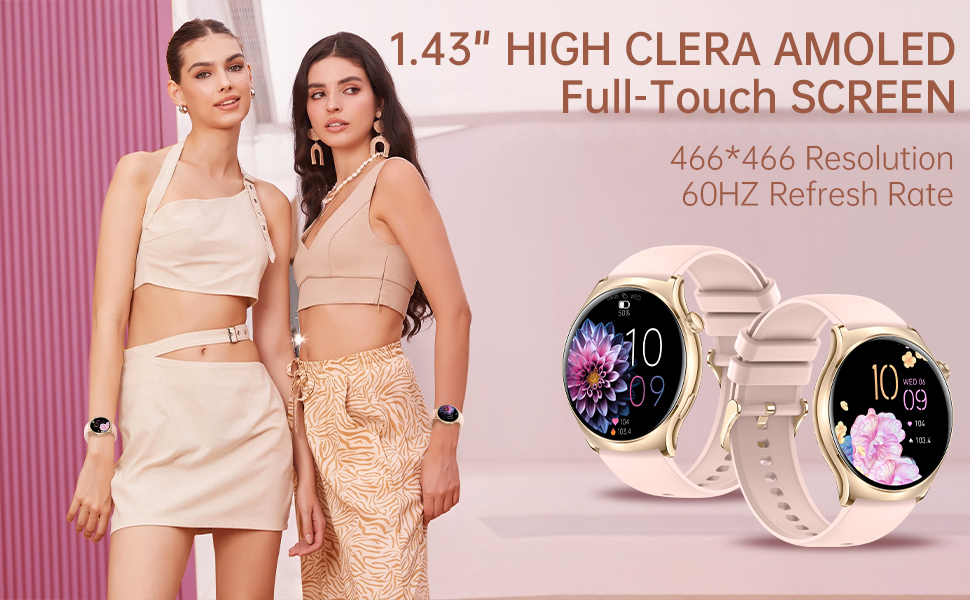
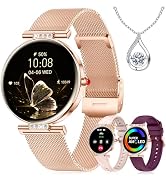
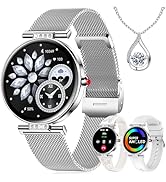
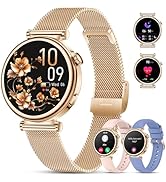
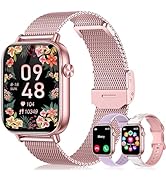
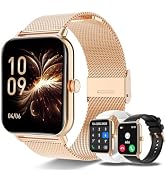
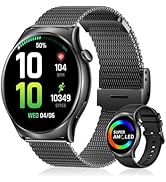
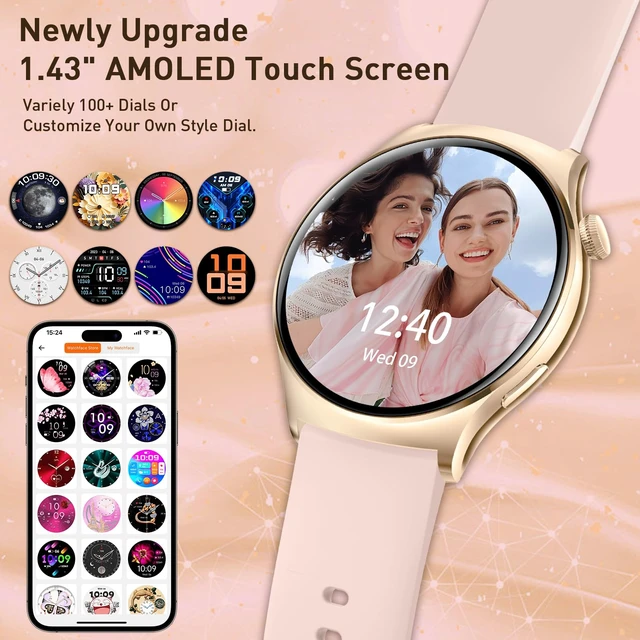
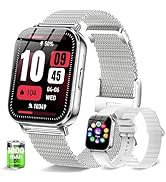
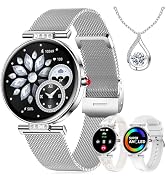
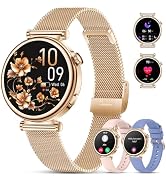
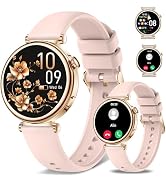
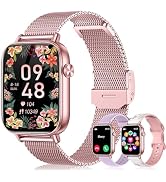
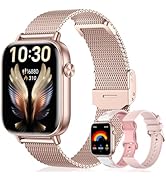
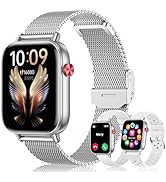
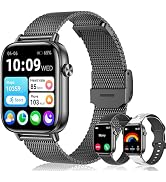
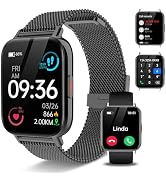
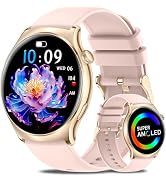
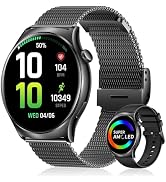
Our smart watches for women features a 1.43-inch AMOLED HD always-on design, making it easy to read in any environment.
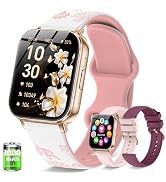
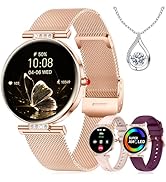
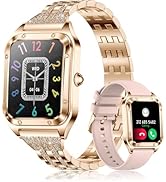
The ultra-slim case pairs with a 22mm lightweight, durable nylon woven strap and a skin-friendly silicone strap.
This female smart watch is suitable for various outfits and occasions, whether you're at the gym or in the office, the iPhone smart
watch sets you apart. It's the perfect gift choice for Christmas, Valentine's Day, Thanksgiving, and Birthdays(come with 2 pink Silicone Strap).
How do I turn on the watch for the first time ?
1. Please charge to activate the watch before first use.
2. Long press the function button to turn on the watch.
3. In order to better use the watch in the future, you need to tear the protective film before and after the watch.
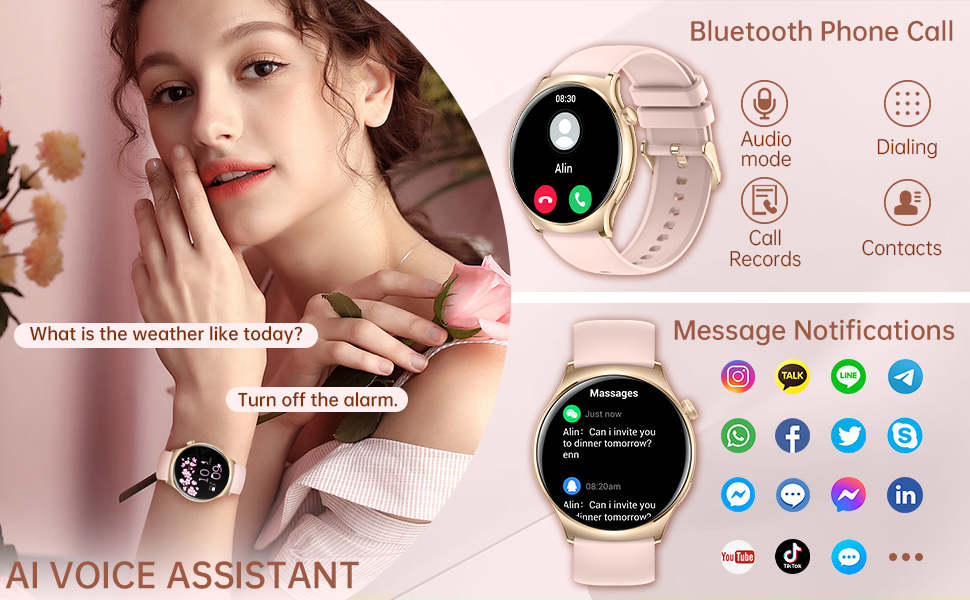
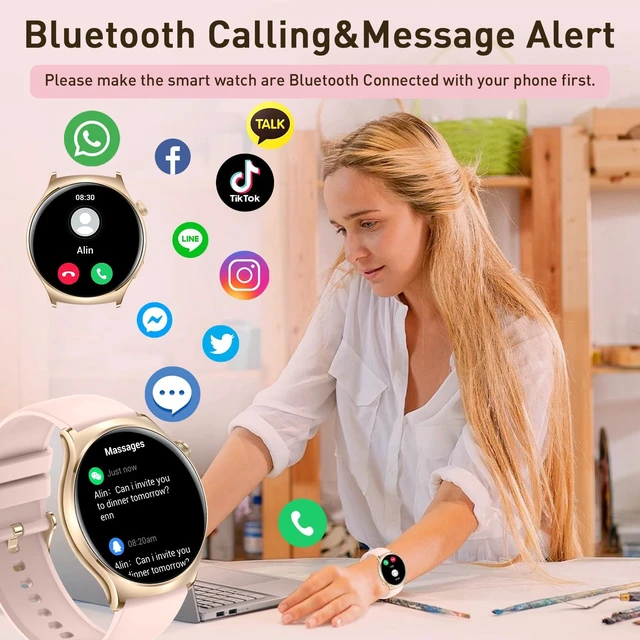
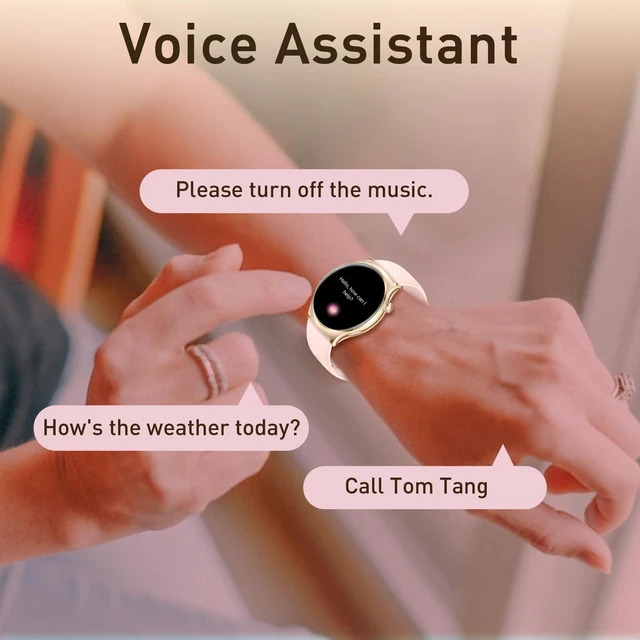
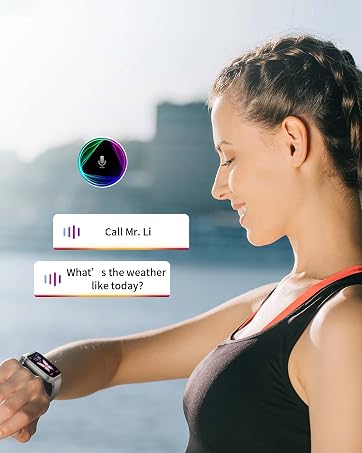
The Bluetooth smart watches for women feature a built-in microphone and HD speaker, allowing you to answer and make calls via Bluetooth connection. It can sync contact information and store call records. You can also receive real-time notifications from social platforms like SMS, WhatsApp, Facebook, and Instagram, ensuring you never miss any important calls or messages. it's compatible with voice assistants for simplified operation
Q: What to do if can’t receive notification of incoming calls/SMS?
Note: The smart watch only supports make/answer calling and message content but doesn't support replying to messages.
For iPhone:
1. Make sure the Bluetooth is connected.
2. Make sure your phone allows the FitCloudPro app to send notifications (Go to your phone settings-->Find the “FitCloudPro” app -->Switch on “Notifications”)
3.Make sure you have turned on "Push Notifications" on the FitCloudPro app (Go to the FitCloudPro app--> Device--> Click the “Push Notifications”--> Switch on all the application you need.)
For Android:
1. Make sure the FitCloudPro app is running in background ( Go to your phone settings-->Apps --> Find “FitCloudPro” app--> Launch settings--> Switch on “Run in background”.
2. Make sure your phone allows the FitCloudPro app to send notifications (Go to your phone settings--> Apps-->Find the “FitCloudPro” app -->Switch on “Allow Notifications” and “Permissions”)
3. Make sure you have turned on "Push Notifications" on the FitCloudPro app (Go to the FitCloudPro app--> Device--> Click the “Push Notifications”--> Switch on all the application you need.)
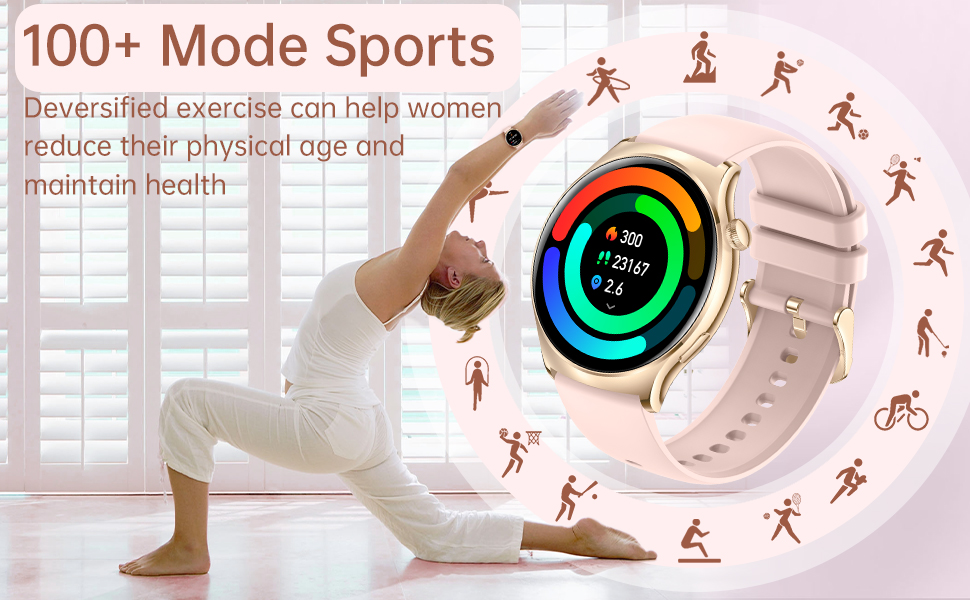
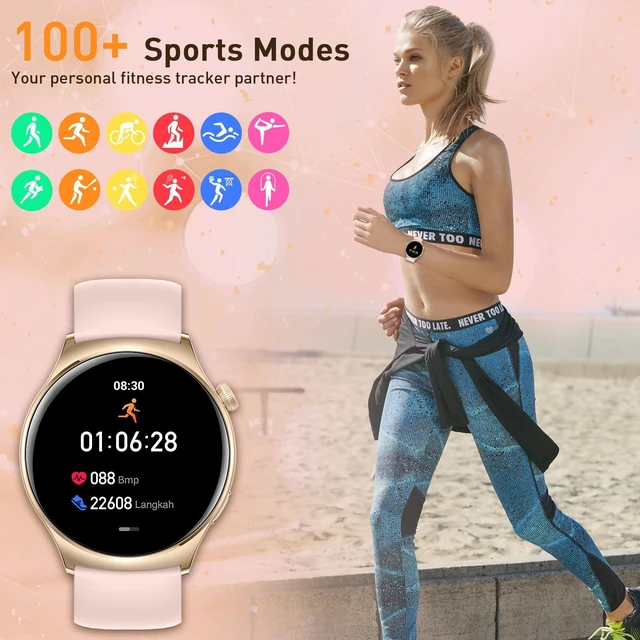
The fitness watch with phone function accurately records all-day activities such as steps, distance, calories burned. The fitness watch supports 100+ sports modes (walking, running, cycling, climbing, etc.) and helps you develop good exercise habits. IP68 waterproof, no more worries about hand washing and rainy days.
Q: What to do if can’t correctly tracking steps?
1. Please check that you have provided accurate information about gender, age, height, and weight when setting up the FitCloudPro app. The wrong information will affect the calculation of the acceleration sensor.
2. Please test whether raising the wrist to activate the screen is functional.
3. If the above reasons are ruled out, and the error of the exercise pedometer is more than 5% or the error of the daily life pedometer is more than 10%, then it may be the fault of the acceleration sensor. Please con tact us for help.
4. Please note if the body frequently moves during sleep (such as sleep turning or frequently getting up and going back to bed), it is possible to generate step data.
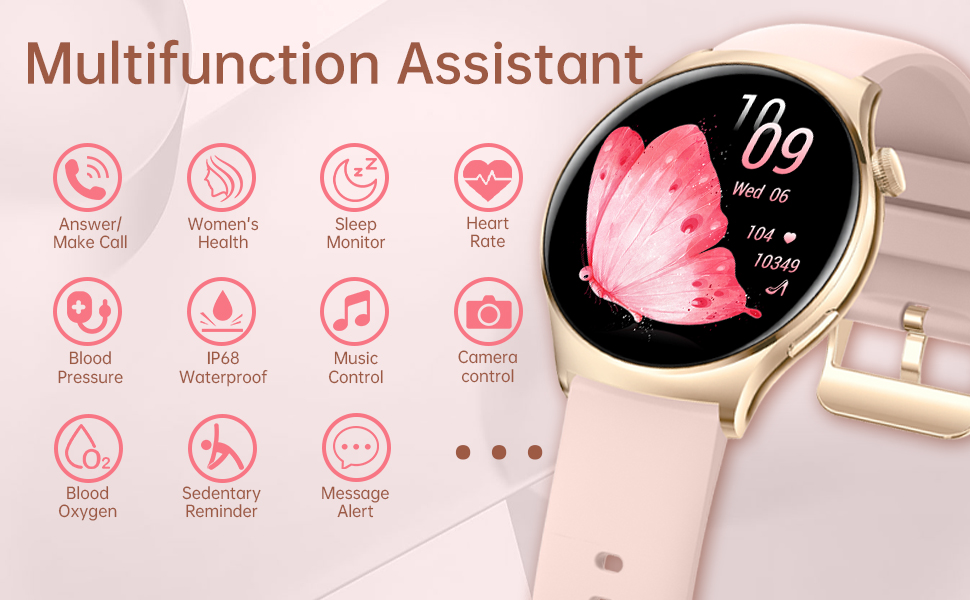
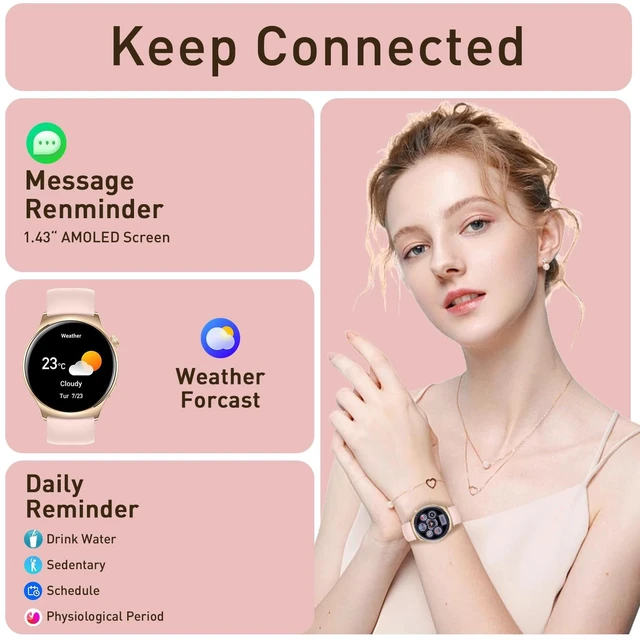
This women's waterproof smart watch offers various functions, such as a calendar, calculator, music playback and control, camera control, drinking reminders, sedentary reminders, flashlight, alarm, timer, stopwatch, and breathing training, serving as your life assistant. The FitCloudPro app offers 200+ watch face styles for your selection and allows you to customize watch faces with your photos for true personalization
Warm tips:
1.Through the App, you can change the format from 12 Hour to 24 Hour.
2.Please don't connect the fast charging plug when using the charging cable, which may cause damage to the watch charger due to overcharging.
3.Please do not exceed 8-10 meters from the distance between your phone and smart watch.
4.Please wear the watch 1.5–2.5 cm below the wrist bone and adjust the strap not too tight or too loose to ensure a dry, breathable, and comfortable experience when your skin touches the device.
Warm Tips:
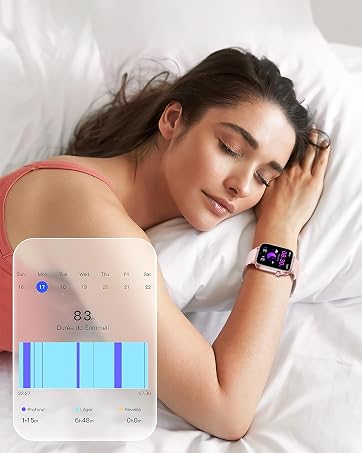
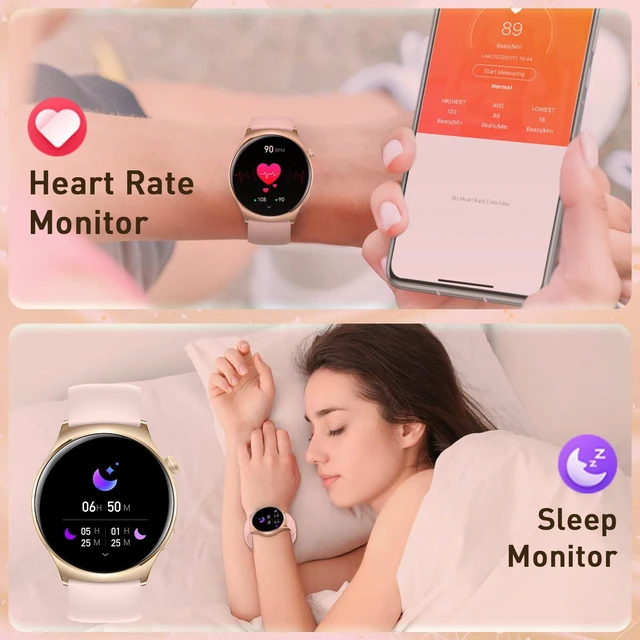
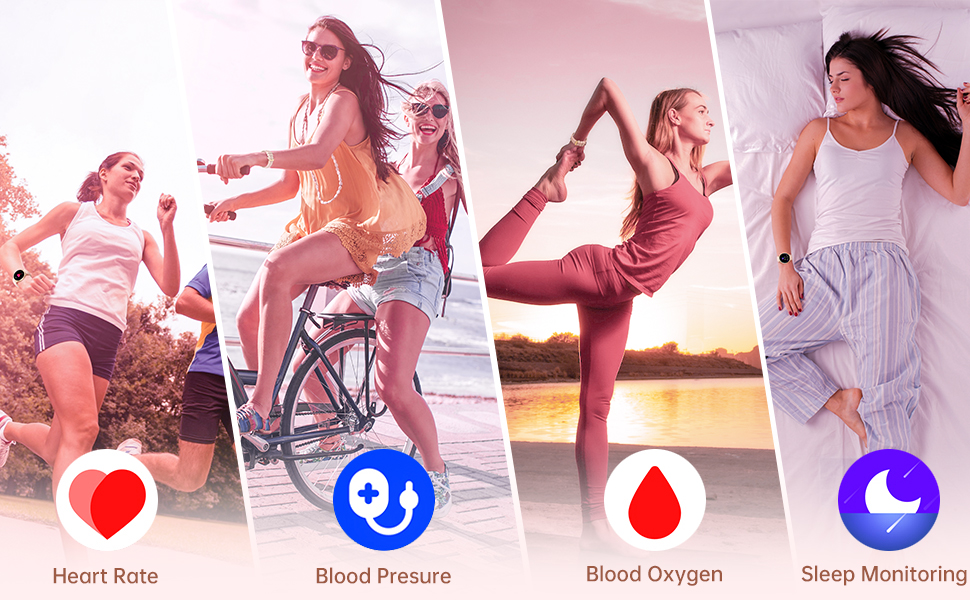
The blood pressure&blood oxygen&heart rate&sleep monitoring data of this smartwatch are for reference only and cannot be used for medical purposes. If you need medical help, please contact a professional doctor.
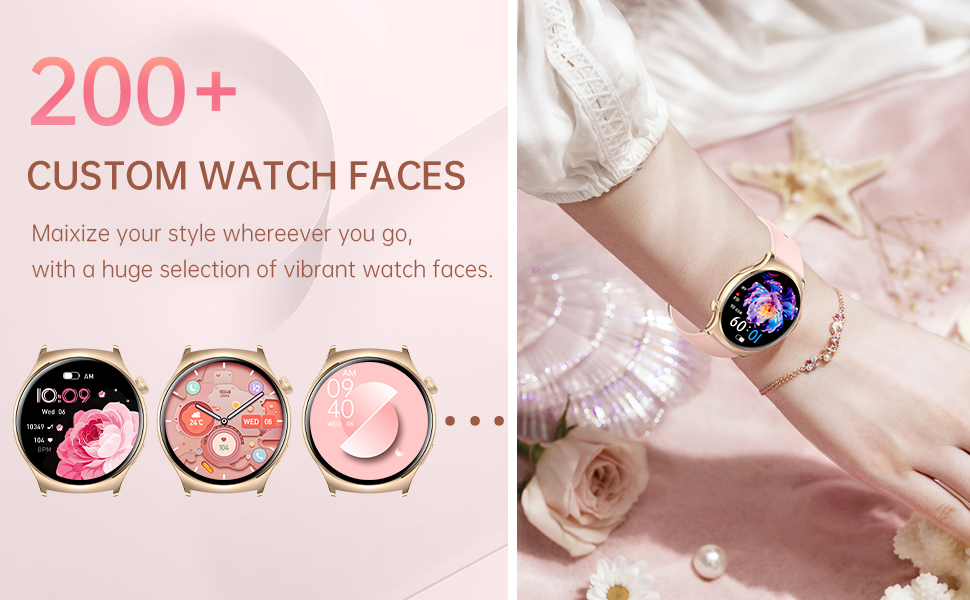
Q3: How to customize your own picture?
A4:Go to the app > Device> Dial Library > Dial Center > Click the first green picture > Background > Click "+" > Select your own picture
DIY your favorite watch faces:The Smart Watch with 200 free watch faces ,you can choose your like to setting as your watch dial , also and you can own picture as your background at any time.
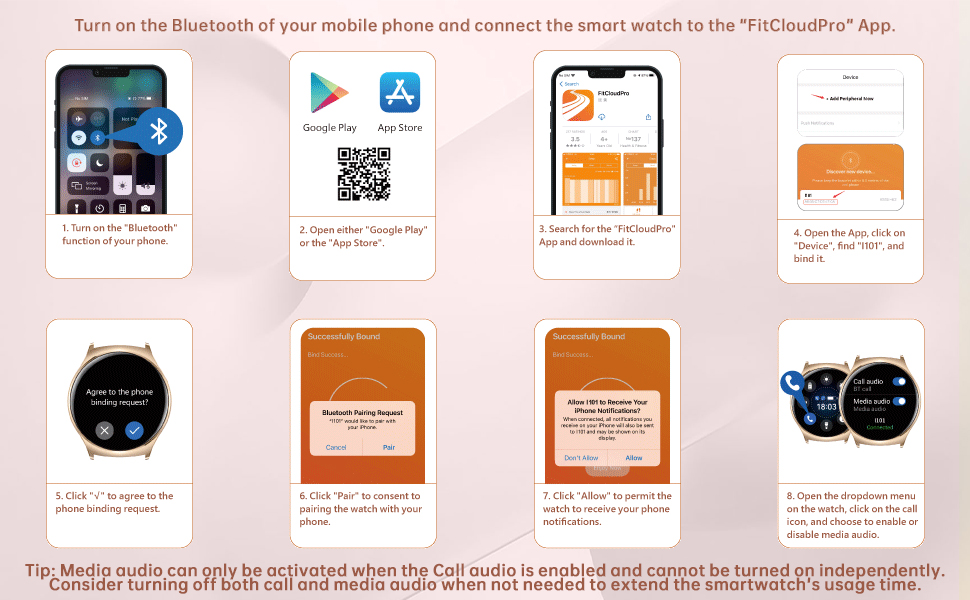
Q: What to do if can't connect to the phone or always get disconnected?
1. Check whether the mobile phone and smartwatch are within the Bluetooth communication range, and close the distance.
2. Check whether the Bluetooth of your mobile phone is turned on, and whether the smartwatch has turned on the Bluetooth communication function.
3. Turn off the Bluetooth connection of the mobile phone and smartwatch and restart the connection, you can try to restart the mobile phone or smartwatch.
4. check whether the APP version on your phone or smartwatch needs to be upgraded, if it needs to be upgraded, you can use the upgrade function to update it.
5. If none of the above methods can solve the problem, you can try to reset the smartwatch to factory settings and reconnect the Bluetooth.

Always On. Always Accurate.

HXQHSTBG — More than a watch, it’s a promise.
Wear it to master every side of your life:
On the yoga mat, your silent coach tracking breath and strength.
In meetings: your reliable assistant capturing every key moment.
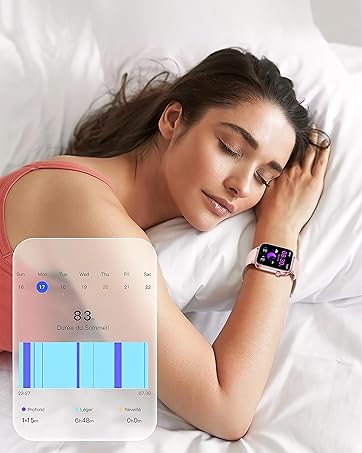
During late-night solitude: your intimate companion monitoring sleep and stress.
On the trail: your fully-powered adventure companion.
Your story, recorded without interruption. Every side of you, powered fully.
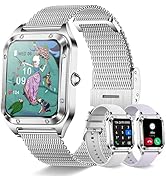
Our smart watches for women features a 1.43-inch AMOLED HD always-on design, making it easy to read in any environment.
The ultra-slim case pairs with a 22mm lightweight, durable nylon woven strap and a skin-friendly silicone strap.
This female smart watch is suitable for various outfits and occasions, whether you're at the gym or in the office, the iPhone smart
watch sets you apart. It's the perfect gift choice for Christmas, Valentine's Day, Thanksgiving, and Birthdays(come with 2 pink Silicone Strap).
How do I turn on the watch for the first time ?
1. Please charge to activate the watch before first use.
2. Long press the function button to turn on the watch.
3. In order to better use the watch in the future, you need to tear the protective film before and after the watch.
The Bluetooth smart watches for women feature a built-in microphone and HD speaker, allowing you to answer and make calls via Bluetooth connection. It can sync contact information and store call records. You can also receive real-time notifications from social platforms like SMS, WhatsApp, Facebook, and Instagram, ensuring you never miss any important calls or messages. it's compatible with voice assistants for simplified operation
Q: What to do if can’t receive notification of incoming calls/SMS?
Note: The smart watch only supports make/answer calling and message content but doesn't support replying to messages.
For iPhone:
1. Make sure the Bluetooth is connected.
2. Make sure your phone allows the FitCloudPro app to send notifications (Go to your phone settings-->Find the “FitCloudPro” app -->Switch on “Notifications”)
3.Make sure you have turned on "Push Notifications" on the FitCloudPro app (Go to the FitCloudPro app--> Device--> Click the “Push Notifications”--> Switch on all the application you need.)
For Android:
1. Make sure the FitCloudPro app is running in background ( Go to your phone settings-->Apps --> Find “FitCloudPro” app--> Launch settings--> Switch on “Run in background”.
2. Make sure your phone allows the FitCloudPro app to send notifications (Go to your phone settings--> Apps-->Find the “FitCloudPro” app -->Switch on “Allow Notifications” and “Permissions”)
3. Make sure you have turned on "Push Notifications" on the FitCloudPro app (Go to the FitCloudPro app--> Device--> Click the “Push Notifications”--> Switch on all the application you need.)
The fitness watch with phone function accurately records all-day activities such as steps, distance, calories burned. The fitness watch supports 100+ sports modes (walking, running, cycling, climbing, etc.) and helps you develop good exercise habits. IP68 waterproof, no more worries about hand washing and rainy days.
Q: What to do if can’t correctly tracking steps?
1. Please check that you have provided accurate information about gender, age, height, and weight when setting up the FitCloudPro app. The wrong information will affect the calculation of the acceleration sensor.
2. Please test whether raising the wrist to activate the screen is functional.
3. If the above reasons are ruled out, and the error of the exercise pedometer is more than 5% or the error of the daily life pedometer is more than 10%, then it may be the fault of the acceleration sensor. Please con tact us for help.
4. Please note if the body frequently moves during sleep (such as sleep turning or frequently getting up and going back to bed), it is possible to generate step data.
This women's waterproof smart watch offers various functions, such as a calendar, calculator, music playback and control, camera control, drinking reminders, sedentary reminders, flashlight, alarm, timer, stopwatch, and breathing training, serving as your life assistant. The FitCloudPro app offers 200+ watch face styles for your selection and allows you to customize watch faces with your photos for true personalization
Warm tips:
1.Through the App, you can change the format from 12 Hour to 24 Hour.
2.Please don't connect the fast charging plug when using the charging cable, which may cause damage to the watch charger due to overcharging.
3.Please do not exceed 8-10 meters from the distance between your phone and smart watch.
4.Please wear the watch 1.5–2.5 cm below the wrist bone and adjust the strap not too tight or too loose to ensure a dry, breathable, and comfortable experience when your skin touches the device.
Warm Tips:
The blood pressure&blood oxygen&heart rate&sleep monitoring data of this smartwatch are for reference only and cannot be used for medical purposes. If you need medical help, please contact a professional doctor.
Q3: How to customize your own picture?
A4:Go to the app > Device> Dial Library > Dial Center > Click the first green picture > Background > Click "+" > Select your own picture
DIY your favorite watch faces:The Smart Watch with 200 free watch faces ,you can choose your like to setting as your watch dial , also and you can own picture as your background at any time.
Q: What to do if can't connect to the phone or always get disconnected?
1. Check whether the mobile phone and smartwatch are within the Bluetooth communication range, and close the distance.
2. Check whether the Bluetooth of your mobile phone is turned on, and whether the smartwatch has turned on the Bluetooth communication function.
3. Turn off the Bluetooth connection of the mobile phone and smartwatch and restart the connection, you can try to restart the mobile phone or smartwatch.
4. check whether the APP version on your phone or smartwatch needs to be upgraded, if it needs to be upgraded, you can use the upgrade function to update it.
5. If none of the above methods can solve the problem, you can try to reset the smartwatch to factory settings and reconnect the Bluetooth.
Always On. Always Accurate.
HXQHSTBG — More than a watch, it’s a promise.
Wear it to master every side of your life:
On the yoga mat, your silent coach tracking breath and strength.
In meetings: your reliable assistant capturing every key moment.
During late-night solitude: your intimate companion monitoring sleep and stress.
On the trail: your fully-powered adventure companion.
Your story, recorded without interruption. Every side of you, powered fully.