




 here!
here!
I’m your shopping assistant for PC builds, upgrades, and everything tech.
Got questions? Ask away!
Start a conversation
here!
I’m your shopping assistant for PC builds, upgrades, and everything tech.
Got questions? Ask away!
Start a conversation
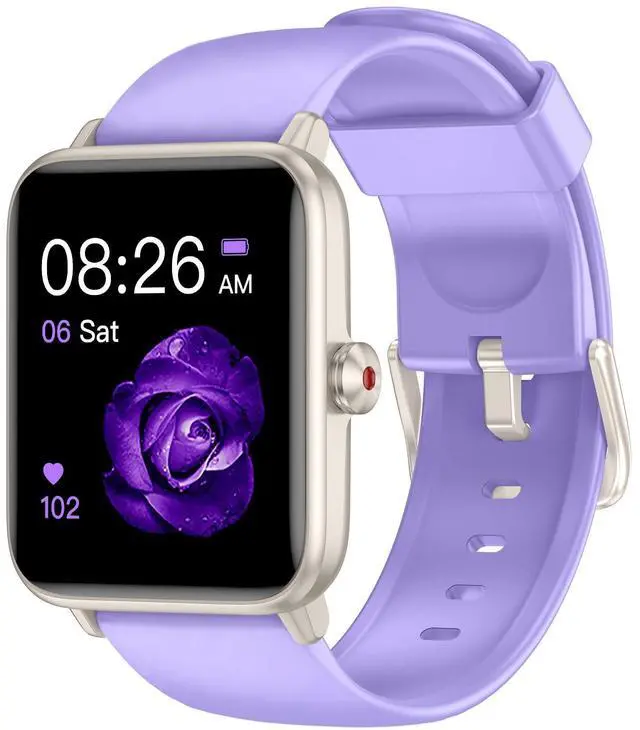
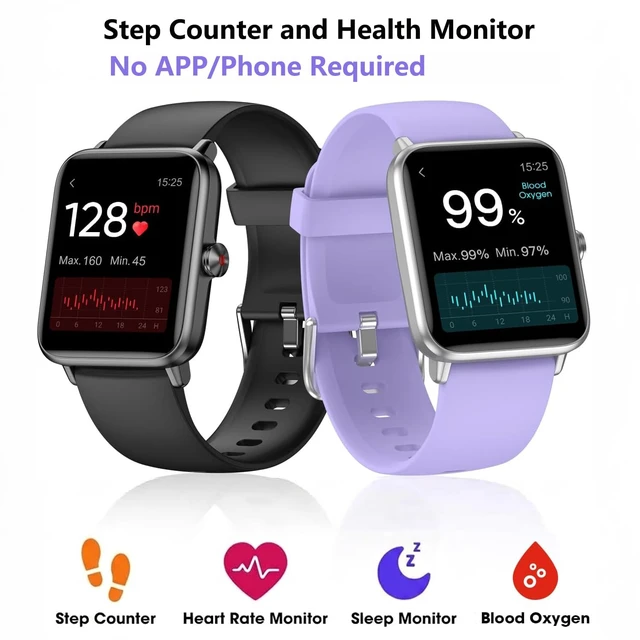
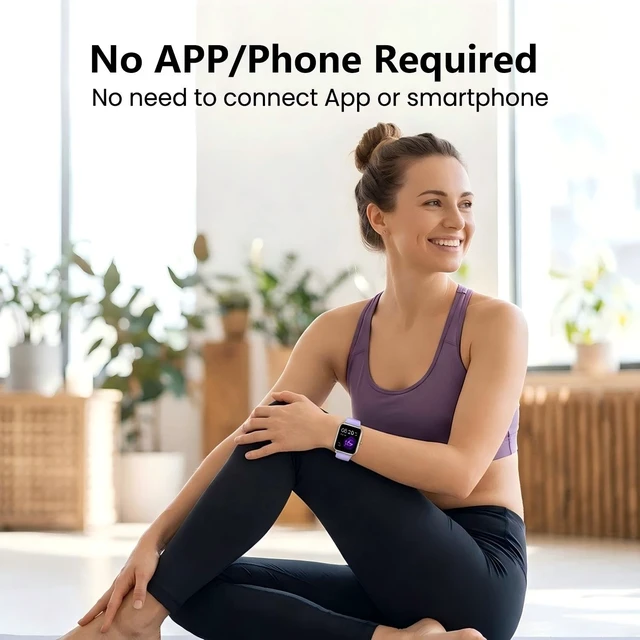
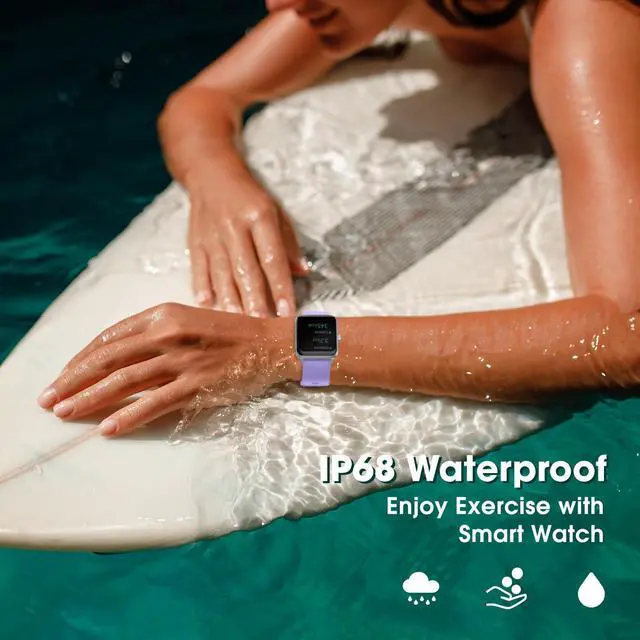
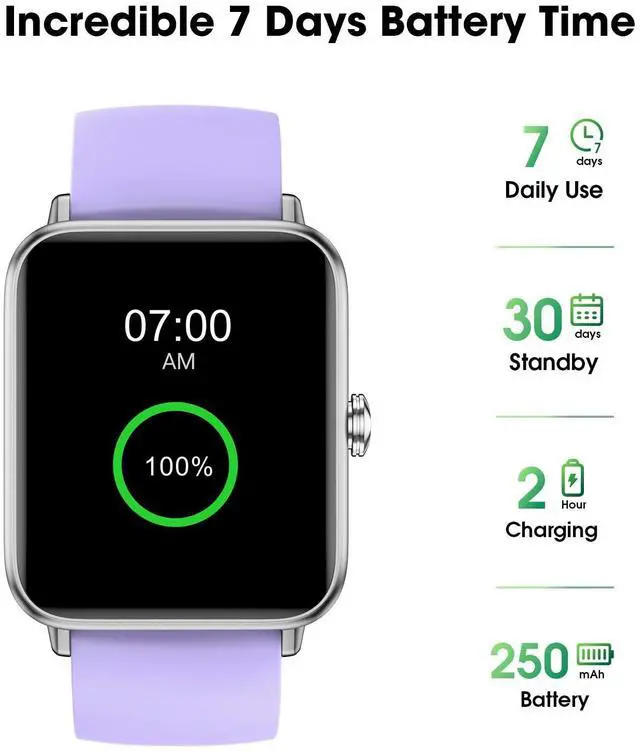
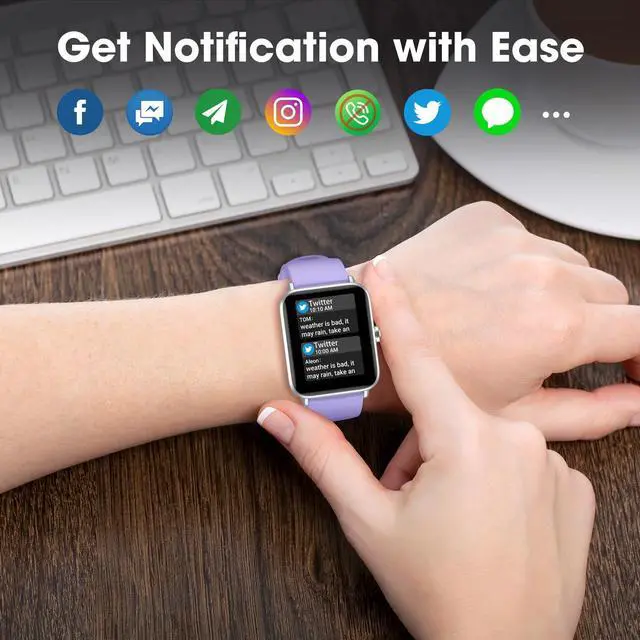
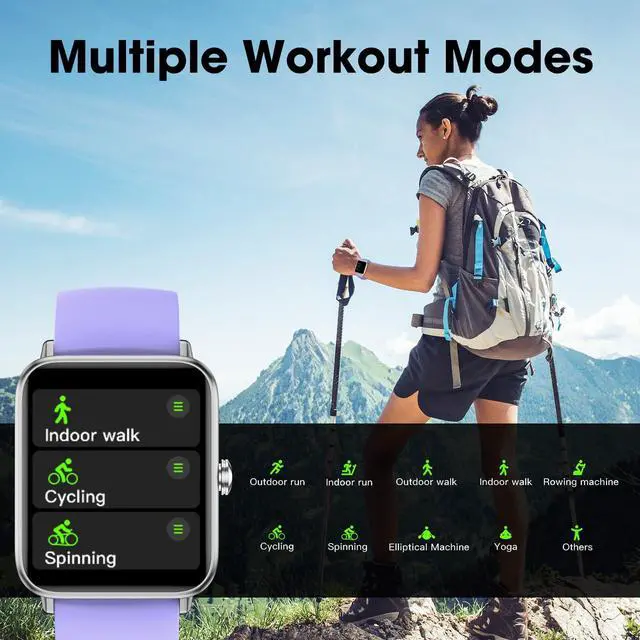



Any questions? Ask CelesteSM will help you find out quickly.


Q1: How to activate smart watch?
A: 1. Please download our app by scanning the QR code in our quick start guide, or download by searching the app. (App Store or Google Play)
2. Use the APP to scan the QR code displayed on the watch to pair, or search for this device in the APP for pairing (go to the "Device" page ? "Pairing Device")
Q2: How to fix if smartwatch fails to pair or keeps disconnecting?
A: 1. Please make sure that your smartwatch Bluetooth is enable and is not paired with other smart watches
2. Please restart the phone and reset the watch (Turn on the watch--Click the “Settings”--“System Settings”--“Reset”), then connect the smartwatch again.
3. Check smartphone bluetooth device list, select connected device model and tap icon of i then click Forget This Device" and pair again.
Q3: How to enable notifications on smart watch?
A: 1. Go to your smartphone settings, find Fitdock App, enable location and all notifications.
2. Please open App and go to "Device" page when paired. Then turn on "Notification Alerts" and choose to turn on or off the App that are allowed to receive notifications. Please note: when you turn on "Do Not Disturb" on your watch or APP, you will not receive notifications on the watch.
NOTE: The watch cannot Make message, Calls, or Text Back, Bluetooth distance 8-10 meters
Q1: How to activate smart watch?
A: 1. Please download our app by scanning the QR code in our quick start guide, or download by searching the app. (App Store or Google Play)
2. Use the APP to scan the QR code displayed on the watch to pair, or search for this device in the APP for pairing (go to the "Device" page ? "Pairing Device")
Q2: How to fix if smartwatch fails to pair or keeps disconnecting?
A: 1. Please make sure that your smartwatch Bluetooth is enable and is not paired with other smart watches
2. Please restart the phone and reset the watch (Turn on the watch--Click the “Settings”--“System Settings”--“Reset”), then connect the smartwatch again.
3. Check smartphone bluetooth device list, select connected device model and tap icon of i then click Forget This Device" and pair again.
Q3: How to enable notifications on smart watch?
A: 1. Go to your smartphone settings, find Fitdock App, enable location and all notifications.
2. Please open App and go to "Device" page when paired. Then turn on "Notification Alerts" and choose to turn on or off the App that are allowed to receive notifications. Please note: when you turn on "Do Not Disturb" on your watch or APP, you will not receive notifications on the watch.
NOTE: The watch cannot Make message, Calls, or Text Back, Bluetooth distance 8-10 meters



