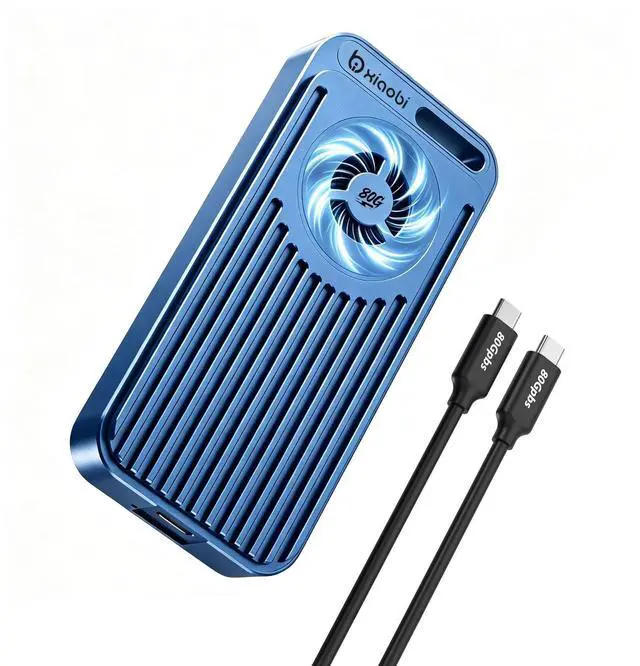
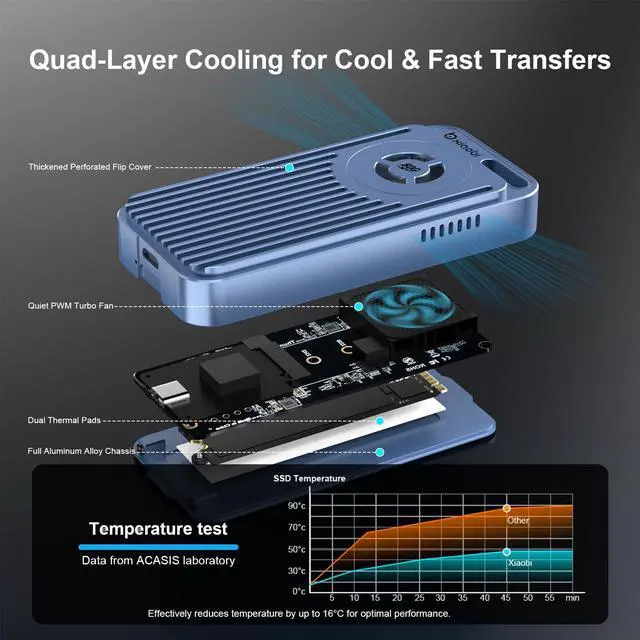
80Gbps SSD EnclosureThis Xiaobi M. 2 NVMe SSD enclosure delivers excellent performance and reliability. Setup was quick, and it connected seamlessly to my Thunderbolt 5/USB4 laptop with no drivers required. The cooling fan keeps temperatures down under load, which is great for sustained transfers. Speeds are very high and consistent perfect for large file backups, video editing, or expanded storage on the go.
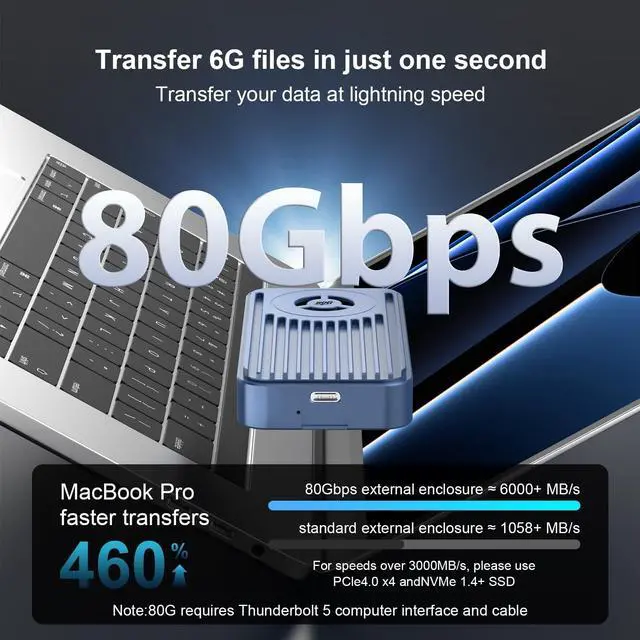
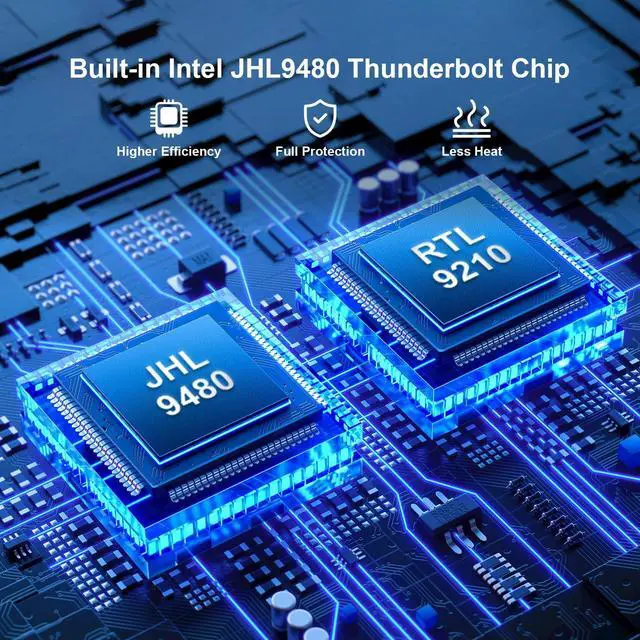
Note: Thunderbolt 3 system may not be fully Compatible with Thunderbolt 5 and may default to USB speed of 10Gbps. ^^ High-Speed Transfer RateThis Xiaobi 80Gbps NVMe enclosure adopts the smart chips of RTL9210 and JHL9480, which can provide up to 80Gbps bandwidth, transferring 6G files in 1 just second. To achieve speeds over 3000MB/s, use an SSD with PCle 4.0 x 4 and NVMe 1.4 or higher.
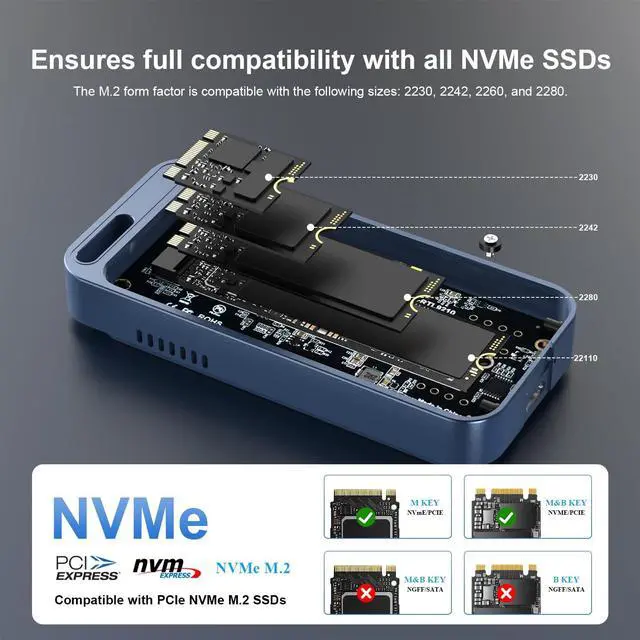
Note: 80Gbps requires Thunderbolt 5 port and cable. Actual speed varies by connected devices and SSD ^^ Active Cooling FanThe built-in fan of this M. 2 adapter starts at 40C and there won't be any noticeable noise. Actively prevents thermal throttling, ensuring stability during intensive workloads and extending the lifespan of NVMe SSDs. ^^ 8TB Capacity SupportNVMe USB adapter supports NVMe M. 2 SSDs up to 8TB (2280/2260/2242/2230).
Note: It is not compatible with mobile phones. For tablets typically can support up to 2TB SSDs, for iPads can recognize up to 8TB SSDs. ^^ Plug & Play, No Drivers NeededJust connect and gosimple setup lets you focus on your work without delays.
Precautions before use: Initialization of new
SSD: If the new SSD cannot be recognized, please use the "Disk Management" tool to finish disk initialization.
Formatting when detecting problems: If the SSD cannot be detercted, please use the "Disk Management" tool to format it.
Mac OS format set: When using under Mac OS, it is recommended to format the SSD to exFAT for the best compatibility.