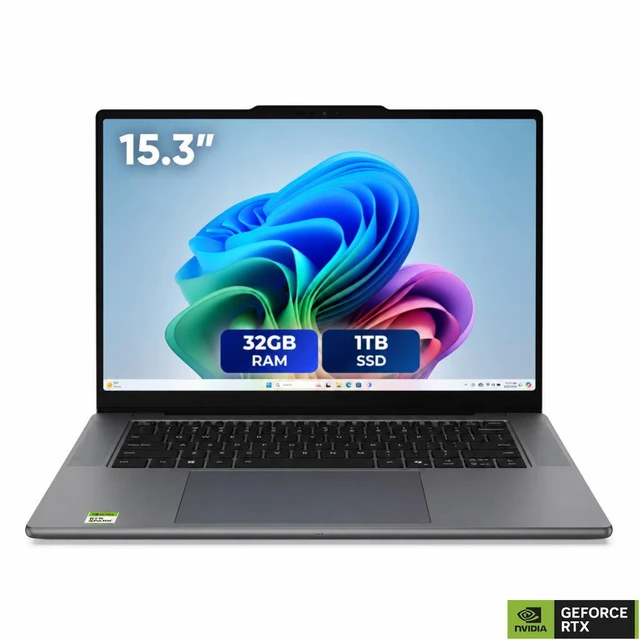
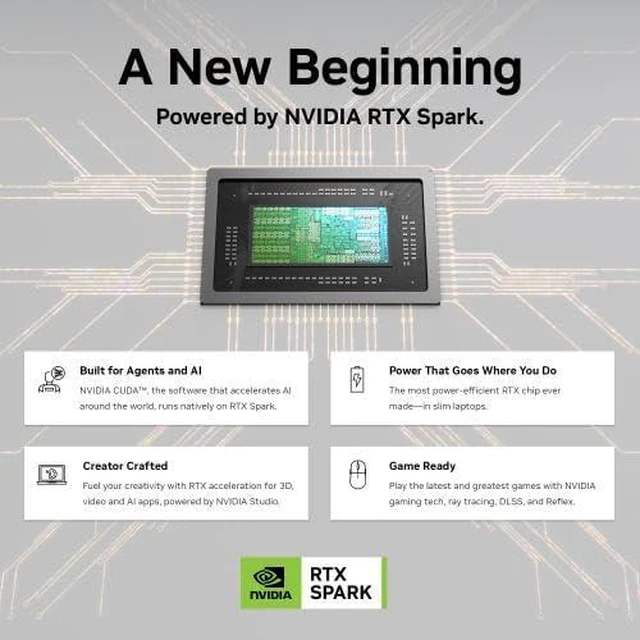
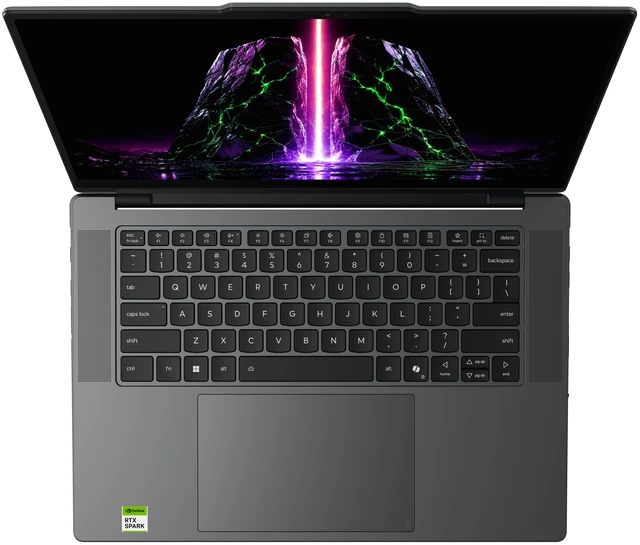
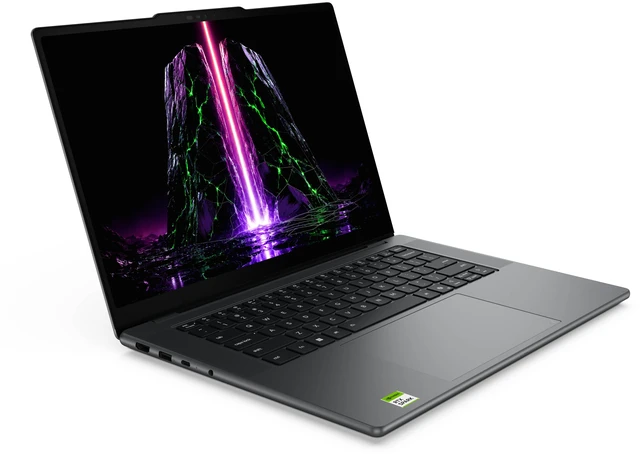
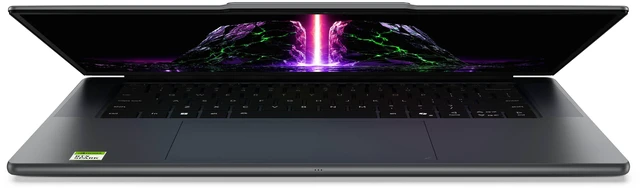
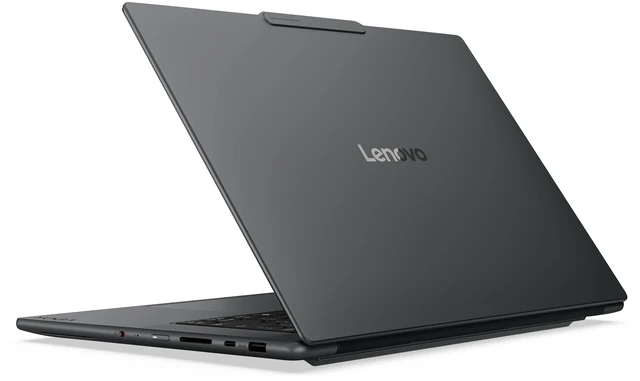
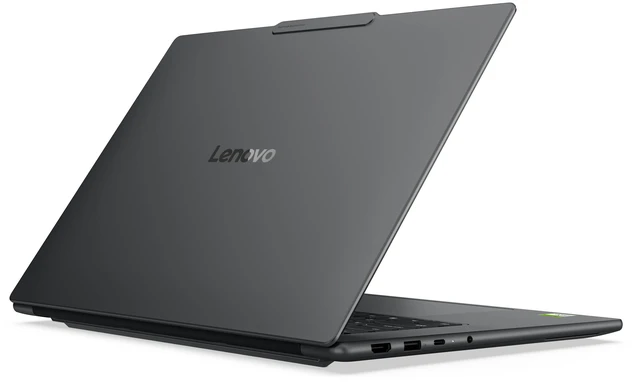
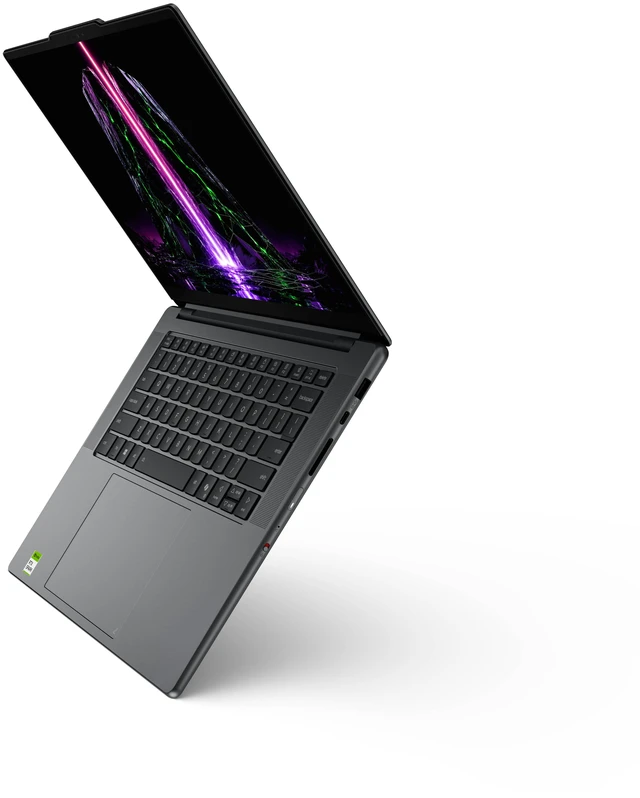
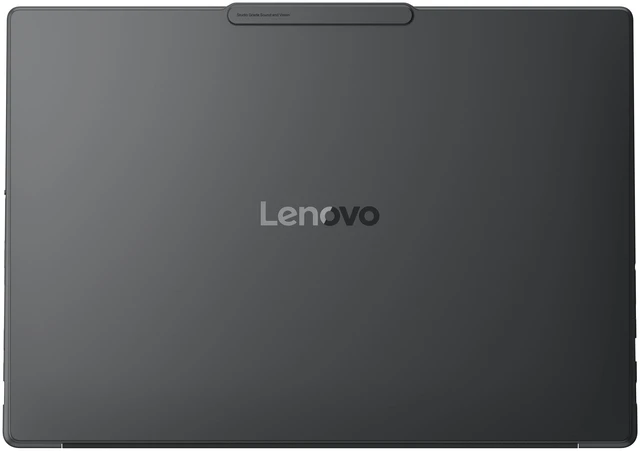
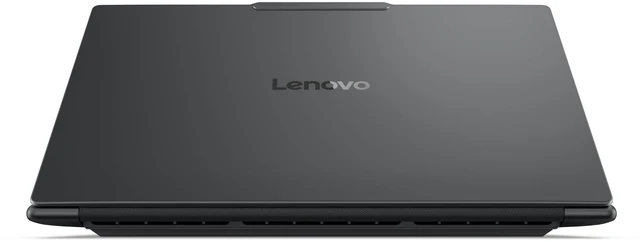
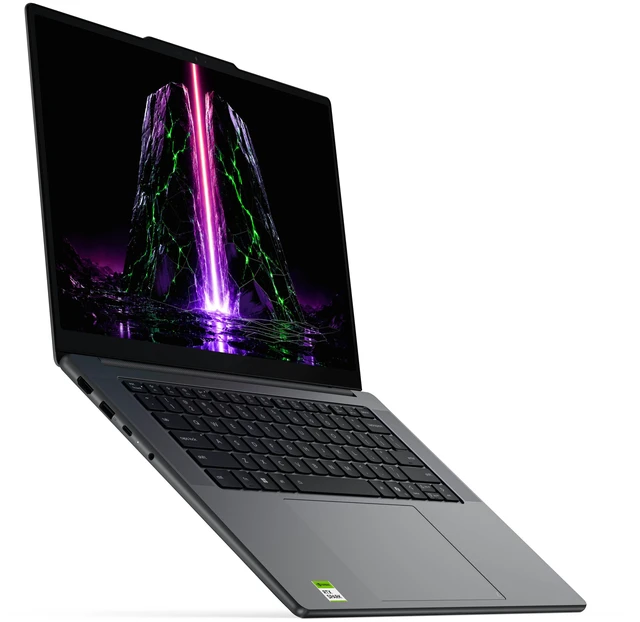
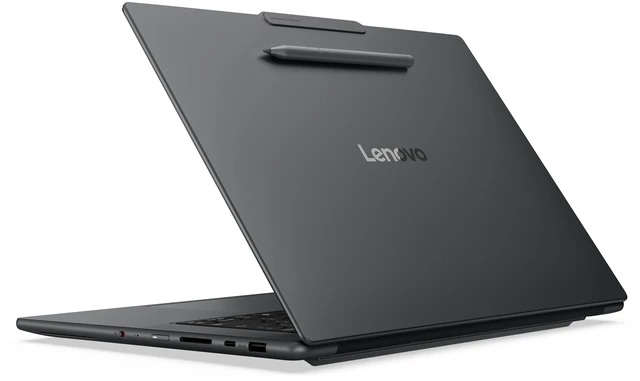
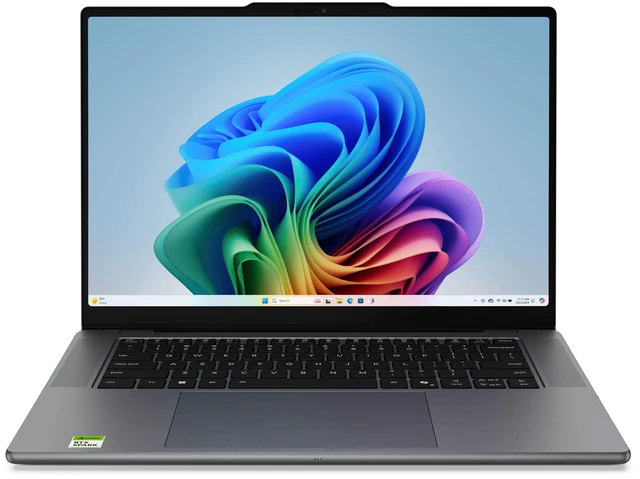
The Lenovo Pro 9n is a 15.3-inch Windows 11 laptop powered by NVIDIA RTX Spark N1X, with an 18-core CPU, 5120-core Blackwell GPU, 32GB memory, and 1TB SSD. It suits creators, developers, and AI users who want capable local computing for creative work, coding, and AI tasks.
Recommended For
- AI developers who want to prototype or run supported CUDA-based models and agents locally, especially when keeping data on-device is important; the 32GB shared-memory configuration suits lighter local workloads better than the largest models.
- Creators who edit video, work with 3D or graphics applications, and want an OLED screen for detailed, color-focused work alongside RTX-accelerated tools.
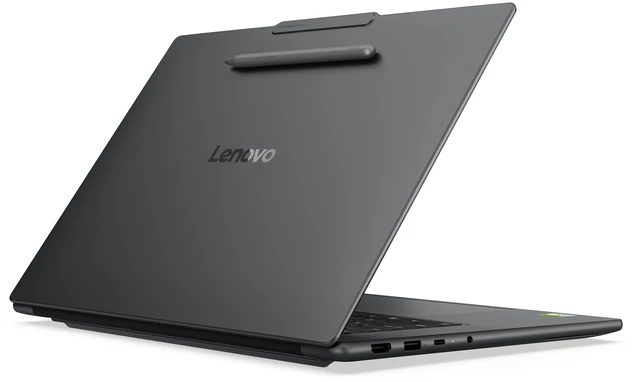
- Writers, illustrators, and note-takers who want to sketch or annotate with a pen while working on a laptop; the pen works on the haptic touchpad rather than directly on the display.
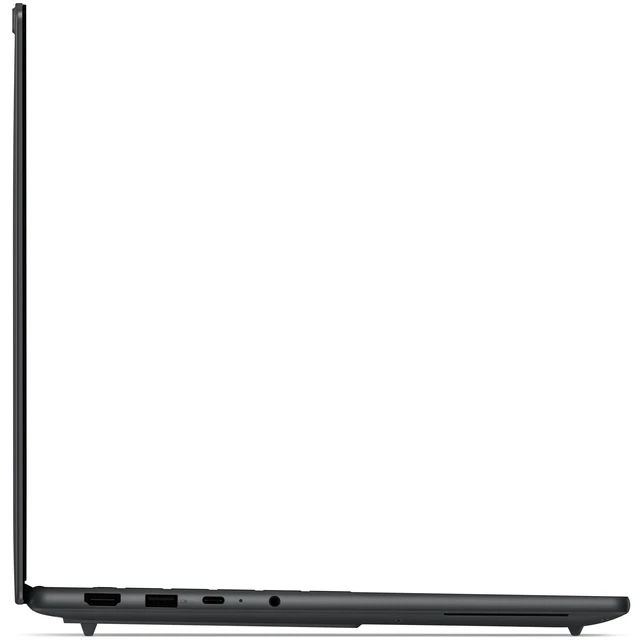
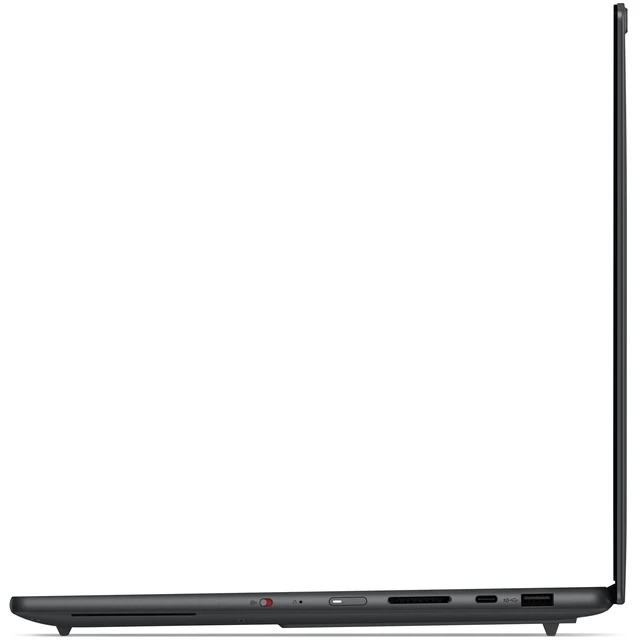
- Professionals who travel between workspaces and need a relatively slim 15-inch laptop for creative work, local AI experiments, and occasional gaming, with HDMI, USB-A, USB-C, and an SD card reader built in.
Real-World Use Scenarios
- Running a local AI assistant or image-generation model: reviewers tested local chat and image generation on the Pro 9n, so it can handle selected models without sending every prompt to a cloud service. With this 32GB configuration, model size is constrained by shared memory; it is not the best fit for the largest models.
- Creating or reviewing visual work: the color-calibrated OLED screen and SD card reader suit a workflow that involves viewing camera files and making color-sensitive edits. The display has selectable color profiles, so users should choose the one that matches their project.
- Playing demanding PC games after work or while traveling: reviewers found that the Pro 9n can run modern games, including The Witcher 3 with ray tracing, and tested newer titles with DLSS and frame generation. Expect demanding games to use battery quickly, so plugged-in play is a better fit for longer sessions.
- Sketching ideas or annotating documents without carrying a separate drawing tablet: with a compatible Yoga Pen, the large haptic touchpad can be used as a small drawing surface. A reviewer found it useful for rough sketches, though pen placement takes practice and the pad is not a full-size tablet.
- Handling everyday work and video meetings from one laptop: a reviewer used the Pro 9n as a daily work PC and found its webcam clear for meetings. Its built-in HDMI, USB ports, and SD reader also make it practical to connect a display or transfer files without relying on a separate hub.
Spec Summary
| Attribute | Value |
|---|
| Best For | Creative and art work, business tasks, and student use, with an OLED touchscreen and NVIDIA graphics |
|---|
| Processor And Performance | NVIDIA RTX Spark N1X processor with NVIDIA Grace CPU, up to 3.9 GHz, 22 MB L2 cache, and 24 MB L3 cache |
|---|
| GPU And Graphics | Integrated NVIDIA Blackwell RTX graphics with 5120 cores |
|---|
| Display Specifications | 15.3-inch WQXGA OLED touchscreen at 2560 × 1600 and 165 Hz; 10-point multi-touch, up to 1100-nit HDR peak brightness and 500-nit typical SDR brightness |
|---|
| Memory Configuration | 32 GB LPDDR5X-9400 onboard memory, soldered and not upgradable |
|---|
| Storage And Expansion | 1 TB M.2 2242 SSD in a single-drive configuration; no HDD or optical drive |
|---|
| High-Speed I/O | Two USB 3.2 Gen 2 Type-A ports and two USB4 Type-C ports; SD UHS-II card reader |
|---|
| External Display Connections | Two DisplayPort outputs and one HDMI 2.1 port |
|---|
| Wired And Wireless Networking | Wi-Fi 7 (802.11be) and Bluetooth 5.4; no onboard Ethernet |
|---|
| Webcam And Privacy | 9.2 MP RGB webcam |
|---|
| Keyboard And Control | Standard backlit keyboard; convertible design with touchscreen input |
|---|
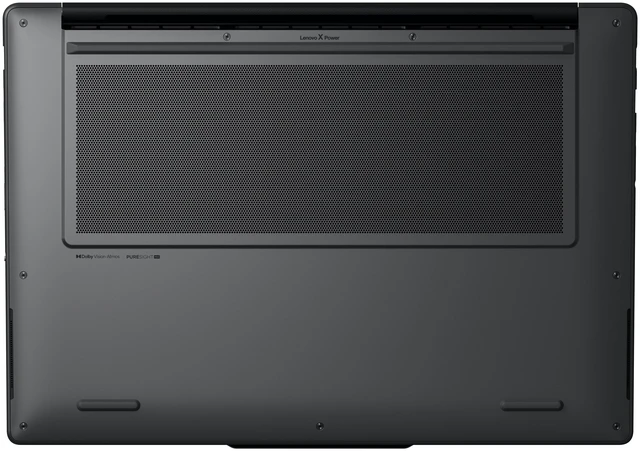
| Audio Setup | Two 2 W speakers, two 2 W subwoofers, Dolby Atmos, and a 3.5 mm headphone/microphone combo jack |
|---|
| Battery And Power | Four-cell lithium-ion battery rated for up to 15 hours; 140 W USB-C charger |
|---|
| Portability | 242 × 347 × 16.7 mm (9.53 × 13.66 × 0.66 in); listed weight range is 3–3.9 lb |
|---|
| Included Accessories | Yoga Pen 2 and user guide |
|---|
| Model Identifiers | Lenovo Pro 9n, model and part number 83SS0000US; Thunder Grey |
|---|
| Operating System | Windows 11 Home 64-bit |
|---|
Reference Q&A
Q: Should I get this 32GB Lenovo Pro 9n or a higher-spec Pro 9n?
A: Choose this 32GB configuration for RTX Spark’s local AI, creative, and development features with the 18-core CPU and 5,120-core GPU. A higher-spec Pro 9n configuration with a 20-core CPU, 6,144-core GPU, and more unified memory is the step-up option for workflows that benefit from additional compute or memory for larger local AI models. ([storagereview.com](https://www.storagereview.com/review/lenovo-pro-9n-15-review-rtx-spark-n1x))
Q: Lenovo Pro 9n or Lenovo Pro 9i Aura Edition for creative work?
A: Choose the Pro 9n if your work centers on NVIDIA CUDA, RTX-accelerated creative apps, or local AI on the RTX Spark platform. Choose the Pro 9i Aura Edition if you prefer its Intel Core Ultra platform, discrete GeForce RTX graphics, and 16-inch display. ([nvidia.com](https://www.nvidia.com/en-us/products/rtx-spark/))
Q: Is the 1TB Lenovo Pro 9n worth choosing over the 512GB configuration?
A: Choose this 1TB configuration if you want more built-in space for projects, applications, and media while keeping the Pro 9n’s 18-core RTX Spark N1X and 32GB memory configuration. The 512GB Pro 9n is the lower-storage option in the same product line. ([windowscentral.com](https://www.windowscentral.com/hardware/lenovo/lenovo-pro-9n-rtx-spark-review))




 here!

 Top Rated