Meet Your Seller
VIVO VESA Mount Adapter for Dell Monitors SE2416HX, SE2717HX, SE2717H, S2216M
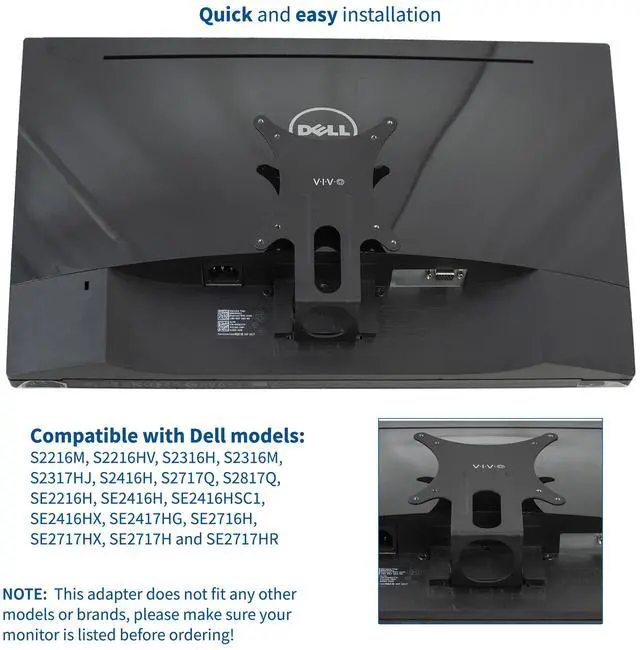
- VIVO Quick Adapter Solutions: This bracket is designed to fit only these Dell models: S2216M, S2216HV, S2316H, S2316M, S2317HJ, S2416H, S2717Q, S2817Q, SE2216H, SE2416H, SE2416HSC1, SE2416HX, SE2417HG, SE2716H, SE2717HX, SE2717H, and SE2717HR --Patented--
- Compatibility: Please be sure and check the model of your monitor before ordering!! Designed only for the Dell models listed above, this adapter provides mounting solutions for non-VESA monitors, allowing them to fit 75x75mm and 100x100mm VESA mounts
- Sturdy Build: Solid all-steel construction is designed to keep your monitor safe and secure at all times
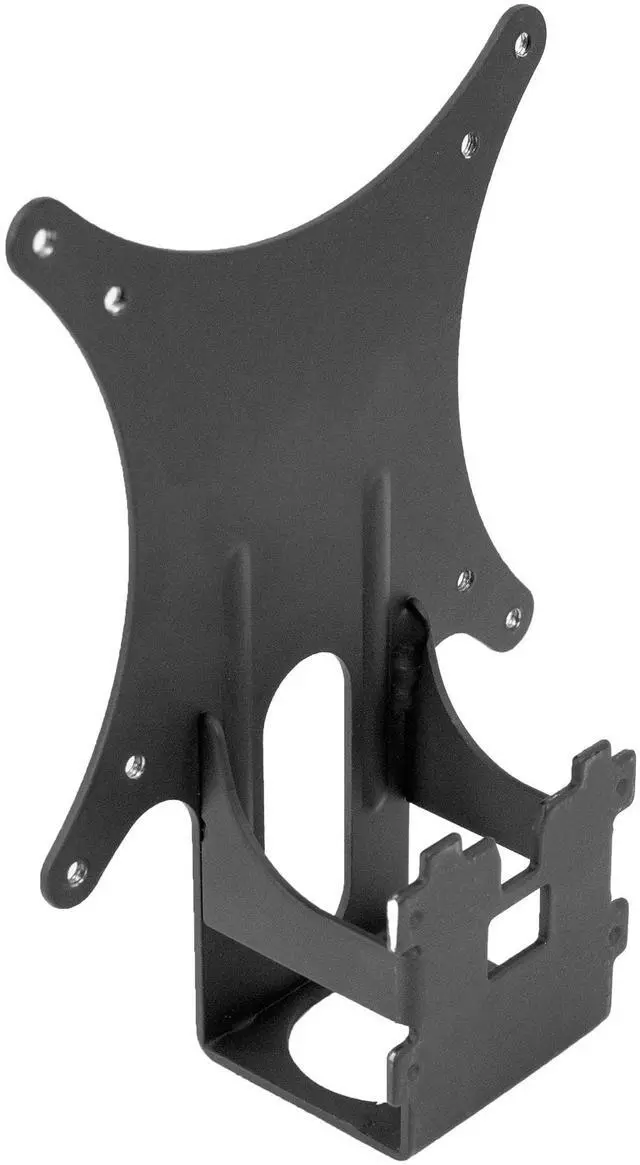
- Cable Management: The back of the bracket features an oval opening for cable management to give your setup a clean and organized display. Slip your cables right through the slot and run them back along the mounting arm
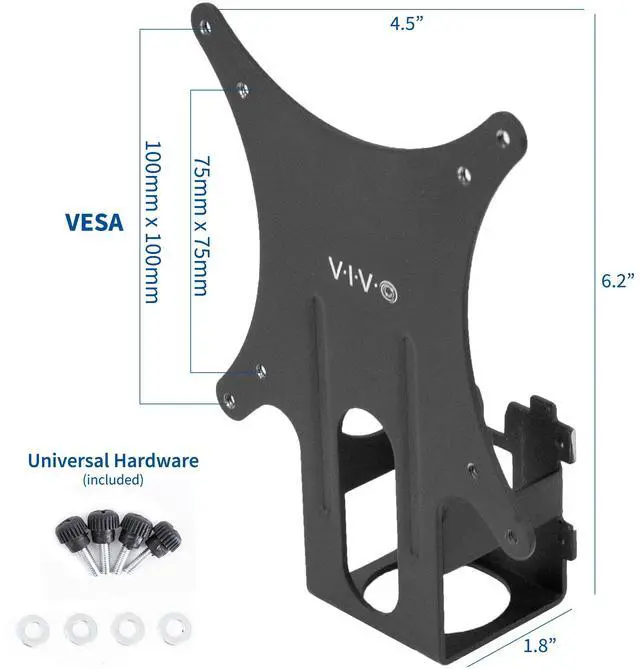
- Easy Installation: Get your Dell monitor mounted in no time with the simple thumb bolts that secure the bracket to any VESA compatible stand or wall mount
Any questions? Ask CelesteSM will help you find out quickly.
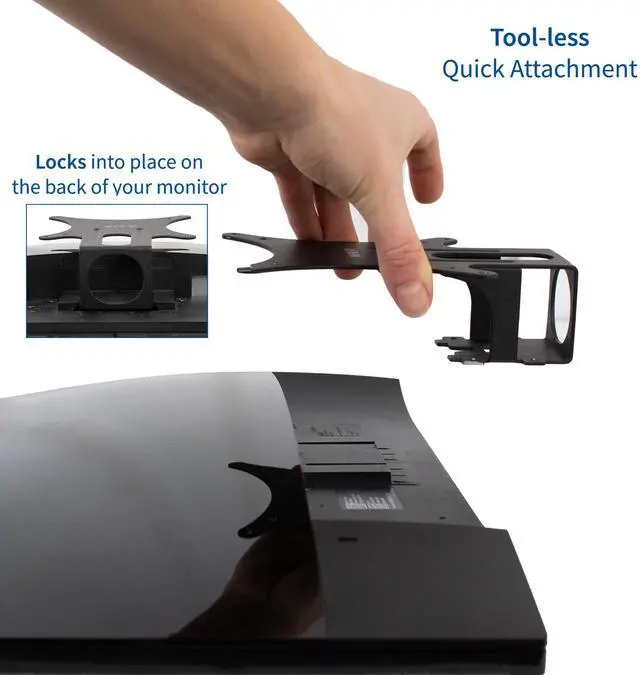
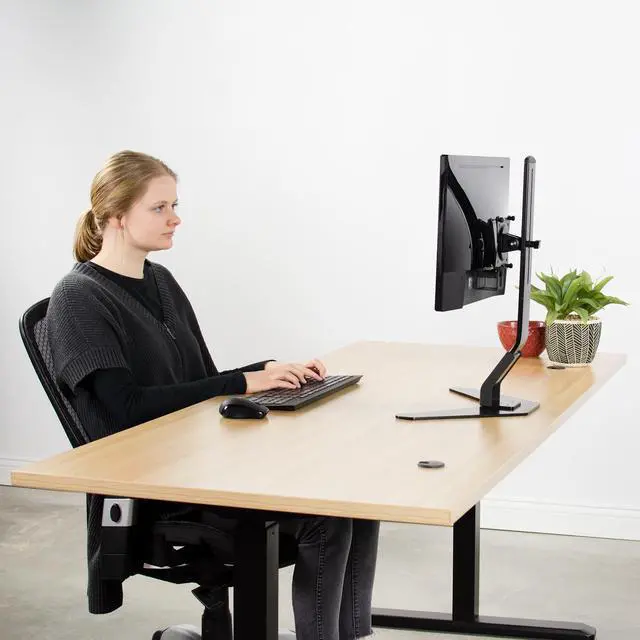
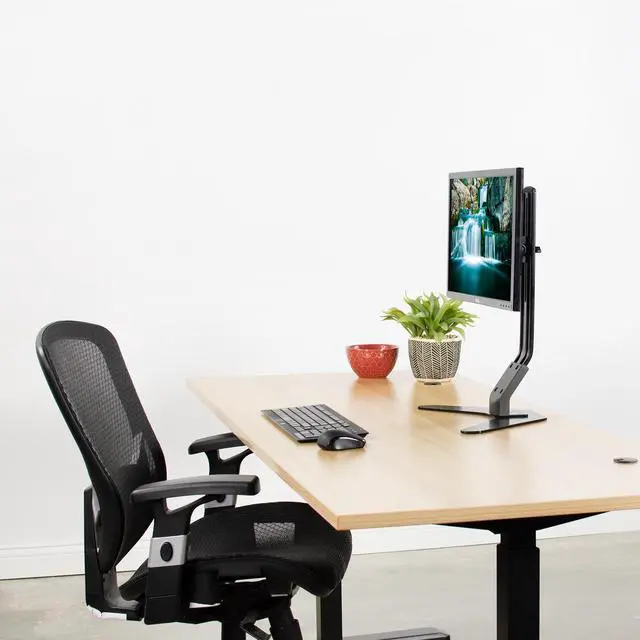
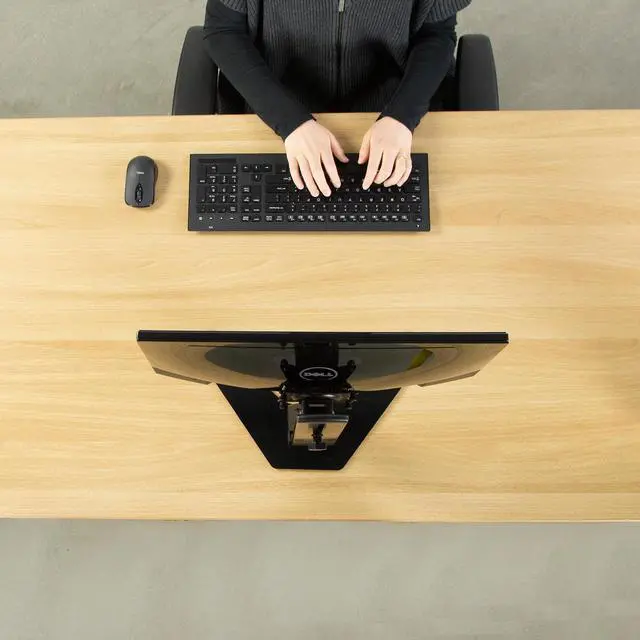
Mount your compatible Dell monitor with our quick attach VESA adapter bracket (MOUNT-DLSSE2) from VIVO! Simply remove the existing base, and snap our bracket into place for monitor mounting capabilities. This adapter is capable of fitting any VESA 75x75mm and 100x100mm stand or wall mount. Both sturdy and low-profile, the bracket is constructed entirely of durable steel to keep your monitor safe and secure. We include the necessary hardware (simple thumb bolts) to secure the bracket to a VESA mount for an enhanced workstation experience.
Compatibility
- Fits Only the Following Dell Monitors: S2216M, S2216HV, S2316H, S2316M, S2317HJ, S2416H, S2717Q, S2817Q, SE2216H, SE2416H, SE2416HSC1, SE2416HX, SE2417HG, SE2716H, SE2717HX, SE2717H, SE2717HR
- VESA Compatible: 75x75mm and 100x100mm
Specifications
- Color: Black
- Material: Steel
- Bracket Dimensions: 4.5" x 1.8" x 6.2"
Warranty & Returns
Warranty, Returns, And Additional Information
Warranty
- Please contact the Seller directly for warranty information. Warranty information may also be found on the Manufacturer's website.
- CONTACT
Return Policies
- Return for refund within: 30 days
- Return for replacement within: 30 days
- This item is covered by VIVO Return Policy
Manufacturer Contact Info
- For a directory of all our manufacturers, please click below.
- Manufacturers Directory
The VIVO VESA Mount Adapter converts compatible non-VESA Dell monitors into displays that can attach to 75x75mm or 100x100mm VESA mounts. It is suitable for owners of the specifically listed Dell models who want to use a compatible stand or wall mount.
Recommended For
- Owners of a specifically listed Dell monitor who want to move it from its original stand to a VESA-compatible desk arm for a more adjustable workstation.
- People with a compatible Dell monitor who want to clear desk space by attaching it to a VESA desk mount instead of using its original base.
- Owners of a listed Dell model who want to attach it to a compatible VESA wall mount rather than keep it on a desk stand.
- People building a multi-monitor setup who need to put one of the listed Dell displays on a VESA-compatible arm or stand.
Real-World Use Scenarios
- If your Dell monitor is on the compatibility list, use the adapter to replace its stock base with a VESA monitor arm; the screen can then be positioned using the adjustments supported by that arm.
- For a crowded desk, mount a compatible Dell monitor on an arm or wall mount instead of using its original stand; this can free the area beneath and around the display.
- For a wall-mounted workstation, attach the adapter to a compatible VESA wall mount after removing the monitor’s original base, so the display can be placed where the wall mount allows.
- When building a dual-monitor setup, use the adapter to put a compatible Dell display on a VESA arm alongside another mounted screen; the arm and its adjustment range determine how the displays can be aligned.
- For a tidier mounted setup, route cables through the adapter’s rear opening and along the monitor arm; how much cable is visible depends on the arm and cable routing.
![AOACE Gaming PC AMD Ryzen 7 5700X [8-Core 4.6GHz], RTX 5060 8GB GDDR7, DLSS 4, VR Ready, WiFi 6E, 32GB DDR4, 1TB PCIe4 NVMe, 6 ARGB, Win11 Home AOACE Gaming PC AMD Ryzen 7 5700X [8-Core 4.6GHz], RTX 5060 8GB GDDR7, DLSS 4, VR Ready, WiFi 6E, 32GB DDR4, 1TB PCIe4 NVMe, 6 ARGB, Win11 Home](https://c1.neweggimages.com/ProductImageCompressAll60/C545S2607150J6GDT09.jpg)