




 here!
I’m your shopping assistant for PC builds, upgrades, and everything tech.
Got questions? Ask away!
Start a conversation
here!
I’m your shopping assistant for PC builds, upgrades, and everything tech.
Got questions? Ask away!
Start a conversation



Any questions? Ask CelesteSM will help you find out quickly.
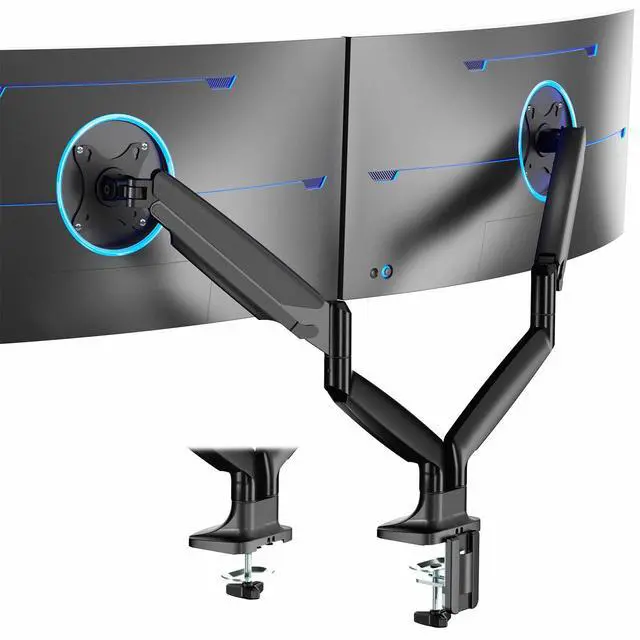
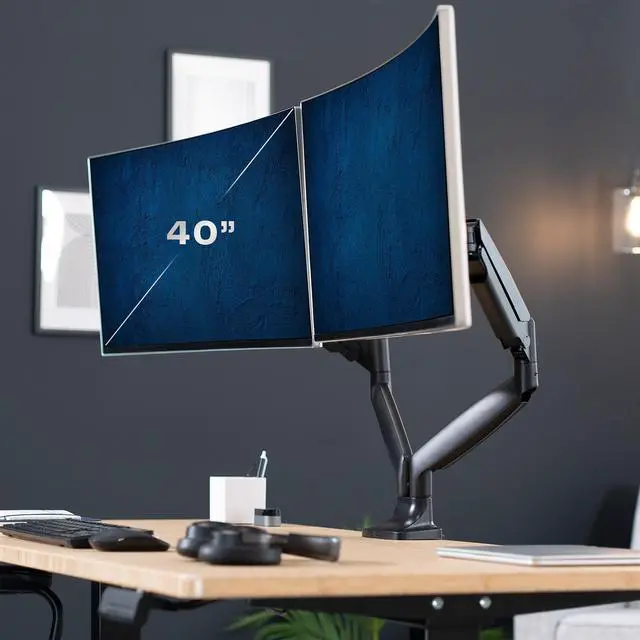
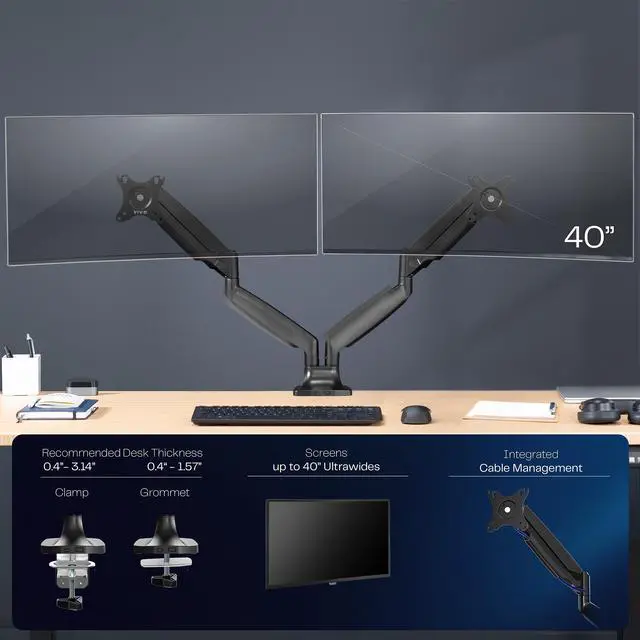
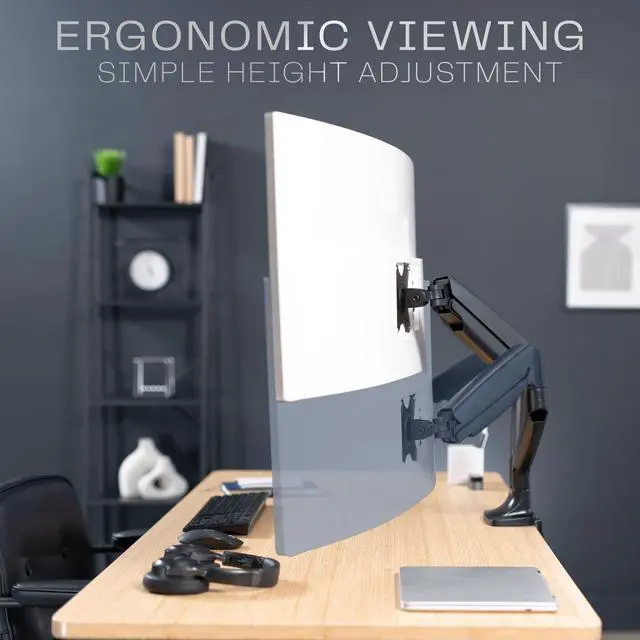
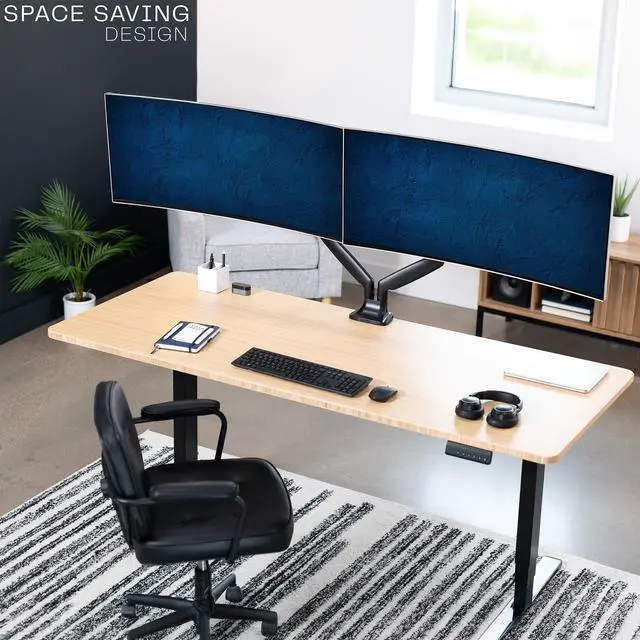
Reclaim your desk space and enjoy comfortable viewing angles with the Pneumatic Arm Dual Ultrawide Monitor Desk Mount STAND-V220Q from VIVO! Supporting screens up to 40, you can elevate your ultra wide monitors to an ergonomic height and adjust the viewing angle with just the touch of a hand. Featuring high-quality aluminum construction, flexible joints, smooth height adjustment, a sturdy desk clamp and grommet mount, integrated cable management, and more, this ultra-wide mount is ready to transform your workspace. All hardware and instructions are provided for easy assembly, so you can get your stand installed to the desk and monitors mounted in no time!
Compatibility:
Specs:
The VIVO Dual Ultrawide 40-inch Desk Mount is a pneumatic-spring monitor arm system for people who want to position two ultrawide screens ergonomically, with adjustable height, tilt, swivel, and rotation for flexible desk setups.
| Attribute | Value |
|---|---|
| Best For | Dual-monitor tabletop setups with screens up to 40 inches |
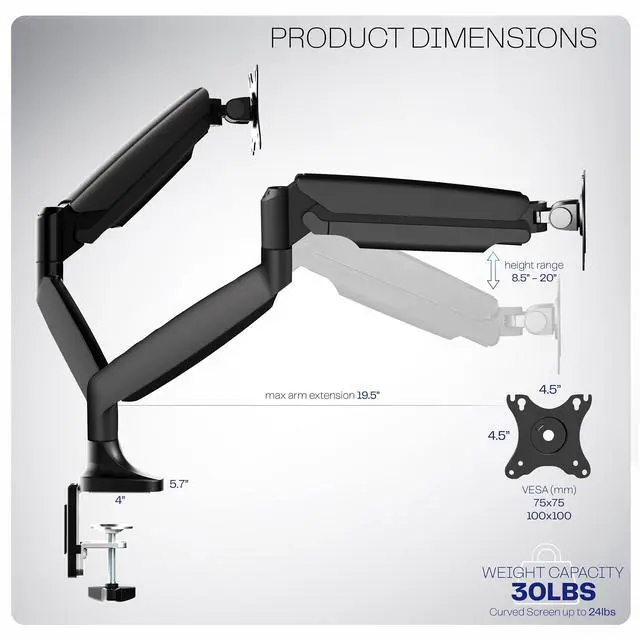
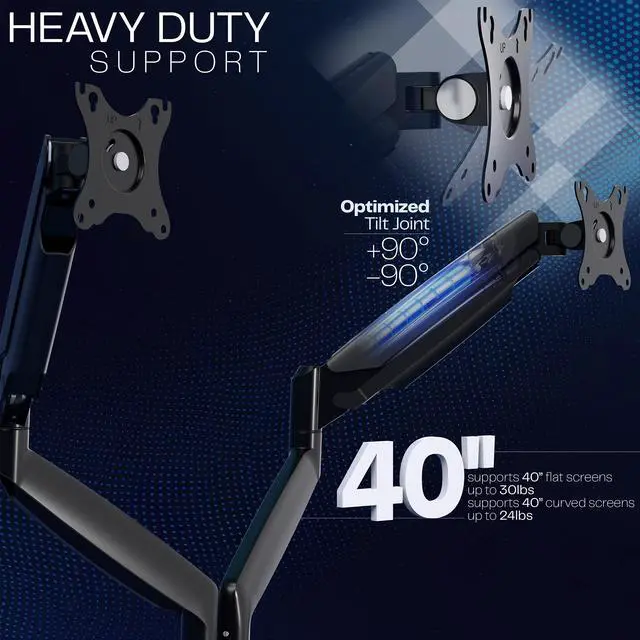
| Monitor Compatibility | Supports monitors up to 40 inches and 30 pounds, with a 100 × 100 mm VESA pattern |
| Mounting And Adjustment | Tabletop-mounted articulating movement with up to 90° tilt |
| Construction And Color | Aluminum, steel, and plastic construction in black |
| Model Identifiers | VIVO STAND-V220Q |
Q: VIVO STAND-V220Q or STAND-V200O for two ultrawides?
A: Choose the STAND-V220Q for screens up to 40 inches, including flat screens up to 30 lb or curved screens up to 24 lb each. The STAND-V200O is rated for screens up to 35 inches and 26.4 lb per arm, making it a fit for a smaller dual-ultrawide setup.
Q: Should I get the VIVO STAND-V220Q or STAND-V200V for heavier 40-inch monitors?
A: Choose the STAND-V200V if you need support for monitors up to 45 inches and 44 lb per arm. Choose the STAND-V220Q for monitors up to 40 inches and its wider listed tilt range of +90° to -90°; its per-screen limits are 30 lb for flat displays and 24 lb for curved displays.
Q: VIVO STAND-V220Q vs STAND-V102G2: which fits two 40-inch ultrawides?
A: Choose the STAND-V220Q for two 40-inch ultrawides: it is rated for screens up to 40 inches and offers 360° rotation. The STAND-V102G2 is rated for screens up to 38 inches and offers up to 33 lb per monitor, with a listed height range reaching 23.5 inches at the VESA plate center.
Q: VIVO STAND-V220Q or STAND-V200L for two ultrawides?
A: Choose the STAND-V220Q for side-by-side monitors with pneumatic arms and independent positioning. Choose the STAND-V200L for a vertically stacked layout; it supports two ultrawides up to 45 inches and 25 lb per screen, with height adjustment along a center pole.
Q: Will this mount hold two 40-inch monitors?
A: It is rated for two monitors up to 40 inches each, but check each screen’s weight and VESA pattern before buying: flat screens can weigh up to 30 lb each, curved screens up to 24 lb each, and the mount supports 75 × 75 mm or 100 × 100 mm VESA patterns. Allow for the monitors’ width and the mount’s 39.5-inch arm span when planning the desk layout.
Q: Will it work with curved monitors?
A: Yes. The mount supports curved screens up to 40 inches, provided each weighs no more than 24 lb and has a 75 × 75 mm or 100 × 100 mm VESA pattern. Check the monitor’s dimensions and clearance if you plan to rotate it or place two large screens side by side.
Q: Will the clamp fit my desk?
A: The C-clamp is specified for desk thicknesses from 0.4 to 3.14 inches. A grommet mount is also supported for desks 0.4 to 1.57 inches thick. Check your desk thickness and mounting-space requirements before choosing an installation method.
Q: Can I rotate the monitors into portrait orientation?
A: The arms support 360-degree screen rotation, so portrait orientation is supported. Whether a particular large monitor can rotate without hitting the desk, arm, or the other screen depends on its dimensions and the setup’s clearance.
Q: Can this mount hold two 40-inch ultrawide monitors?
A: According to the provided specifications, it supports two monitors up to 40 inches each, provided each screen is within the weight limit—up to 24 lb for curved screens or 30 lb for flat screens—and has a 75×75 mm or 100×100 mm VESA pattern. A Reddit discussion also describes a VIVO dual mount holding a 40-inch ultrawide alongside a 27-inch monitor, but that does not confirm performance for this exact model.
Q: Will the pneumatic arms sag or fail over time?
A: The product information gives weight limits but does not establish long-term reliability. Reddit users discussing other VIVO spring-arm models report both successful use and sagging or failures. Those reports are anecdotal and do not establish this model’s failure rate; check each monitor’s weight and adjust the spring tension for its load.
Q: Can I use it with a desk pushed right against a wall?
A: Possibly, but allow for arm movement behind the monitors. A Reddit user discussing a different VIVO pneumatic arm noted that its elbow movement was restricted when the desk was flush against a wall. The provided specifications do not state the rear clearance this dual mount needs.


