




 here!
I’m your shopping assistant for PC builds, upgrades, and everything tech.
Got questions? Ask away!
Start a conversation
here!
I’m your shopping assistant for PC builds, upgrades, and everything tech.
Got questions? Ask away!
Start a conversation




Any questions? Ask CelesteSM will help you find out quickly.
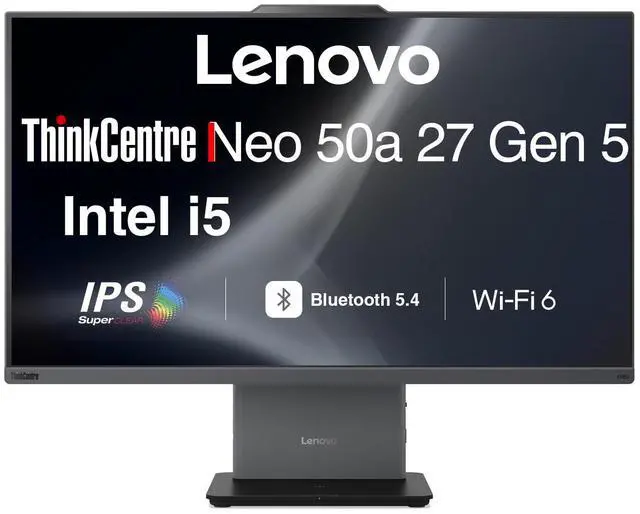
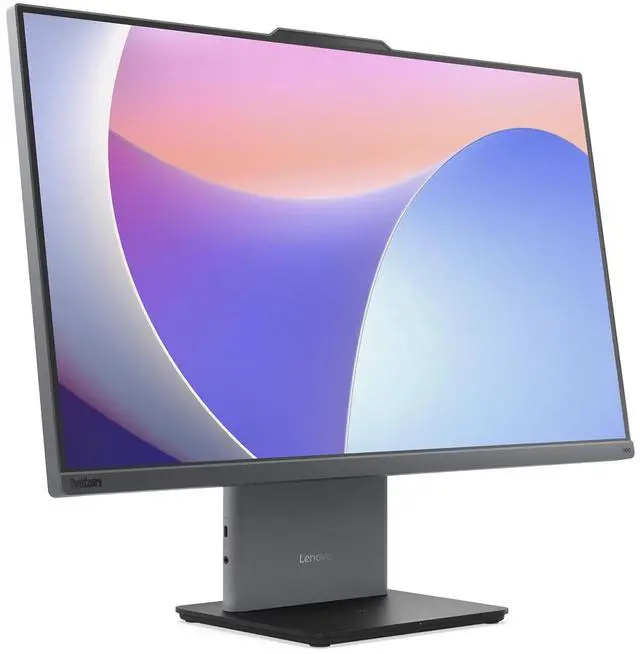
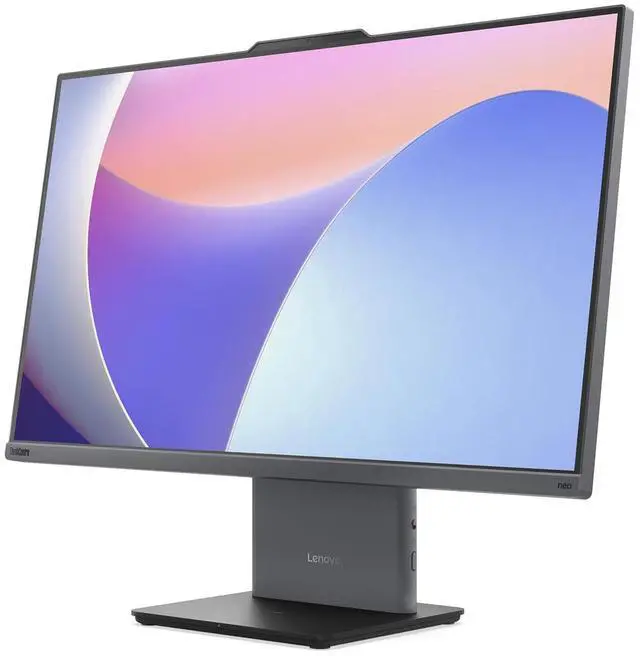
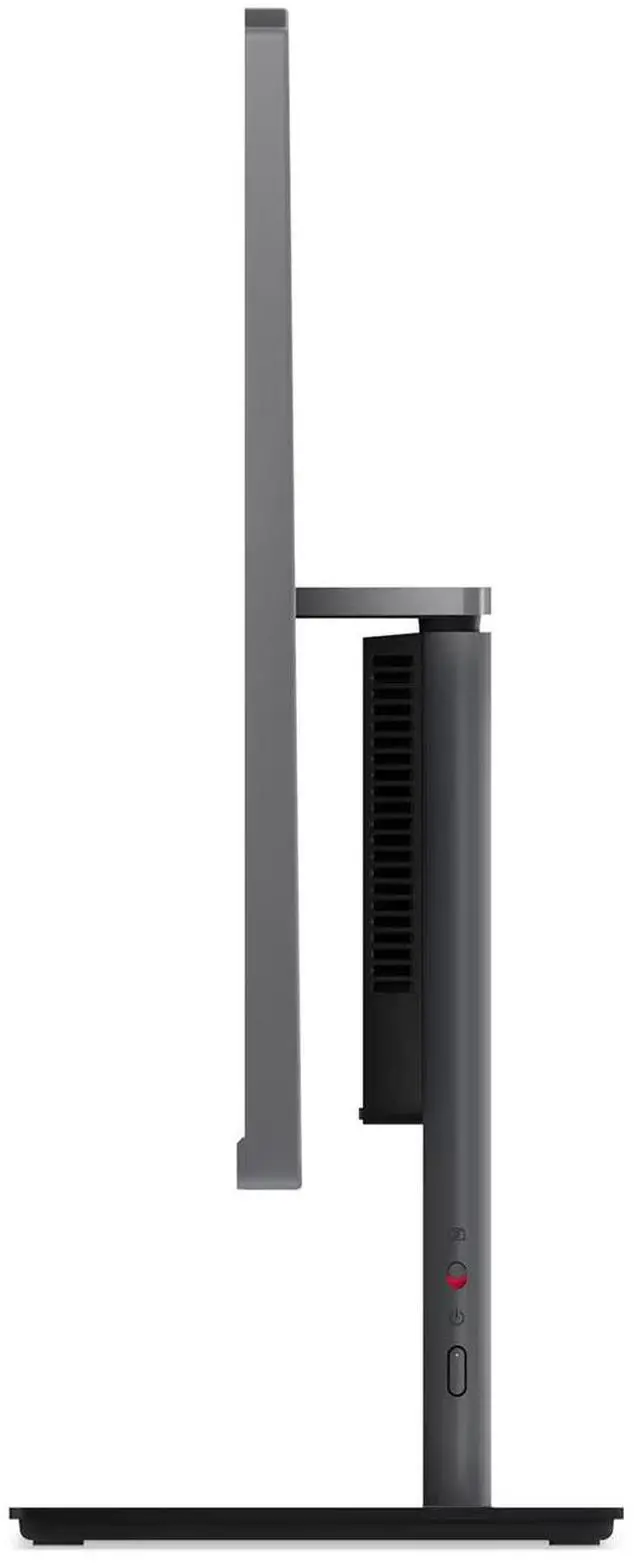
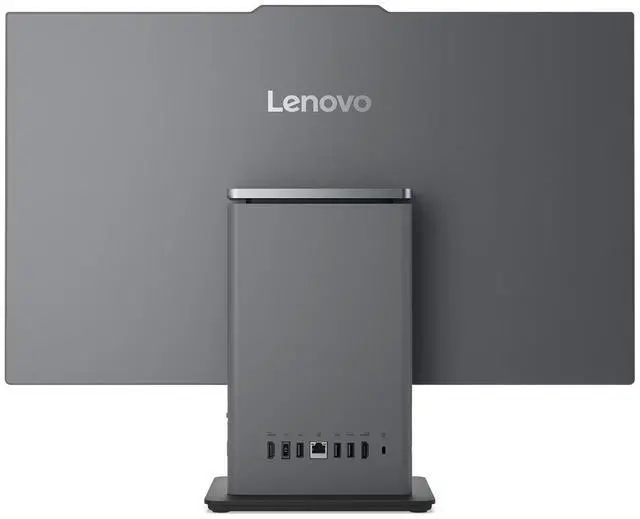
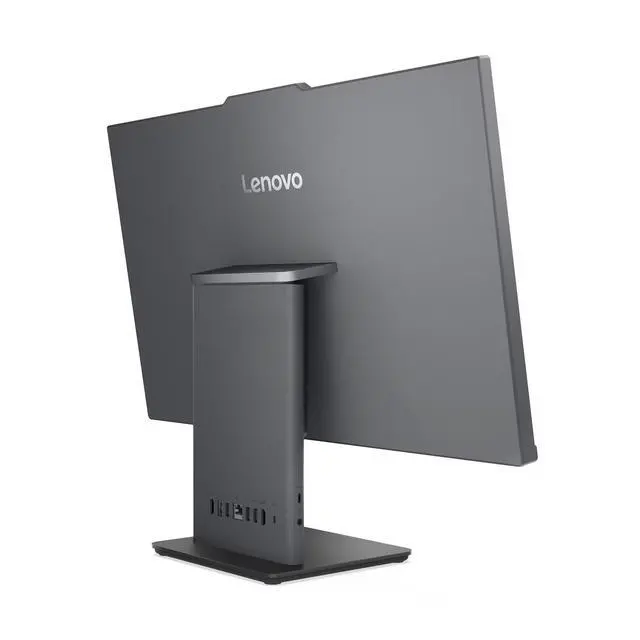
The Lenovo ThinkCentre Neo 50a is a 27-inch all-in-one desktop with a 13th Gen Intel Core i5-13420H, 16GB DDR5 memory, an 8TB PCIe SSD, and Windows 11 Pro, suited to business users who want a large-screen workstation with ample local storage.
| Attribute | Value |
|---|---|
| Best For | Business desktop use with an integrated 27-inch display and Windows 11 Pro |
| Processor And Core Count | 13th Gen Intel Core i5 processor with 8 cores |
| Cache | 12MB L3 cache |
| GPU And Graphics | Integrated Intel UHD Graphics |
| Display | 27-inch non-touch screen; monitor included |
| Memory Configuration | 16GB DDR5 memory |
| Storage And Expansion | 8TB PCIe SSD; no HDD |
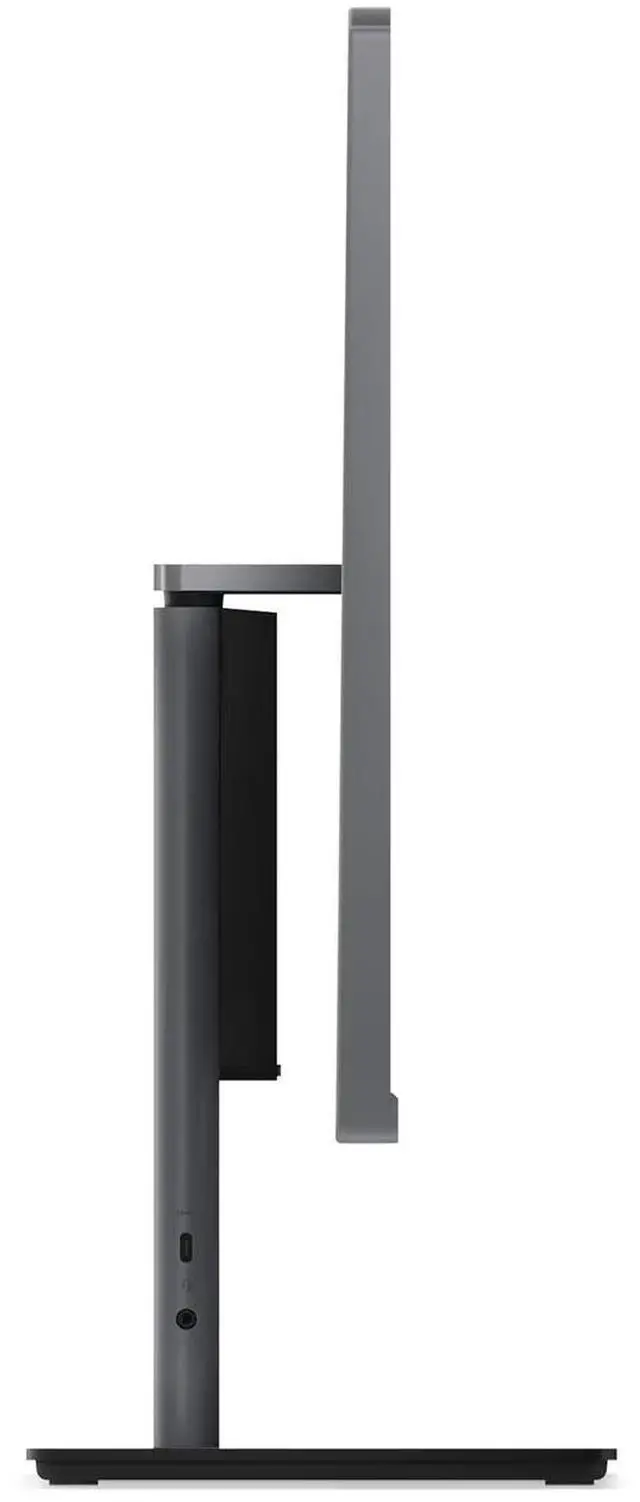
| Networking And Connectivity | 802.11ax wireless LAN, Bluetooth 5.4, one RJ-45 port, and a rear audio combo port; no card reader |
| Keyboard And Control | USB keyboard |
| Power | 90W power supply |
| Operating System | Windows 11 Pro |
| Model Identifiers | Lenovo ThinkCentre all-in-one PC |
Q: ThinkCentre neo 50a 27 Gen 5 with Core i5-13420H vs 24 Gen 5 with Core i3-1315U: which is better for multitasking?
A: Choose the 27-inch i5 configuration for more processor capacity in multitasking: its Core i5-13420H has 8 cores and 12 threads, compared with 6 cores and 8 threads in the 24-inch model’s Core i3-1315U. The 24-inch model is the smaller-screen option; both models have other processor configurations, so compare the exact SKU when shopping.
Q: ThinkCentre neo 50a 27 Gen 5 Core i5-13420H vs Core i7-13620H: which should I choose?
A: Choose the i5-13420H configuration for everyday business and productivity use; it has 8 cores and 12 threads. Choose the i7-13620H configuration when your work benefits from more parallel processing: it has 10 cores and 16 threads. Lenovo lists both processors as options for the ThinkCentre neo 50a 27 Gen 5.
Q: ThinkCentre neo 50a 27 Gen 5 vs 24 Gen 5: which screen size should I get?
A: Choose the neo 50a 27 Gen 5 for a larger 27-inch workspace, or the neo 50a 24 Gen 5 for a more compact 23.8-inch display. Lenovo lists both models with FHD IPS display options and a 100Hz refresh rate, so the main screen-size decision is how much viewing area you want on your desk.
Q: Is this all-in-one suitable for everyday office and business work?
A: Yes. Its 13th Gen Core i5 processor, 16GB of memory, 27-inch FHD display, and Windows 11 Pro make it suitable for typical office tasks such as email, documents, web apps, and video meetings. It uses integrated Intel UHD graphics, so the listing does not establish it as a choice for graphics-intensive work.
Q: Is it suitable for video meetings?
A: It should suit routine video meetings because the product listing includes a webcam. The listing does not specify webcam resolution or microphone details, so check those if call quality is a priority.
Q: Can I connect another monitor or use its screen with an HDMI device?
A: The product information lists an HDMI port but does not say whether it is input or output. Confirm the port’s direction with the seller before buying if you need a second monitor or want to use the all-in-one as a display for another device.
Q: Can I upgrade the memory or storage later?
A: The listing specifies 16GB DDR5 memory and an 8TB PCIe SSD, but does not confirm upgrade slots, supported maximum capacity, or whether either component is replaceable. Because the configuration is described as professionally upgraded by Velztorm, confirm upgrade options and warranty coverage with the seller before purchase.
Q: Is the ThinkCentre Neo 50a suitable for everyday office work?
A: It appears suited to typical office tasks such as documents, web apps, and video meetings: this configuration has a Core i5-13420H, 16GB of memory, Windows 11 Pro, and a built-in webcam. Its integrated Intel UHD graphics make it a less suitable choice for graphics-intensive workloads.
Q: Is this a good choice if I need a touchscreen for a store POS?
A: No, not if touchscreen input is essential: the supplied product details identify this configuration as non-touch. A Reddit discussion about a store POS and reducing cables considered a touchscreen Neo 50a, but that does not establish that this particular listing has one.


