




 here!
I’m your shopping assistant for PC builds, upgrades, and everything tech.
Got questions? Ask away!
Start a conversation
here!
I’m your shopping assistant for PC builds, upgrades, and everything tech.
Got questions? Ask away!
Start a conversation




Any questions? Ask CelesteSM will help you find out quickly.
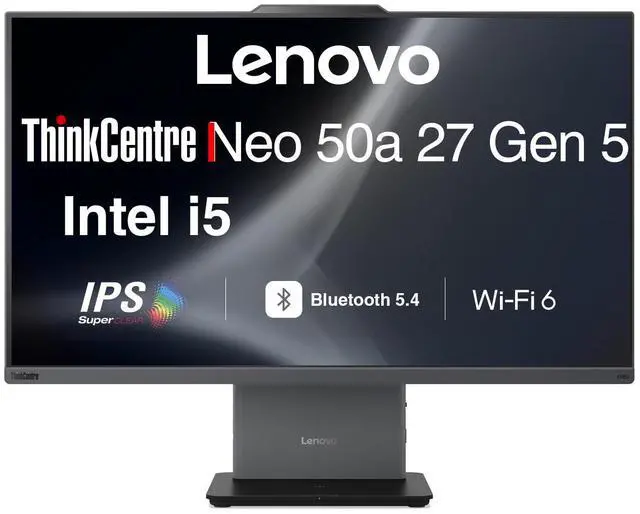
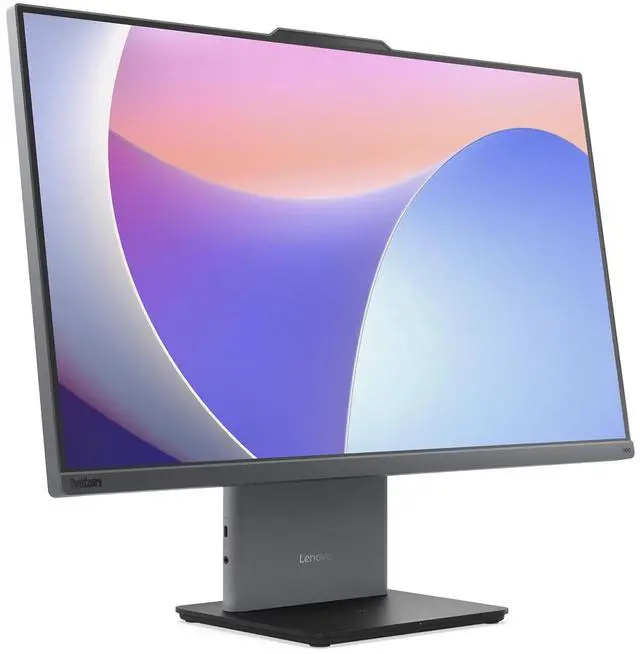
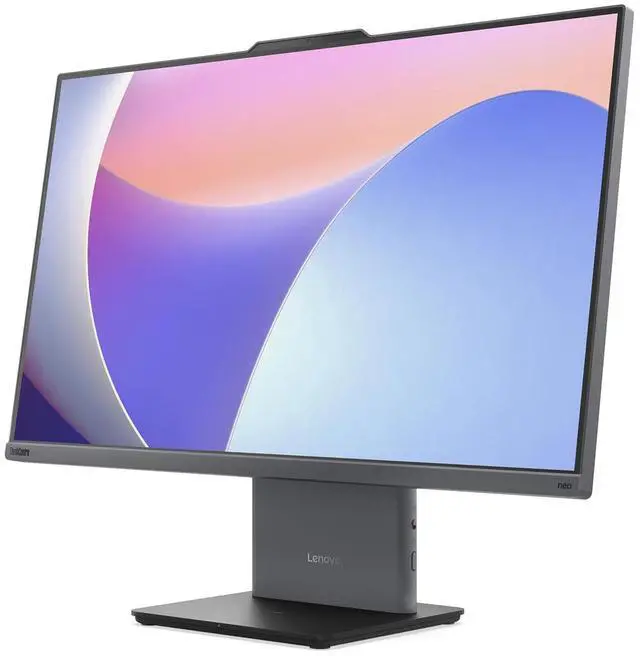
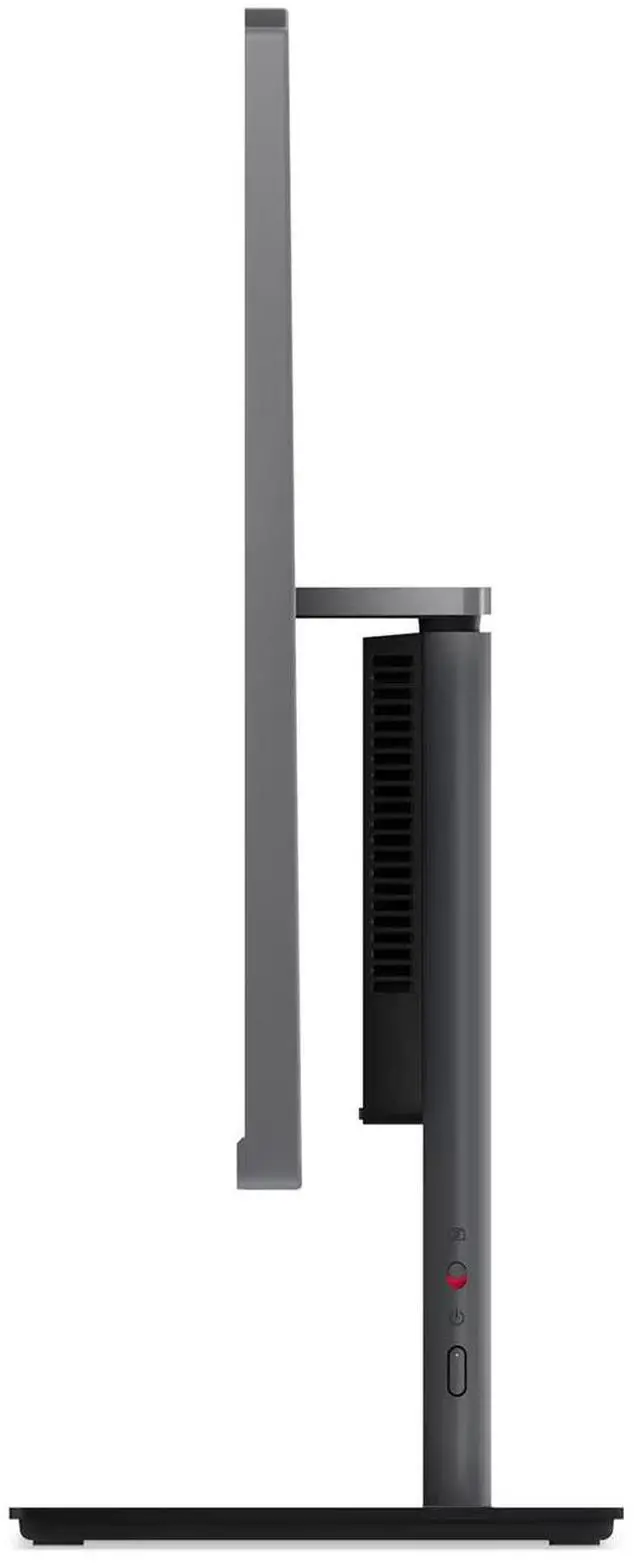
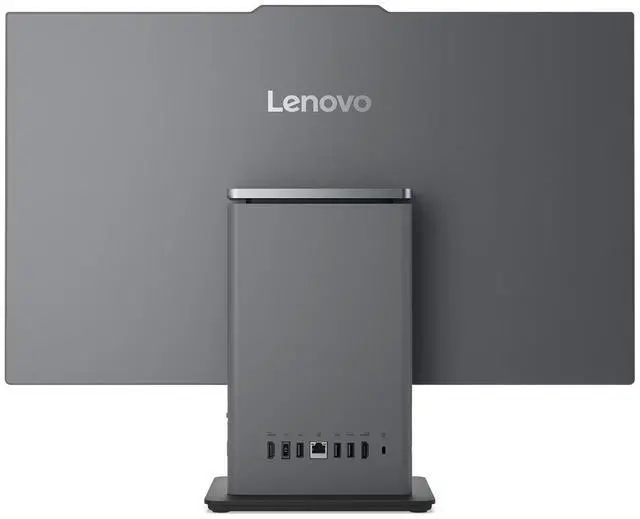
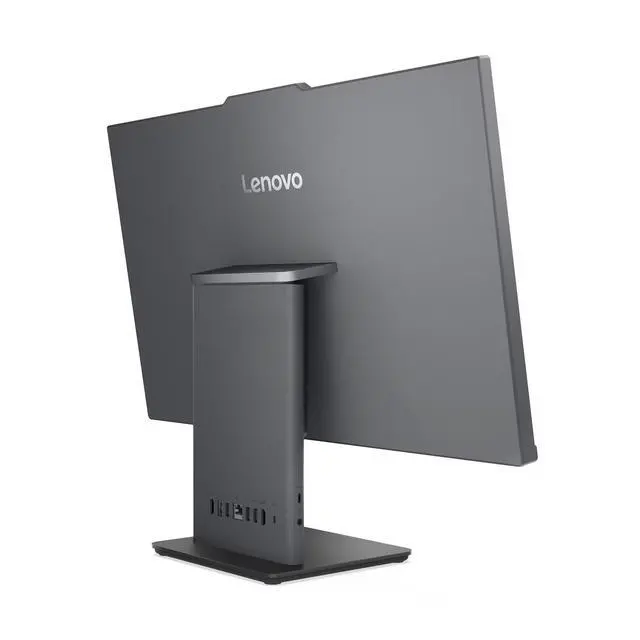
The Lenovo ThinkCentre Neo 50a is a 27-inch all-in-one business PC with a 13th Gen Intel Core i5-13420H, 8GB DDR5 memory, a 512GB SSD, and Windows 11 Pro, suited to office work, web browsing, and video calls in a tidy desktop setup.
| Attribute | Value |
|---|---|
| Best For | Business and office productivity in a compact all-in-one setup, with Windows 11 Pro and an Intel Core i5 processor |
| Processor And Core Count | 13th Gen Intel Core i5 with 8 cores |
| Graphics | Integrated Intel UHD Graphics |
| Display | 27-inch non-touch display |
| Memory Configuration | 8GB DDR5 memory |
| Storage | 512GB PCIe SSD; no HDD |
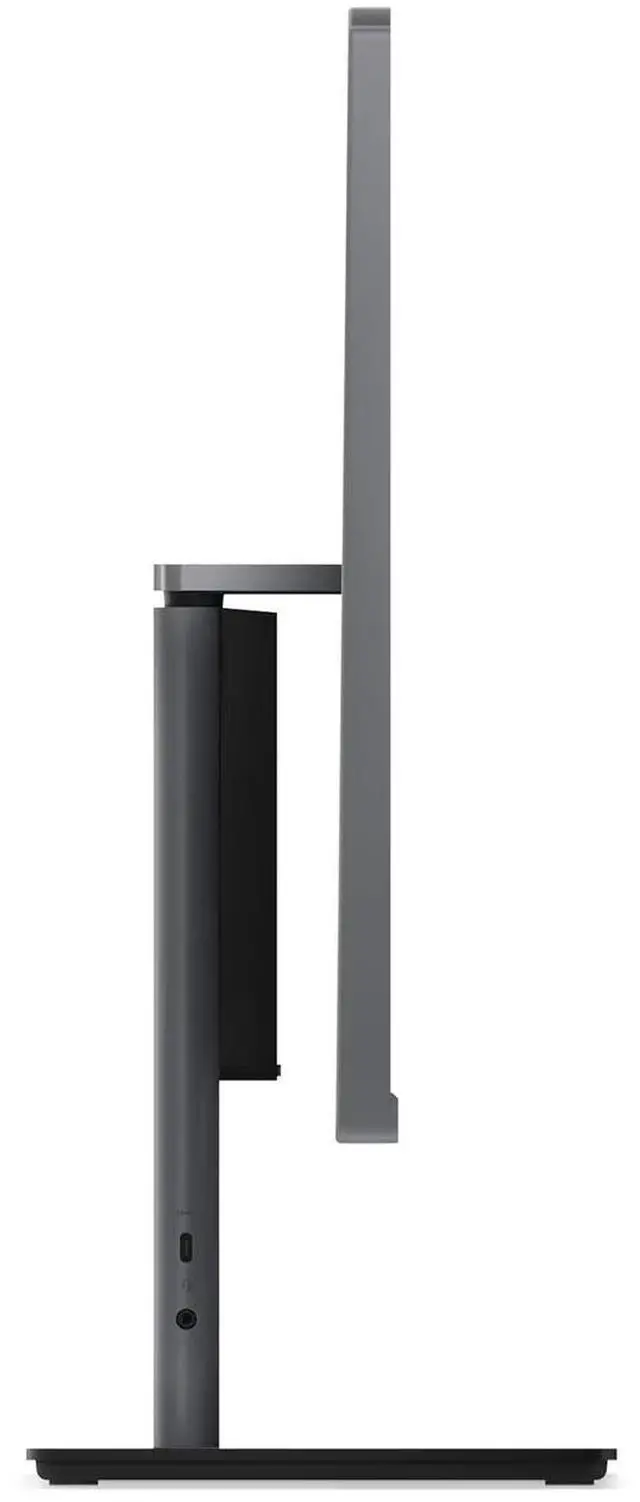
| Connectivity And Audio | 802.11ax wireless LAN, Bluetooth 5.4, one RJ-45 port, and a combo audio port; no card reader |
| Keyboard And Input | USB keyboard |
| Power | 90W power supply |
| Operating System | Windows 11 Pro |
| Product Configuration | All-in-one PC with monitor included |
| Model Identifiers | Lenovo ThinkCentre |
Q: Should I choose the ThinkCentre neo 50a 27 Gen 5 with Core i5 or Core i7?
A: Choose the i5-13420H model for everyday office work, web browsing, and video calls. Choose a neo 50a 27 Gen 5 with the i7-13620H when your work involves more simultaneous or processor-intensive tasks: Lenovo lists 10 cores and 16 threads for the i7, compared with 8 cores and 12 threads for the i5.
Q: ThinkCentre neo 50a 27 Gen 5 or 24 Gen 5: which screen size should I get?
A: Choose the 27-inch model for a larger viewing area for documents and side-by-side windows. Choose the 23.8-inch neo 50a 24 Gen 5 for a more compact all-in-one setup. Both models are available with FHD IPS displays and the Core i5-13420H, so the main decision is screen size and desk fit.
Q: Is the 8GB ThinkCentre neo 50a 27 enough, or should I get a 16GB configuration?
A: The 8GB configuration suits routine office tasks and browsing. Choose a 16GB configuration if you regularly keep many applications or browser tabs open at once; Lenovo lists 16GB configurations for the neo 50a 27 Gen 5, and the platform supports memory upgrades.
Q: Is this all-in-one suitable for office work and video meetings?
A: Yes. Its 13th Gen Intel Core i5 processor, 8GB of memory, 512GB SSD, Windows 11 Pro, 27-inch display, and built-in webcam suit everyday office tasks and video meetings. The listing does not specify a microphone, so check whether one is included or plan to use a headset. The 8GB memory may be a constraint when running many demanding apps at once.
Q: Can I upgrade the memory later?
A: The listing specifies 8GB DDR5 SODIMM memory, but it does not state the maximum supported memory or confirm whether another slot is available. Check the exact seller-configured unit and its service information before relying on a future upgrade. The 8GB configuration is best treated as a limitation for heavy multitasking until upgrade compatibility is confirmed.
Q: Can I use its screen as a monitor for another device?
A: The listing mentions an HDMI port but does not say whether it supports video input. Do not assume you can display a laptop, console, or other device on this screen; confirm the HDMI port’s direction with the seller or product documentation first.
Q: Is it suitable for gaming or graphics-heavy work?
A: It is better suited to everyday productivity than demanding games or graphics-heavy work: the listed graphics are integrated Intel UHD, with no dedicated graphics card specified. Consider it for routine office use, browsing, and media rather than as a system for intensive gaming, 3D work, or video production.
Q: Is this a good computer to take between locations?
A: It is less convenient for travel than a laptop. This is a 27-inch all-in-one with a 90W power supply, and the listing does not specify a battery, so it needs access to power and is designed more for a fixed desk than frequent travel.
Q: Is the ThinkCentre Neo 50a suitable as an office or work-from-home PC?
A: Yes, for everyday office work, browsing, and video calls. Its 27-inch FHD screen and Core i5 are suited to those tasks; the 8GB of RAM may be limiting if you regularly keep many apps or browser tabs open. A YouTube review discusses the Neo 50a as an office/work-from-home replacement, while a Reddit buyer discussion considers it for basic browsing.
Q: Is 8GB of RAM enough, and can it be upgraded?
A: 8GB is a modest starting point for basic work and browsing, but may constrain heavier multitasking. A YouTube review discusses memory upgrades on a Neo 50a Gen 5 configuration; because it is not this exact 27-inch listing, confirm the supported capacity and upgrade terms with the seller before buying.
Q: Is this a good choice for gaming, including Roblox?
A: It is better treated as a productivity PC than a gaming system. This listing has integrated Intel UHD graphics and 8GB of RAM; a YouTube video discusses Roblox on a Neo 50a, but does not establish performance for this exact configuration. Look for tests of the specific i5/8GB model if gaming performance matters.


