• $1,154.99
  • $1,371.49
  • Save: $216.50 (15%)
  • Free 30-day Returns
  • Sold by Velztorm
    Hot Seller
    4.4 (2,201 seller ratings)

    Shipped by Velztorm

    Price alert
    Shop it at NeweggBusiness.

    Meet Your Seller

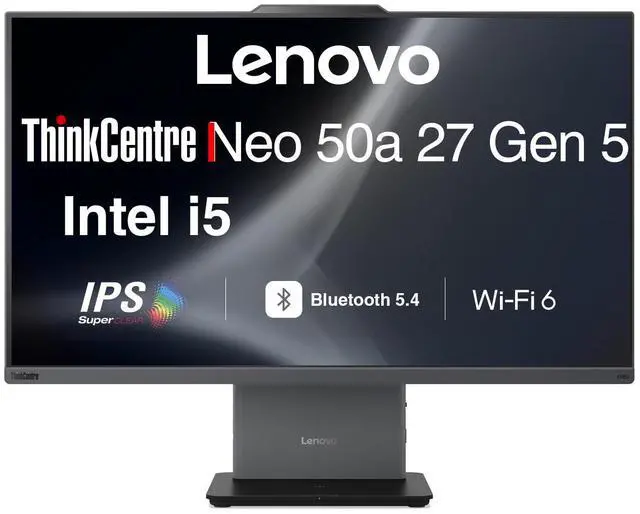
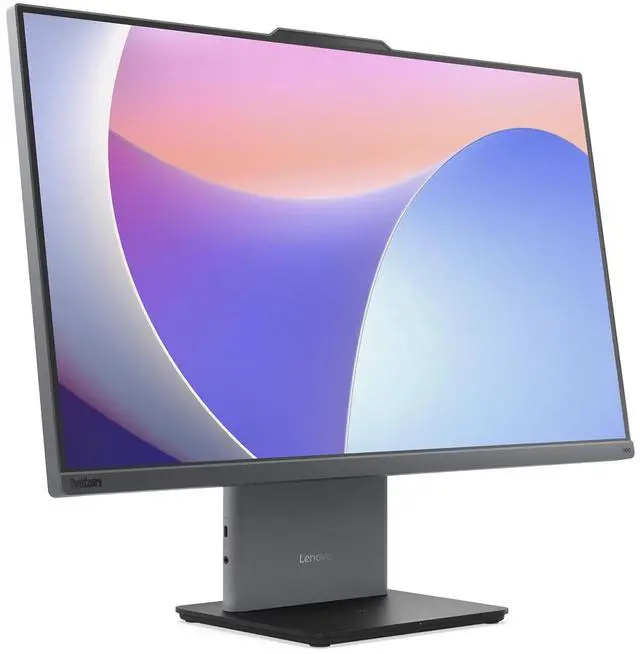
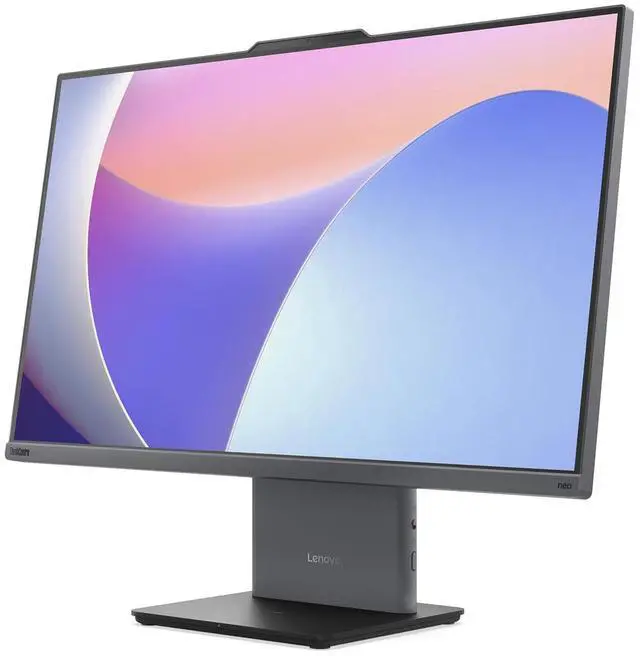
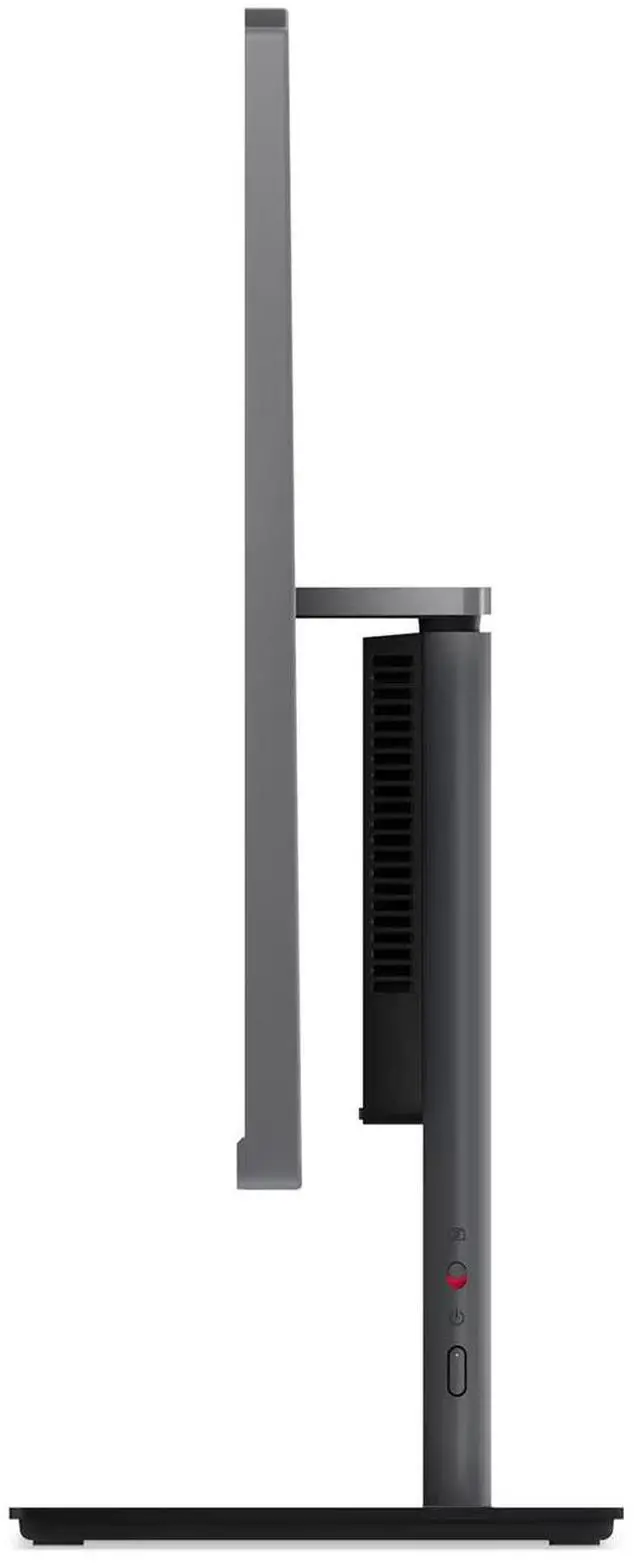
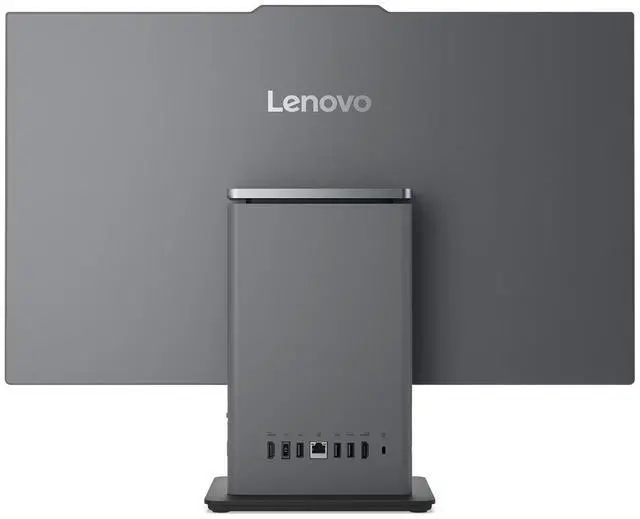
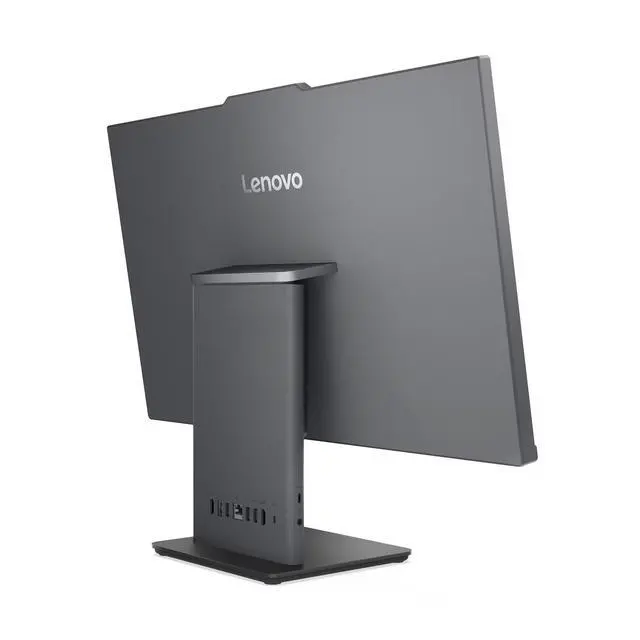
    Lenovo ThinkCentre Neo 50a Business All-in-One 27" IPS FHD Display (Intel i5-13420H, 16GB DDR5, 1TB PCIe SSD, Intel UHD, WiFi 6, Webcam, Bluetooth 5.4, Win 11 Home)

    • 13th Gen Intel Core i5-13420H 2.10GHz Processor (upto 4.6 GHz, 12MB Cache, 8-Cores, 12-Threads, 4 Performance-cores); Intel UHD shared Integrated Graphics
    • 16GB DDR5 SODIMM; 802.11ax Wifi, Bluetooth 5.4, RJ-45, Webcam, USB Keyboard, USB Mouse
    • 27" IPS FHD (1920x1080) 100Hz Display; 90W PSU; Eclipse Black Color
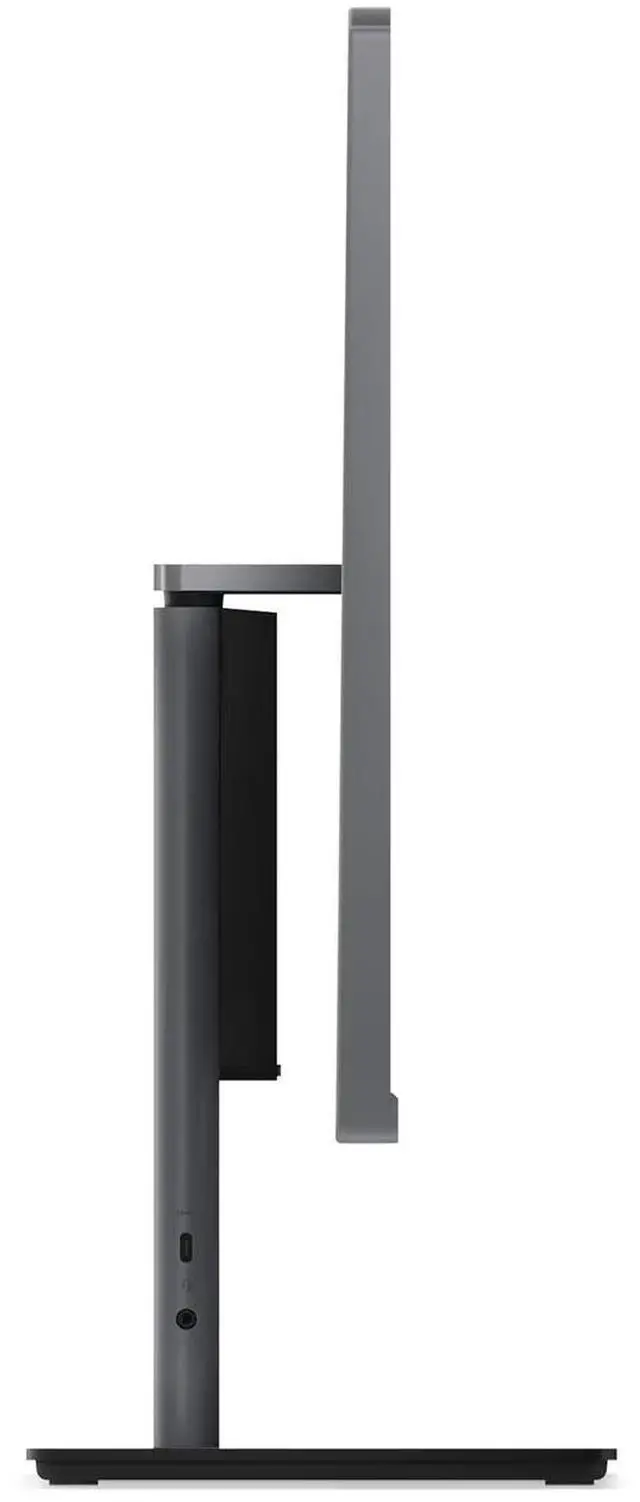
    • 1TB PCIe NVMe SSD; 2 USB 2.0, HDMI, USB 3.2 Type-C, Headphone/Microphone Combo Jack
    • Windows 11 Home, 1 Year Manufacturer warranty from Velztorm (Professionally upgraded by Velztorm)
    +
    +
    Overview
    Specs
    Reviews
    See all Q & A

    Any questions? Ask CelesteSM will help you find out quickly.

    We sell computers with custom/upgraded configurations to enhance system performance. If the computer has modifications as listed above, the manufacturers box was opened by our highly skilled technicians for testing, inspection, and installation of the upgrades according to the specifications advertised. All computers and components are brand new.

  • Model: Lenovo ThinkCentre Neo 50a
  • Form/Style: All in One
  • Processor: 13th Gen Intel Core i5-13420H 2.10GHz Processor (upto 4.6 GHz, 12MB Cache, 8-Cores, 12-Threads, 4 Performance-cores)
  • Memory: 16GB DDR5 SO-DIMM
  • Graphics: Intel UHD shared Integrated Graphics,
  • Storage: 1TB PCIe SSD (Solid State Drive)
  • Operating System: Windows 11 Home
  • Display: 27" IPS FHD (1920x1080) 100Hz 16:9 Display
  • Connectivity: 802.11ax Wifi, Bluetooth 5.4, RJ-45
  • Ports/Slots:, 2 USB 2.0, HDMI, USB 3.2 Type-C, Headphone/Microphone Combo Jack
  • Input/Output: Webcam, Black, USB Keyboard, USB Mouse,
  • Battery: 90W PSU,
  • Other Features,
  • Color: Eclipse Black
  • Weight: 15.3lb
  • Product Dimensions (WxLxH): 18.75 IN x 24.15 IN x 7.5 IN
  • 1 Year Manufacturer warranty from Velztorm (Professionally upgraded by Velztorm)
  • Warranty & Returns

    Warranty, Returns, And Additional Information

    Warranty

    • Please contact the Seller directly for warranty information. Warranty information may also be found on the Manufacturer's website.
    • Read full details
    • CONTACT

    Return Policies

    • Return for refund within: 30 days
    • Return for replacement within: 30 days
    • This item is covered by Velztorm Return Policy

    Manufacturer Contact Info

    LOADING...

    The Lenovo ThinkCentre Neo 50a is a 27-inch all-in-one desktop with a 13th Gen Intel Core i5-13420H, 16GB DDR5 memory, and a 1TB SSD, suited to business and home-office users who want a large-screen PC with a webcam, keyboard, and mouse included.

    Recommended For

    • Small-business staff who work mainly at a fixed desk and want the computer, 27-inch screen, webcam, and keyboard-and-mouse setup in one package. Lenovo positions this model for small and midsize businesses. ([lenovo.com](https://www.lenovo.com/us/en/p/len102c0044?cid=us%3Aseo%3Aybha4&displayrulevalidation=false&utm_source=openai))
    • Home-office users who mostly handle documents, email, web apps, and video meetings at one workstation, rather than needing a portable computer. The all-in-one design combines the PC and display, and the listed configuration includes a webcam. ([psref.lenovo.com](https://psref.lenovo.com/Detail/ThinkCentre_neo_50a_27_Gen_5?M=12SB002NGP&utm_source=openai))
    • Reception, scheduling, and administrative teams that need a stationary shared workstation for everyday office tasks and prefer a single-screen setup with wired-network connectivity available. ([psref.lenovo.com](https://psref.lenovo.com/Detail/ThinkCentre_neo_50a_27_Gen_5?M=12SB002NGP&utm_source=openai))
    • Users who want a large 27-inch workspace for everyday office work but do not need a high-resolution display; this model’s screen is Full HD (1920 × 1080). ([psref.lenovo.com](https://psref.lenovo.com/Detail/ThinkCentre_neo_50a_27_Gen_5?M=12SB002NGP&utm_source=openai))

    Real-World Use Scenarios

    • For routine small-business work—such as editing documents, updating spreadsheets, checking email, and keeping several browser tabs open—the Neo 50a can serve as a single desktop workstation for everyday office tasks.
    • For remote or hybrid meetings, users can join video calls at the workstation without setting up a separate monitor and computer; the built-in camera and microphone support common conferencing needs.
    • At a reception or front-office desk, staff can use the all-in-one for appointments, customer records, and everyday admin while keeping the computer and display together rather than using a separate desktop tower.
    • In a home office, the 27-inch screen provides a dedicated workspace for work apps, web research, and online discussions, with Wi-Fi or Ethernet available for connecting to a home network.

    Spec Summary

    AttributeValue
    Best ForBusiness or home-office desktop use in an all-in-one setup, with an included 27-inch display, 16GB memory, and 1TB SSD
    Processor And Core Count13th Gen Intel Core i5 with 8 cores and 12MB L3 cache
    GraphicsIntegrated Intel UHD Graphics
    Display Spec27-inch non-touch display
    Memory Configuration16GB DDR5
    Storage And Expansion1TB PCIe SSD; no HDD or card reader
    Connectivity And Audio802.11ax Wi-Fi, Bluetooth 5.4, one RJ-45 port, and a rear combo audio port
    Keyboard And ControlUSB keyboard
    Power And Operating System90W power supply; Windows 11 Home
    Model IdentifiersLenovo ThinkCentre; all-in-one PC form factor

    Reference Q&A

    Q: Should I choose the ThinkCentre Neo 50a 27 with Core i5 over the Core i3 version for multitasking?

    A: Choose this Core i5 configuration if you want more CPU resources for running several work applications at once: its i5-13420H has 8 cores and 12 threads, compared with 6 cores and 8 threads in the Neo 50a 27 Gen 5 Core i3-1315U option. This listing also includes 16GB of DDR5 memory and a 1TB SSD.

    Q: Is the ThinkCentre Neo 50a 27 Core i5 or Core i7 configuration a better fit?

    A: Choose the Core i7-13620H version if your work can use its additional CPU capacity: it has 10 cores and 16 threads, compared with 8 cores and 12 threads in this Core i5-13420H model. Choose this listing when its 16GB memory and 1TB SSD meet your needs and you prefer the Core i5 configuration.

    Q: How does this ThinkCentre Neo 50a 27 compare with a 512GB Core i5 configuration?

    A: Both configurations use the Core i5-13420H, while this listing pairs it with a 1TB SSD and 16GB of DDR5 memory. Choose this listing if you want twice the listed SSD capacity of a 512GB option for storing work files and applications; Lenovo’s Neo 50a 27 Gen 5 specifications support configurations with up to 1TB of SSD storage.

    Q: Is this suitable for office work and video meetings?

    A: Yes. Its Core i5 processor, 16GB of memory, 1TB SSD, built-in webcam, and 27-inch display make it suitable for routine office tasks, browsing, and video meetings. The display is Full HD and non-touch.

    Q: Can I connect it to the internet without an Ethernet cable?

    A: Yes. It supports Wi-Fi 6, so it can connect wirelessly; it also has an RJ-45 port for a wired Ethernet connection.

    Q: Is the screen a touchscreen?

    A: No. This model has a 27-inch IPS Full HD display, and the product specifications identify it as non-touch. Use the included USB keyboard and mouse for input.

    Q: Is it suitable for gaming?

    A: It is better suited to everyday computing and lighter games than graphics-intensive gaming. It uses integrated Intel UHD graphics rather than a dedicated graphics card, so demanding games may have limited performance.

    Q: Can the ThinkCentre Neo 50a replace a basic office PC or home workstation?

    A: It is configured for everyday office and home tasks: the listing specifies an Intel Core i5-13420H, 16GB of RAM, a 1TB SSD, webcam, and 27-inch display. Its all-in-one design combines the computer and screen, but the Reddit and YouTube discussions cover other Neo 50a configurations, not this exact listing.

    Q: Is the ThinkCentre Neo 50a a good choice for gaming?

    A: It is better suited to general productivity than gaming: this listing has integrated Intel UHD graphics, not a dedicated graphics card. A YouTube review asks about Roblox on a different Neo 50a configuration, so it does not establish gaming performance for this exact model.

    Q: Is the 27-inch screen useful for multitasking?

    A: The 27-inch FHD display gives you a large workspace for documents and multiple windows, and the listing specifies a 100Hz IPS panel. A Reddit post about a different 27-inch Neo 50a describes the screen as a favorite and notes the space for viewing multiple things; that is user experience with another configuration, not this exact listing.