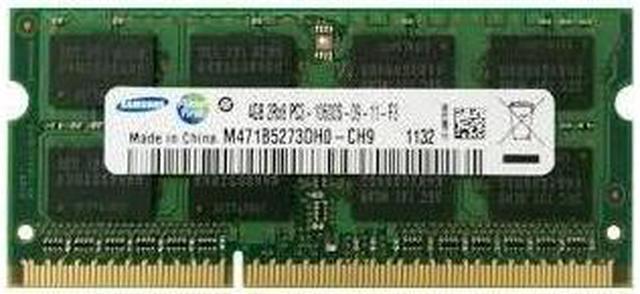
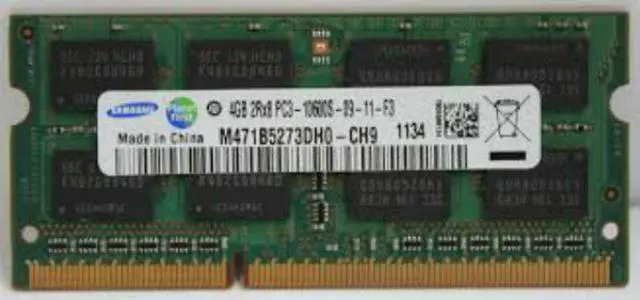
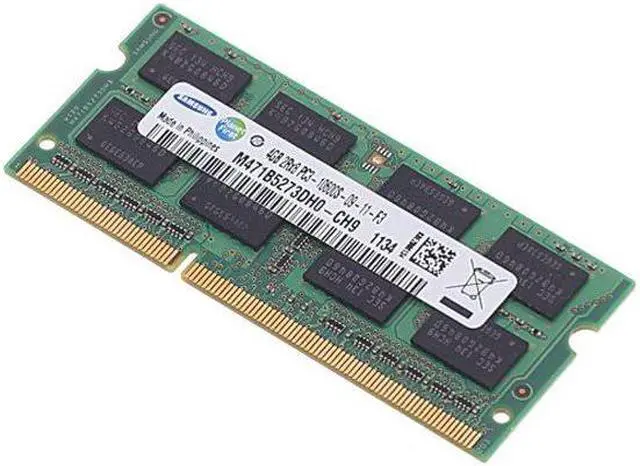
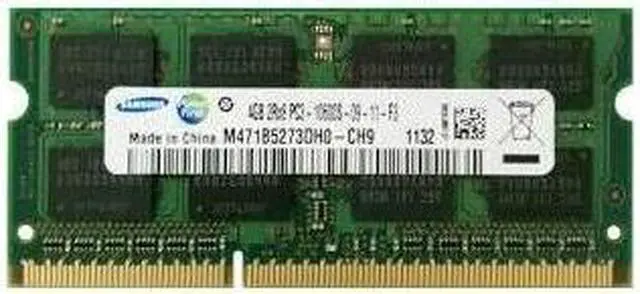
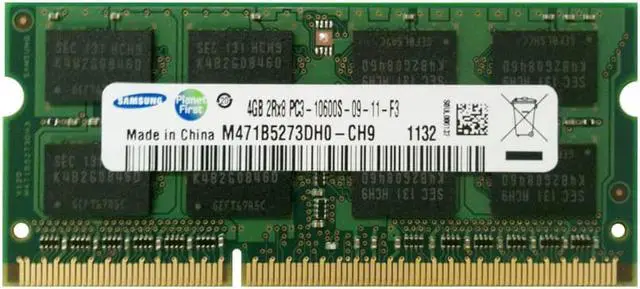
The Samsung M471B5273DH0-CH9 is a 4GB DDR3-1333 SO-DIMM laptop memory module for users replacing or adding memory in a notebook that supports this module type and specification.
Recommended For
- Owners of older laptops whose manuals specify a 204-pin DDR3 SO-DIMM and support DDR3-1333 can use this 4GB module as a replacement or compatible memory addition.
- Laptop repairers and refurbishers working on compatible DDR3 notebooks can use it as a single 4GB replacement module, provided the laptop supports its capacity, speed, and voltage.
- Owners of an older compatible notebook who want to restore a failed 4GB DDR3-1333 SO-DIMM can consider this module after checking the original part or the laptop’s memory specifications.
Real-World Use Scenarios
- When a compatible older laptop has a failed or missing memory module, use this as a replacement to restore the laptop’s normal operation; confirm the laptop supports this DDR3 SO-DIMM type before installing it.
- For light browsing, email, and document work on an older laptop that is short on memory, adding this module can give apps more room to run at once and reduce slowdowns caused by limited RAM; the result depends on the laptop’s supported capacity and the amount of memory already installed.
- When refurbishing an older notebook for basic everyday use, install it in a system that supports this memory type; a 4GB setup may suit modest tasks with a lightweight operating system, but it will still be limited for heavy multitasking and demanding modern websites.
- If the laptop has a free slot and supports paired memory, adding a compatible second module can increase total RAM and may enable dual-channel operation; verify the laptop’s memory limits and module compatibility, since matching modules are not guaranteed to work in every system.
Spec Summary
| Attribute | Value |
|---|
| Best For | Notebook PC memory upgrades, with 4GB capacity |
|---|
| Capacity | 4GB |
|---|
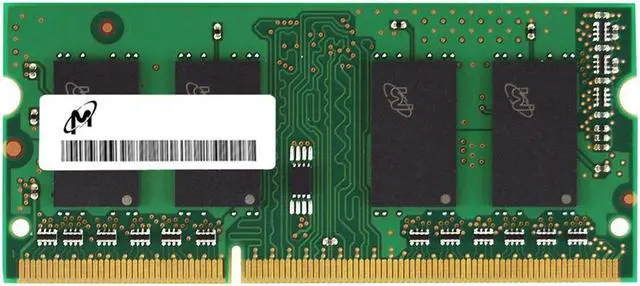
| Appearance And Lighting | Green module with no LED lighting |
|---|




 here!