here!
I’m your shopping assistant for PC builds, upgrades, and everything tech.
Got questions? Ask away!
Start a conversation
here!
I’m your shopping assistant for PC builds, upgrades, and everything tech.
Got questions? Ask away!
Start a conversation




Any questions? Ask CelesteSM will help you find out quickly.
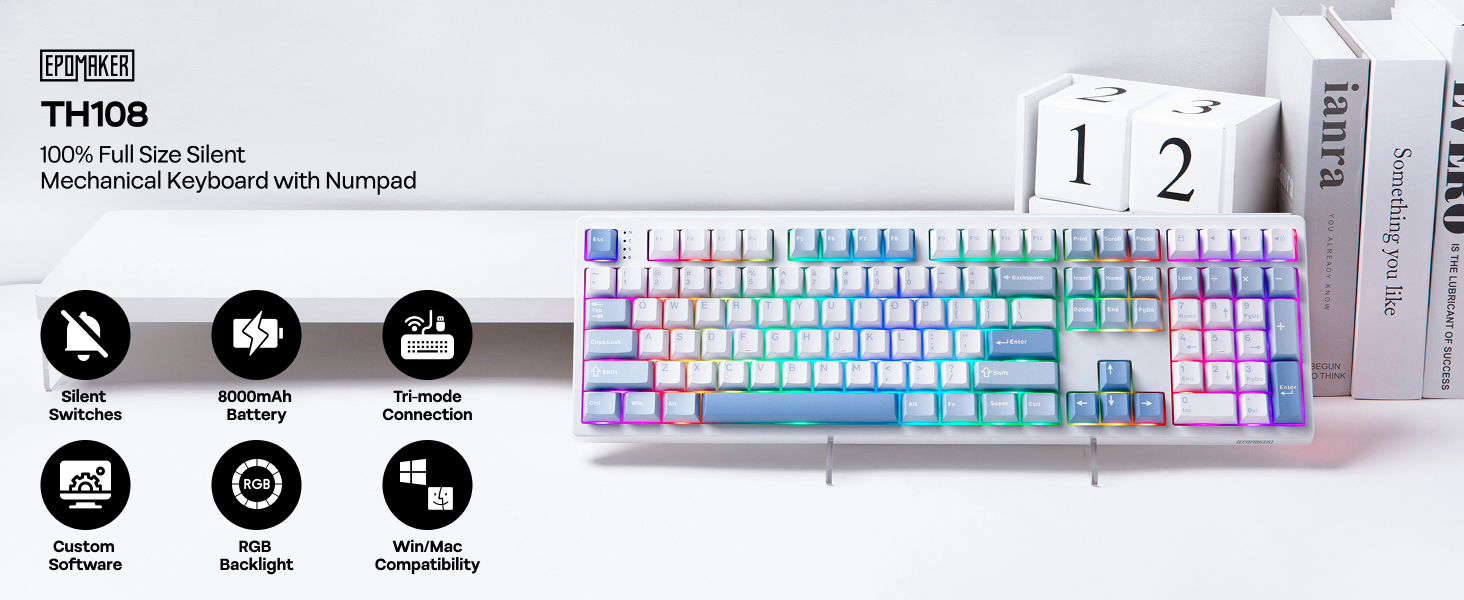
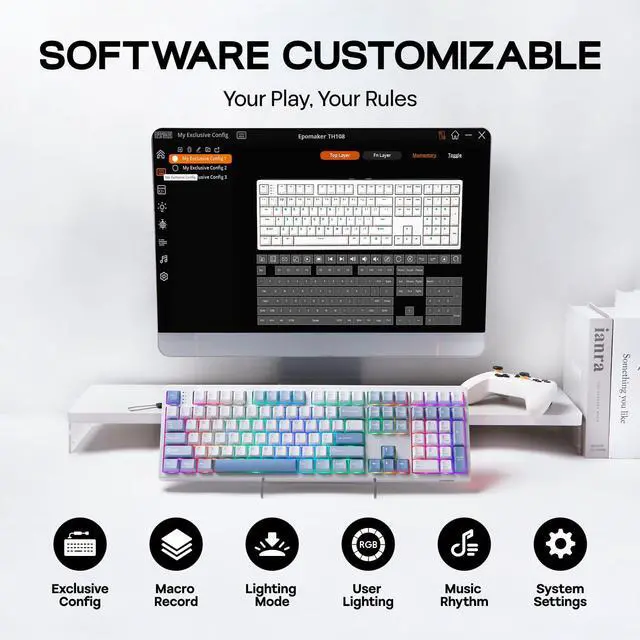
Note: The driver is not compatible with Mac systems.
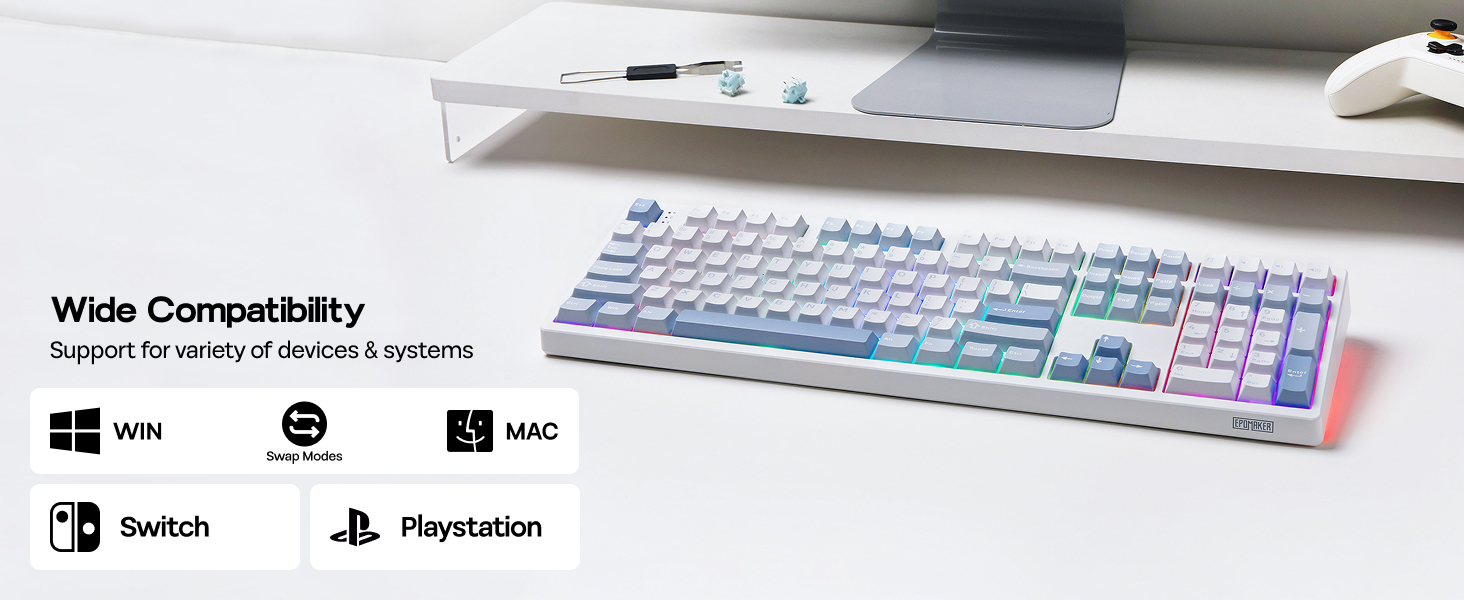
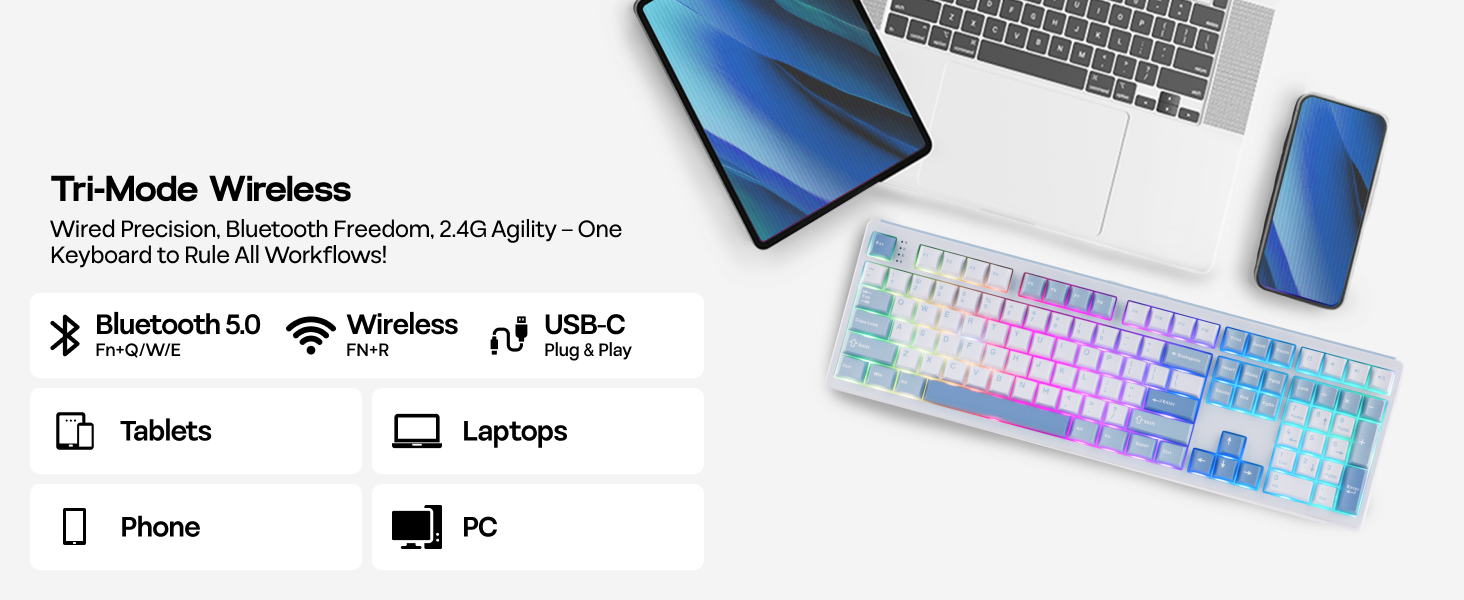
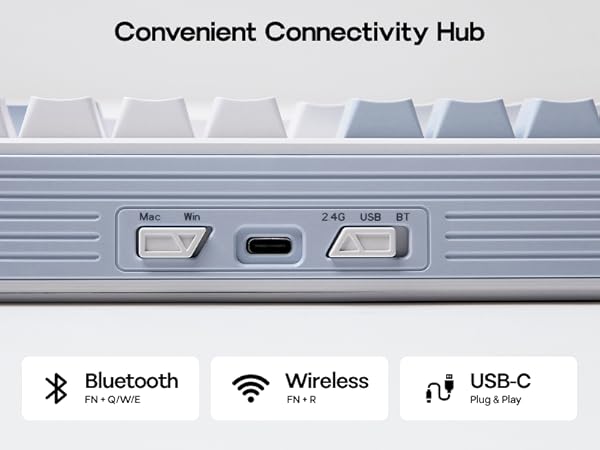
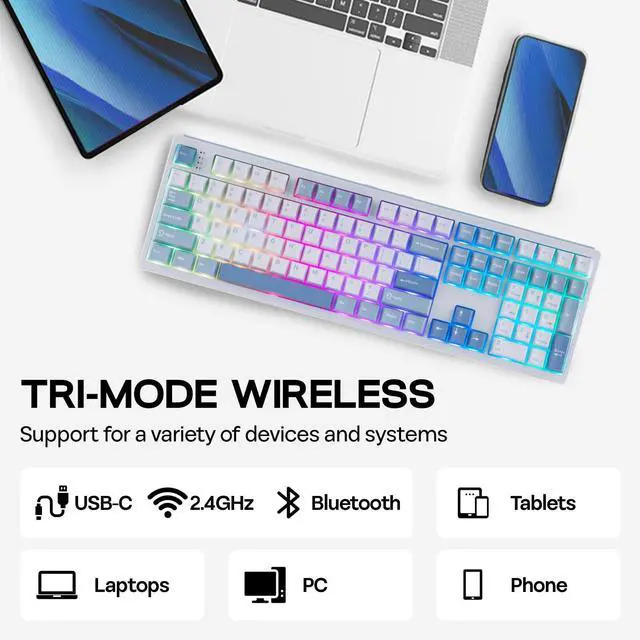
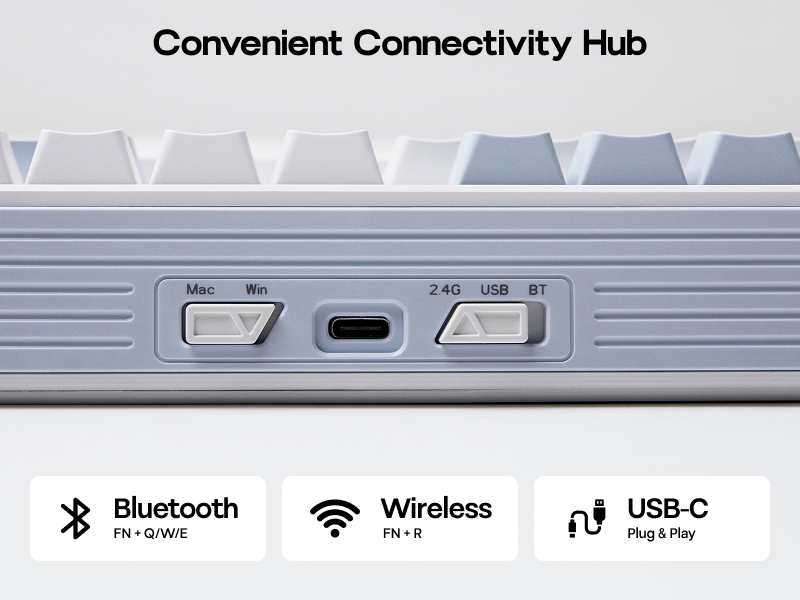
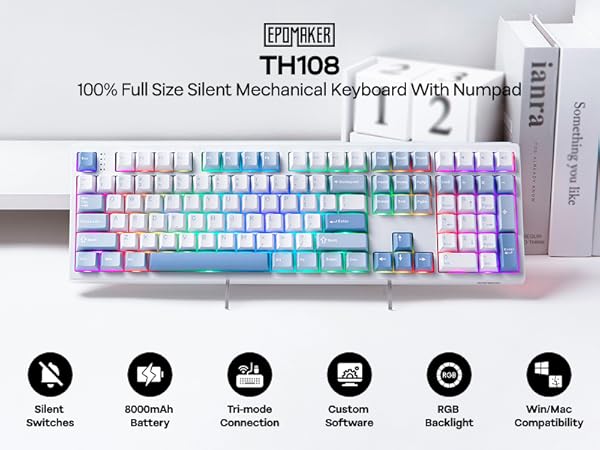
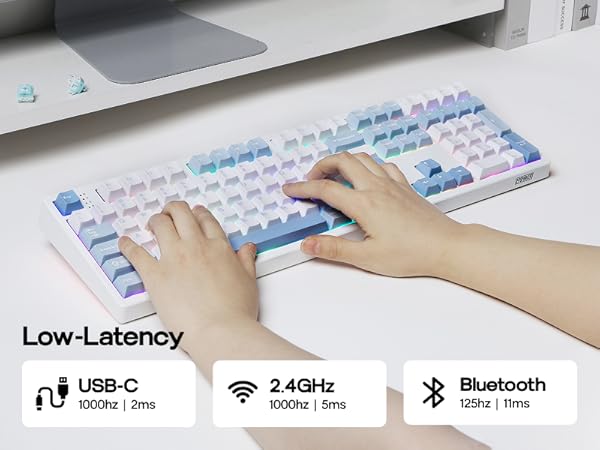
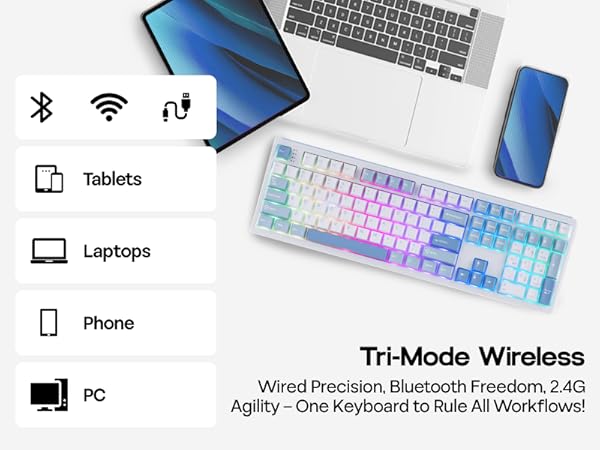
Packed with three modes of connection and an easily accessible mode switch besides the USB port, the TH108 keyboard offers reliable 2.4GHz wireless, low-latency cable mode, and versatile Bluetooth connectivity.
 TH108 |  F108 |  F108 PRO |  Galaxy100 |  TH99 |  F99 PRO |  F99 | |
|---|---|---|---|---|---|---|---|
Customer Reviews | — | — | — | — | — | — | — |
Price | — | — | — | — | — | — | — |
Special Features | Full size, Quiet Keyboard | Full size | Full size, with LCD Screen | VIA/QMK | 1800 Layout | RGB Ambient Lighting | 1800 Layout |
Layout | Full Size | Full Size | Full Size | 96% | 96% | 1800 Layout | 1800 Layout |
Case Material | Plastic | Plastic | Plastic | Aluminum | Plastic | Plastic | Plastic |
Keys | 108 | 108 | 104 | 101+1 | 102 | 99+1 | 99 |
Connectivity | Bluetooth/2.4Ghz/USB-C Wired | Bluetooth/2.4Ghz/USB-C Wired | Bluetooth/2.4Ghz/USB-C Wired | Bluetooth/2.4Ghz/USB-C Wired | Bluetooth/2.4Ghz/USB-C Wired | Bluetooth/2.4Ghz/USB-C Wired | Bluetooth/2.4Ghz/USB-C Wired |
Battery Capacity | 8000mAh | 4000mAh | 8000mAh | 8000mAh | 8000mAh | 8000mAh | 8000mAh |
Keycap Material & Profile | PBT Plastic. Cherry Profile | PBT Plastic. Cherry/OEM | PBT Plastic. Cherry Profile | PBT Plastic. MDA/Cherry | PBT Plastic. Cherry Profile | PBT Plastic. Cherry Profile | PBT Plastic. Cherry Profile |
Hot Swappable | 3/5-pin Mechanical Switches | 3/5-pin Mechanical Switches | 3/5-pin Mechanical Switches | 3/5-pin Mechanical Switches | 3/5-pin Mechanical Switches | 3/5-pin Mechanical Switches | 3/5-pin Mechanical Switches |
Backlight | Per-Key RGB, South-Facing | Per-Key RGB, South-Facing | Per-Key RGB, South-Facing | Per-Key RGB, South-Facing | Per-Key RGB, South-Facing | Per-Key RGB, South-Facing | Per-Key RGB, North-Facing |
Mount Type | Gasket Mounted | Gasket Mounted | Gasket Mounted | Gasket Mounted | Gasket Mounted | Gasket Mounted | Gasket Mounted |
Software | TH108 Software (WIN only) | F108 Software (WIN only) | F108 PRO Software (WIN only) | VIA Software | TH99 Software (WIN only) | F99 PRO Software (WIN only) | F99 Software (WIN only) |
Size & Weight | 44.5*14*4.2cm & 1.2kg | 44.5*13.8*4.1cm & 1kg | 44.5*13.8*4.1cm & 1kg | 40.5*13.78*3.23cm & 2kg | 41.8*15*4.2cm & 1.14kg | 40.5*13.6*3*1.9cm & 1.2kg | 39x14.7x3cm & 1.16kg |
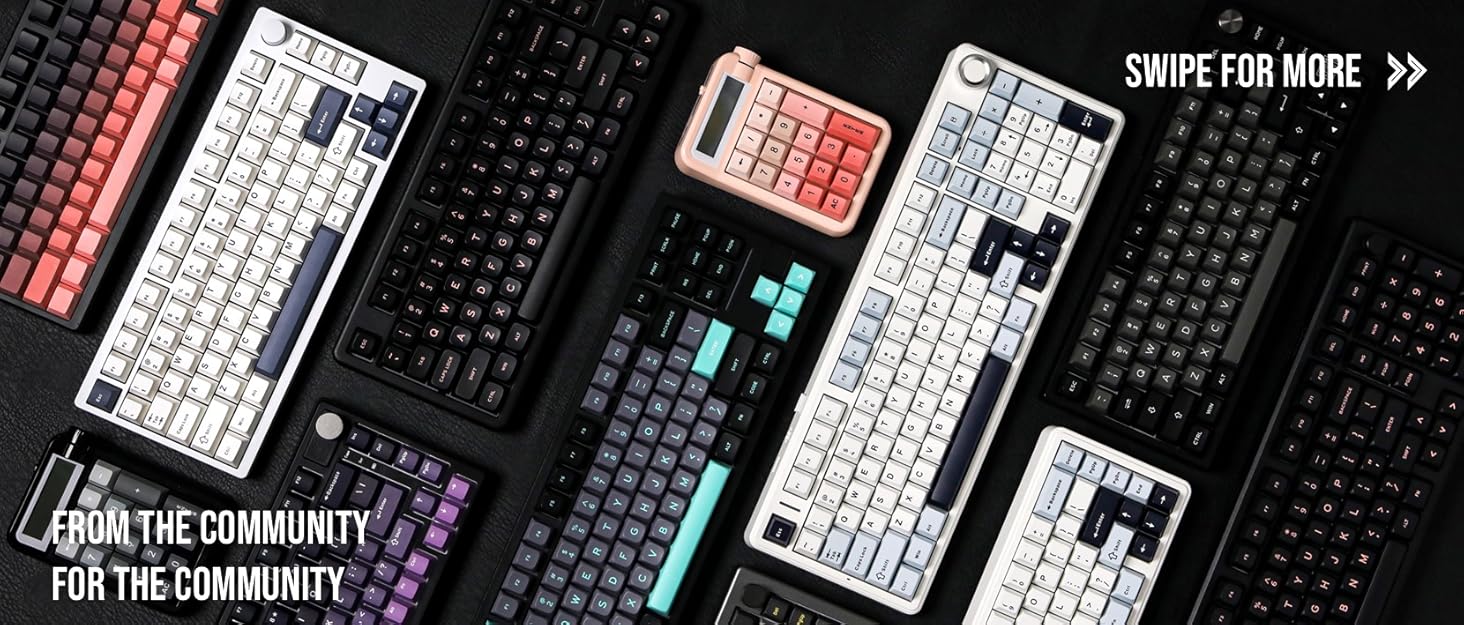

Composed of a team of young gamers, software engineers, and product designers who love tech gadgets, we set out to develop the best products that encapsulate personality, functionality, and affordability. Unsatisfied with the keyboards currently out there, we have created our ultimate sturdiness, wireless, and fully-customizable mechanical keyboard. Our promise is to deliver a keyboard that meets all of your workflow needs.


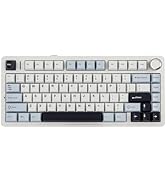
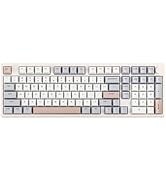
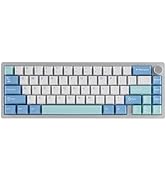
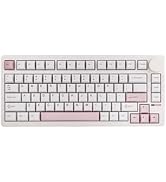
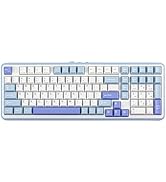
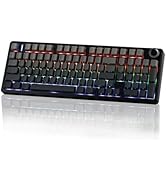
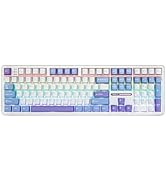

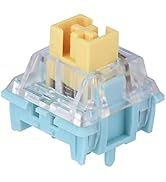
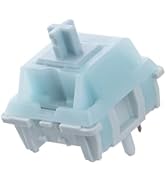
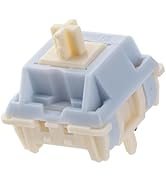
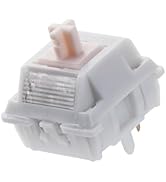
Note: The driver is not compatible with Mac systems.
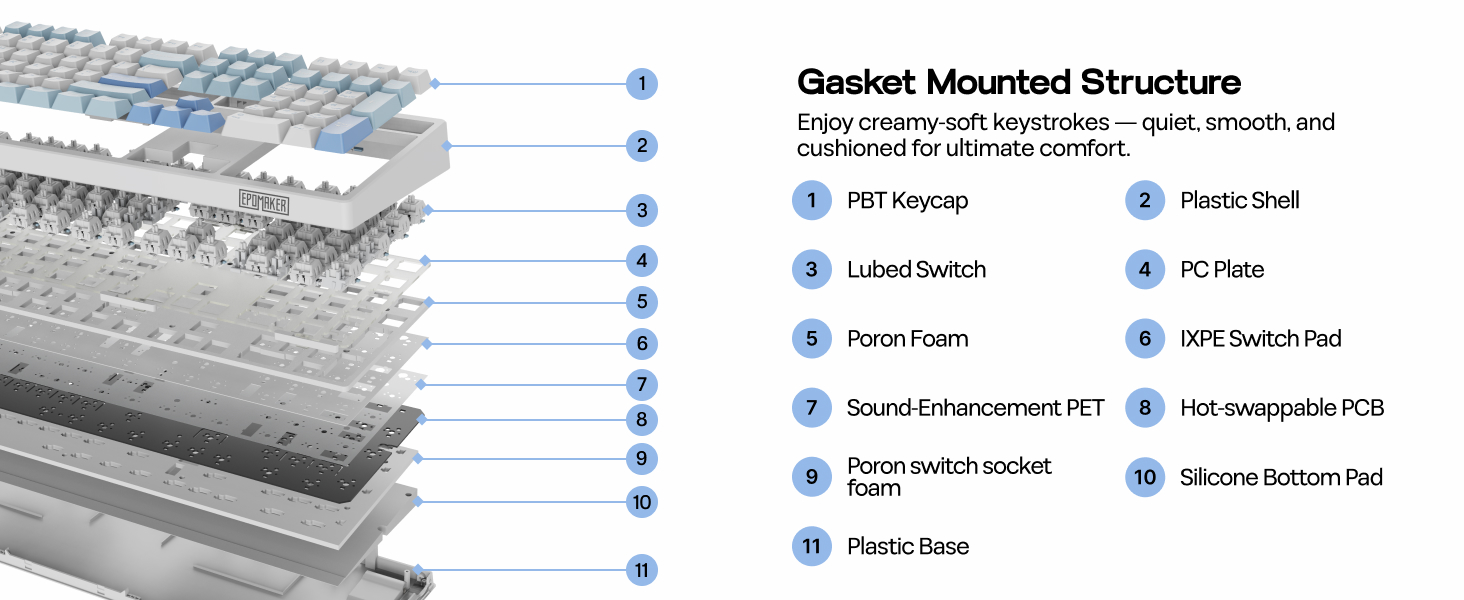
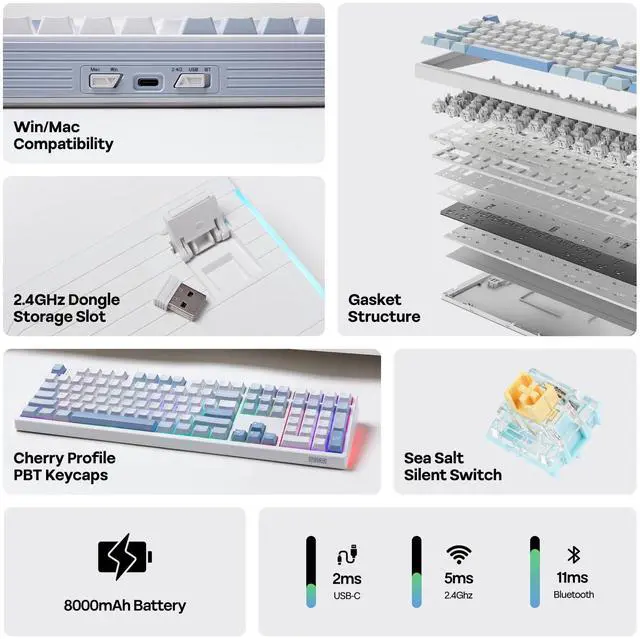
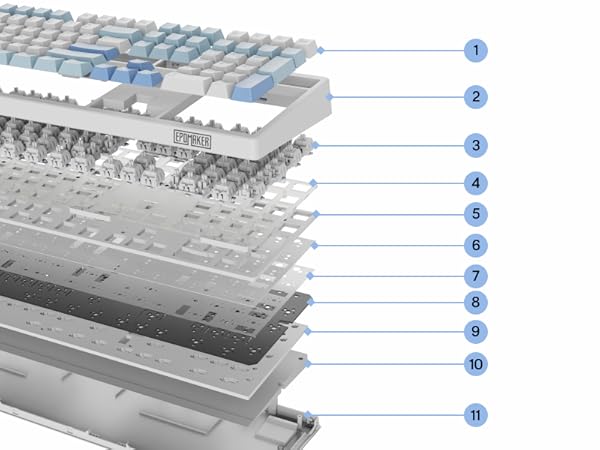
Experience the TH108’s soft, flexible typing and creamy-quiet acoustics, engineered through its integrated Gasket Structure. Enjoy a flawlessly smooth feel thanks to pre-lubed plate stabilizers and precision-tuned linear switches.
Packed with three modes of connection and an easily accessible mode switch besides the USB port, the TH108 keyboard offers reliable 2.4GHz wireless, low-latency cable mode, and versatile Bluetooth connectivity.
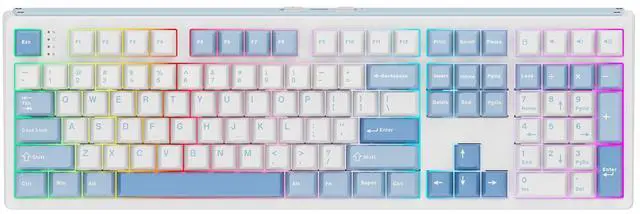
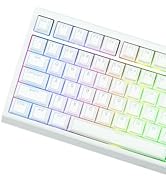
The TH108 mechanical keyboard's RGB backlighting transforms the keys into a mesmerizing river of light, where colors cascade and dance seamlessly across the surface. Choose from dynamic effects like breathing, cycling, and chasing to infuse your typing experience with vibrant energy and motion.
What's in the package:
TH108 | F108 | F108 PRO | Galaxy100 | TH99 | F99 PRO | F99 |
|---|---|---|---|---|---|---|
| Customer Reviews | ||||||
| — | — | — | — | — | — | — |
| Price | ||||||
| — | — | — | — | — | — | — |
| Special Features | ||||||
| Full size, Quiet Keyboard | Full size | Full size, with LCD Screen | VIA/QMK | 1800 Layout | RGB Ambient Lighting | 1800 Layout |
| Layout | ||||||
| Full Size | Full Size | Full Size | 96% | 96% | 1800 Layout | 1800 Layout |
| Case Material | ||||||
| Plastic | Plastic | Plastic | Aluminum | Plastic | Plastic | Plastic |
| Keys | ||||||
| 108 | 108 | 104 | 101+1 | 102 | 99+1 | 99 |
| Connectivity | ||||||
| Bluetooth/2.4Ghz/USB-C Wired | Bluetooth/2.4Ghz/USB-C Wired | Bluetooth/2.4Ghz/USB-C Wired | Bluetooth/2.4Ghz/USB-C Wired | Bluetooth/2.4Ghz/USB-C Wired | Bluetooth/2.4Ghz/USB-C Wired | Bluetooth/2.4Ghz/USB-C Wired |
| Battery Capacity | ||||||
| 8000mAh | 4000mAh | 8000mAh | 8000mAh | 8000mAh | 8000mAh | 8000mAh |
| Keycap Material & Profile | ||||||
| PBT Plastic. Cherry Profile | PBT Plastic. Cherry/OEM | PBT Plastic. Cherry Profile | PBT Plastic. MDA/Cherry | PBT Plastic. Cherry Profile | PBT Plastic. Cherry Profile | PBT Plastic. Cherry Profile |
| Hot Swappable | ||||||
| 3/5-pin Mechanical Switches | 3/5-pin Mechanical Switches | 3/5-pin Mechanical Switches | 3/5-pin Mechanical Switches | 3/5-pin Mechanical Switches | 3/5-pin Mechanical Switches | 3/5-pin Mechanical Switches |
| Backlight | ||||||
| Per-Key RGB, South-Facing | Per-Key RGB, South-Facing | Per-Key RGB, South-Facing | Per-Key RGB, South-Facing | Per-Key RGB, South-Facing | Per-Key RGB, South-Facing | Per-Key RGB, North-Facing |
| Mount Type | ||||||
| Gasket Mounted | Gasket Mounted | Gasket Mounted | Gasket Mounted | Gasket Mounted | Gasket Mounted | Gasket Mounted |
| Software | ||||||
| TH108 Software (WIN only) | F108 Software (WIN only) | F108 PRO Software (WIN only) | VIA Software | TH99 Software (WIN only) | F99 PRO Software (WIN only) | F99 Software (WIN only) |
| Size & Weight | ||||||
| 44.5*14*4.2cm & 1.2kg | 44.5*13.8*4.1cm & 1kg | 44.5*13.8*4.1cm & 1kg | 40.5*13.78*3.23cm & 2kg | 41.8*15*4.2cm & 1.14kg | 40.5*13.6*3*1.9cm & 1.2kg | 39x14.7x3cm & 1.16kg |
Composed of a team of young gamers, software engineers, and product designers who love tech gadgets, we set out to develop the best products that encapsulate personality, functionality, and affordability. Unsatisfied with the keyboards currently out there, we have created our ultimate sturdiness, wireless, and fully-customizable mechanical keyboard. Our promise is to deliver a keyboard that meets all of your workflow needs.
Specifications:
Brand: EPOMAKER
Model: TH108 mechanical gaming keyboard.
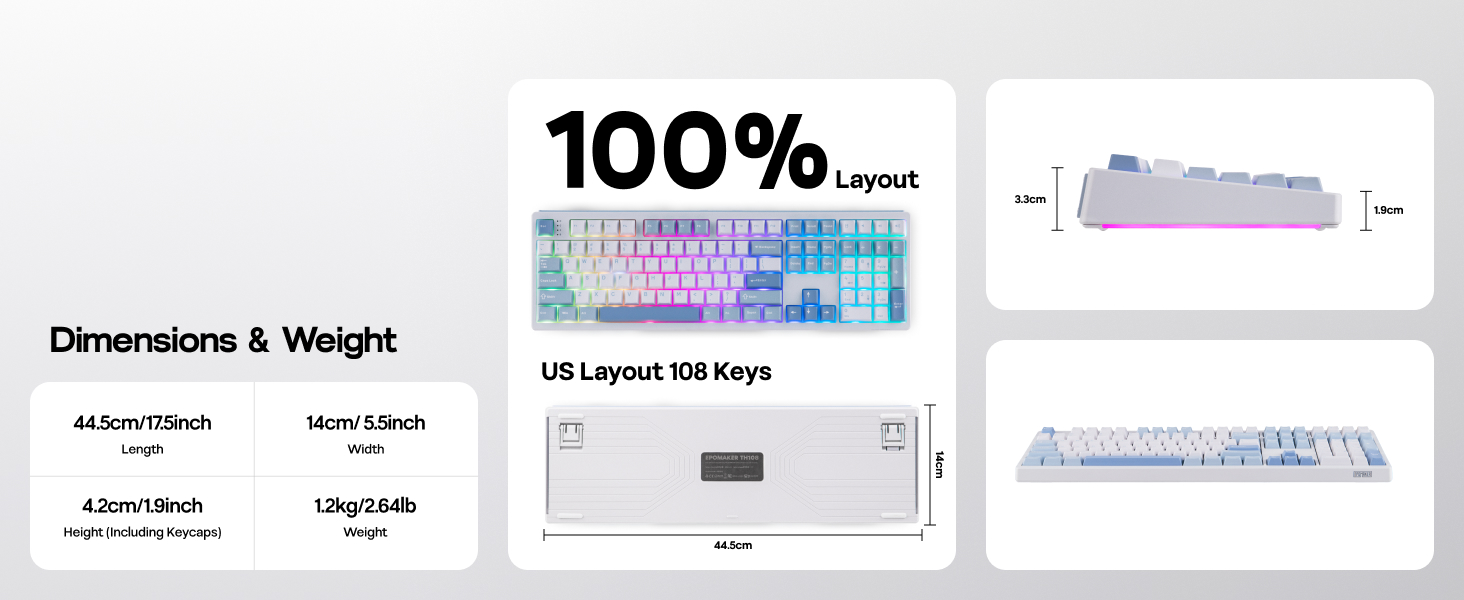
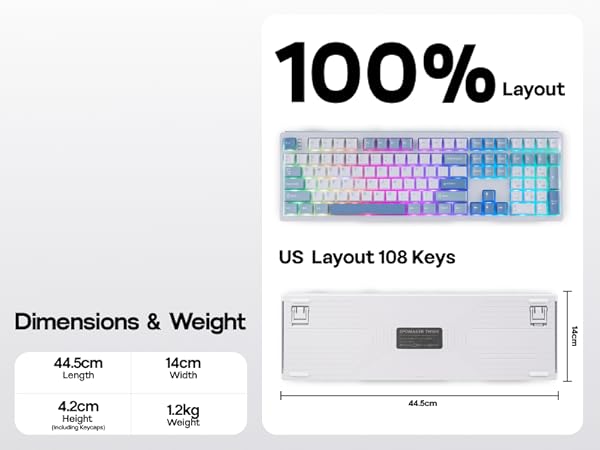
Layout: 100% full sized gaming keyboard
Number of Keys: 108 Keys
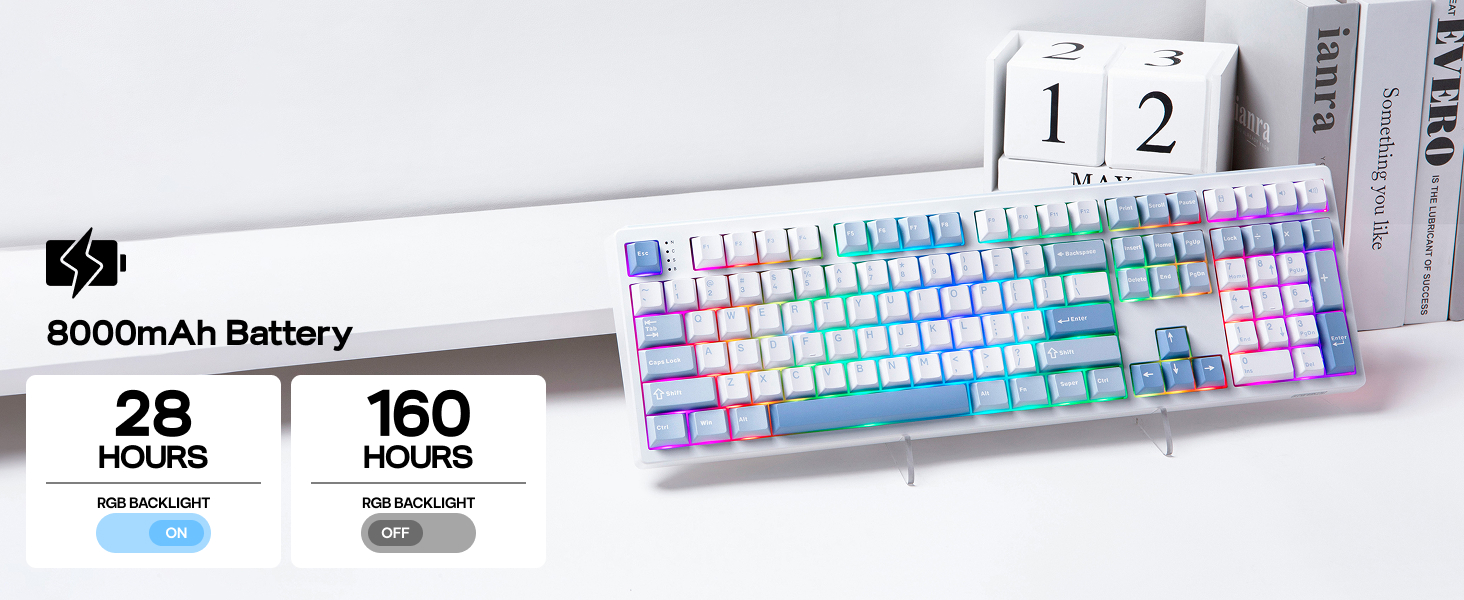
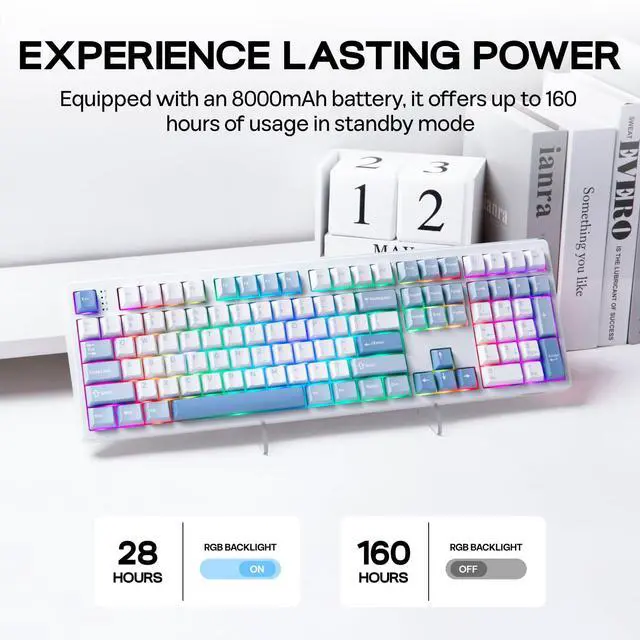
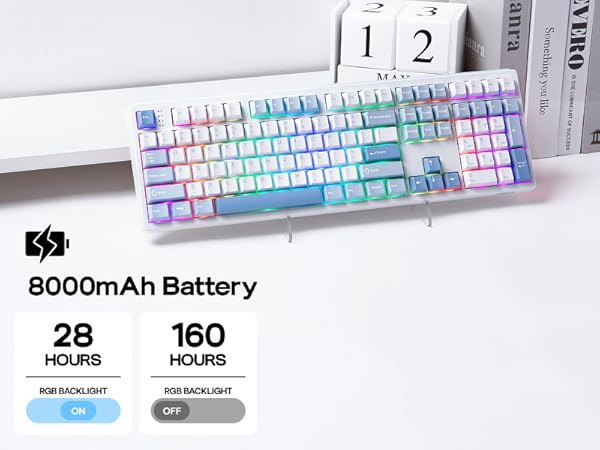
Battery: 8000mAh Rechargeable Battery
Connectivity: 2.4Ghz Wireless, Bluetooth, USB Cable
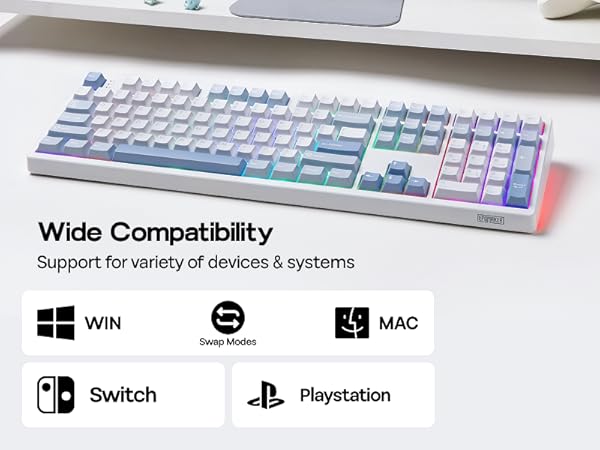
Compatibility: Mac/WIN/Android
Keyboard Dimensions: 44.5*14*4.2cm. (44.5cm in length, 14cm in width and 4.2cm in height including keycaps)
Keyboard Weight: 1.2kg
Height (Spacebar Side): 1.9cm
Height (ESC Side): 3.3cm
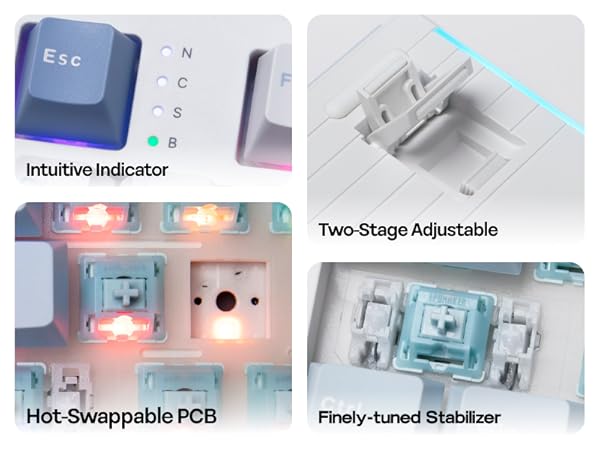
Kickstand: Yes, TH108 has a 2-stage adjustable kickstand and offers three typing-angles.
Typing Angle: 6, 8 and 10.5 degree
Case Material: Thick ABS Plastic
Plate Material: PC Plastic
Flex-Cut: Yes, the TH108 has a flex-cut PC plate and a PCB board.
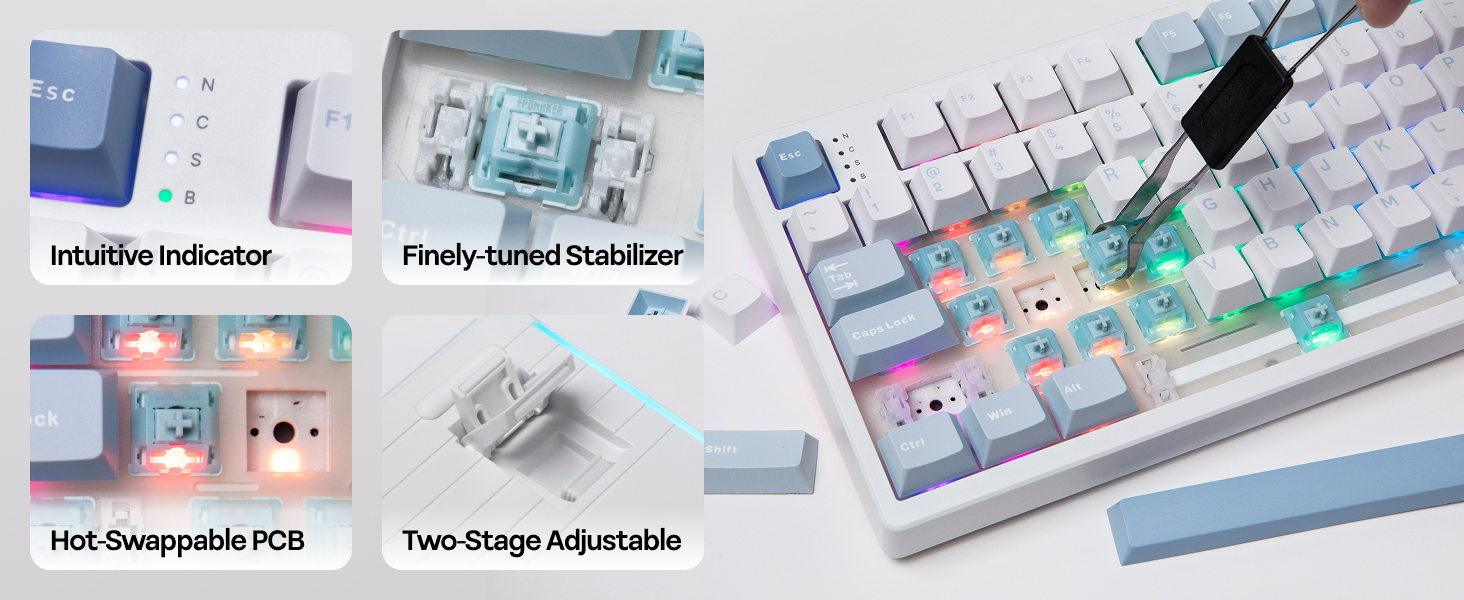
Stabilizers: TH108 has finely tuned plate-mounted stabilizers and is not compatible with PCB or screw-in stabilizers.
Mounting Structure: Gasket-Mounted
Sound Dampening: 5 Layers of sound dampening, including PORON sandwich foam, IXPE switch pad, Sound-Enhancement PET, PORON switch socket foam, and bottom silicone.
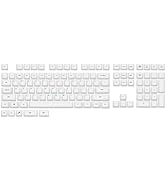
Keycaps Profile: Cherry Profile Keycap
Keycaps Material: PBT Plastic
Keycaps Manufacturing Technique: Double-Shot
Switch: Factory Lubed Linear Switch
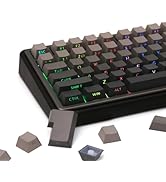
Hot swappable: Yes, TH108 has hot-swappable PCB and is compatible with 5-pin mechanical switch.
RGB: South-Facing, Per-Key LEDs
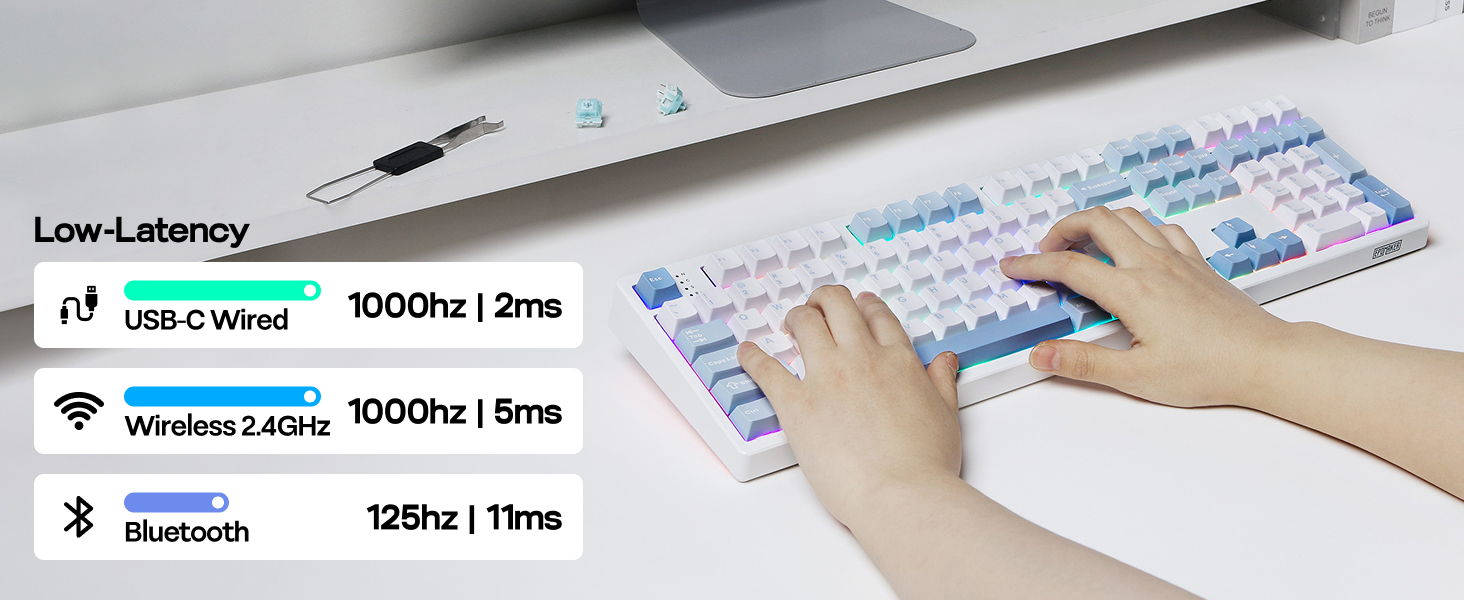
Polling Rate: 1000hz in USB and 2.4Ghz mode, and 125hz in Bluetooth mode.
Latency: 2ms (USB), 5ms (2.4Ghz Wireless), 11ms (Bluetooth)
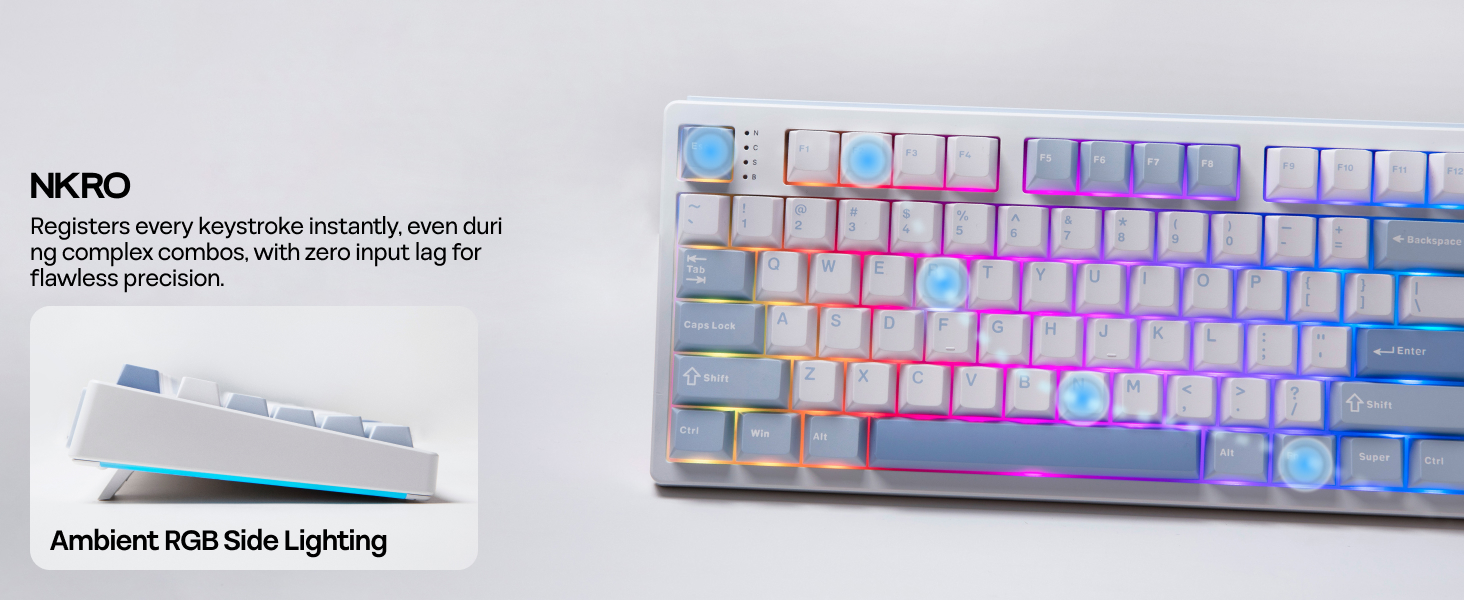
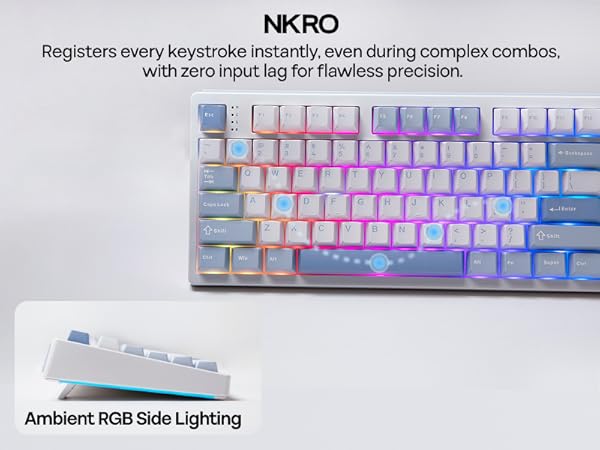
Anti-Ghosting: Yes, TH108 supports N-key rollover and is anti-ghosting.
Switch Specs
EPOMAKER Creamy Jade Switch
Switch Type: 5-pin Mechanical Switch, Linear, Pre-Lubed
Trigger Force: 45±5gf
Bottom-out Force: 50±5gf
Pre-Travel: 2.0±0.4mm
Total Travel: 3.6±0.4mm
Light Diffuser: No Light Diffuser
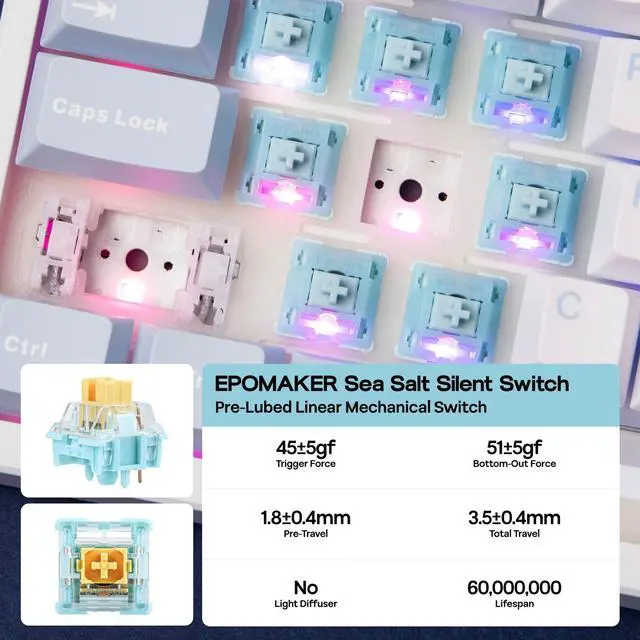
EPOMAKER Sea Salt Silent V2 Switch
Switch Type: 5-pin Mechanical Switch, Silent, Linear, Pre-Lubed
Trigger Force: 45±5gf
Bottom-out Force: 51±5gf
Pre-Travel: 1.8±0.4mm
Total Travel: 3.5±0.4mm
Top Case: Transparent PC
Bottom Case: Light Blue PA66
Stem: Yellow POM
Special: Dust-prove
Package Content:
1* TH108 Full Sized Gaming Keyboard
1* USB A-to-C Cable
1* Wireless 2.4Ghz Receiver (stored under the left kick-stand)
2* Extra Switches
1* 2-in-1 Switch-and-Keycap Puller
1* Multilingual Manual
| Brand | EPOMAKER |
| Compatible Devices | Gaming Console, Laptop, PC, Smart TV, Tablet |
| Connectivity Technology | 2.4Ghz Wireless, Bluetooth, USB-C |
| Keyboard Description | Full Size Mechanical Keyboard |
| Recommended Uses For Product | Business, Education, Everyday Use, Gaming, Multimedia, Personal, Photo Editing, Programming, Student, Video Editing |
| Special Feature | Backlit, Ergonomic, Hot-Swappable, Programmable Keys |
| Color | Blue&White |
| Keyboard backlighting color support | RGB |
| Style | Contemporary |
| Product Dimensions | 17.5"L x 5.5"W x 1.65"H |
| Item Weight | 3.67 pounds |
| Manufacturer | EPOMAKER |
| Item model number | TH108 |
The EPOMAKER TH108 is a full-size 108-key mechanical gaming keyboard with quiet linear switches, hot-swappable support, RGB backlighting, and USB, 2.4GHz wireless, and Bluetooth connectivity. It suits gamers, office users, and anyone who wants a stable, feature-rich desktop keyboard with low-latency performance.
| Attribute | Value |
|---|---|
| Best For | Gaming and office typing with a full-size mechanical layout, linear quiet switches, and wired, 2.4GHz, or Bluetooth connectivity |
| Layout And Construction | Standard full-size layout with 108 keys and a plastic construction |
| Switches And Keycaps | Linear quiet mechanical switches with PBT Cherry Profile keycaps |
| Connectivity And Compatibility | USB, 2.4GHz, and Bluetooth connectivity with support for Mac and Windows |
| Backlighting And Input Features | Backlit keyboard with N-key rollover anti-ghosting |
| Color | Blue and white |
| Dimensions | 17.5 in x 5.5 in x 1.65 in |
| Included Accessories | Includes a 2.4GHz wireless receiver, USB-A to USB-C cable, keycap-and-switch puller, two extra switches, and a multilingual manual |
| Model Identifiers | EPOMAKER TH108 |
Q: Is the EPOMAKER TH108 better than the AULA F108 Pro?
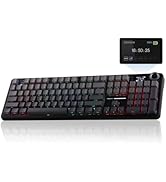
A: Choose the TH108 if quieter typing, a more heavily damped gasket design, double-shot PBT keycaps, and adjustable typing angles matter most. Choose the AULA F108 Pro if you prefer a lighter full-size keyboard with a display and control knob. Both target wireless full-size use with hot-swappable switches and 2.4GHz connectivity, so the decision is mainly between typing acoustics and extra controls versus portability and visual features.
Q: Should I buy the TH108 or the TH108 Pro?
A: Buy the standard TH108 if you want the core full-size layout, tri-mode connectivity, gasket mount, hot-swappable switches, RGB lighting, and silent-switch option without paying for a display-focused design. Choose the TH108 Pro if you want a screen, multifunction control knob, and a larger listed battery. The Pro is an upgrade in features rather than a change in keyboard format, so the standard TH108 is the more direct choice when typing performance and basic wireless functionality are the priorities.
Q: Is the TH108 a good choice for a quiet office or shared workspace?
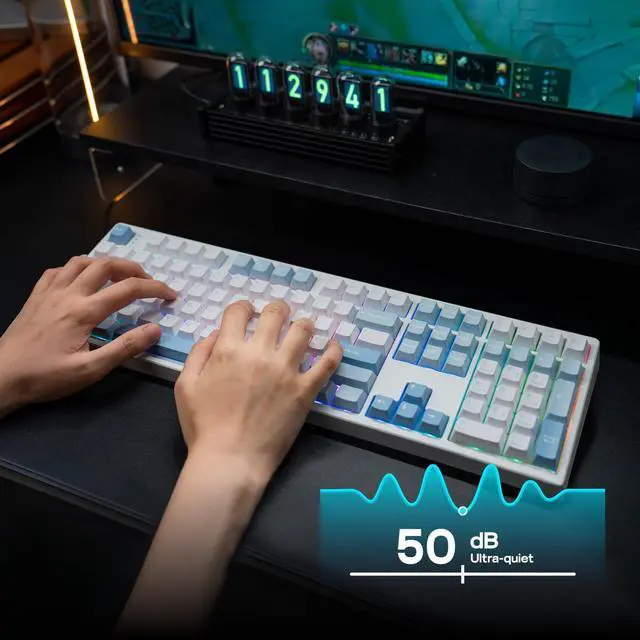
A: Yes, when configured with the Sea Salt Silent linear switches. The TH108 combines silent switches with a gasket mount and multiple internal dampening layers, making it better suited to office use and shared spaces than a keyboard with clicky or louder tactile switches. It is still a full-size keyboard, so choose it when you need a dedicated number pad and do not need a compact desk footprint.
Q: Is the TH108 suitable for gaming compared with a compact TKL or 75% keyboard?
A: Choose the TH108 for gaming if you use a number pad, want a stable full-size board, or need wired and 2.4GHz wireless modes with up to 1000Hz polling. Choose a TKL or 75% keyboard if desk space, lower weight, and easier transport matter more than dedicated full-size keys. The TH108 is performance-oriented for a wireless full-size keyboard, but its larger footprint makes compact layouts more practical for portable or mouse-heavy setups.
Q: Is the EPOMAKER TH108 quiet enough for office work, meetings, or shared spaces?
A: The TH108 uses linear quiet switches, gasket mounting, and multiple sound-dampening layers, so it should be quieter and softer than many clicky mechanical keyboards. However, it is still a mechanical keyboard and is not guaranteed to be silent, especially when keys are bottomed out or used in a quiet room.
Q: Is the TH108 suitable for everyday office work, note-taking, and data entry?
A: Yes. The TH108 is suitable for office work because it has a full-size 108-key layout with a number pad, quiet linear switches, wired and wireless connectivity, and support for Windows and Mac. Its main trade-off is its large footprint and weight, which may be excessive for small desks or highly portable work setups.
Q: Can I use the TH108 with both Windows and Mac, and switch between wired and wireless use?
A: Yes. The TH108 supports Windows and Mac systems and offers three connection modes: USB wired, 2.4GHz wireless, and Bluetooth. Wired mode is the most direct option for charging and low-latency use, while 2.4GHz and Bluetooth reduce cable clutter. The provided specifications do not state how many Bluetooth devices it can store or switch between.
Q: Are the TH108 switches hot-swappable, and can I change the typing feel later?
A: Yes. The TH108 has a hot-swappable design and includes a switch puller plus two extra switches, so users can replace compatible switches without desoldering the board. The supplied specifications do not identify the exact supported switch-pin standard, so compatibility should be confirmed before buying replacement switches.
Q: Is the TH108 a good keyboard for travel or mobile work?
A: It is portable between workstations but not an ideal travel keyboard. The TH108 is a full-size keyboard measuring approximately 17.5 inches wide and weighing over 1.2 kg, so it takes substantial bag and desk space. Its wireless modes and 8000mAh battery reduce cable dependence, but the size and weight favor stationary home, office, or gaming setups.
Q: Is the EPOMAKER TH108 quiet enough for office work or calls?
A: Yes, the Sea Salt Silent version is designed for quiet typing and is a reasonable choice for offices or shared spaces. It is not completely silent, because bottom-out force, stabilizers, and typing style still affect the sound.
Q: Is the TH108 a good choice if I need a numpad and wireless connectivity?
A: Yes. It combines a standard 108-key full-size layout with 2.4GHz wireless, Bluetooth, and USB connectivity. The trade-off is a larger desk footprint than a tenkeyless or compact keyboard, with dimensions of about 17.5 by 5.5 inches.
Q: Is the EPOMAKER TH108 suitable as a first mechanical keyboard?
A: It can suit beginners who want a prebuilt, full-size keyboard with quiet linear switches, RGB lighting, and hot-swappable switches. Buyers should be comfortable using the custom driver and checking the Windows/Mac mode if function-key behavior is incorrect.
Q: What are the main trade-offs of choosing the TH108 over a smaller keyboard?
A: The TH108 provides a dedicated number pad, standard key arrangement, wireless modes, and a heavier full-size body, but it occupies more desk space than compact layouts. Its plastic construction keeps weight and cost lower than many metal keyboards, while the custom software may require additional setup.