here!
I’m your shopping assistant for PC builds, upgrades, and everything tech.
Got questions? Ask away!
Start a conversation
here!
I’m your shopping assistant for PC builds, upgrades, and everything tech.
Got questions? Ask away!
Start a conversation




Any questions? Ask CelesteSM will help you find out quickly.


FAQ
Does it come with a formal Unraid license?
Yes, we pre-install a formal Starter version of the Unraid license. Before formal use, you are eligible for a 30-day free trial of Unraid. After the trial period, you can redeem the formal Unraid license using the included scratch card.
Before Starting the 30-Day Free Trial for Unraid License
After connecting to the internet, please verify that your device's time is set to your local time zone before starting the trial. If you encounter any errors, feel free to contact us for assistance.
Can I adjust the color of the LED light strip on my own?
Yes, we have tutorials on how to adjust the LED lights. If you need, please contact us.
What types of hard drives are compatible with the NAS?
Support 4 x M.2 2280 NVMe SSDs and 2 x 2.5-inch SATA HDDs less than 9.5mm thick. Please choose a mainstream brand of SSD.
How to get seller support?
You can reach us via Newegg or through our after-sales email: [email protected].
LincStation N1: The Ultimate Compact Home Server for Data Enthusiasts
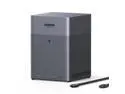
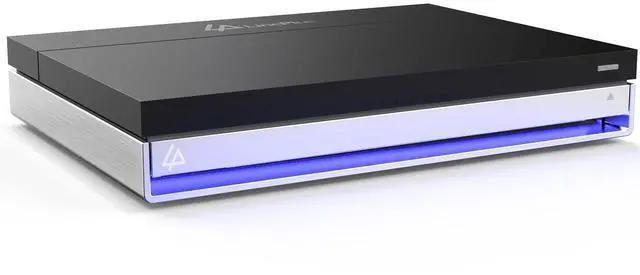
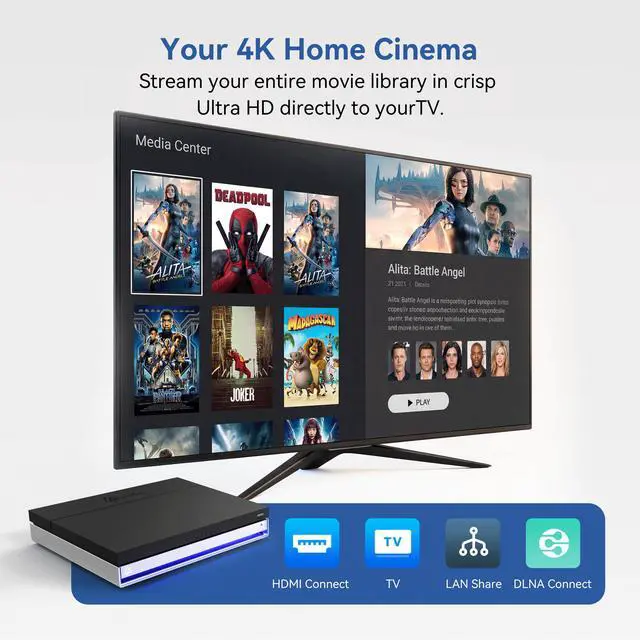
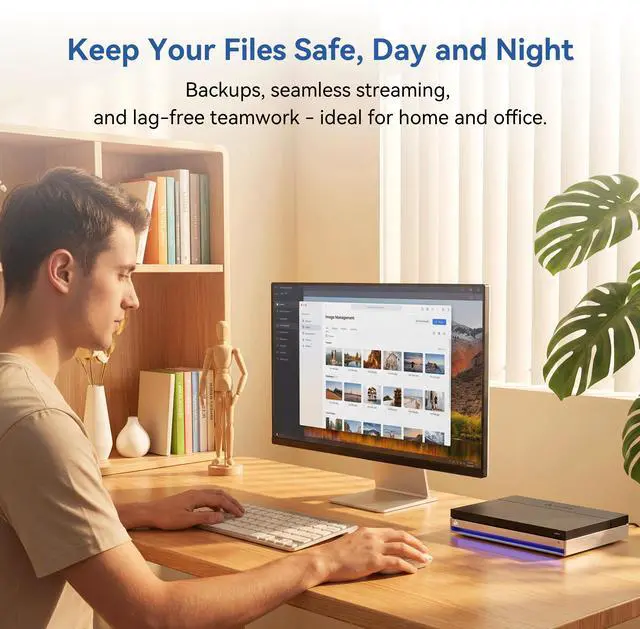
The LincStation N1 is not just another Network Attached Storage (NAS) device; it is a high-performance, compact powerhouse designed for modern digital life. Whether you are a professional photographer needing a secure backup or a movie buff looking for a 4K media server, the N1 adapts to your needs.
The Unraid Advantage
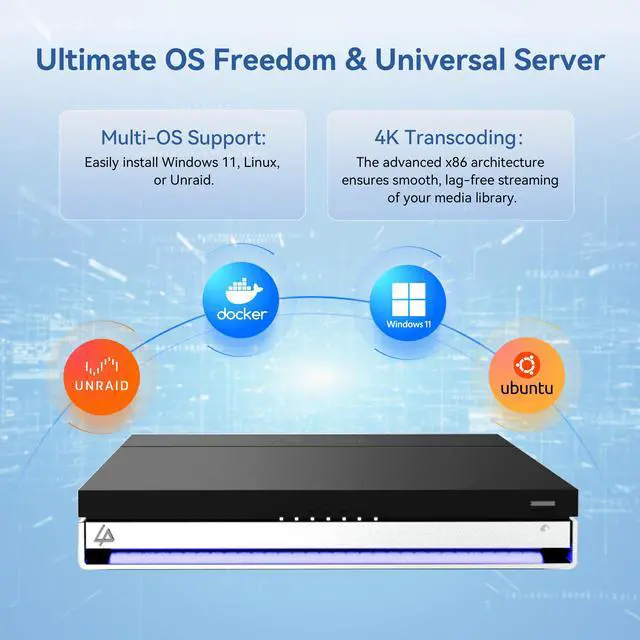
Most NAS systems require identical drives, but the N1 with Unraid OS breaks those rules. Our included Starter License allows you to start small and expand your storage pool as needed, regardless of drive model or capacity. Its a "Set and Forget" solution for your personal cloud.
Incredible Speed in a Tiny Footprint
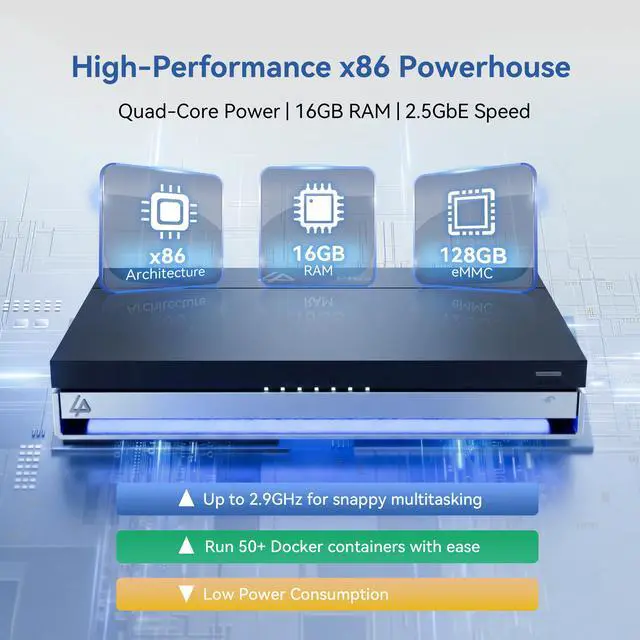
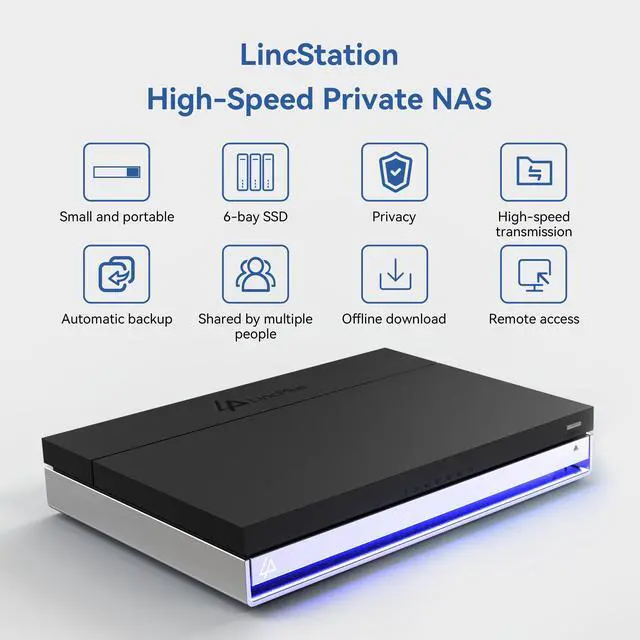
Equipped with an Intel Alder Lake x86 processor and 16GB of RAM, the N1 handles intensive Docker containers and 4K transcoding with ease. The hybrid 6-bay design provides the best of both worlds: lightning-fast NVMe speeds for your apps and high-capacity SATA storage for your archives.
Connect Everything
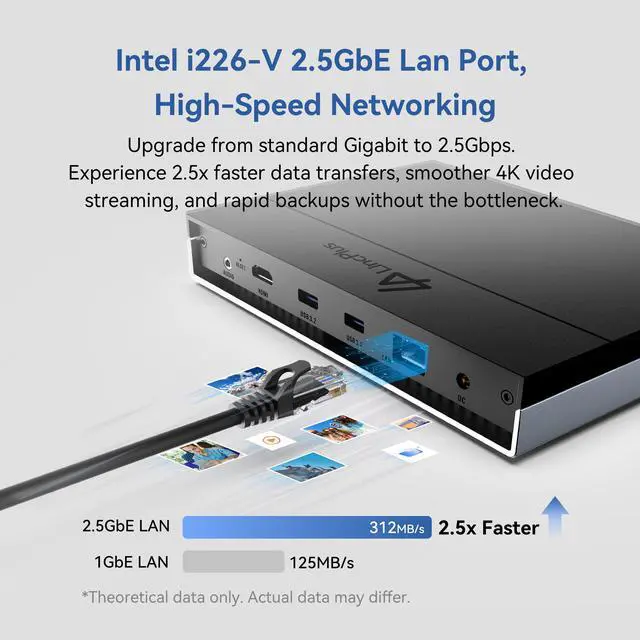
With a 2.5G network port, HDMI 2.0, and multiple USB ports, the N1 connects seamlessly to your existing hardware. Its the perfect hub for your family photos, professional files, and streaming media library.
Package List
NAS Device x1
Power Cord x1
Power Adapter x1
Ethernet Cable x1
Accessories Pack x1
User Manual x1
Unraid License Redemption Card x1
The LincStation N1 is a diskless six-bay NAS with an Intel N5105 quad-core processor, 16GB RAM, two 2.5-inch SATA bays, and four M.2 NVMe slots. It suits home labs, private cloud storage, backups, media servers, Docker apps, and users who want flexible Unraid storage without traditional RAID limits.
| Attribute | Value |
|---|---|
| Best For | Personal-cloud backup and media streaming in a 6-bay NAS chassis |
| Storage And Expansion | 6-bay form factor with two SATA drive bays |
| Processor And Memory | Intel processor with 16GB of installed memory and a 16GB maximum memory capacity |
| Wired Networking | Single 2.5GbE RJ-45 network connection |
Q: Should I buy the LincStation N1 or the newer LincStation N2?
A: Choose the LincStation N1 when 2.5GbE networking, six mixed NVMe/SATA bays, 16GB RAM, and Unraid are sufficient for your home server, media, backup, and Docker workloads. Choose the LincStation N2 when you need higher network throughput and newer processing hardware: LincPlus positions the N2 with an Intel N100 processor and 10GbE, making it a better fit for high-speed transfers, creator workflows, and heavier multitasking. The main trade-off is that the N1 is the lower-performance option but can meet typical home-lab requirements with less network overhead.
Q: Is the LincStation N1 worth choosing over a smaller four-bay NAS such as the LincStation E1?
A: Choose the LincStation N1 when you need six total storage devices, 16GB RAM, four NVMe slots, and enough memory for multiple Docker containers, virtual machines, media services, or a larger home lab. Choose the LincStation E1 when basic home backups, photos, and private-cloud storage are the priority and its lower-memory four-bay design is sufficient. The N1 provides more expansion and multitasking headroom, while the E1 is better aligned with simpler storage-focused deployments.
Q: LincStation N1 or Synology DS224+: which is better for a home NAS?
A: Choose the LincStation N1 when storage flexibility, NVMe performance, 16GB of memory, 2.5GbE networking, Unraid, Docker applications, and future drive expansion are the priorities. Choose the Synology DS224+ when you prefer a conventional two-drive NAS with Synology’s DSM software and a simpler file-backup experience. The N1 offers six hybrid storage bays and substantially more memory, while the DS224+ uses two SATA bays, 2GB of included memory, and dual 1GbE ports.
Q: Should I get the LincStation N1 or a four-bay QNAP TS-464?
A: Choose the LincStation N1 when you want a compact, SSD-focused NAS with four NVMe slots, two 2.5-inch SATA bays, 16GB RAM, and Unraid for flexible storage and home-lab applications. Choose the QNAP TS-464 when you want four larger 3.5-inch drive bays, two 2.5GbE ports, PCIe expansion, and a conventional QTS-based NAS platform. The N1 is more suitable for quiet flash storage and container-focused setups; the TS-464 is more suitable for higher-capacity HDD storage and network expansion.
Q: Who is the LincStation N1 suitable for?
A: The LincStation N1 is suitable for home users, small offices, and home-lab builders who want flexible network storage, media streaming, backups, Docker applications, or virtual machines. It is best for buyers comfortable installing their own drives and configuring Unraid rather than users seeking a fully preconfigured plug-and-play cloud appliance.
Q: Can the LincStation N1 run Plex, Jellyfin, or other media-server software?
A: Yes. The LincStation N1 is designed to support media-server applications such as Plex, Jellyfin, and Emby through Unraid and Docker. Its Intel N5105 processor, 16GB of RAM, HDMI 2.0 output, and 2.5GbE networking provide a suitable foundation for local media streaming, but demanding 4K transcoding performance will depend on the video format, number of streams, and software configuration.
Q: Can I use SSDs instead of hard drives in the LincStation N1?
A: Yes. The LincStation N1 has two 2.5-inch SATA bays for 2.5-inch SATA HDDs or SSDs, plus four M.2 2280 NVMe slots. The NVMe slots can be used for high-speed storage, applications, cache, or virtual machines, while the SATA bays can provide additional capacity.
Q: What does diskless mean, and what do I need to buy separately?
A: Diskless means the LincStation N1 is sold without user-installed storage drives. You must provide compatible 2.5-inch SATA drives, M.2 2280 NVMe drives, or a combination of both before using it as a storage server. The included 128GB eMMC provides system storage, but it does not replace the capacity needed for files, backups, or media.
Q: Can I access files remotely, or is the LincStation N1 only for use at home?
A: The LincStation N1 can be configured for remote file access through Unraid and compatible networking or remote-access tools. Remote access requires an active network connection and proper security configuration; it is not the same as automatically receiving managed cloud storage. Buyers should plan for secure authentication, updates, and network setup before exposing the NAS to the internet.
Q: Is the LincStation N1 worth buying for a compact home NAS or home lab?
A: It is a good fit for users who prioritize a small, low-power, all-flash NAS with Unraid, Docker support, media streaming, backups, and home-lab applications. The main trade-offs are the diskless design, the cost per terabyte of SSD storage, a relatively modest Intel N5105 processor, and less established software support than Synology or QNAP.
Q: Is the LincStation N1 suitable for Plex, Jellyfin, backups, and Docker applications?
A: Yes. Its Intel N5105 processor, 16GB of RAM, six storage positions, 2.5GbE networking, and Unraid support are appropriate for home media servers, backups, photo storage, and several lightweight Docker applications. It is better suited to home-server workloads than to demanding virtualization or high-performance server tasks.
Q: What are the main trade-offs of using the LincStation N1 instead of a conventional HDD NAS?
A: The N1 provides six all-flash storage positions, low noise potential, compact size, and fast local storage. The trade-offs are higher storage cost per terabyte, limited suitability for large archival collections, and a 2.5GbE connection that may not fully use the combined speed of multiple NVMe drives. It is most practical when low noise, responsiveness, or compact size matter more than maximum capacity per dollar.
Q: Is the LincStation N1 actually silent and suitable for a quiet office or living room?
A: It can operate quietly because it uses SSD storage and a low-power Intel N5105 platform, but users have reported fan noise, rising temperatures, and interest in fan modifications. Buyers who need consistently silent operation should verify the unit’s fan behavior and thermal performance in their environment rather than assuming it is completely silent.
Q: Is the included Unraid license a permanent license?
A: The included Starter license can continue running after its update period ends, but continued access to future Unraid updates may require renewal. Buyers should distinguish between ongoing use of the licensed version and the separate period for receiving updates.