here!
I’m your shopping assistant for PC builds, upgrades, and everything tech.
Got questions? Ask away!
Start a conversation
here!
I’m your shopping assistant for PC builds, upgrades, and everything tech.
Got questions? Ask away!
Start a conversation


| Best Seller Ranking | #75 in Mini-PC Barebone |
|---|
| Brand | BMAX |
|---|
| CPU Type | AMD Ryzen 5 7430U |
|---|
| Integrated Graphics | AMD Radeon Graphics |
|---|
| First Listed on Newegg | March 03, 2026 |
|---|
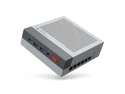
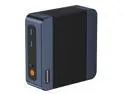
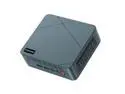
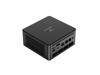
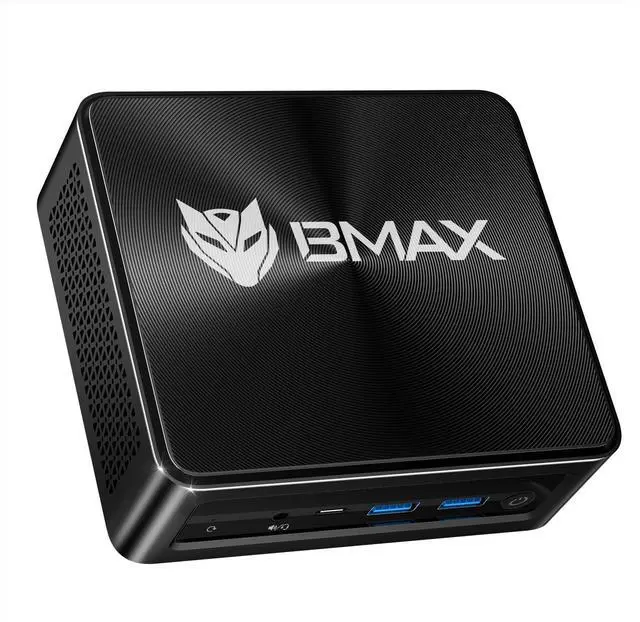
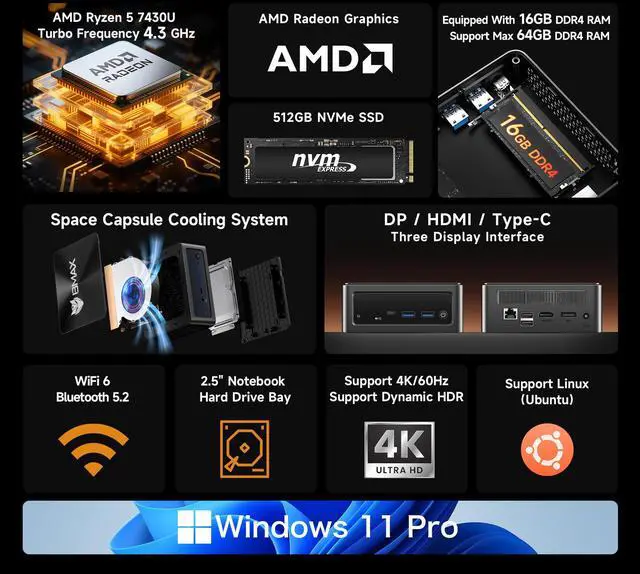
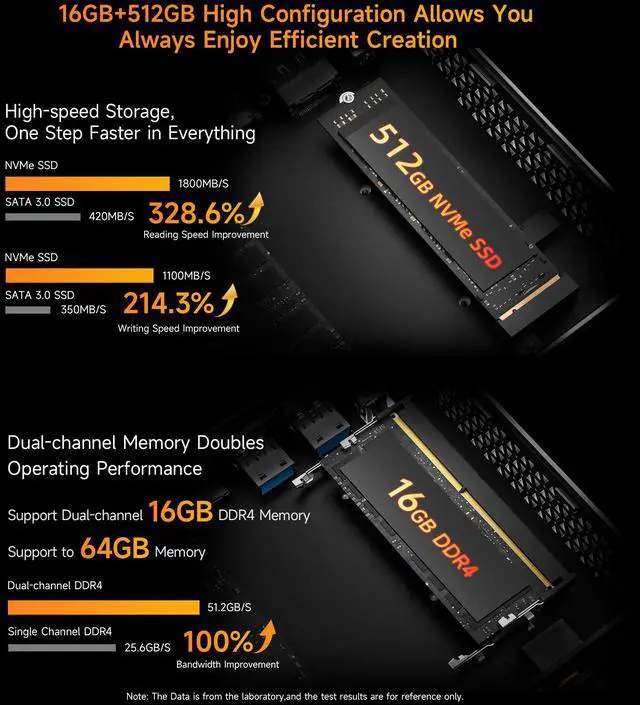
The BMAX B7A Pro is a compact Windows 11 Pro mini PC with an AMD Ryzen 5 7430U, 16GB DDR4 memory, and a 512GB NVMe SSD, making it suitable for office productivity, multitasking, business applications, and home workstations.
| Attribute | Value |
|---|---|
| Best For | Compact everyday productivity and multitasking with integrated Radeon graphics |
| Processor And Graphics | AMD Ryzen 5 7430U processor with integrated AMD Radeon Graphics |
| Brand | BMAX |
Q: Is the BMAX B7A Pro better than an Intel N100 mini PC for everyday work?
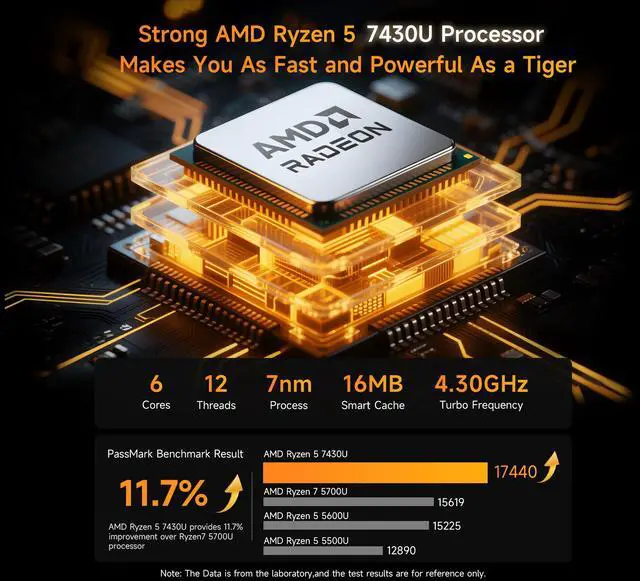
A: Choose the BMAX B7A Pro when you regularly use many browser tabs, Microsoft Office, video calls, multitasking, or light content-creation software. Its Ryzen 5 7430U has 6 cores and 12 threads, while the Intel N100 has 4 cores and 4 threads, so the BMAX is better suited to sustained multitasking. An N100 mini PC remains the better fit for basic browsing, streaming, simple file-server duties, or minimizing power consumption.
Q: Should I choose the BMAX B7A Pro or a Ryzen 7 7730U mini PC?
A: Choose the Ryzen 7 7730U model when your workload includes frequent video encoding, software compilation, large spreadsheets, virtual machines, or other heavily threaded tasks. The Ryzen 7 7730U has 8 cores and 16 threads compared with the BMAX's 6 cores and 12 threads, while both processors use Zen 3 architecture and have a 15W default TDP. Choose the BMAX B7A Pro when office work, web use, media playback, and normal multitasking are the priority and the lower-tier system costs noticeably less.
Q: Is the BMAX B7A Pro suitable for light gaming, or should I buy a Ryzen 7 7840HS mini PC?
A: Choose the BMAX B7A Pro for office work, streaming, older games, and lighter games at modest settings. Choose a Ryzen 7 7840HS mini PC when integrated-graphics performance, modern 1080p gaming, video editing, or other demanding workloads are important. The 7840HS platform combines 8 cores and 16 threads with Radeon 780M graphics and a higher power envelope, while the BMAX uses a 15W Ryzen 5 7430U with Radeon graphics and is better aligned with compact, lower-power desktop use.
Q: Is the BMAX B7A Pro worth choosing over an 8GB RAM and 256GB SSD mini PC?
A: For most Windows users, choose the BMAX B7A Pro with 16GB of RAM and a 512GB NVMe SSD. The larger memory capacity is better for multitasking, numerous browser tabs, video calls, and office applications, while the 512GB SSD provides more room for applications and personal files. An 8GB/256GB mini PC is appropriate when the system will mainly handle web browsing, streaming, and basic documents and the lower purchase price is the priority.
Q: Should I buy the lightweight BMAX B7A Pro or a larger performance-focused mini PC?
A: Choose the BMAX B7A Pro when portability, low desk footprint, office productivity, dual-display work, and everyday responsiveness matter most. Its listed 410g weight and 15W Ryzen 5 7430U platform suit space-constrained desks and occasional transport. Choose a larger performance-focused mini PC when you need stronger integrated graphics, more sustained multicore performance, faster DDR5 memory, or additional high-speed expansion features.
Q: Is this mini PC suitable for office work, online meetings, and multitasking?
A: Yes. The BAMX B7A Pro is suitable for web browsing, email, Microsoft Office, online meetings, document work, and everyday multitasking. Its Ryzen 5 7430U processor, 16GB of RAM, and 512GB NVMe SSD provide a responsive setup for typical home-office and business workloads. It does not include a built-in screen, keyboard, or battery, so it is better suited to a fixed desk than fully mobile laptop use.
Q: Can this mini PC support a dual-monitor workstation?
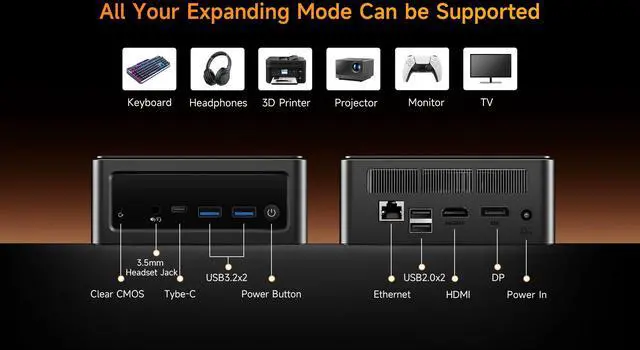
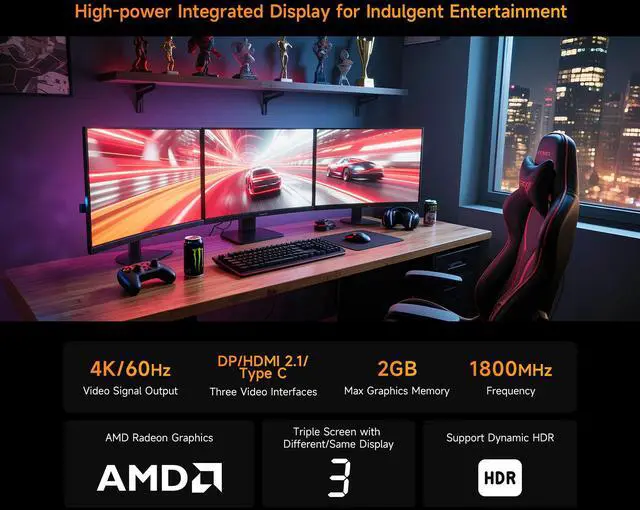
A: Yes. The BAMX B7A Pro is designed for dual-display use through its HDMI, DisplayPort, and USB Type-C video outputs. It is a practical option for workflows that benefit from two screens, such as spreadsheets, research, communication, and document comparison. The exact setup depends on the monitors, cables, and whether the USB Type-C display output is compatible with the intended monitor.
Q: Is this mini PC a good choice for travel or a portable work setup?
A: It can work well as a portable desktop because it weighs approximately 410g and has a compact design. However, it is not a complete laptop replacement: users must also carry a display, keyboard, mouse, and power adapter. It is best for moving between fixed workspaces or creating a space-saving workstation, rather than working anywhere without external equipment.
Q: Can the storage be upgraded later?
A: Yes. The product information states that the BAMX B7A Pro supports an additional M.2 SSD and a 2.5-inch SATA hard drive. This makes it suitable for users who want to expand storage beyond the included 512GB NVMe SSD. Confirm the supported drive size, interface, and installation requirements before purchasing an upgrade.
Q: Is this mini PC suitable for photo editing, video editing, or gaming?
A: It is suitable for light photo editing, basic content creation, and everyday media use, but its integrated Radeon graphics are not designed for demanding video production, high-end 3D work, or modern graphics-intensive gaming. Buyers who prioritize those workloads should choose a system with stronger graphics capability and verify software requirements before purchase.
Q: Is the BMAX B7A Pro a better choice than an Intel N100 mini PC for multitasking?
A: Usually, yes. The Ryzen 5 7430U offers substantially stronger multi-core performance than the Intel N100 in community comparisons, making this BMAX better suited to office multitasking, multiple applications, and heavier workloads. An N100 system may be preferable when minimum power use and basic tasks are the priority.
Q: Is the BMAX B7A Pro suitable for office work and everyday productivity?
A: Yes. Its Ryzen 5 7430U processor, 16GB of RAM, 512GB NVMe SSD, Windows 11 Pro, and multi-display support are appropriate for web browsing, document work, video playback, business applications, and typical multitasking. It is less suitable if the workload requires a discrete GPU or workstation-class graphics performance.
Q: Is the BMAX B7A Pro good for gaming or console emulation?
A: It is suitable for lighter games and some older PC titles, but its integrated Radeon graphics are not designed for demanding modern games. Community discussion indicates that PS3 and Xbox 360 emulation is generally unrealistic on Vega 7 graphics; systems with newer Radeon 780M-class graphics are a better choice for that use.
Q: What are the main trade-offs of buying the BMAX B7A Pro?
A: The main advantages are compact size, low-power Ryzen performance, 16GB of memory, dual-display capability, and support for additional storage. The trade-offs are the older Zen 3 processor platform, integrated Vega-class graphics, and limited evidence of long-term reliability for this specific BMAX model. Buyers should prioritize it for productivity and compact computing rather than high-end gaming or guaranteed enterprise support.