here!
I’m your shopping assistant for PC builds, upgrades, and everything tech.
Got questions? Ask away!
Start a conversation
here!
I’m your shopping assistant for PC builds, upgrades, and everything tech.
Got questions? Ask away!
Start a conversation

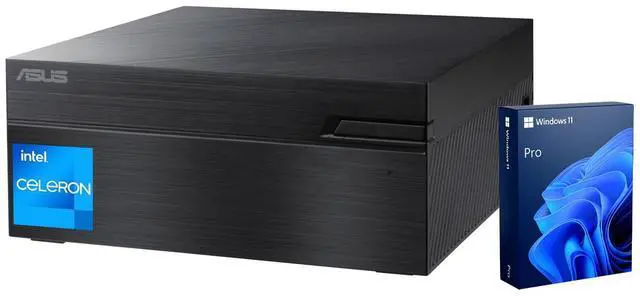



Any questions? Ask CelesteSM will help you find out quickly.
Key Features and Benefits:
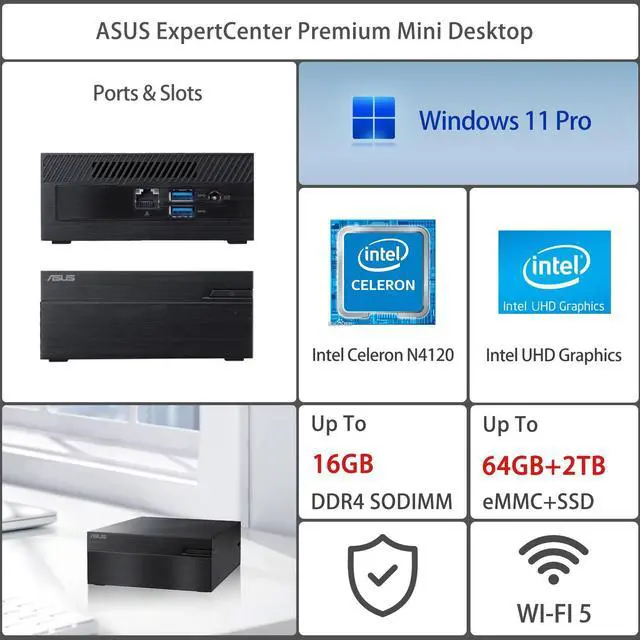
CPU: Intel Celeron N4120 Processor (up to 2.8GHz, 2 Cores, 2 Threads)
Graphics:Intel UHD Graphics
Memory: Up to 16GB RAM
Hard Drive: Up to 64GB SSD + 2TB SSD
Operating System: Windows 11 Pro
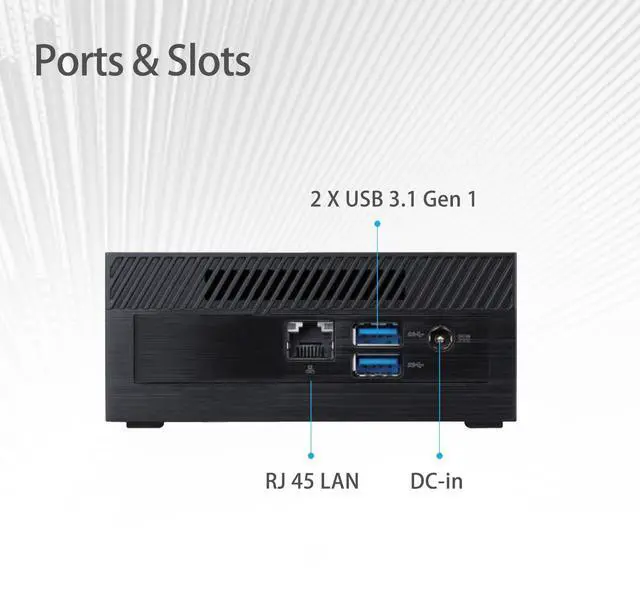
Ports & Slots:
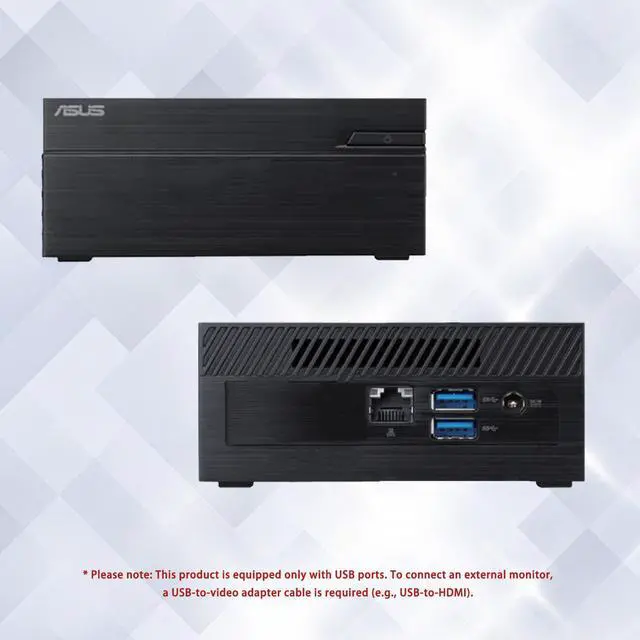
2 x USB 3.1 Gen 1
1 x DC-in
1 x RJ45
keyboard: None
Wireless Connectivity:Wi-Fi 5 and Bluetooth
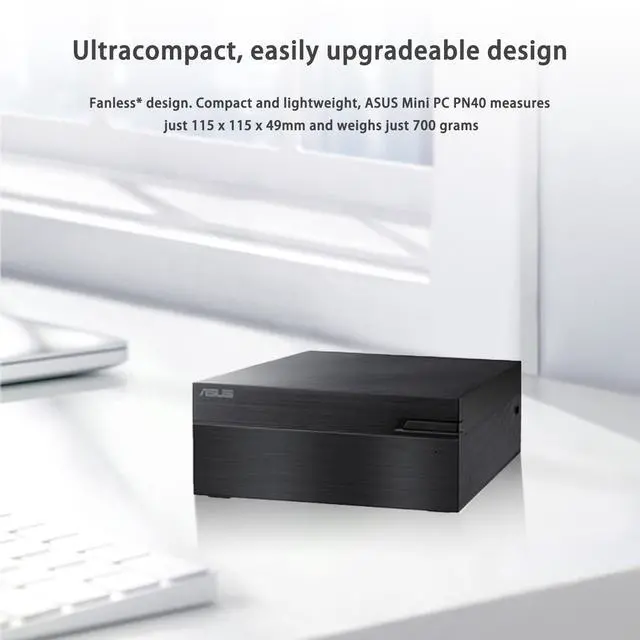
Length: 4.53 inch
Width: 4.53 inch
Height: 1.93 inch
Weight: 1.54 lbs
Color:Black
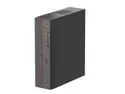
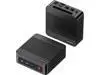
The ASUS ExpertCenter PN40 is a compact mini PC for home-office and business users who need Windows 11 Pro, 16GB of memory, and 1TB of SSD storage in a 1.54-pound system; its Intel Celeron N4120 is suited to everyday computing rather than demanding workloads.
| Attribute | Value |
|---|---|
| Best For | Home-office and business work in a compact mini desktop format |
| Processor And Graphics | Intel Celeron N4120 processor with Intel UHD Graphics |
| Memory Configuration | 16GB DDR4-3200 memory; 2 slots, both available, with support for up to 64GB |
| Storage And Expansion | 1TB PCIe SSD; no HDD or optical drive |
| Ports And Connectivity | 2 rear USB ports, 1 RJ45 port, 2.5Gbps LAN, 802.11ac Wi-Fi, and Bluetooth |
| Operating System And Power | Windows 11 Pro with a 65W power supply |
| Physical Design | Black mini tower measuring 4.53 × 4.53 × 1.93 inches and weighing 1.54 lb |
| Display | No built-in screen |
| Model Identifiers | ASUS ExpertCenter PN40 |
Q: ASUS PN40 or PN42: which is easier to set up for office use?
A: Choose this PN40 listing when you want a preconfigured package with 16GB RAM, 64GB eMMC, a 1TB SSD, and Windows 11 Pro. The PN42 is a newer platform with N100 or N200 processor options; its configuration depends on the specific model.
Q: Should I choose the ASUS PN40 or PN42 for direct monitor connections?
A: The PN42 is a clear option when you want built-in HDMI and DisplayPort connections, which ASUS lists in its specifications. Choose this PN40 listing when its included memory, storage, and Windows 11 Pro package is the priority.
Q: ASUS PN40 or PN42: which one comes with storage ready to use?
A: This PN40 listing comes with 64GB eMMC and a 1TB SSD already included, so it suits buyers who want that storage combination in the listed configuration. The PN42 is offered in different configurations, so check the specific model for its included storage and operating system.
Q: Can I connect this mini PC to a monitor?
A: The provided listing says the PN40 has USB ports only and that an external USB-to-video adapter, such as USB-to-HDMI, is required to connect a monitor. Check that the adapter supports your monitor and operating system before buying; the listing does not specify display resolution or multi-monitor support.
Q: Is this suitable for everyday office work?
A: It is configured for basic home-office or business tasks, with Windows 11 Pro, 16GB RAM, Wi-Fi, and a 1TB SSD listed. The Celeron processor and integrated graphics make it a less suitable choice for demanding creative work or gaming. The supplied product details conflict on whether the processor is 2-core or 4-core, so confirm the exact processor configuration with the seller before purchase.
Q: Is it practical to take this PC with me for work?
A: It is compact and weighs 1.54 lb, so it is easier to carry than a full-size desktop. However, it is a desktop, not a laptop: you need power and a separate monitor, keyboard, and mouse at your destination. It is most practical when those are already available where you work.
Q: Is this mini PC quiet?
A: The provided product details describe the PN40 as fanless, which means it has no cooling fan and should avoid fan noise. The listing does not provide noise measurements or describe performance under sustained heavy workloads.
Q: Is the PN40 suitable for a home server or Home Assistant?
A: It may suit low-demand, compact home-server tasks. A Reddit listing discusses PN40 units for Home Assistant and cluster use, but this listing’s Celeron N4120 is an entry-level processor, so it may not fit workloads that need substantial processing power.
Q: Can the PN40 run modern games?
A: It is not a good choice for modern 3D gaming. The listing specifies a Celeron N4120 and Intel UHD integrated graphics, and Reddit discussion about PN40 gaming raises concerns about demanding games.
Q: What do I need to connect a monitor to this PN40?
A: According to the provided product details, this configuration has USB ports only, so connecting an external monitor requires a USB-to-video adapter, such as USB-to-HDMI. Check adapter compatibility before buying.