




 here!
I’m your shopping assistant for PC builds, upgrades, and everything tech.
Got questions? Ask away!
Start a conversation
here!
I’m your shopping assistant for PC builds, upgrades, and everything tech.
Got questions? Ask away!
Start a conversation






Any questions? Ask CelesteSM will help you find out quickly.
We sell new,unused computers,the original Seal is opened for upgrade ONLY. If you've selected a custom-configured computer, our professional technicians will carefully open the original manufacturer's box and professionally install the upgrades to achieve the advertised specifications.
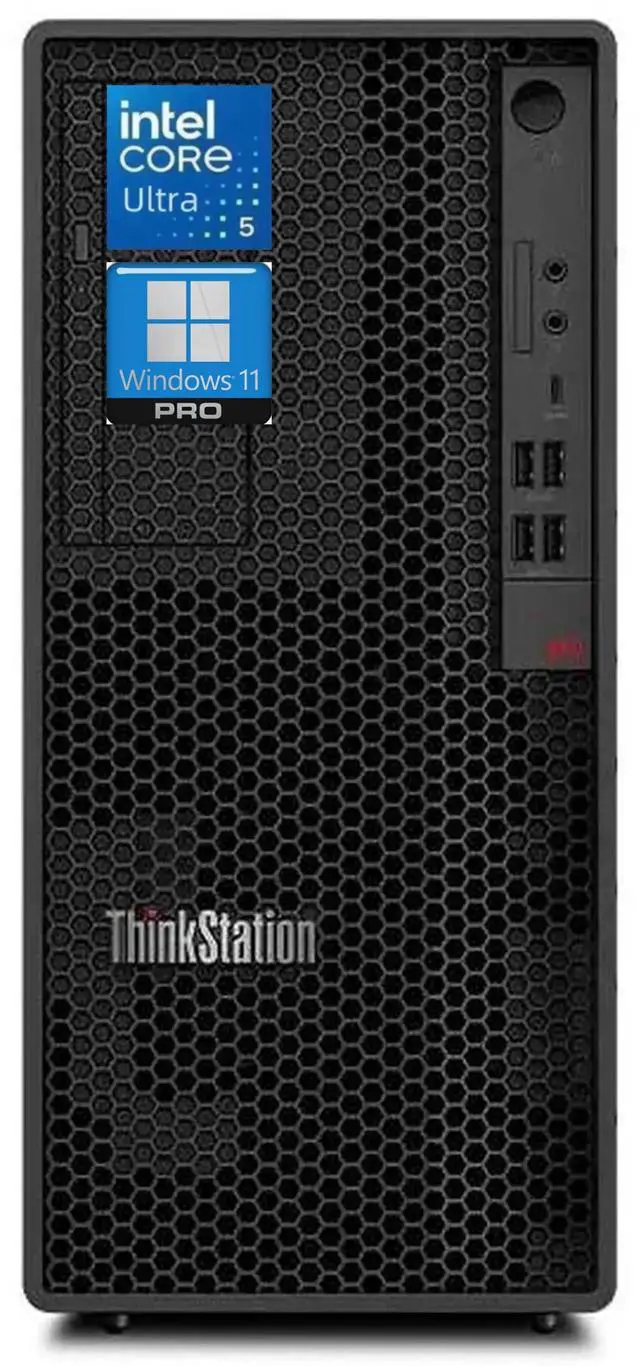
CPU:Intel Core Ultra 5 225 Processor
Display:NO
Memory:up to 64 GB DDR5 RAM
Hard Drive:up to 2 TB PCIe NVMe M.2 SSD
Operating System:Windows 11 Pro
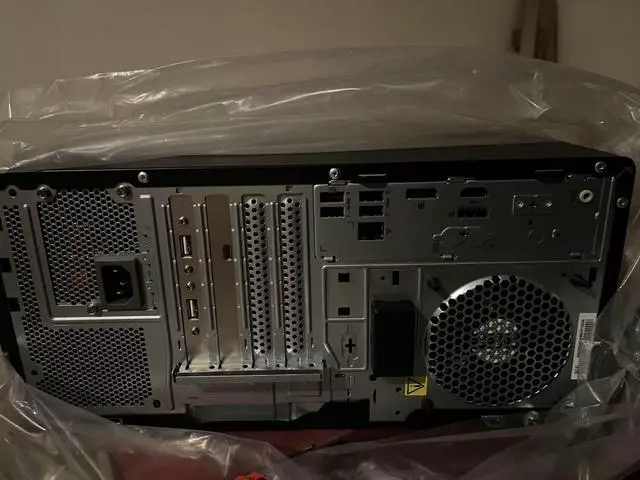
Ports:USB Port 2 x USB 2.0 Ports (Rear) selected upgrade
Keyboard and mouse:USBKEY_TAB Keyboard & USB Mouse Combo
Wireless Connectivity:Intel Wi-Fi 7 BE200 2x2 BE vPro; Bluetooth 5.4 selected upgrade,USB-C Rear Adapter Rear USB 3.2 Gen2x2 Type-C Ports High Profile selected upgrade
Battery:500W 92% Efficiency Power Supply
Dimensions:14.80" x 6.70" x 12.40"in,12.87 lb
The Lenovo ThinkStation P2 Tower Gen 2 is a business workstation with a 10-core Intel Core Ultra 5 225, 16GB of DDR5 memory, and a 512GB SSD, suited to professionals seeking a desktop for everyday productivity and business workloads.
| Attribute | Value |
|---|---|
| Best For | Business desktop and workstation use in a tower configuration |
| Processor | Intel Core Ultra 5 225 (Series 2) |
| Memory And Storage | 16GB DDR5 memory with a 512GB SSD |
| Wired And Wireless Connectivity | Wi-Fi 7 and Bluetooth 5.4 |
| Included Peripherals | USB keyboard and USB mouse |
| Chassis And Color | Black tower |
| Operating System | Linux |
| Model Identifiers | Lenovo ThinkStation |
Q: ThinkStation P2 Tower Gen 2 with Core Ultra 5 225 or Core Ultra 5 235: which should I choose?
A: Choose the listed Core Ultra 5 225 configuration for a P2 Tower Gen 2 with 10 cores, 16GB of DDR5 memory, and a 512GB SSD. Choose a Core Ultra 5 235 configuration when you want 14 cores and 14 threads for more parallel workloads; Lenovo also lists vPro eligibility for the 235.
Q: Should I get the ThinkStation P2 Tower Gen 2 with Core Ultra 5 225 or Core Ultra 7 265?
A: The listed Core Ultra 5 225 model is a 10-core configuration for general professional desktop work. A P2 Tower Gen 2 with Core Ultra 7 265 has 20 cores and is the higher-core option for workflows that benefit from more parallel processing.
Q: Is the 16GB/512GB ThinkStation P2 Tower Gen 2 enough, or should I choose more memory and storage?
A: The listed configuration combines 16GB of DDR5 memory with a 512GB SSD. Choose this version when those capacities fit your application and file needs; Lenovo lists P2 Tower Gen 2 configurations with up to 64GB of memory and up to 2TB of SSD storage for larger working sets or local file libraries.
Q: Does this desktop come with a monitor?
A: No monitor is listed as included. The product data says the display is not included, so plan to provide a compatible monitor separately.
Q: Is this desktop suitable for everyday office work?
A: Its 10-core Intel Core Ultra 5 processor, 16 GB of DDR5 memory, and 512 GB SSD make it configured for typical office tasks and general multitasking. It is a tower, not a portable work device, and a monitor is not included.
Q: Can I add more RAM later?
A: The listed configuration has 16 GB of DDR5 memory in two 8 GB modules. The provided specifications do not state the number of memory slots or the maximum supported capacity, so confirm upgrade options for the exact configuration before buying additional RAM.
Q: Is it suitable for demanding gaming or 3D graphics work?
A: The provided specifications do not identify a dedicated graphics card, so they are not enough to confirm suitability for demanding games or graphics-heavy professional applications. Check the exact graphics configuration and required display connections before purchase.
Q: Is this configuration suitable for CAD, 3D rendering, or local AI work?
A: It may suit lighter workloads, but the supplied listing does not specify a discrete graphics card and includes 16 GB of RAM. A YouTube review of a higher-specced P2 Tower Gen 2 discusses 3D rendering and AI with an RTX 2000 Ada GPU and 64 GB of RAM, so its results should not be assumed to apply to this configuration. Confirm the GPU and software requirements before buying for those tasks.
Q: Is 16 GB of RAM enough for workstation or CAD use?
A: The listed 16 GB may be adequate for lighter work, but it is a modest starting point for demanding CAD projects or heavy multitasking. In a Reddit discussion comparing ThinkStation P2 Tower options for SolidWorks, a commenter favored the configuration with more memory. Consider whether you can add RAM and whether your workload needs more before purchasing.


