




 here!
I’m your shopping assistant for PC builds, upgrades, and everything tech.
Got questions? Ask away!
Start a conversation
here!
I’m your shopping assistant for PC builds, upgrades, and everything tech.
Got questions? Ask away!
Start a conversation




Any questions? Ask CelesteSM will help you find out quickly.
We sell new,unused computers,the original Seal is opened for upgrade ONLY. If you've selected a custom-configured computer, our professional technicians will carefully open the original manufacturer's box and professionally install the upgrades to achieve the advertised specifications.
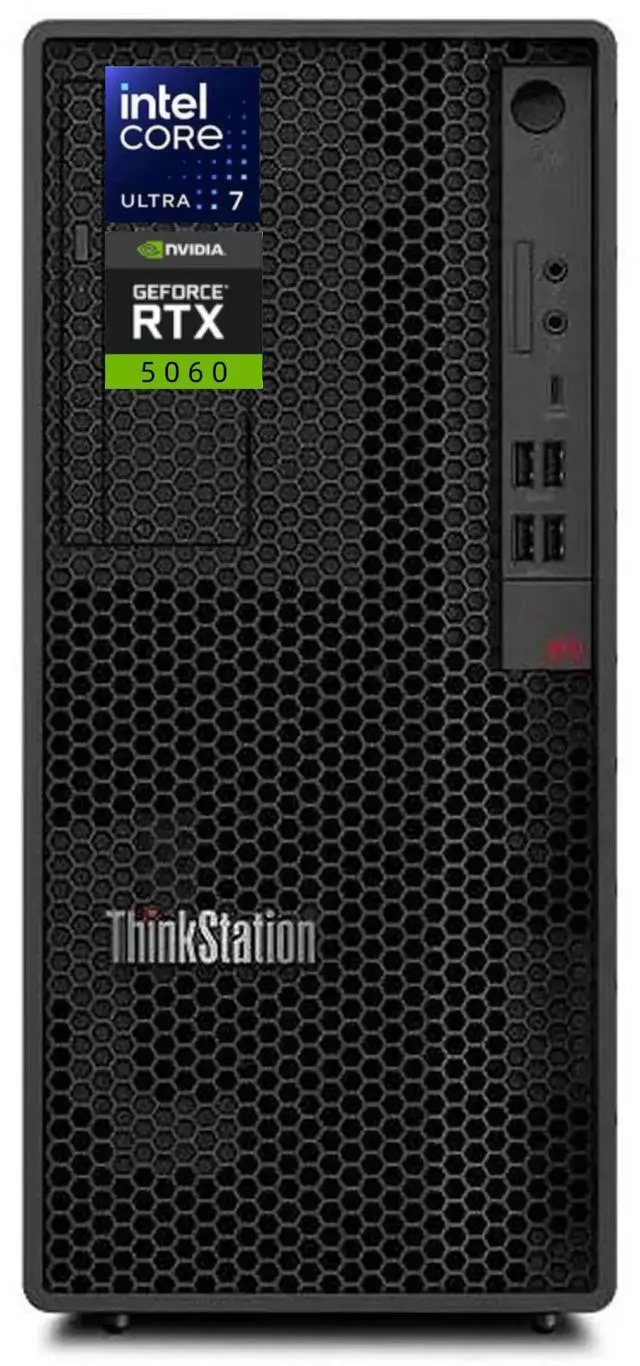
CPU:Intel Core Ultra 7 265 Processor (E-cores up to 4.60 GHz P-cores up to 5.20 GHz)
Graphics:NVIDIA GeForce RTX 5060 Graphics
Display:NO
Memory:up to 64 GB DDR5 RAM
Hard Drive:up to 2 TB PCIe NVMe M.2 SSD
Operating System:Windows 11 Pro
Ports:
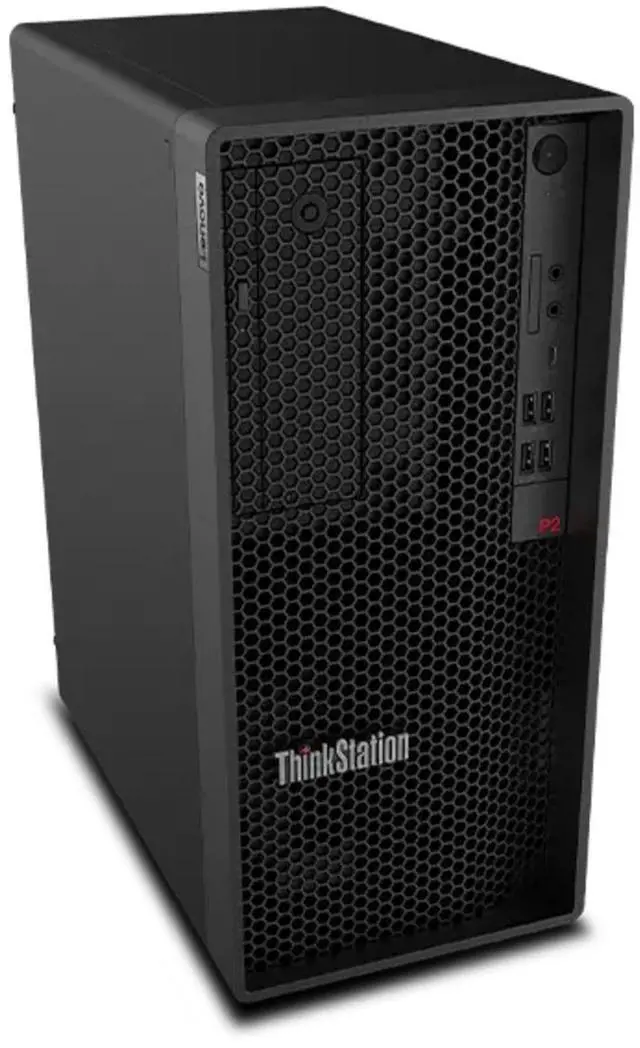
Front:
2 x USB-A (USB 5Gbps)
2 x USB-A (USB 10Gbps)
USB-C (USB 20Gbps)
Headphone / Mic Combo
Microphone
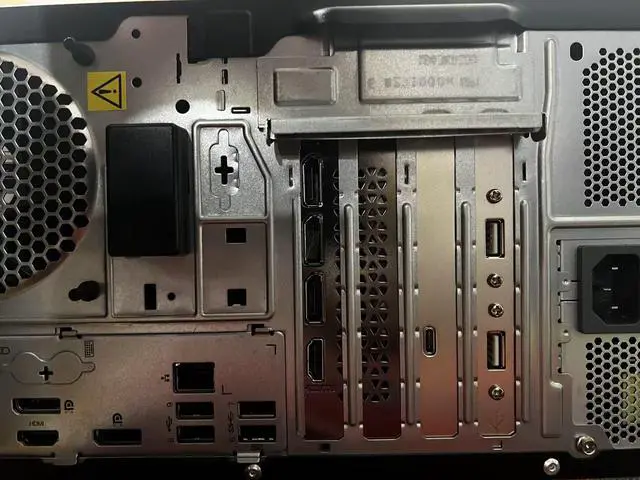
Rear:
HDMI 2.1 TMDS
2 x DisplayPort 1.4
2 x USB-A (USB 10Gbps) – one with Smart Power On
2 x USB-A (USB 5Gbps)
Ethernet (RJ45)
Audio-out
Keyboard and mouse:USB Keyboard & USB Mouse
Wireless Connectivity:Intel Wi-Fi 7 BE200 802.11BE (2 x 2) & Bluetooth 5.4
Audio:Realtek
Battery:500W 92% Efficiency Power Supply
Dimensions:14.80" x 6.70" x 12.40"in,12.87 lb
Color:Black
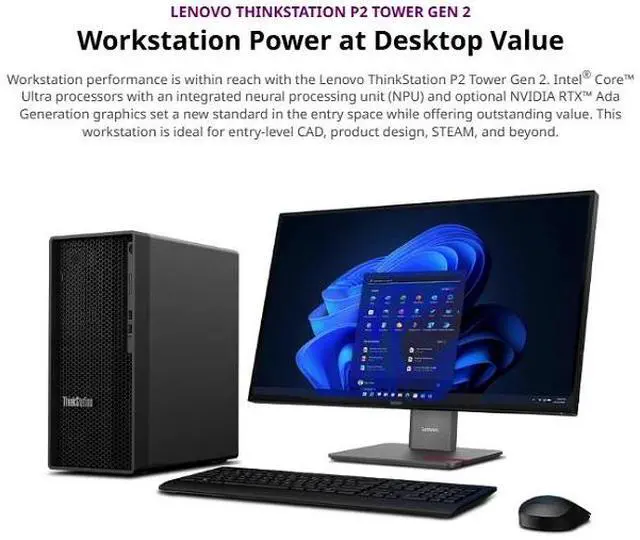
The Lenovo ThinkStation P2 Gen 2 is a Windows 11 Pro tower workstation with an Intel Core Ultra 7 265 processor, NVIDIA GeForce RTX 5060 graphics, 16GB DDR5 memory, and a 512GB SSD, suited to business users and creators seeking a desktop for professional and graphics-focused work.
| Attribute | Value |
|---|---|
| Best For | Business and workstation computing with an Intel Core Ultra 7 processor, 16GB DDR5 memory, and 512GB SSD |
| Processor | Intel Core Ultra 7 265 (Series 2) |
| Memory And Storage | 16GB DDR5 memory and 512GB SSD |
| Operating System And Power | Windows 11 Pro with a 500W power supply |
| Wireless Connectivity | Wi-Fi 7 and Bluetooth 5.4 |
| Included Peripherals | USB keyboard and USB mouse |
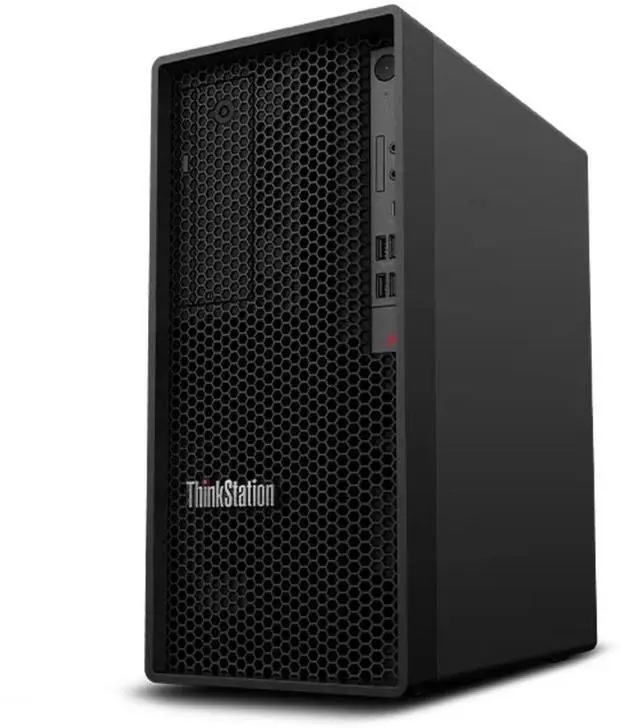
| Chassis And Appearance | Black tower form factor |
| AI Features | AI Ready |
| Model Identifiers | Lenovo ThinkStation |
Q: ThinkStation P2 Gen 2 with Core Ultra 7 265 or Core Ultra 5 235—which should I choose?
A: Choose this Core Ultra 7 265 configuration for CPU-heavy multitasking: Lenovo lists 20 cores and 20 threads for the Ultra 7 265, compared with 14 cores and 14 threads for the Ultra 5 235. An Ultra 5 235 configuration is a fit when your work benefits from the same workstation platform but does not need as much CPU capacity. Compare configurations with the same graphics, memory, and storage to isolate the processor difference.
Q: Should I get this P2 Gen 2 with Core Ultra 7 265 or a Core Ultra 9 285K configuration?
A: Choose the Core Ultra 7 265 configuration for a strong balance of workstation CPU capability and the listed RTX 5060 graphics. Choose a P2 Gen 2 with the Core Ultra 9 285K when your work can use its 24 cores and higher listed maximum turbo frequency; Lenovo lists 20 cores and up to 5.3 GHz for the Ultra 7 265, versus 24 cores and up to 5.7 GHz for the Ultra 9 285K. Compare configurations with matching graphics, memory, and storage.
Q: Is the P2 Gen 2 with 16GB RAM and a 512GB SSD enough, or should I choose a higher-memory configuration?
A: Choose this 16GB/512GB configuration when your active projects and applications fit those capacities. A 32GB-or-higher memory and larger-SSD configuration is a better match for larger project files, more simultaneous applications, or keeping more work locally. Lenovo lists four memory slots and support for up to 128GB, plus multiple M.2 SSD slots, giving the P2 Gen 2 room for expansion.
Q: Does this desktop include a monitor?
A: No. The display is not included, so you will need a separate monitor. The listed package includes a USB keyboard and mouse.
Q: Is this desktop suitable for gaming and creative work?
A: Its Intel Core Ultra 7 265 processor and NVIDIA GeForce RTX 5060 make it suitable to consider for graphics-accelerated creative applications and gaming. Actual performance depends on the software, game, resolution, and settings; the included 16 GB of RAM and 512 GB SSD may limit larger projects or extensive multitasking.
Q: Can I add more RAM or storage later?
A: The listed configuration has 16 GB of DDR5 RAM and a 512 GB SSD, but the supplied specifications do not confirm upgrade slots, maximum supported capacity, or available drive bays. Check the system documentation or confirm with Lenovo before buying on the assumption that either component can be expanded.
Q: Is this ThinkStation P2 Gen 2 more than needed for spreadsheets and email?
A: For spreadsheets and email alone, its Core Ultra 7 processor and RTX 5060 are more hardware than those tasks typically require. It may make more sense if the work PC will also handle graphics-intensive tasks or remain in service for several years. A monitor is not included.


