




 here!
I’m your shopping assistant for PC builds, upgrades, and everything tech.
Got questions? Ask away!
Start a conversation
here!
I’m your shopping assistant for PC builds, upgrades, and everything tech.
Got questions? Ask away!
Start a conversation

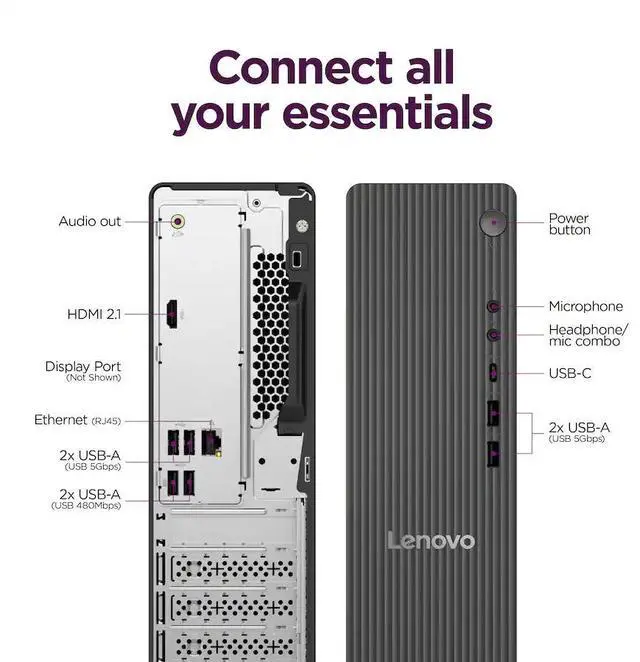



Any questions? Ask CelesteSM will help you find out quickly.
We sell new,unused computers,the original Seal is opened for upgrade ONLY. If you've selected a custom-configured computer, our professional technicians will carefully open the original manufacturer's box and professionally install the upgrades to achieve the advertised specifications.
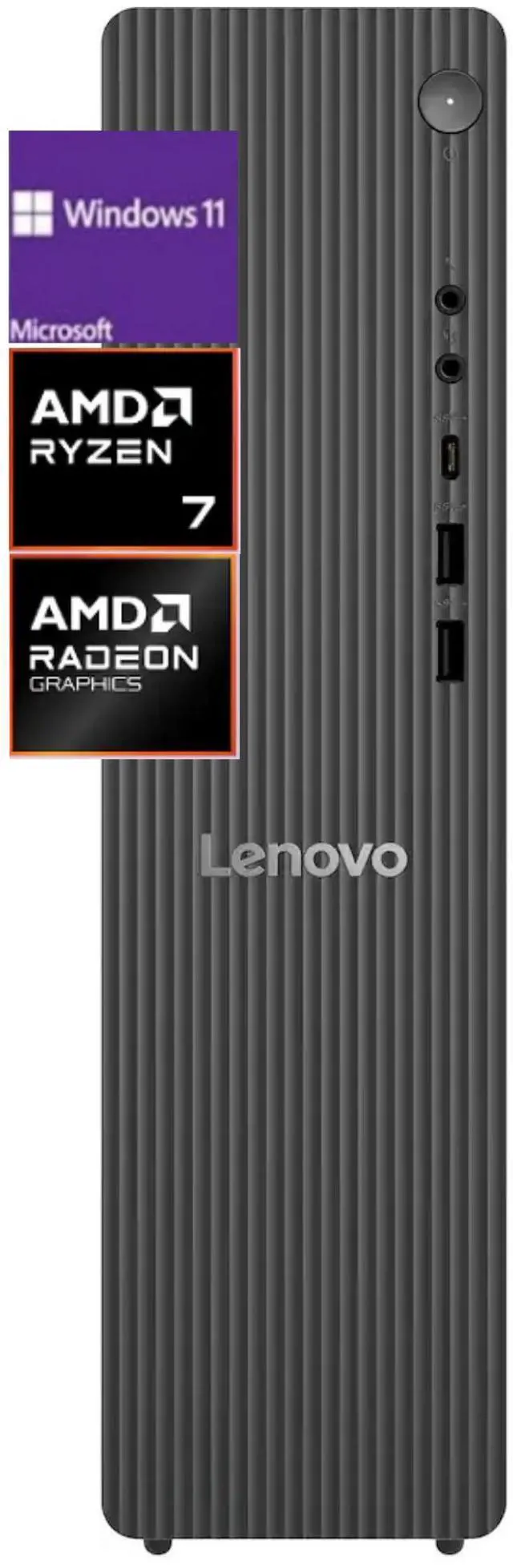
CPU:AMD Ryzen 7 250 Processor
Graphics:AMD Radeon 780M Graphics
Display:NO Display
Memory:up to 64 GB DDR5 RAM
Hard Drive:up to 2 TB PCIe NVMe M.2 SSD
Operating System:Windows 11 Home/Pro
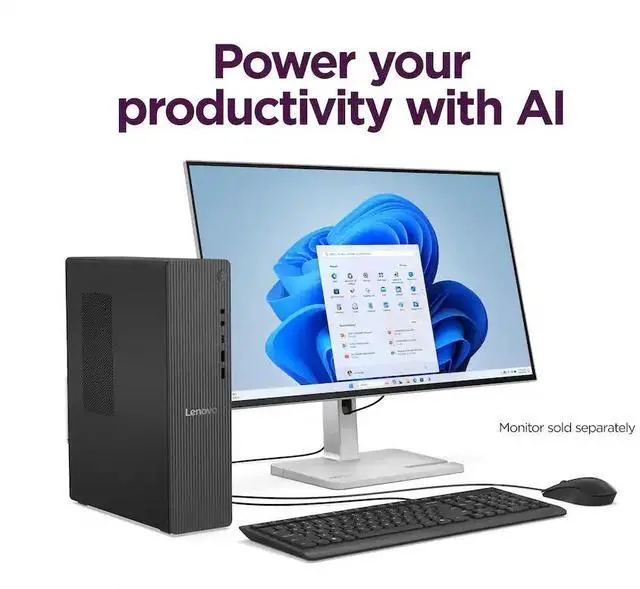
Keyboard and mouse:USB Keyboard & USB Mouse
Wireless Connectivity:Intel Wi-Fi 6 & Bluetooth
Battery:260W Power Supply
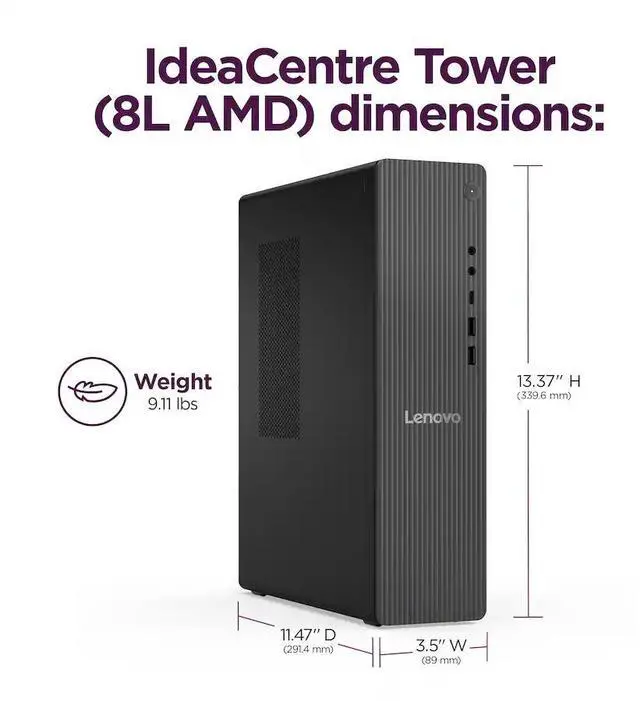
Dimensions:11.47" x 3.5" x 13.37"in,9.36 lb
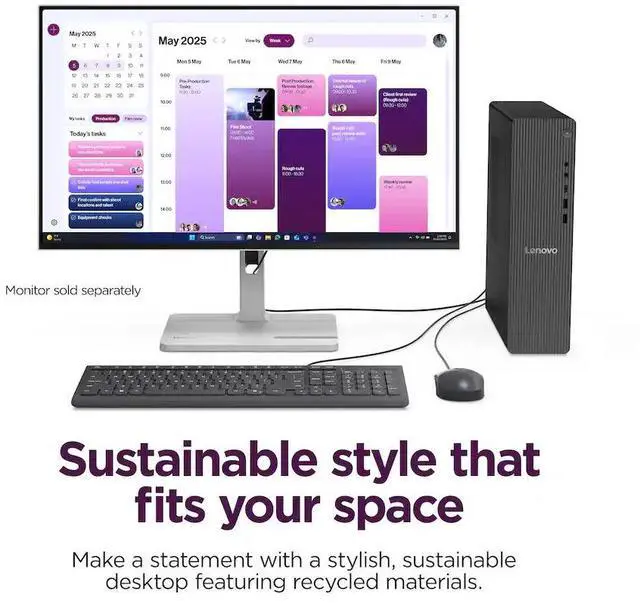
Color:Luna Grey
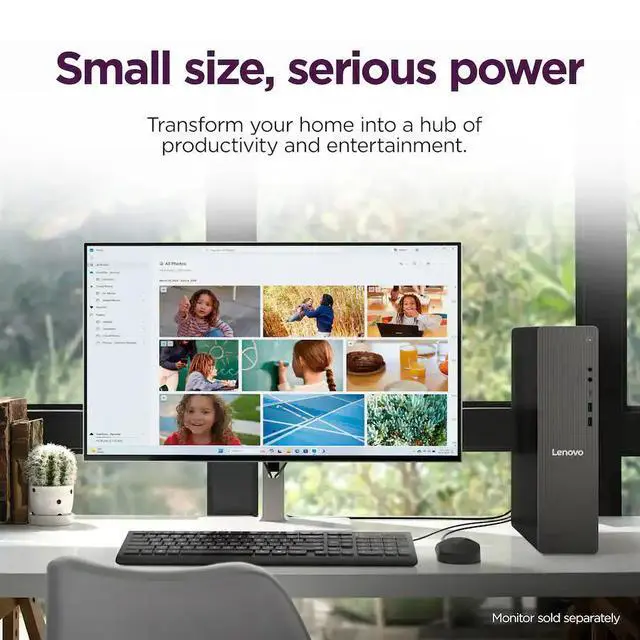
The Lenovo IdeaCentre Tower 8 is a Windows 11 Home desktop with an AMD Ryzen 7 250 processor, Radeon 780M graphics, 32GB of DDR5 memory, and a 2TB SSD, suited to home-office users and everyday multitasking who want generous memory and storage.
| Attribute | Value |
|---|---|
| Best For | Business and everyday desktop productivity, with a Ryzen 7 processor, integrated Radeon graphics, 32GB of memory, and 2TB of storage |
| Processor And Graphics | AMD Ryzen 7 250 processor with integrated AMD Radeon 780M graphics |
| Memory And Storage | 32GB DDR5 memory and a 2TB SSD |
| Operating System And AI Features | Windows 11 Home with Copilot+ PC features |
| Wireless Connectivity | Wi-Fi 6 and Bluetooth |
| Power | 260W power supply |
| Form Factor And Color | Tower desktop in grey |
| Included Keyboard And Mouse | USB keyboard and USB mouse |
| Model Identifiers | Lenovo IdeaCentre desktop PC |
Q: Should I get the IdeaCentre Tower 8 with Ryzen 7 250 or Ryzen 5 220?
A: Choose the Ryzen 7 250 version when you want the configuration with 8 cores, 16 threads, and Radeon 780M graphics. The Ryzen 5 220 version has 6 cores, 12 threads, and Radeon 740M graphics, making it the lower-tier processor option in Lenovo’s Tower 8 lineup.
Q: IdeaCentre Tower 8 Ryzen 7 250 or Ryzen AI 7 350—which configuration should I choose?
A: Choose the Ryzen 7 250 configuration for its 8-core, 16-thread processor and Radeon 780M graphics. Choose a Ryzen AI 7 350 Tower 8 configuration when Lenovo’s Copilot+ PC positioning and its listed 50-TOPS NPU are priorities; it also pairs 8 cores and 16 threads with Radeon 860M graphics.
Q: How does the IdeaCentre Tower 8 Ryzen 7 250 compare with the Ryzen AI 5 330 version?
A: Choose the Ryzen 7 250 version for its 8-core, 16-thread CPU and Radeon 780M graphics. Choose the Ryzen AI 5 330 version when Lenovo’s Copilot+ PC positioning and its listed 50-TOPS NPU matter more; that configuration has 4 cores, 8 threads, and Radeon 820M graphics.
Q: Is this desktop suitable for everyday office work and multitasking?
A: Yes. Its Ryzen 7 250 processor, 32 GB of DDR5 memory, and 2 TB SSD make it suitable for typical productivity tasks and running multiple applications. It comes with Windows 11 Home; a display is not included.
Q: Does it come with a monitor?
A: No display is listed as included, so plan to provide a compatible monitor separately. A USB keyboard and mouse are included.
Q: Can I use it for video meetings?
A: It can run meeting software on Windows 11, but a display is not included and the listed specifications do not mention a webcam or microphone. Check your setup or plan to add the peripherals your meeting software requires.
Q: Does it have built-in Wi-Fi?
A: Yes. Wi-Fi 6 is listed, along with Bluetooth. The desktop also includes a USB keyboard and mouse.


