




 here!
I’m your shopping assistant for PC builds, upgrades, and everything tech.
Got questions? Ask away!
Start a conversation
here!
I’m your shopping assistant for PC builds, upgrades, and everything tech.
Got questions? Ask away!
Start a conversation

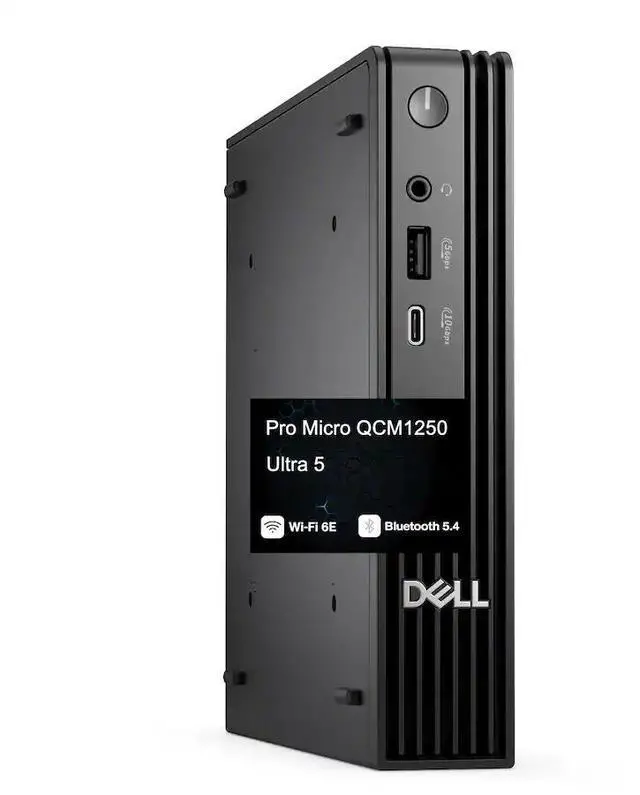
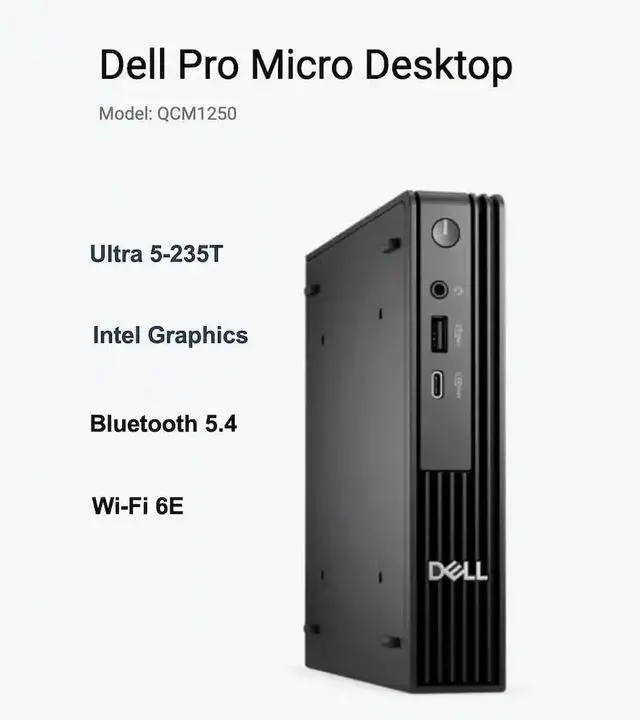
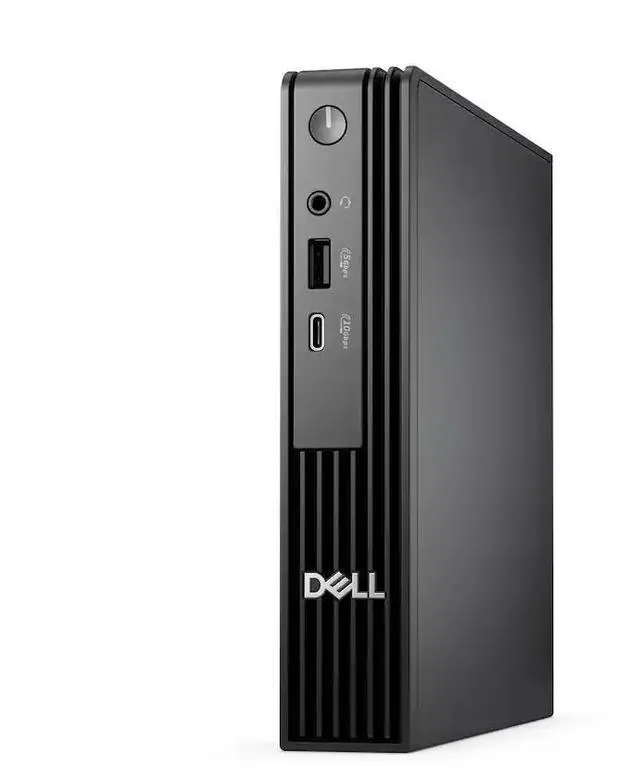
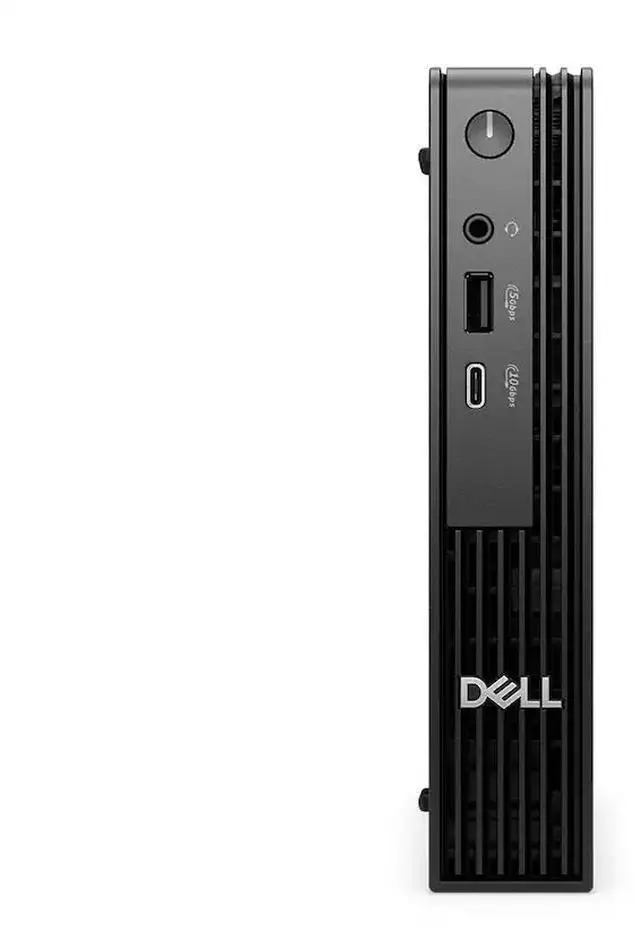



Any questions? Ask CelesteSM will help you find out quickly.
We sell new,unused computers,the original Seal is opened for upgrade ONLY. If you've selected a custom-configured computer, our professional technicians will carefully open the original manufacturer's box and professionally install the upgrades to achieve the advertised specifications.
CPU:Intel Core Ultra 5 235T Processor
Graphics:Integrated Graphics
Display:NO Display
Memory:up to 64 GB DDR5 RAM
Hard Drive:up to 2 TB PCIe NVMe M.2 SSD
Operating System:Windows 11 Pro
Keyboard and mouse:USB Keyboard & USB Mouse
Wireless Connectivity:Wi-Fi 6E and Bluetooth 5.4
Dimensions:7.17" x 7.01" x 1.42"in,2.56 lb
Color:Black
The Dell Pro Micro QCM1250 is a compact Windows 11 Pro business desktop with a 14-core Intel Core Ultra 5 235T processor, 8GB DDR5 memory, and a 512GB SSD, suited to everyday office work and business productivity.
| Attribute | Value |
|---|---|
| Best For | Business and everyday desktop computing with Windows 11 Pro and wired keyboard-and-mouse input |
| Processor | Intel Core Ultra 5 235T, with speeds up to 5 GHz |
| Graphics | Integrated graphics |
| Memory And Storage | 8 GB DDR5 memory and a 512 GB SSD |
| Networking | Wi-Fi 6E and Bluetooth 5.4 |
| Input Devices | Wired keyboard and wired mouse |
| Design And Form Factor | Black Micro Tower desktop |
Q: Dell Pro Micro QCM1250 Core Ultra 5 235T or the Core i3-14100T configuration?
A: Choose this QCM1250 configuration for its 14-core Core Ultra 5 235T processor and 512GB SSD. The Dell Pro Micro’s Core i3-14100T configuration has four cores and a 256GB SSD, making it the lower-tier option for buyers prioritizing a simpler processor and less storage.
Q: Should I choose the Dell Pro Micro QCM1250 with Ultra 5 235T or Ultra 7 265T?
A: Choose the Ultra 5 235T configuration for a compact business desktop with a 14-core processor and integrated graphics. Choose the Ultra 7 265T configuration when your work benefits from the higher-tier, 20-core processor; Dell lists both options in the Pro Micro family.
Q: Is the Dell Pro Micro QCM1250 a meaningful upgrade from the OptiPlex 7000 Micro?
A: For buyers moving from an OptiPlex 7000 Micro with a Core i5-12500T, the QCM1250 brings a 14-core Core Ultra 5 235T and DDR5 memory. In Principled Technologies’ tested configurations, the QCM1250 scored higher in several benchmarks, including a 73.85% higher Cinebench 2024 multi-core score; the test systems used 16GB of memory and 256GB SSDs.
Q: Dell Pro Micro QCM1250 with 8GB or a 16GB configuration?
A: The Newegg configuration pairs the Core Ultra 5 235T with 8GB DDR5 and a 512GB SSD. Choose a 16GB QCM1250 configuration if your priority is a larger memory allocation alongside the same processor; Dell lists 16GB configurations for this model family.
Q: Does this desktop include a monitor?
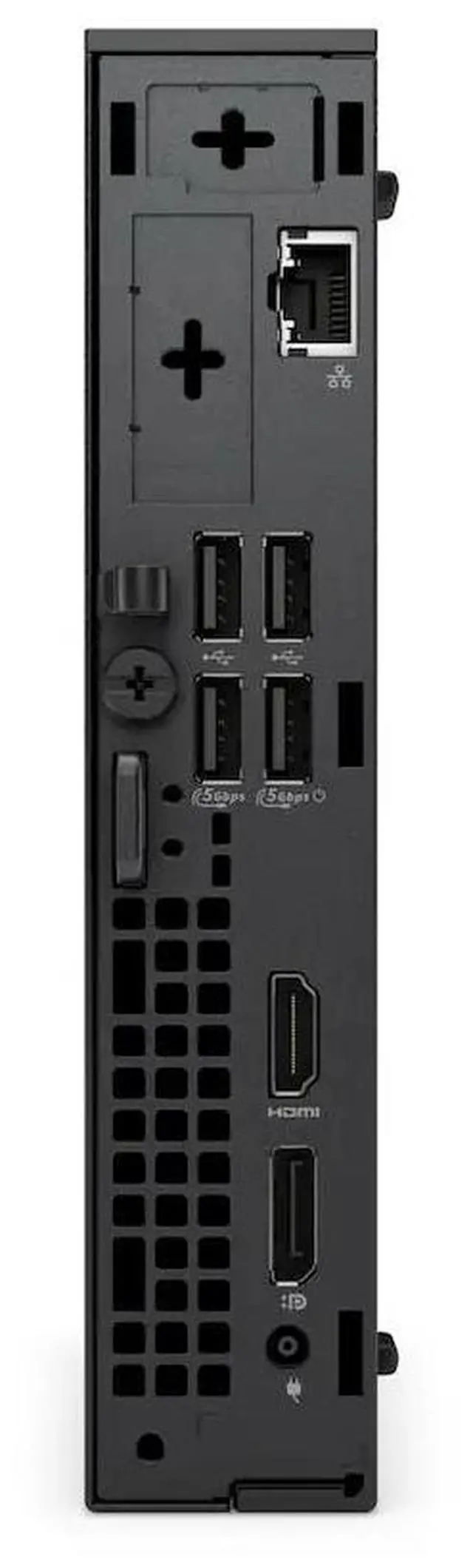
A: No. The listing specifies a desktop, wired keyboard, and wired mouse, but no monitor. You will need a separate display and a suitable HDMI or DisplayPort cable.
Q: Can I connect two monitors to it?
A: The listing names one HDMI port and one DisplayPort, so it has connections for two displays. Check the monitor inputs and confirm supported resolution and refresh-rate limits before buying.
Q: Is 8GB of RAM enough for everyday office work?
A: The 8GB RAM configuration is suited to basic tasks such as documents, email, and lighter browsing. Many demanding apps or numerous open tabs at once may feel constrained; the listing does not specify whether the memory can be upgraded.
Q: Is this a good computer to take on work trips?
A: It is compact and weighs 2.56 lb, but it is still a desktop, not a laptop. The listing does not specify a built-in display or battery, so plan on access to power and a separate monitor; it is more suitable for moving between desks than for working on the go.
Q: Is 8 GB of RAM enough for running virtual machines on the QCM1250?
A: For light experimentation, it may be a starting point, but 8 GB is a constraint for running virtual machines alongside Windows. A QCM1250 homelab user described upgrading from 8 GB to 16 GB, and discussion noted that VMs use a substantial share of available memory. Consider a higher-memory configuration or a RAM upgrade for regular VM use.
Q: Is the QCM1250 suitable for office work and remoting into an office PC?
A: It has Windows 11 Pro and a Core Ultra 5 235T, making it a plausible fit for basic office and remote-work tasks. A Reddit user reported using a QCM1250 issued by their workplace for remote access. This configuration has 8 GB of RAM, so consider more memory if your work involves heavy multitasking.
Q: Can the QCM1250 run two 1440p monitors reliably?
A: The provided product details list HDMI and DisplayPort, but they do not specify supported resolutions for a two-monitor setup. One QCM1250 owner reported display-resolution problems when connecting two 1440p monitors over HDMI. If dual 1440p output is essential, confirm the exact port and monitor configuration before buying.
Q: Is the QCM1250 worth choosing over an older Lenovo ThinkCentre Micro?
A: It may be worth considering as an upgrade, but the Reddit comparison discussion does not establish a clear winner. The value depends on the price and configuration: this listing has a Core Ultra 5 235T and 8 GB of RAM, so compare those details and the cost against the specific ThinkCentre you are replacing.


