• $99.99
  • Free 30-day Returns
  • Price alert
    NAS Builder
    Shop it at NeweggBusiness.

    Meet Your Seller

    SABRENT 4-Bay USB Type-C External SSDs Docking Station for Rocket XTRM-Q, Rocket nano, Rocket Pro,10Gbps Speeds, Cooling Fan, LED Indicators (DS-4BNE)

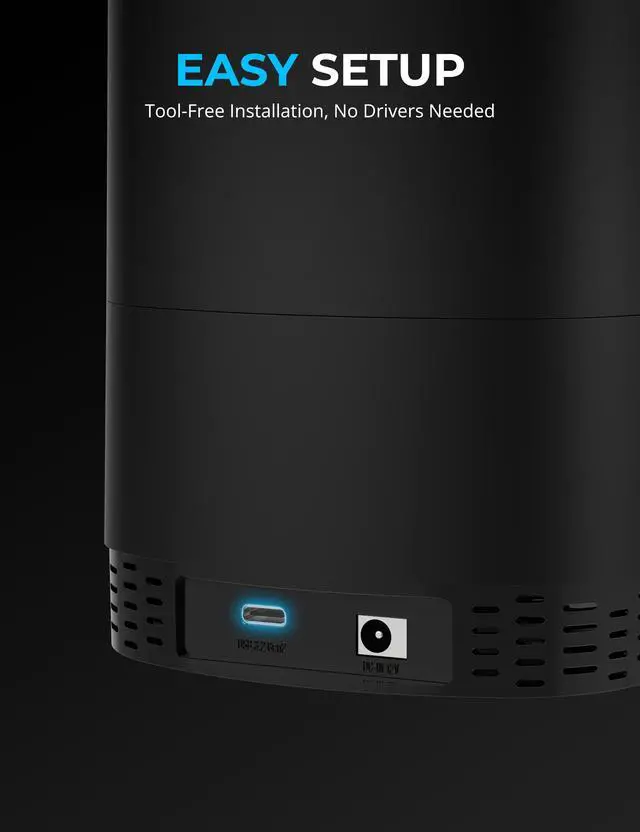
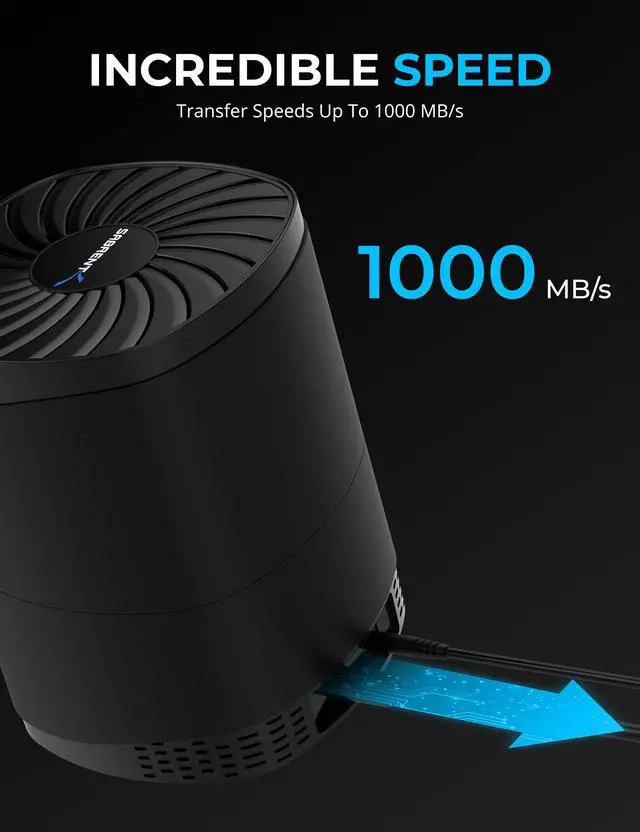
    • QUICK ACCESS: The Type-C to Type-C cable conveniently connects the device to your computer at up to 10Gbps over USB 3.2 Gen 2x1. Backward compatible with USB 3.0/2.0/1.1 at respective speeds. No drivers required.
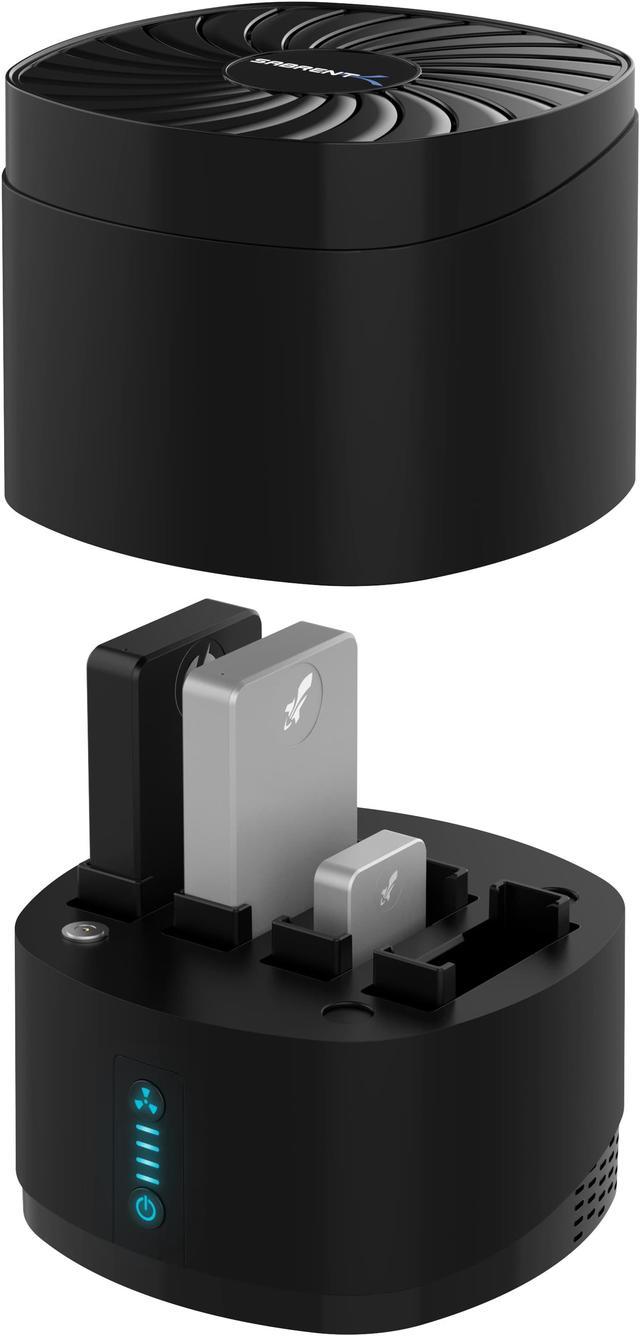
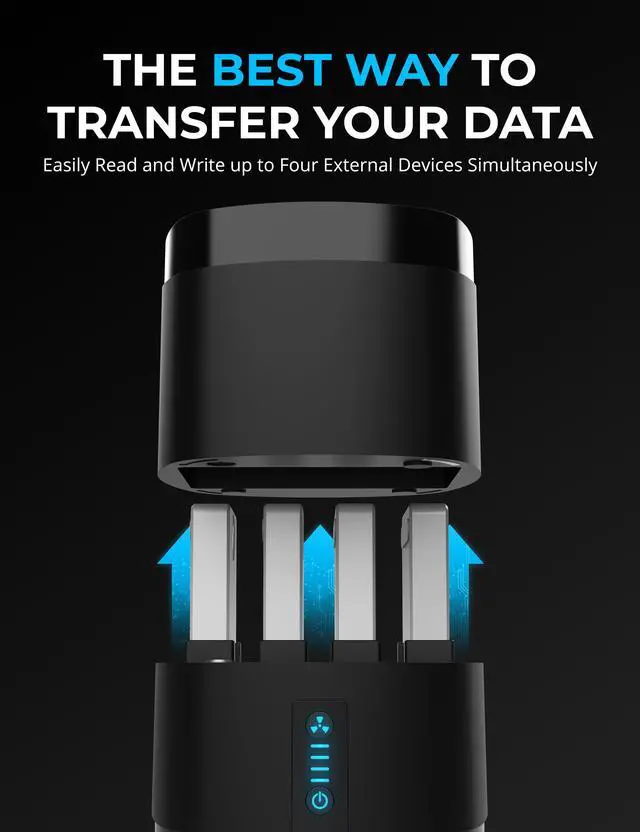
    • INDEPENDENCE: Each drive or port is individually accessible. Forward-facing LEDs indicate the power status of each one, with additional indicators for station and fan power. Have complete control of the station, its fan, and its bays.
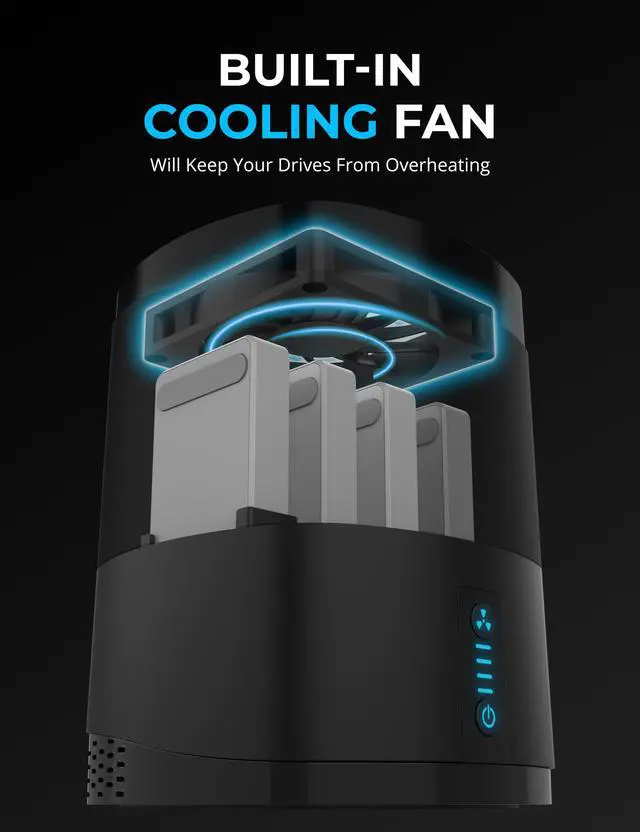
    • KEEP COOL AT SPEED: The docking station comes with a built-in 80x80x15mm cooling fan beneath a safe shroud that can be turned on or off as needed with its own button. Your devices wont overheat even after hours of sustained operation.
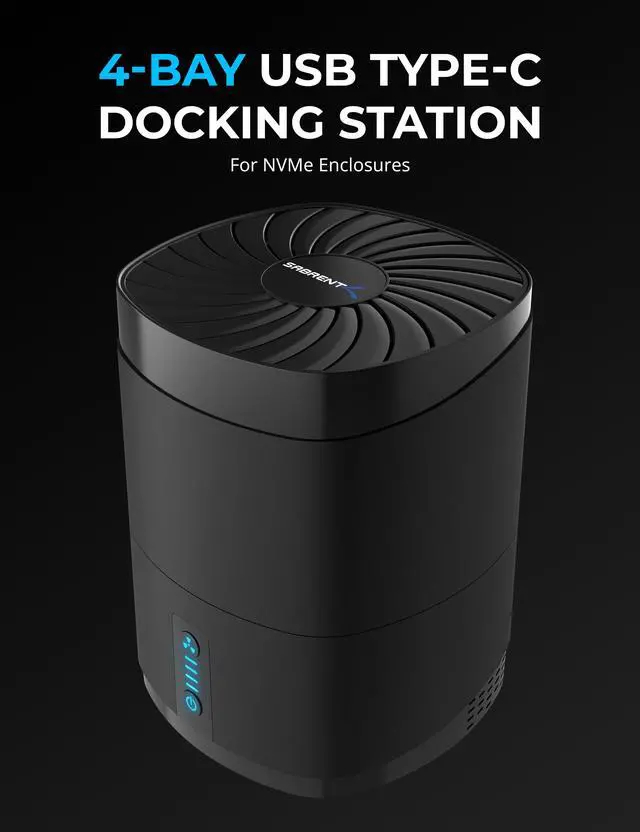
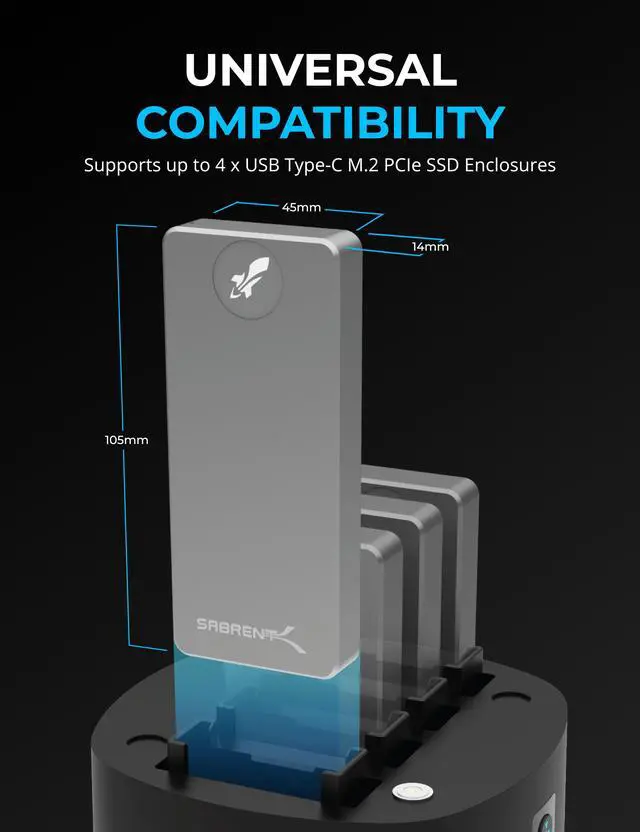
    • QUADRUPLE DOCKING STATION: Park up to four of your favorite external SSDs in one place. USB Type-C M.2 PCIe enclosures can slide easily into the dock without any tools. Also supports certain USB-C card readers. Please see below for a full list of our currently supported products.
    +
    +
    Overview
    Specs
    Reviews
    See all Q & A

    Any questions? Ask CelesteSM will help you find out quickly.

    The Sabrent 4-Bay USB Type-C Docking Station allows you to connect up to four external SSDs or card readers with minimal fuss. Plug in the stations power supply and connect the included Type-C to Type-C cable from the station to your host computer, and off you go! Works with Windows, macOS, and Linux systems. Please see below for a full list of our currently supported products.


    Each drive or port has its own power status LED and may be accessed individually by the system; know exactly which bays are populated at a glance. The connection allows for up to 10Gbps in transfer bandwidth and the power supply additionally makes sure youre not limited by host port power constraints. Your connection will always be reliable and fast.


    Inserted devices and drives are kept cool even under prolonged use, thanks to the top-mounted fan. This fan can be turned on or off via a dedicated button with an LED to indicate its power status. The station also has its own button and LED, for control and to clearly demonstrate power status.


    USB connectivity is optimally provided through USB 3.2 Gen 2x1. Older ports are supported through backward compatibility, but speeds will be dependent on the port and your hardware. The included power supply has support for 100-240V AC input.


    Supports:


    Rocket XTRM-Q lineup (at 10Gbps speed).

    Rocket nano lineup.

    Rocket Pro lineup.

    EC-NVMe enclosure.

    CR-CFER and CR-SDX7 memory card readers are also supported.


    Package contents:


    4-Bay docking station.

    100-240V AC to 12V 3AMP DC power supply.

    USB Type-C to Type-C cable.

    User manual.


    System requirement:


    Windows / macOS / Linux.

    Warranty & Returns

    Warranty, Returns, And Additional Information

    Warranty

    • Please contact the Seller directly for warranty information. Warranty information may also be found on the Manufacturer's website.
    • Read full details
    • CONTACT

    Return Policies

    Manufacturer Contact Info

    LOADING...

    The SABRENT DS-4BNE is a four-bay USB-C docking station for compatible external SSD enclosures and select card readers, suited to users who want to keep several drives organized and individually accessible from one computer.

    Recommended For

    • Desktop video editors and other media creators who keep projects on several compatible Sabrent portable SSDs and want to access or transfer files without repeatedly plugging drives in and out.
    • Photographers and video crews who work at a desk with supported Sabrent CFexpress Type B or SD Express card readers and want a centralized place to connect their card-reading gear.
    • People managing multiple external SSDs for project handoffs, file staging, or backups who value individually accessible bays and visible power indicators over a single combined storage volume.
    • Users whose computer has limited USB-port power but who want to keep several compatible external SSDs connected at a workstation; the dock includes its own power supply and a switchable cooling fan.

    Real-World Use Scenarios

    • At a desk, connect several compatible Sabrent SSD enclosures to one computer connection and leave them accessible as separate drives; this can reduce cable swapping when moving between projects or files.
    • For photo or video work, keep separate project SSDs connected and select the one you need from the computer instead of unplugging and reconnecting drives; editing performance still depends on the SSDs, computer, and USB connection.
    • To ingest camera media, connect a supported CFexpress Type B or SD Express reader alongside an SSD, then use the computer to copy footage onto the chosen drive; the dock provides access, but does not perform a standalone card-to-drive transfer.
    • For backups, leave a source SSD and a separate destination SSD connected, then run the copy or backup from the computer; the drives remain individually accessible, but the dock is not a RAID or automatic cloning device.
    • During extended file-copy or transfer sessions, switch on the dock’s fan if desired; it adds active airflow beneath the drives, while actual drive temperatures depend on the drives and surrounding conditions.

    Spec Summary

    AttributeValue
    Best ForOrganizing and connecting up to four compatible SABRENT Rocket SSDs, EC-NVMe enclosures, or specified CR-CFER and CR-SDX7 card readers
    Bay And Port ConfigurationFour-bay USB-C M.2 docking station with one USB port
    Connectivity And Transfer SpeedUSB-C and USB 3.2 Gen 2 connectivity with data transfer rates up to 10 Gbps
    Power And Cooling12V DC, 2A power input; fan included
    Dimensions And Weight105 × 45 × 14 mm; weighs 454 g
    ColorBlack
    Operating System CompatibilityMinimum required operating system: Windows 10
    Model IdentifiersSABRENT DS-4BNE

    Reference Q&A

    Q: Should I get the SABRENT DS-4BNE or DS-4SSD for four SSDs?

    A: Choose the DS-4BNE to dock compatible USB-C M.2 PCIe enclosures, such as the SABRENT EC-NVMe, or supported SABRENT portable SSDs. Choose the DS-4SSD for four 2.5-inch SATA drives. The DS-4BNE connects to the computer at up to 10Gbps; the DS-4SSD supports transfers up to 5Gbps.

    Q: How does the SABRENT DS-4BNE compare with the DS-U3B4?

    A: Both are four-bay SABRENT docks. Choose the DS-4BNE for supported USB-C M.2 PCIe enclosures and compatible portable SSDs; choose the DS-U3B4 for 2.5- or 3.5-inch SATA SSDs and hard drives. The DS-4BNE’s computer connection supports up to 10Gbps, while the DS-U3B4 supports up to 5Gbps.

    Q: Should I choose the DS-4BNE or a single SABRENT EC-NVMe enclosure?

    A: Choose the DS-4BNE to keep up to four compatible USB-C devices accessible in one powered dock, with individual bay indicators and a controllable cooling fan. Choose the EC-NVMe when you want a standalone enclosure for one M.2 NVMe SSD; it connects over USB-C at up to 10Gbps.

    Q: Is the DS-4BNE or DS-4SSD the right dock for SABRENT Rocket portable SSDs?

    A: Choose the DS-4BNE for supported SABRENT Rocket portable SSDs, including the Rocket XTRM-Q and Rocket Nano models listed by SABRENT. The DS-4SSD is designed for 2.5-inch SATA drives, so it is the option for that drive format.

    Q: Can I use any USB-C SSD enclosure in this dock?

    A: Not necessarily. The DS-4BNE supports specified devices, including Sabrent XTRM-Q and Nano drives, the EC-NVMe enclosure, and certain card readers. Check the compatibility list before buying; a USB-C connector alone does not guarantee fit or support.

    Q: Can I access the drives separately, or does the dock combine them into one drive?

    A: Each drive or bay is individually accessible. The product information does not describe a RAID array or a feature that combines the drives into one volume, so manage them as separate drives through your computer.

    Q: What transfer speed can I expect?

    A: The dock connects to a computer at up to 10 Gbps over USB 3.2 Gen 2. Actual transfer speeds depend on the computer’s USB connection and the connected drive or enclosure; older USB ports operate at their supported lower speeds.

    Q: Does the cooling fan have to stay on?

    A: No. The built-in fan can be turned on or off with its own button. The dock uses an external power adapter, so it is better suited to a desk or workstation than to a setup that needs to run without a nearby power outlet.

    Q: Who is this dock suitable for?

    A: It suits people who want to keep up to four compatible USB-C SSD enclosures or supported card readers connected in one place. It is a dock, not a standalone storage device; the drives or readers are separate.

    Q: Is it suitable for a Mac setup?

    A: A YouTube video demonstrates using the dock with a Mac. The product information lists a USB-C host connection and up to 10Gbps; actual speed depends on the computer’s port and the connected devices.

    Q: What transfer speed should I expect?

    A: The dock’s host connection supports up to 10Gbps over USB 3.2 Gen 2x1. That is a connection ceiling, not a guarantee of each drive’s actual speed; the host port and connected device also affect performance.