




 here!
I’m your shopping assistant for PC builds, upgrades, and everything tech.
Got questions? Ask away!
Start a conversation
here!
I’m your shopping assistant for PC builds, upgrades, and everything tech.
Got questions? Ask away!
Start a conversation



Any questions? Ask CelesteSM will help you find out quickly.


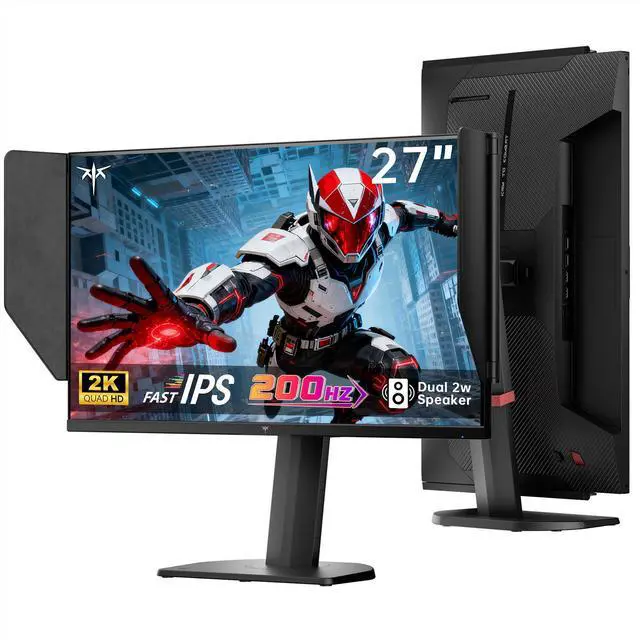
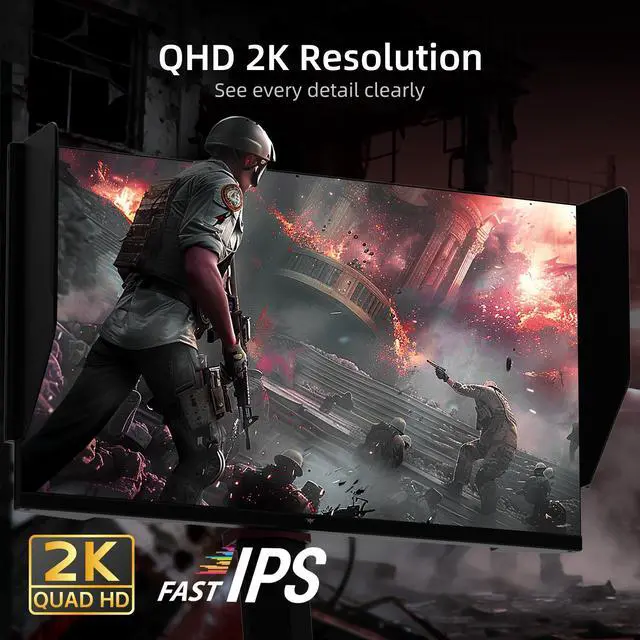
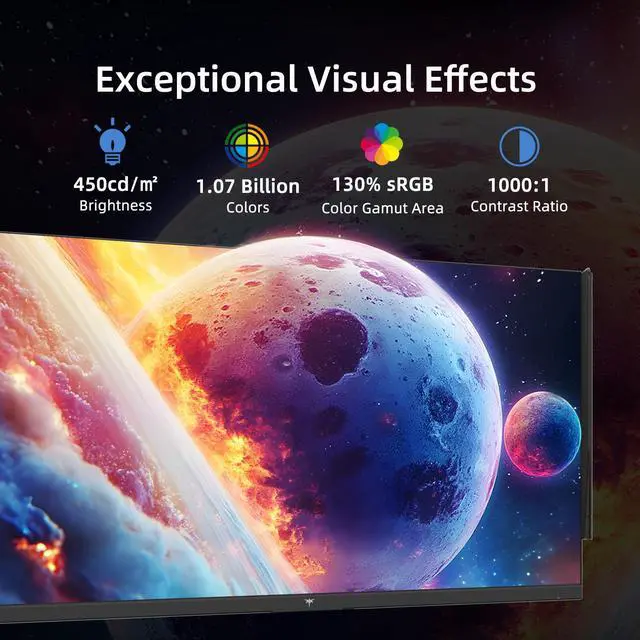
KTC 27 Inch Gaming Monitor 27M1 2K QHD 200Hz Fast IPS Display Experience exceptional visual performance with the KTC 27 Inch Gaming Monitor 27M1. Designed for gamers and professionals alike, this 2K QHD monitor features a Fast IPS panel delivering a sharp 1440p resolution for vivid, lifelike images. Enjoy ultra-smooth gameplay with a 200Hz refresh rateoverclockable up to 210Hzand a rapid 1ms (MPRT) response time that minimizes motion blur. Adaptive Sync technology ensures seamless, tear-free visuals during intense gaming sessions. The monitor covers 130% sRGB with Delta E <2 for accurate color reproduction, ideal for creative tasks. Built-in speakers provide convenient audio, while the height-adjustable stand and shielding hood enhance comfort and focus. Perfect for those seeking a high-performance 27-inch monitor for gaming or productivity.
The KTC 27M1 is a 27-inch 1440p gaming monitor with a Fast IPS panel, 200Hz refresh rate expandable to 210Hz, 1ms MPRT response time, Adaptive Sync, and built-in speakers, making it suitable for competitive PC gaming and high-refresh gameplay.
| Attribute | Value |
|---|---|
| Best For | Gamers and desktop users seeking a 27-inch QHD monitor with a high refresh rate, Fast IPS panel, Adaptive Sync, built-in speakers, and height-adjustable positioning |
Q: Is the KTC 27M1 better than a typical 27-inch 1440p 144Hz or 180Hz monitor?
A: The KTC 27M1 is the stronger choice when you want higher refresh rate, a fully adjustable stand, built-in speakers, and a shielding hood in one display. Its 200Hz refresh rate, with 210Hz overclocking through DisplayPort, provides smoother motion than 144Hz or 180Hz models, although the improvement over 180Hz is relatively modest. A lower-refresh monitor is sufficient for general gaming if it costs substantially less.
Q: Should I choose the KTC 27M1 or the KTC M27T6S Mini-LED monitor?
A: Choose the KTC 27M1 for fast 1440p gaming, accurate SDR color, a lower-complexity IPS design, and its built-in shielding hood. Choose the KTC M27T6S when HDR image quality, deeper blacks, and stronger contrast matter more, because its Mini-LED backlight provides 1,152 local-dimming zones and HDR1000 capability. Both models target 27-inch 1440p gaming at up to roughly 200Hz, so the main decision is standard Fast IPS performance versus Mini-LED HDR performance.
Q: Is the KTC 27M1 a better fit than a 1440p 300Hz or 320Hz monitor?
A: The KTC 27M1 is the better fit for mixed gaming and productivity when 200Hz is sufficient and you want features such as a height-adjustable stand, speakers, wide-gamut color, and a shielding hood. A 300Hz or 320Hz model such as the KTC H27E6 is more appropriate for competitive FPS players who can consistently produce very high frame rates and prioritize maximum motion responsiveness. The practical difference becomes more relevant when the computer can sustain frame rates well above 200 FPS.
Q: Should I buy the KTC 27M1 or stay with a 1080p high-refresh monitor?
A: Choose the KTC 27M1 if you want sharper text, more desktop space, and higher image detail for both gaming and everyday work. Its 2560×1440 resolution at 27 inches is substantially denser than 1080p at the same screen size, while the 200Hz refresh rate still supports competitive gaming. A 1080p monitor remains the practical choice for a lower-powered PC that cannot maintain strong 1440p frame rates or for buyers who prioritize a lower purchase price.
Q: Can this monitor run 1440p at its highest refresh rate?
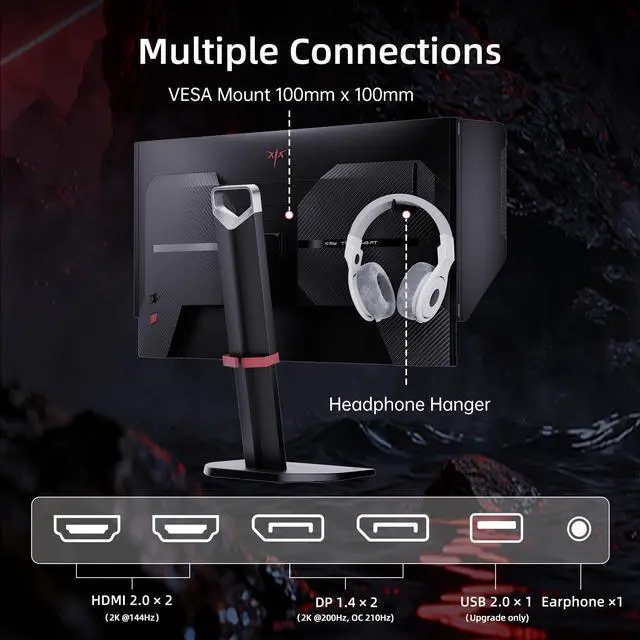
A: Yes, but the connection affects the maximum refresh rate. The DisplayPort 1.4 input supports 1440p at 200Hz and up to 210Hz when overclocked. The two HDMI 2.0 ports support up to 144Hz. The computer or console must also support the selected resolution and refresh rate.
Q: Is this monitor suitable for PS5, Xbox, and other consoles?
A: It can connect to gaming consoles through HDMI 2.0 and is suitable for 1440p console gaming at supported refresh rates. The HDMI inputs are limited to 144Hz, so the monitor’s 200Hz or 210Hz maximum is intended primarily for compatible PCs using DisplayPort. Console output is limited by the console and game.
Q: Does it have built-in speakers, and are they good enough for meetings?
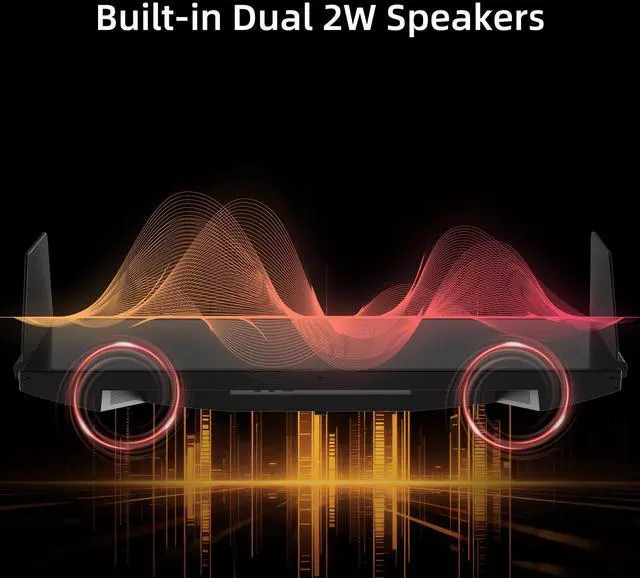
A: Yes. The monitor has two built-in 2W speakers, which are suitable for basic system audio, casual gaming, and voice meetings. They are unlikely to replace dedicated speakers or headphones when stronger volume, bass, or clearer media playback is important.
Q: Is this monitor good for office work, note-taking, and video meetings?
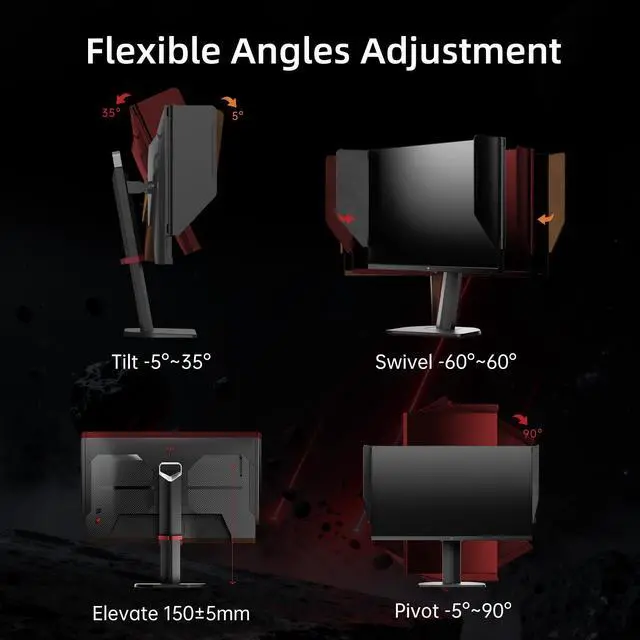
A: Yes, it is well suited to desktop office use. The 27-inch 1440p display provides more workspace than a typical 1080p monitor, while the Fast IPS panel, height adjustment, tilt, swivel, pivot, flicker-free mode, and low-blue-light mode support prolonged viewing. The built-in speakers can handle basic meetings, although headphones or external speakers may provide better audio.
Q: Can it be mounted on a monitor arm or wall mount?
A: Yes. It supports a standard 100×100mm VESA mounting pattern. The included stand provides height, tilt, swivel, and pivot adjustments, so a separate arm or wall mount is optional rather than required.
Q: Is the KTC 27M1 worth buying?
A: The KTC 27M1 is most compelling when discounted. Its combination of 1440p resolution, a 200Hz refresh rate, Fast IPS panel, adjustable stand, and built-in speakers offers strong value for PC gaming at a sale price. At a higher regular price, compare it with monitors offering stronger brand support or OLED image quality.
Q: Can the KTC 27M1 use its full refresh rate with a PS5?
A: No. The PS5 is limited to up to 120Hz at 1440p, so it will not use the monitor's full 200Hz or 210Hz capability. The higher refresh rate is mainly useful for a compatible PC connected through DisplayPort; the monitor's HDMI inputs support up to 144Hz.
Q: Is the KTC 27M1 suitable for productivity as well as gaming?
A: Yes, it can serve as a general-purpose work and gaming monitor. The 27-inch 1440p display provides more workspace than a 24-inch 1080p monitor, while the height, tilt, swivel, and pivot adjustments support different desk setups. Its 200Hz refresh rate is mainly beneficial for gaming rather than office applications.
Q: Does the KTC 27M1's shielding hood help with glare or light sensitivity?
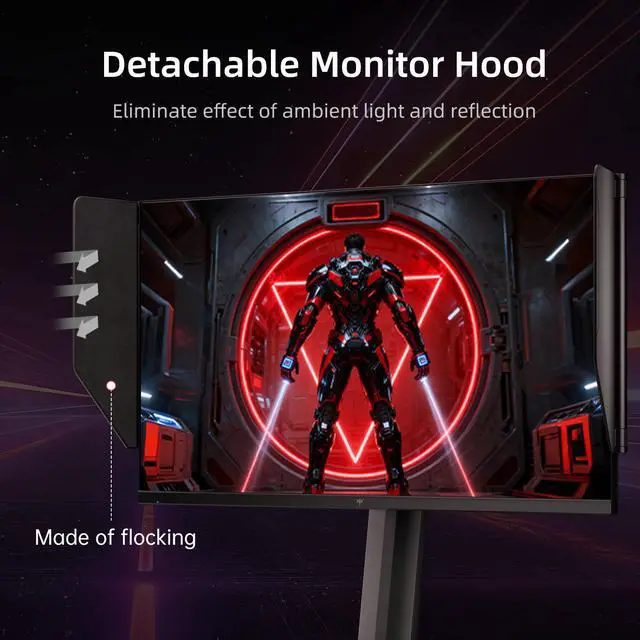
A: It can help reduce reflected light and glare from the sides of the screen, which may make viewing more comfortable in bright or reflective environments. It does not eliminate eye strain, and comfort will still depend on room lighting, brightness settings, viewing distance, and individual sensitivity.


