




 here!
I’m your shopping assistant for PC builds, upgrades, and everything tech.
Got questions? Ask away!
Start a conversation
here!
I’m your shopping assistant for PC builds, upgrades, and everything tech.
Got questions? Ask away!
Start a conversation



Any questions? Ask CelesteSM will help you find out quickly.


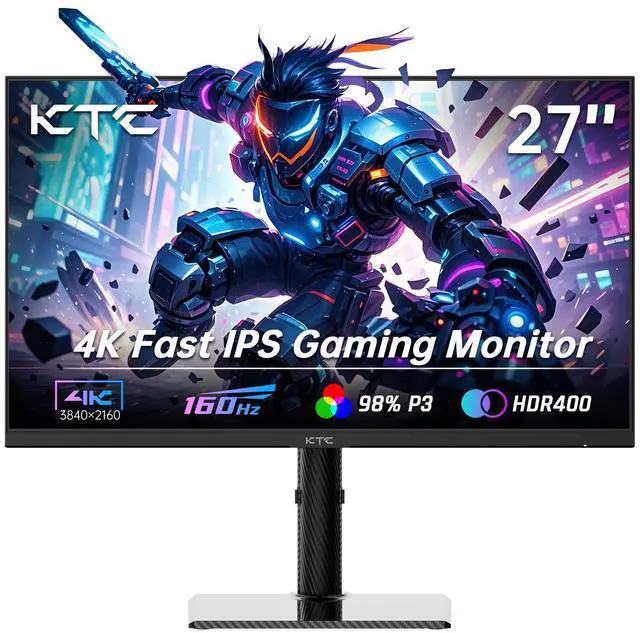
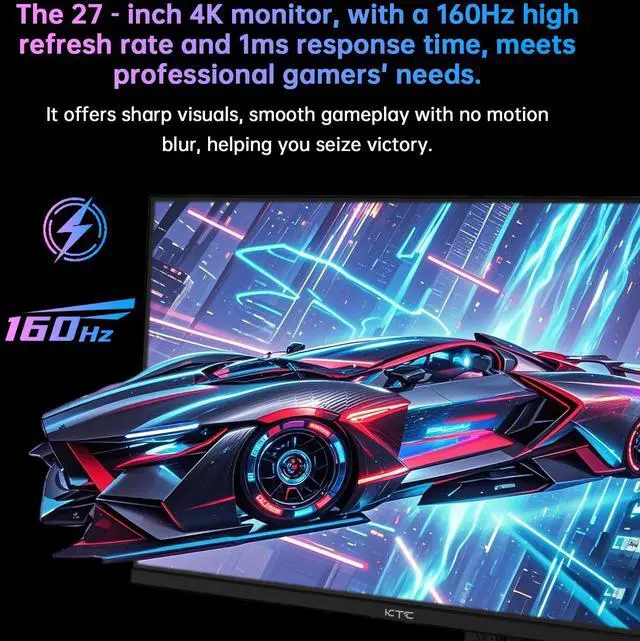
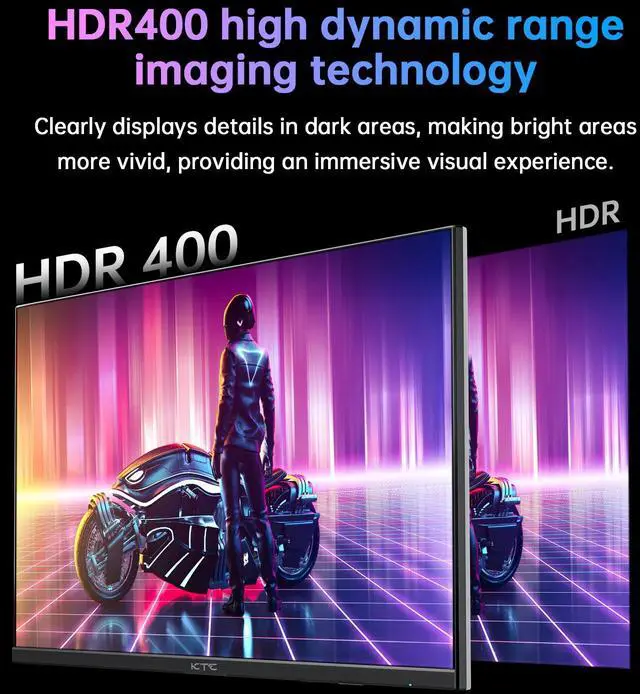
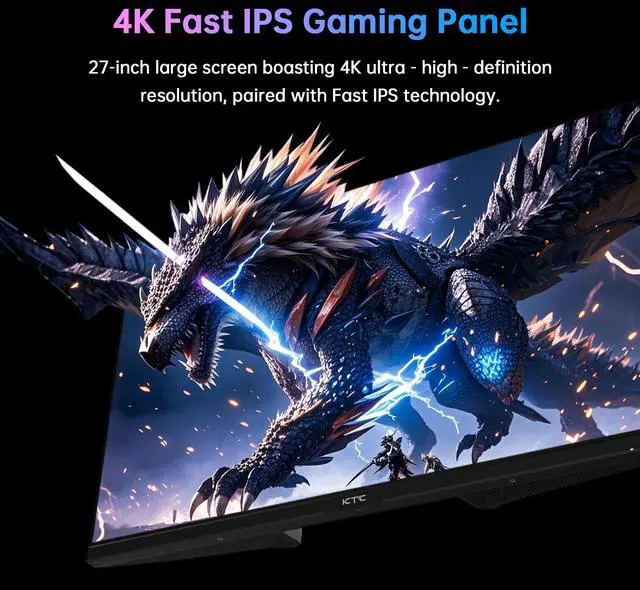
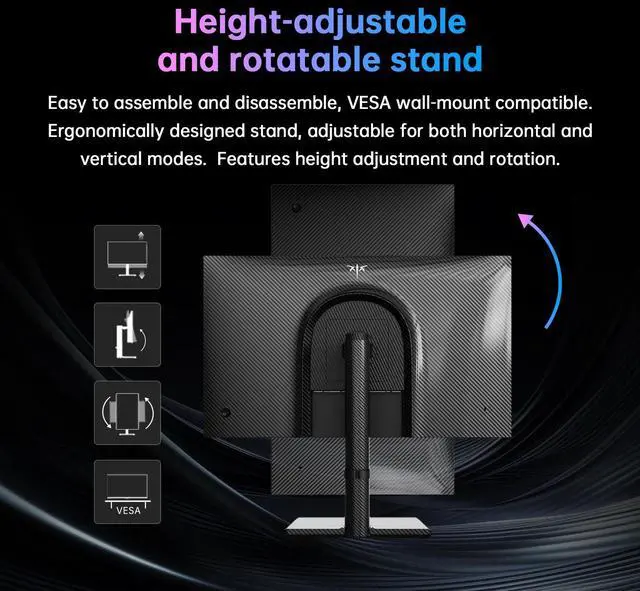
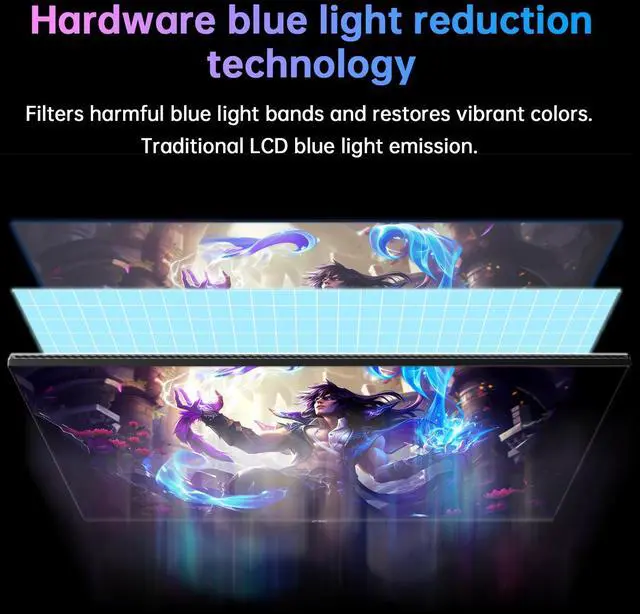
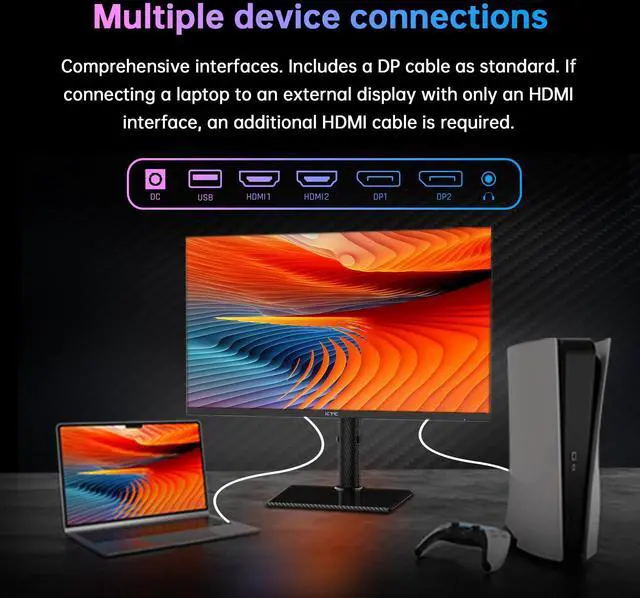
KTC 27-inch 4K UHD gaming monitor boasts 3840 x 2160 resolution and a fast IPS panel. Equipped with a 160Hz high refresh rate,ensures smooth visuals. Adaptive Sync technology effectively reduces screen tearing. 140% sRGB color gamut, 1.07 billion colors, HDR400 and E<2 professional color accuracy, reveals every deep shadow and bright. It supports height, tilt, swivel, and side swivel adjustments to match your ideal viewing position, the lightweight yet sturdy carbon fiber backplate enhances durability. Compatible with 75×75mm VESA wall mounting. 2×HDMI 2.1, 2×DisplayPort 1.4 and 1×USB 2.0 port, meeting all your multi-device connection needs.
The KTC U27T6 is a 27-inch 4K UHD gaming monitor with a Fast IPS panel, 160Hz refresh rate, Adaptive Sync, HDR400, and ergonomic height, tilt, swivel, and pivot adjustments. It is suitable for gamers, creators, and professionals who want detailed visuals, smooth motion, and flexible desk positioning.
| Attribute | Value |
|---|---|
| Best For | 4K gaming and compute monitor use with an adjustable viewing setup |
| Model Identifiers | KTC U27T6 |
Q: Should I buy the KTC U27T6 or the Gigabyte M27U?
A: Choose the KTC U27T6 when you want a 27-inch 4K display with 160Hz, a fully adjustable stand with portrait rotation, two HDMI 2.1 ports, and two DisplayPort 1.4 ports. Choose the Gigabyte M27U when USB-C connectivity, a KVM switch, USB 3.2 ports, and DisplayHDR 600 are more important than portrait-oriented ergonomics. Both target high-refresh-rate 4K PC gaming, but the M27U provides stronger device-management features while the U27T6 emphasizes stand flexibility and broad video input options. ([manuals.plus](https://manuals.plus/asin/B0FGX5YZ3T?utm_source=openai))
Q: Is the KTC U27T6 better than a 1440p 200Hz monitor for gaming?
A: Choose the KTC U27T6 for sharper 4K image detail, clearer text, and a stronger fit for mixed gaming and productivity. Choose a 1440p 200Hz monitor such as KTC’s H27T6 when competitive gaming is the priority and your graphics card can consistently produce higher frame rates at 1440p. The U27T6 offers 3840×2160 at 160Hz, while the H27T6 trades resolution for up to 200Hz, or higher with overclocking on supported configurations. ([manuals.plus](https://manuals.plus/asin/B0FGX5YZ3T?utm_source=openai))
Q: Should I choose the KTC U27T6 or the LG 27GR93U-B?
A: Choose the KTC U27T6 when its 160Hz refresh rate, portrait-capable ergonomic stand, 140% sRGB color-volume claim, and dual HDMI 2.1 plus dual DisplayPort inputs match your setup. Choose the LG 27GR93U-B when you prefer a more extensively reviewed model and value its tested console-gaming behavior and HDMI bandwidth characteristics. The practical difference is modest for standard 4K gaming; the decision depends more on stand adjustment, connectivity, review confidence, and pricing than on resolution. ([manuals.plus](https://manuals.plus/asin/B0FGX5YZ3T?utm_source=openai))
Q: Should I buy the KTC U27T6 or pay more for a 4K OLED gaming monitor?
A: Choose the KTC U27T6 for a conventional Fast IPS display that combines 4K resolution, 160Hz gaming, wide color coverage, and an adjustable stand without moving to OLED panel technology. Choose a 4K OLED monitor when pixel-level contrast, near-black performance, HDR impact, and faster motion response are the main priorities. The U27T6 is more suitable when long-duration desktop work and flexible productivity use matter as much as gaming; OLED is the higher-tier choice for image contrast and premium gaming presentation. ([manuals.plus](https://manuals.plus/asin/B0FGX5YZ3T?utm_source=openai))
Q: Is the KTC U27T6 suitable for both gaming and everyday office work?
A: Yes. The 27-inch 4K IPS panel provides sharp text and detailed images for documents, note-taking, meetings, streaming, and photo work, while the 160Hz refresh rate and Adaptive Sync support smoother gaming. Its height, tilt, swivel, and pivot adjustments also support longer desk sessions. However, the listed specifications do not include built-in speakers, a microphone, or USB-C video input, so laptops and meeting accessories may require separate cables or hardware.
Q: Can this monitor run 4K at a high refresh rate from a gaming PC or console?
A: The KTC U27T6 supports up to 160Hz and includes two HDMI 2.1 ports, two DisplayPort 1.4 ports, and Adaptive Sync. A compatible gaming PC, console, graphics output, and cable are still required to achieve a specific 4K refresh rate. The provided specifications do not confirm the exact 4K refresh-rate limits for each input or console model, so users should verify the source device's supported output before buying.
Q: Can I connect this monitor to a laptop for work or meetings?
A: Yes, if the laptop provides video output through HDMI or DisplayPort. The KTC U27T6 does not list USB-C DisplayPort Alt Mode, Thunderbolt input, a webcam, or a microphone, so many USB-C-only laptops will need a USB-C-to-HDMI or USB-C-to-DisplayPort adapter or dock. The monitor's USB 2.0 port should not be assumed to provide laptop charging or full USB-C docking functions.
Q: Is the KTC U27T6 a good choice for photo editing and detailed creative work?
A: It is suitable for general photo editing, design, and other detail-sensitive work because it combines 4K resolution with an IPS panel, a stated 140% sRGB gamut, 1.07 billion colors, and an E<2 color-accuracy claim. For professional color-critical work, users should confirm calibration, color-space behavior, and software support because the provided information does not specify factory calibration or wider-gamut certification.
Q: Does the monitor support vertical use and flexible desk mounting?
A: Yes. The KTC U27T6 supports height, tilt, swivel, and pivot adjustment, allowing landscape or portrait orientation. It also supports a 75 x 75 mm VESA mount. This makes it useful for coding, reading, document review, and vertically oriented content, but users should confirm that their monitor arm or wall mount supports the display's weight and mounting pattern.
Q: Is the KTC U27T6 worth buying for 4K gaming and general use?
A: It is a reasonable fit if you want a 27-inch 4K IPS monitor with a high 160Hz refresh rate, Adaptive Sync, HDR400, and an ergonomic stand. The main limitation is that independent discussion about the exact U27T6 is limited, so color consistency, software behavior, and long-term reliability are less established than for better-documented brands.
Q: Is 4K resolution practical on a 27-inch monitor for everyday work?
A: Yes, 4K on 27 inches is suited to users who prioritize sharp text and detailed images, although operating-system scaling may be needed for comfortable reading. Community discussions show that some users consider 4K at this size unnecessarily dense, while others prefer the added clarity for office work and gaming.
Q: Is the U27T6 suitable for both gaming and office work?
A: It is suitable for a mixed-use setup. The 3840×2160 resolution, IPS panel, wide color gamut, and height, pivot, swivel, and tilt adjustments support office and content tasks, while the 160Hz refresh rate and Adaptive Sync target gaming. It is less suitable if you specifically need USB-C video, laptop charging, or a built-in USB hub, because those features are not listed in the provided specifications.
Q: What are the main trade-offs of choosing this KTC monitor over a more established brand?
A: The U27T6 offers a strong specification set for its class, including 4K resolution, 160Hz refresh, HDMI 2.1, DisplayPort 1.4, HDR400, and an adjustable stand. The trade-off is less certainty about quality control, firmware, customer support, and consistency because community discussions about comparable KTC monitors raise those concerns and provide limited long-term evidence.


