




 here!
I’m your shopping assistant for PC builds, upgrades, and everything tech.
Got questions? Ask away!
Start a conversation
here!
I’m your shopping assistant for PC builds, upgrades, and everything tech.
Got questions? Ask away!
Start a conversation



Any questions? Ask CelesteSM will help you find out quickly.


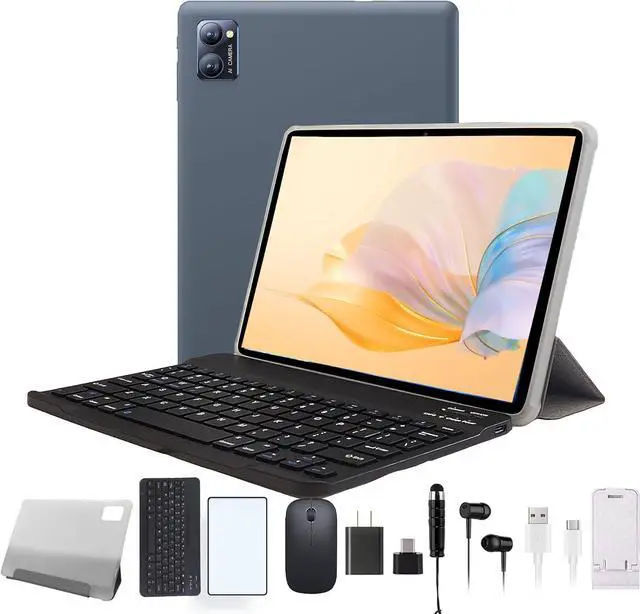
The N-one NPad Y is a 10.1-inch Android 13 tablet with an advertised 8GB (4GB+4GB) RAM configuration, 128GB storage, quad-core Rockchip processing, and support for up to 1TB of expandable storage. It suits families, students, and casual users who want an affordable tablet with bundled keyboard, mouse, case, stylus, and earbuds.
| Attribute | Value |
|---|---|
| Best For | Everyday Android tablet use for browsing, media, learning, and light multitasking, with a touchscreen display and bundled keyboard, mouse, case, and headphones |
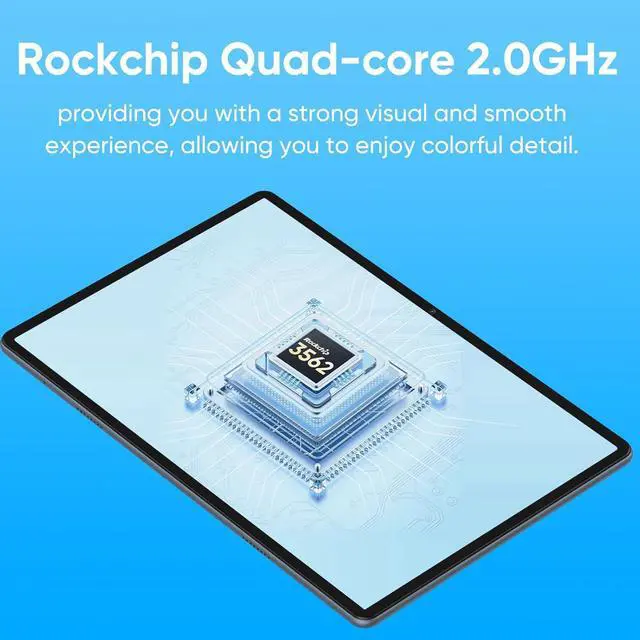
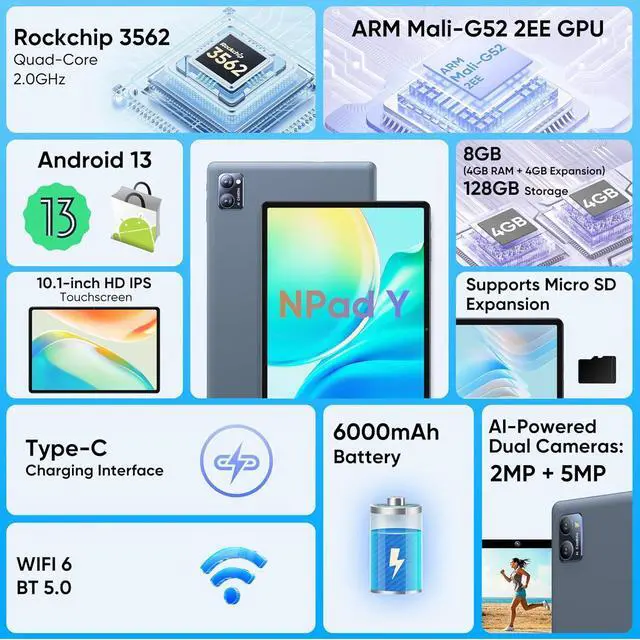
| Processor And Graphics | Rockchip RK3562 quad-core 64-bit processor with ARM G52 graphics and shared system memory |
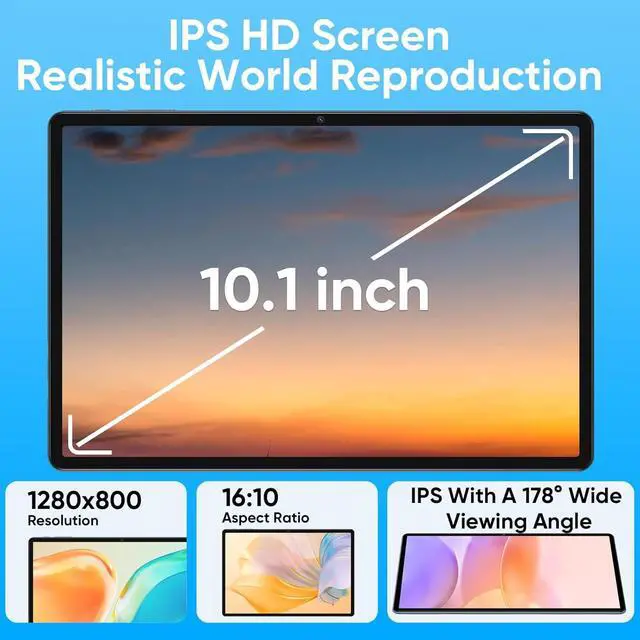
| Display | 10.1-inch IPS LCD touchscreen with 1280 × 800 resolution |
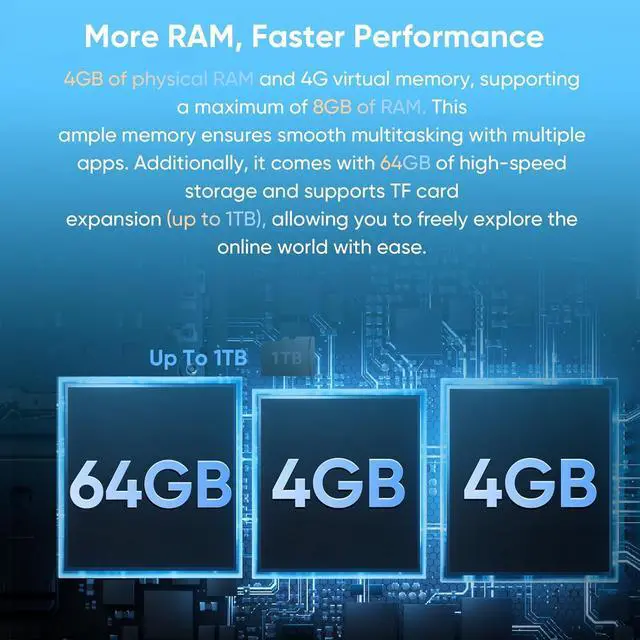
| Memory And Storage | 4GB memory, 128GB built-in storage, and microSD card expansion |
| Operating System | Android 13 operating system |
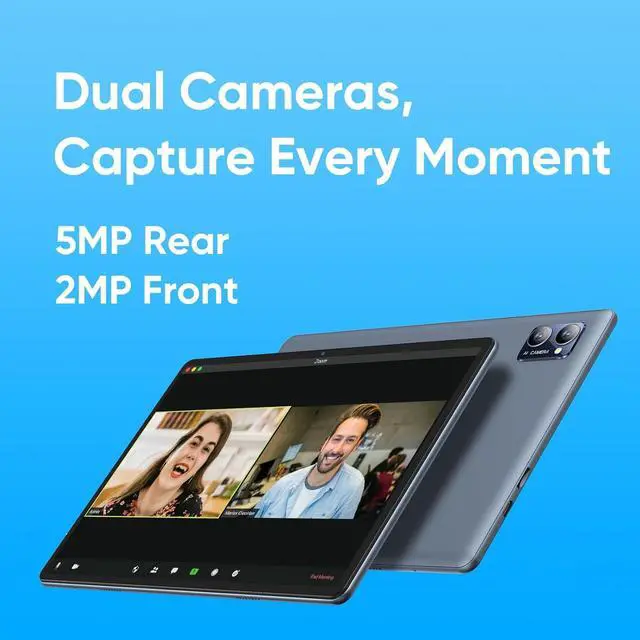
| Cameras | 5MP rear camera and 2MP front-facing camera |
| Wireless Connectivity | 802.11ac wireless LAN and Bluetooth 5.0; NFC is not supported |
| Audio And Ports | 3.5mm headphone/microphone combo jack for wired audio and headset connectivity |
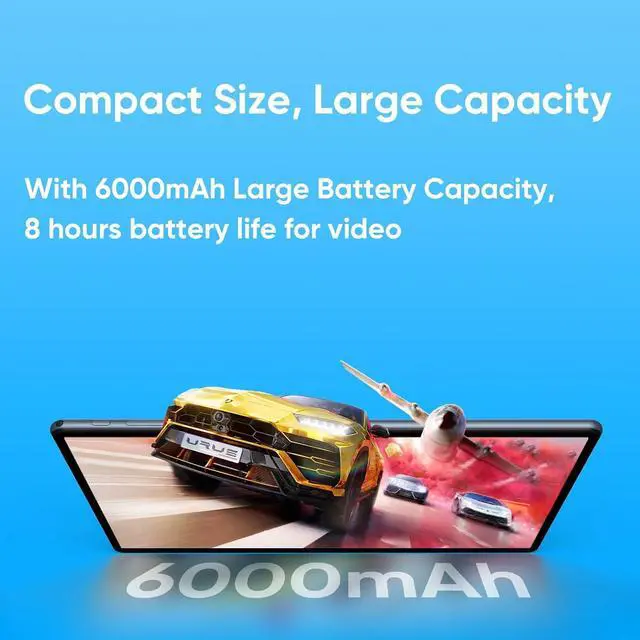
| Battery And Power | Lithium-polymer battery rated for up to 8 hours of use, with a 10-watt AC adapter |
| Physical And Included Accessories | Measures 337 × 201 × 34mm and weighs 863g; package includes the tablet, charger, data line, manual, keyboard, mouse, case, headphones, and steel film |
| Model Identifiers | N--one NPad series, NPad Y set model, released in 2024 |
Q: Is the N-one NPad Y better than the Amazon Fire HD 10 for a full Android tablet experience?
A: Choose the N-one NPad Y if you want standard Android 13, 128GB of built-in storage, Wi-Fi 6, and a bundled keyboard, mouse, case, stylus, and earbuds. Choose the 2023 Amazon Fire HD 10 if you prioritize a sharper 1920×1200 display, a lighter design, and Amazon-rated battery life of up to 13 hours. The NPad Y is better suited to buyers who value included accessories and storage; the Fire HD 10 is better suited to streaming and Amazon services.
Q: Should I buy the N-one NPad Y or the Samsung Galaxy Tab A9+?
A: Choose the Samsung Galaxy Tab A9+ for a larger 11-inch 1920×1200 90Hz display, a 7040mAh battery, Samsung DeX, and a stronger productivity-focused feature set. Choose the N-one NPad Y when the lower-cost configuration, 128GB storage, Wi-Fi 6, and included keyboard and mouse are more important than display resolution and multitasking features. The Galaxy Tab A9+ is the better fit for performance-first use; the NPad Y is the better fit for basic browsing, video, schoolwork, and bundled accessories.
Q: Is the NPad Y worth choosing over the lower-tier NPad Y1?
A: Choose the NPad Y if you need more internal storage and longer rated battery capacity: it provides 128GB storage and a 6000mAh battery, compared with the NPad Y1’s 64GB storage and 5000mAh battery. Both models use the same Rockchip RK3562 quad-core platform, 10.1-inch 1280×800 display, Android 13, and advertised 8GB memory configuration, so the NPad Y is primarily a storage and battery upgrade rather than a major processing upgrade.
Q: Should I choose the N-one NPad Y or the higher-tier NPad Q?
A: Choose the NPad Q for a more performance-oriented configuration: it uses an octa-core MediaTek MT8183 processor, advertises 12GB of memory, and has a 6600mAh battery. Choose the NPad Y for Wi-Fi 6, 128GB storage, and its broader bundled accessory package. The NPad Q is the more suitable option for heavier multitasking and demanding apps, while the NPad Y is better for basic tablet use and lower-complexity workflows.
Q: Is the N-one NPad Y or the N-one NPad Mini better for portability?
A: Choose the NPad Mini for portability: it has an 8-inch display and weighs about 363g, compared with the NPad Y’s 10.1-inch display and approximately 497g tablet weight. Choose the NPad Y for a larger workspace, longer video-viewing area, and included keyboard and mouse. The NPad Mini is better for reading, travel, and one-handed carrying; the NPad Y is better for typing, schoolwork, and desktop-style use.
Q: Is this tablet suitable for light office work, meetings, and travel?
A: Yes, it is suitable for light office tasks such as email, web browsing, document editing, online learning, and video meetings. The included keyboard and mouse make typing easier, while Android supports productivity and meeting apps available through Google Play. However, the quad-core processor, 1280×800 display, 2MP front camera, and 10-watt charger make it better for basic work than demanding multitasking or laptop-replacement use. ([newegg.com](https://www.newegg.com/p/9SIBW2AK9M0145?Item=9SIBW2AK9M0145))
Q: Is it a good choice for note-taking and typing?
A: It is suitable for basic note-taking, email, forms, and short documents. The package includes a keyboard, mouse, stylus, case, and screen film, so it can support both touchscreen input and physical typing. The stylus should be treated as a basic input accessory rather than a professional pen because the product information does not specify pressure sensitivity, palm rejection, or advanced handwriting features. ([newegg.com](https://www.newegg.com/p/9SIBW2AK9M0145?Item=9SIBW2AK9M0145))
Q: Is this tablet a practical travel device?
A: It can work as a budget travel tablet for streaming, browsing, reading, navigation, email, and light productivity. It has a 10.1-inch display, 6000mAh battery rated for up to 8 hours, Bluetooth 5.0, Wi-Fi connectivity, GPS, and a case with keyboard and mouse. Its 863g listed weight and relatively thick 34mm package dimensions make it less portable than a bare tablet, especially when the accessories are carried together. ([newegg.com](https://www.newegg.com/p/9SIBW2AK9M0145?Item=9SIBW2AK9M0145))
Q: Who is this Android tablet best suited for?
A: It is best suited for children, students, casual users, seniors, and households that want an affordable tablet bundle for browsing, streaming, simple games, online learning, and basic productivity. The 128GB internal storage and microSD card slot are useful for apps and media, but the quad-core processor and 1280×800 resolution are better matched to everyday use than high-end gaming, professional creative work, or intensive multitasking. ([newegg.com](https://www.newegg.com/p/9SIBW2AK9M0145?Item=9SIBW2AK9M0145))
Q: Is the N-one NPad Y worth buying as a low-cost Android tablet?
A: It can be reasonable for basic browsing, video streaming, online learning, and casual apps when sold at a low price. The main trade-offs are the entry-level Rockchip RK3562 processor, 4GB of physical RAM, 1280×800 display, and uncertain long-term software support. Reddit discussion about this model is primarily deal-focused rather than based on long-term ownership reviews.
Q: Who is the N-one NPad Y best suited for?
A: It is best suited for children, casual home use, streaming, web browsing, reading, and light productivity. The included keyboard, mouse, case, stylus, and earbud support basic versatility, but the 10.1-inch 1280×800 screen and quad-core processor make it less suitable for demanding games, intensive multitasking, professional work, or high-resolution media editing.
Q: What are the main trade-offs of choosing the N-one NPad Y over a better-known tablet brand?
A: The NPad Y offers generous listed storage, expandable microSD storage, Wi‑Fi 6, GPS, and many bundled accessories at a budget-oriented price. The trade-offs are a basic display resolution, modest processor, only 4GB of actual RAM despite the 8GB '4+4' description, a 10-watt charger, and limited evidence about update frequency, durability, and after-sales support.


