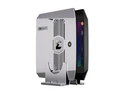
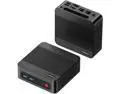
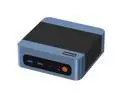
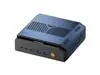
here!
here!
I’m your shopping assistant for PC builds, upgrades, and everything tech.
Got questions? Ask away!
Start a conversation
here!
I’m your shopping assistant for PC builds, upgrades, and everything tech.
Got questions? Ask away!
Start a conversation
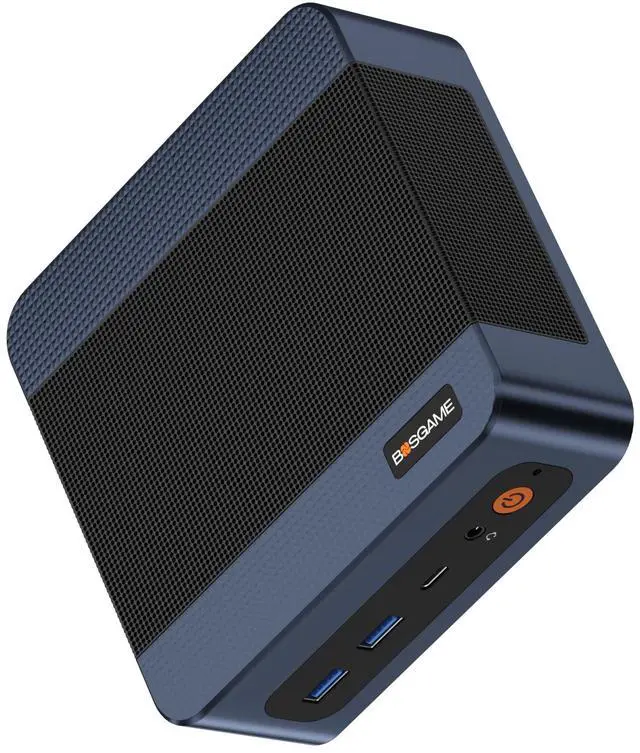


| Brand | BOSGAME |
|---|---|
| Model | E6 ECO |
| Form Factor | Mini PC |
|---|---|
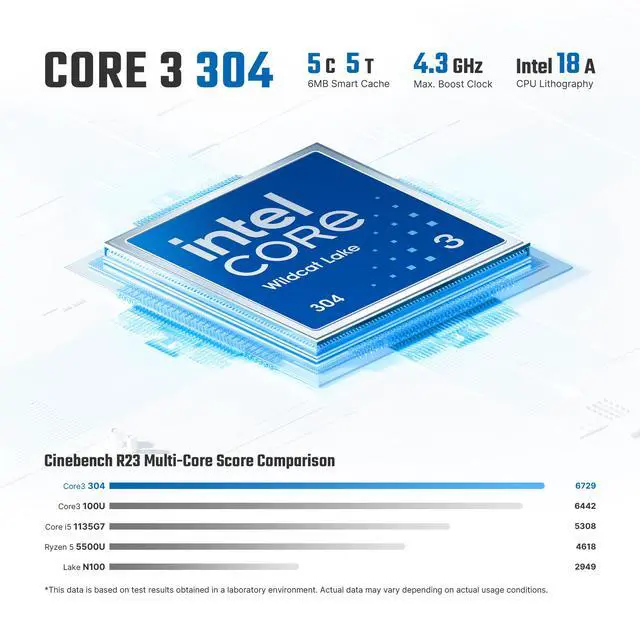
| Processor | Intel Core 3 processor 304 |
| Memory | 12GB LPDDR5X 6400MT/s |
| Storage | 512GB M.2 2280 NVMe PCle3.0x2 |
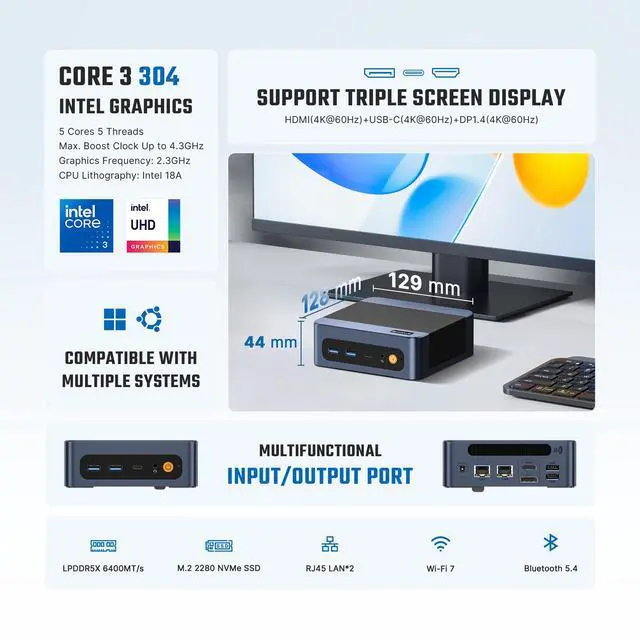
| Graphics | Intel Graphics (Graphics Max Dynamic Frequency 2.3 GHz) |
| Power Supply | 64.98W |
| Operating System | Windows 11 Pro |
| CPU Name | Intel Core 3 processor 304 |
|---|
| GPU/VGA Type | Intel@ Graphics (Graphics Max Dynamic Frequency 2.3 GHz) |
|---|
| Memory Capacity | 12GB LPDDR5X 6400MT/s |
|---|---|
| Memory Speed | 6400MT/s |
| Maximum Memory Supported | 6400MT/s |
| SSD | 512GB M.2 2280 NVMe PCle3.0x2 |
|---|
| LAN Speed | 1Gbps |
|---|---|
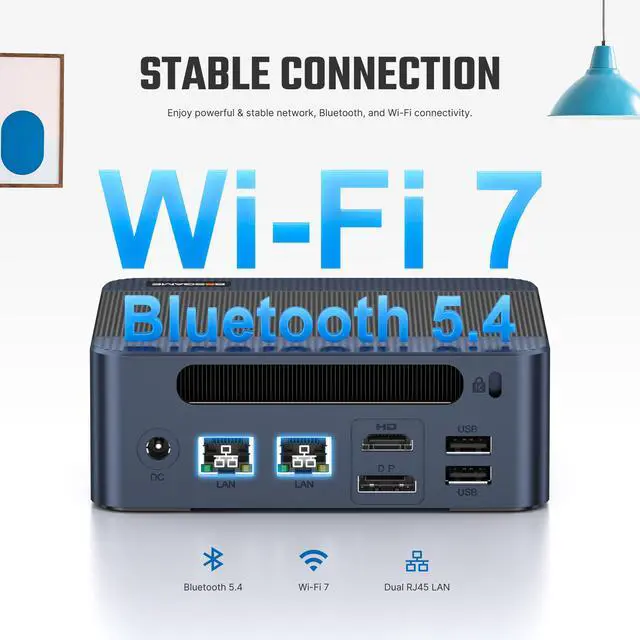
| WLAN | Wi-Fi7 (802.11 a/b/g/n/ac/ax/be) |
| WiFi Generation | Wi-Fi 7 |
| Bluetooth | Bluetooth 5.4 |
| RJ45 | 2 port |
|---|
| First Listed on Newegg | August 11, 2026 |
|---|
The BOSGAME E6 ECO is a Windows 11 Pro mini PC for everyday productivity, multitasking, 4K streaming, and office workflows. Its Intel Core 3 304 processor, 12GB LPDDR5X memory, 512GB NVMe SSD, and triple 4K display support make it suitable for home users, professionals, developers, and creators who need a compact desktop.
| Attribute | Value |
|---|---|
| Best For | Compact Windows 11 Pro desktop setups for everyday productivity, multitasking, and fast wireless or dual wired networking, with integrated Intel graphics and 512GB NVMe storage |
| Processor | Intel Core 3 processor 304 for general desktop computing |
| Graphics | Integrated Intel Graphics with a maximum dynamic frequency of 2.3 GHz |
| Memory Configuration | 12GB LPDDR5X memory operating at 6400MT/s; the catalog lists 6400MT/s as the maximum supported memory speed |
| Storage And Expansion | 512GB M.2 2280 NVMe SSD using a PCIe 3.0 x2 interface |
| Operating System | Windows 11 Pro |
| Wired And Wireless Networking | Wi-Fi 7 with 802.11 a/b/g/n/ac/ax/be support, Bluetooth 5.4, dual RJ45 ports, and 1Gbps LAN speed for wireless and wired connectivity |
| Power | 64.98W power supply |
| Model Identifiers | BOSGAME E6 ECO mini PC |
Q: Is the BOSGAME E6 ECO better than an Intel N100 mini PC?
A: Choose the BOSGAME E6 ECO when you want stronger everyday responsiveness, multitasking, graphics performance, and newer connectivity. Its Core 3 304 processor combines one performance core with four low-power efficiency cores, while independent testing of comparable Core 3 304 hardware found higher single-core, multi-core, and graphics scores than an N100 system. An N100 mini PC remains the more practical choice when the lowest purchase price and basic office, streaming, or home-server workloads matter most.
Q: Should I buy the E6 ECO or an Intel Core i3-N305 mini PC?
A: Choose the E6 ECO for faster single-core responsiveness, newer platform features, lower-power everyday use, Wi-Fi 7, and triple-display support. Choose an i3-N305 mini PC when sustained multi-core workloads, additional physical cores, or stronger performance in heavily parallel applications are the priority. Independent testing of comparable systems found the Core 3 304 substantially stronger in single-core performance, while the eight-core i3-N305 remains relevant for workloads that scale across many cores.
Q: Is the BOSGAME E6 ECO worth choosing over a higher-tier Core 3 305 mini PC?
A: Choose the E6 ECO when your workloads are office-focused and you want a compact, efficient system with 12GB of memory, a 512GB NVMe SSD, dual Ethernet, and triple 4K display support. Choose a Core 3 305 system when you regularly run heavier multitasking or sustained multi-threaded applications. Intel lists the Core 3 305 with six cores versus five on the Core 3 304, while both processors have a maximum turbo frequency of 4.3GHz; real system performance will also depend on cooling, memory configuration, and power limits.
Q: Should I choose the E6 ECO or a performance-first Ryzen 5 mini PC?
A: Choose the E6 ECO for a smaller, lower-power desktop focused on web browsing, office work, media playback, light content creation, and multi-display productivity. Choose a Ryzen 5 7530U-class mini PC when sustained multi-core processing or integrated-graphics performance is more important than compact efficiency. In comparative testing, a Core 3 304 system delivered stronger single-core results, while the Ryzen 5 7530U system achieved higher multi-core and 3D graphics performance.
Q: Who is the BOSGAME E6 ECO Mini PC suitable for?
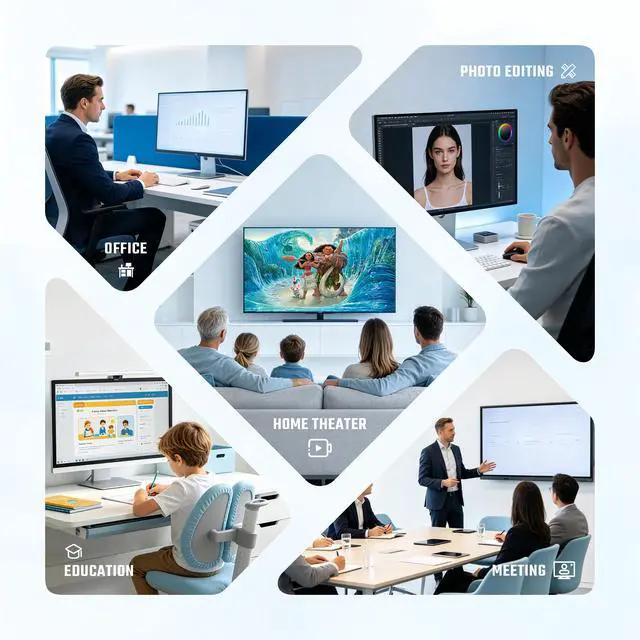
A: The BOSGAME E6 ECO is suitable for home and office users who need web browsing, Microsoft 365, video meetings, multitasking, 4K streaming, light editing, and a compact desktop setup. Its Intel Core 3 304 processor, 12GB LPDDR5X memory, Windows 11 Pro, and 512GB NVMe SSD are designed for everyday productivity rather than demanding gaming or professional workstation workloads.
Q: Can the BOSGAME E6 ECO run three 4K monitors at the same time?
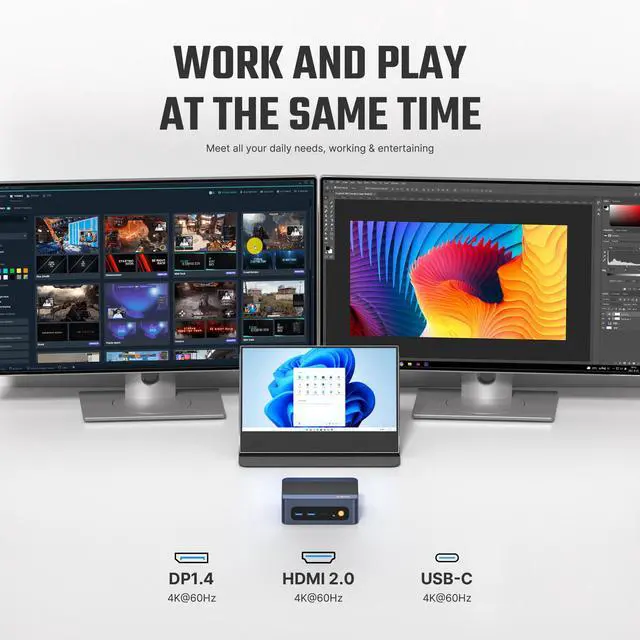
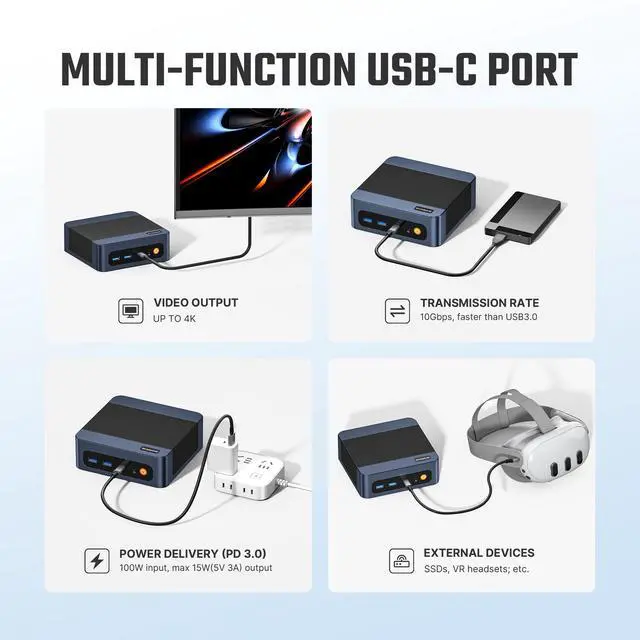
A: Yes. The BOSGAME E6 ECO supports three independent 4K displays through its HDMI, DisplayPort, and USB-C display outputs. Users should verify that each monitor and cable supports the intended resolution and refresh rate, and that the USB-C connection is configured for DisplayPort video.
Q: Is the BOSGAME E6 ECO good for office work, meetings, note-taking, and multitasking?
A: Yes. It is well suited to office applications, browser-based work, note-taking, video meetings, email, and multiple open documents. Windows 11 Pro, 12GB of fast LPDDR5X memory, and a 512GB NVMe SSD support everyday productivity, while the three-display capability is useful for keeping meetings, notes, and reference material visible at the same time.
Q: Can the BOSGAME E6 ECO storage be upgraded?
A: Yes. The E6 ECO includes a 512GB M.2 2280 NVMe SSD and an additional M.2 slot for expanding storage. The provided specifications do not confirm whether the original drive can be replaced with a larger one, so buyers should verify the supported drive type and installation procedure before upgrading.
Q: Is the BOSGAME E6 ECO a good travel work computer?
A: It can work well as a portable desktop for hotel rooms, temporary offices, or frequent moves between workspaces, but it is not as convenient for travel as a laptop. The mini PC requires a separate monitor, keyboard, mouse, and power connection, although its compact size and included VESA mount make it practical for space-constrained desks.
Q: Is the BOSGAME E6 ECO worth buying at around $380?
A: It is mainly worth considering for everyday office work, browsing, media use, and multi-display setups. The value is weaker for gaming or demanding workloads because the Core 3 304 is the entry-level Wildcat Lake chip, with one performance core and one Xe graphics core.
Q: Is the BOSGAME E6 ECO suitable for gaming?
A: It is better suited to basic or casual gaming than modern, graphics-intensive games. Its integrated Intel graphics have one Xe graphics core, so buyers seeking strong 3D performance should choose a mini PC with a more powerful processor and GPU.
Q: What are the main performance trade-offs of the BOSGAME E6 ECO?
A: The E6 ECO provides compact size, three-display support, Wi-Fi 7, dual Ethernet, and 12GB LPDDR5X memory, but it uses the lowest-tier Core 3 304 configuration. Its limited core and graphics resources make it less suitable for sustained multitasking, content creation, or gaming than higher-tier mini PCs.
Q: Can the BOSGAME E6 ECO's memory be upgraded later?
A: The 12GB LPDDR5X memory is soldered and should be treated as non-upgradable. Buyers who expect to need more memory should select a system with a higher memory capacity from the start. The product does provide an additional M.2 slot for storage expansion.