




 here!
I’m your shopping assistant for PC builds, upgrades, and everything tech.
Got questions? Ask away!
Start a conversation
here!
I’m your shopping assistant for PC builds, upgrades, and everything tech.
Got questions? Ask away!
Start a conversation







Any questions? Ask CelesteSM will help you find out quickly.
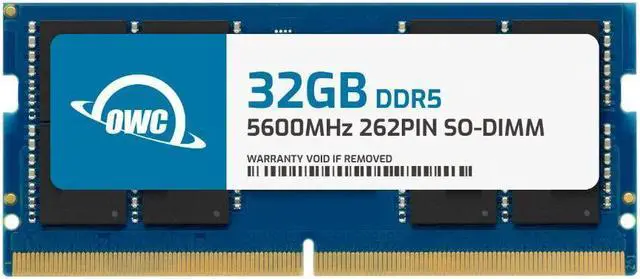
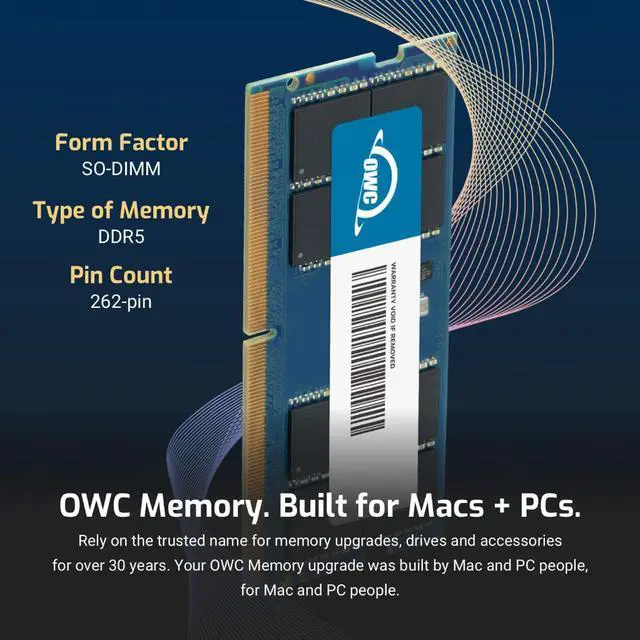
| Technology | DDR5 |
|---|---|
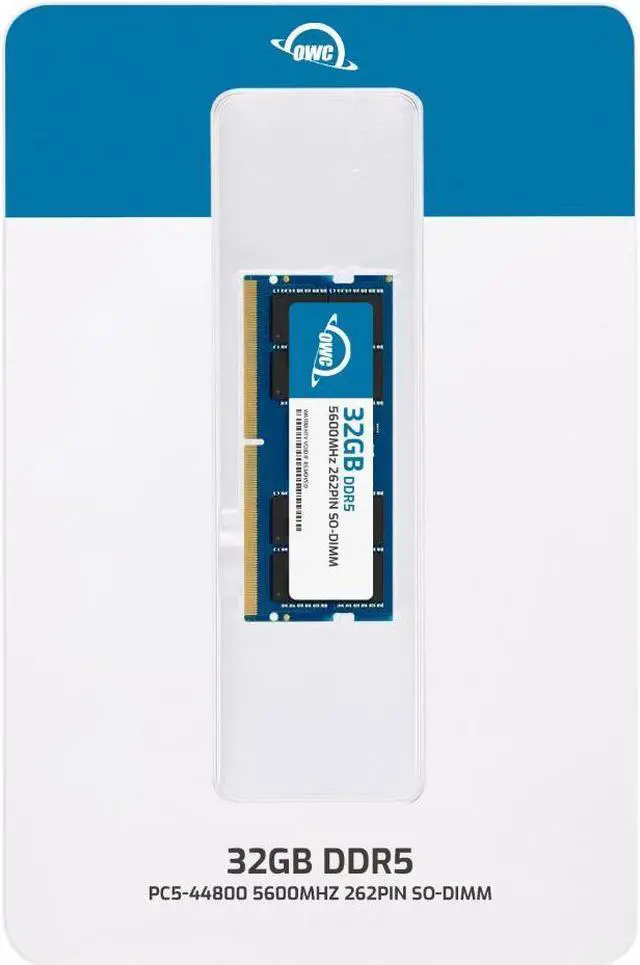
| Speed | PC5-44800 5600MHz CL46 |
| Form Factor | 262PIN SO-DIMM |
| ECC Type | NON ECC UNBUFFERED |
| Voltage | 1.1v |
| Compatibility | Laptops, Notebooks, , NAS System, All In One |
















The OWC 32GB DDR5-5600 SODIMM is a single non-ECC laptop memory module designed for the Lenovo Legion 5 16IRX9, suited to owners of that model seeking a compatible 32GB memory upgrade.
| Attribute | Value |
|---|---|
| Best For | A 32GB DDR5 SODIMM memory upgrade compatible with the Lenovo Legion 5 16IRX9 |
| Memory Capacity | 32GB in one module |
| Memory Speed And Timing | DDR5-5600 (PC5-44800) with CL46 timing |
| Memory Configuration And Electrical Specs | 262-pin SODIMM, 2Rx8 rank, non-ECC, unbuffered, 1.1V, without a heat spreader |
| Physical Details | Black chips |
| Model Identifiers | OWC; part number 5S6D52R832GB; model OWC5S6D52R832GB-C146-SF |
Q: OWC 32GB single stick or OWC 32GB (2x16GB) kit for the Legion 5 16IRX9?
A: Choose this single 32GB module when you want one module and the option to retain a compatible module already installed. Choose OWC’s 2x16GB kit when you want a matched pair totaling 32GB. Both are DDR5-5600 SO-DIMMs; the laptop’s processor determines the memory speed it uses.
Q: Should I get this OWC 32GB module or an OWC 16GB DDR5-5600 module?
A: Choose the 32GB module when you want more memory capacity from one stick; choose the 16GB module for a 16GB single-module configuration. Both are OWC DDR5-5600, 262-pin SO-DIMMs. The Legion 5 16IRX9’s supported operating speed depends on its processor.
Q: Should I add this 32GB OWC module to my Legion 5’s 16GB stick or replace the 16GB stick?
A: If the laptop currently has one 16GB module and an open memory slot, adding this 32GB module gives 48GB total. Replacing the 16GB module with this one gives 32GB total. The Legion 5 16IRX9 has two SO-DIMM slots, and the processor can affect the memory speed used.
Q: Will this memory work in a Lenovo Legion 5 16IRX9?
A: Yes. This 32GB module is listed as compatible with the Lenovo Legion 5 16IRX9. It is DDR5 5600, 262-pin SO-DIMM memory; check your laptop’s exact configuration and memory-slot requirements before installation.
Q: Does this add 32GB to my laptop’s existing RAM?
A: Not necessarily. This product is one 32GB module, so it adds memory only if your laptop has a compatible, available slot. If it replaces an existing module, your final capacity depends on the memory left installed; check your laptop’s configuration and supported capacity first.
Q: Will it run at 5600 MHz in my laptop?
A: The module is rated for DDR5 5600 (PC5-44800). Its actual operating speed depends on the laptop’s memory support and configuration, so confirm the supported speed for your Legion 5 16IRX9 before buying.
Q: Can I install this RAM myself?
A: The product information says installation is a DIY task in most cases and points to an OWC installation video. Check the laptop’s service instructions first; installation difficulty and access to the memory slots depend on the device.
Q: Is upgrading to 32GB worthwhile for gaming on the Legion 5 16IRX9?
A: It is most useful if your games or other apps are running short of memory. A Reddit discussion notes that adding RAM does not necessarily improve performance when capacity is not the bottleneck, so a 32GB module is a capacity upgrade, not a guaranteed frame-rate boost.
Q: Should I add this 32GB module to the laptop’s existing RAM or replace both sticks?
A: This product is a single 32GB module. Reddit discussions about the Legion 5 16IRX9 describe adding memory alongside the factory module, while also recommending matched pairs or matching the existing RAM. Check the installed module’s capacity and specifications before deciding; the resulting total depends on what is already installed.
Q: Is a blank screen right after a RAM upgrade a sign that the new memory failed?
A: Not necessarily. In a Legion 5 16IRX9 upgrade discussion, a commenter says the laptop may need several minutes for memory training before the BIOS appears. If it still does not start after waiting, further troubleshooting may be needed.


