




 here!
I’m your shopping assistant for PC builds, upgrades, and everything tech.
Got questions? Ask away!
Start a conversation
here!
I’m your shopping assistant for PC builds, upgrades, and everything tech.
Got questions? Ask away!
Start a conversation







Any questions? Ask CelesteSM will help you find out quickly.
| Technology | DDR5 |
|---|---|
| Speed | PC5-44800 5600MHz CL46 |
| Form Factor | 262PIN SO-DIMM |
| ECC Type | NON ECC UNBUFFERED |
| Voltage | 1.1v |
| Compatibility | Laptops, Notebooks, , NAS System, All In One |
















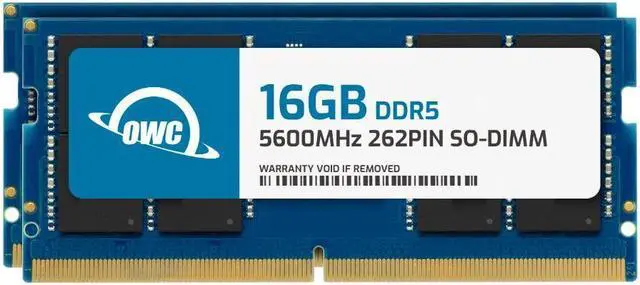
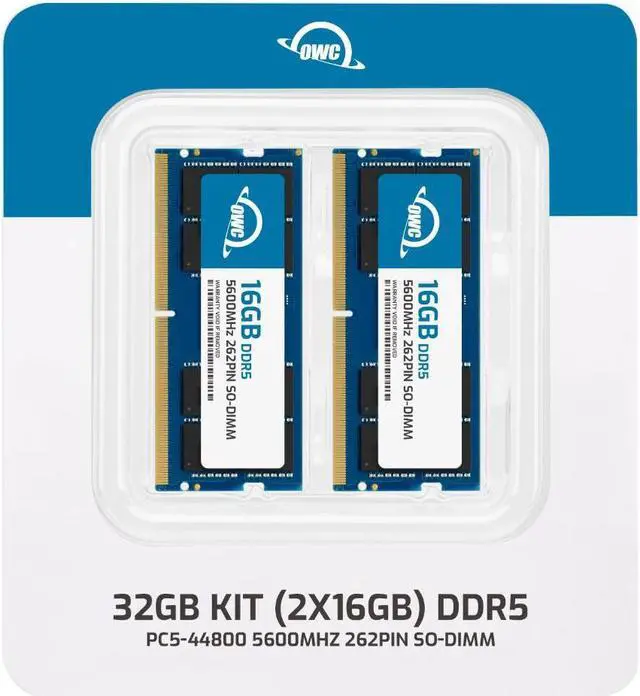
The OWC 32GB DDR5-5600 kit includes two 16GB SODIMMs for upgrading a Dell OptiPlex 7420 AIO or 7420 AIO Plus, making it suitable for users who need more system memory in either compatible model.
| Attribute | Value |
|---|---|
| Best For | Dell OptiPlex 7420 AIO and 7420 AIO Plus owners upgrading system memory with a 32GB two-module kit |
| Capacity And Kit Configuration | 32GB kit comprising two 16GB modules |
| Memory Technology And Speed | DDR5-5600 (PC5-44800) |
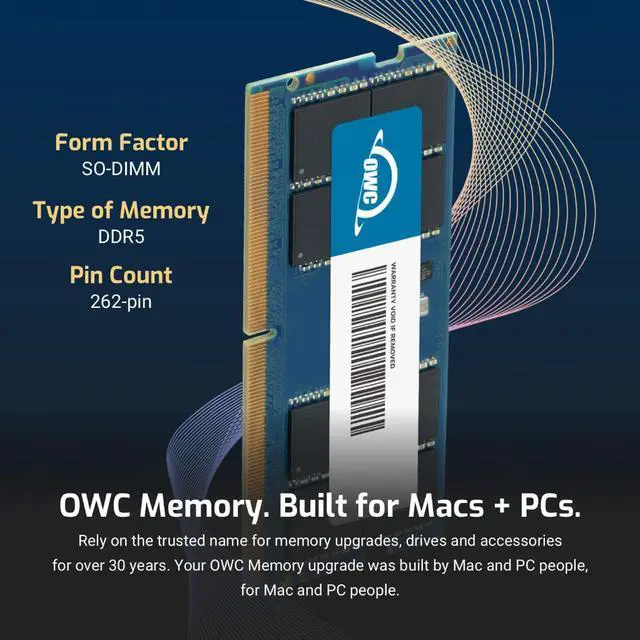
| Form Factor And Compatibility | 262-pin SODIMM memory compatible with Dell OptiPlex 7420 AIO and 7420 AIO Plus |
| Timing And Module Specifications | CL46, 1.1V, 1Rx8, non-ECC, unbuffered, without a heat spreader |
| Model Identifiers | OWC part number 5S6D51R8032P; model OWC5S6D51R8032P-C131-SF |
Q: OWC 32GB (2x16GB) vs a 16GB OptiPlex 7420 configuration: which is the better upgrade?
A: Choose this OWC kit to increase the system’s memory from 16GB to 32GB while installing a matched 2x16GB DDR5-5600 kit. Dell lists 32GB (2x16GB) as a supported dual-channel configuration for the OptiPlex 7420; the operating memory speed depends on the system’s processor.
Q: OWC 2x16GB vs one 32GB memory module: which 32GB setup should I choose?
A: Choose this kit if you want 32GB as two matched 16GB modules: Dell lists that configuration as dual-channel for the OptiPlex 7420. Dell also lists a single 32GB module as a supported single-channel configuration, so the choice is between the matched dual-channel arrangement and a one-module arrangement.
Q: OWC 32GB vs 64GB for the OptiPlex 7420: which capacity should I choose?
A: Choose this 32GB kit for a 2x16GB DDR5-5600 configuration; choose OWC’s 64GB (2x32GB) kit when you want more total memory. Dell lists 64GB (2x32GB) as a supported OptiPlex 7420 configuration. The maximum operating speed depends on the processor and memory configuration.
Q: Is this memory kit compatible with the Dell OptiPlex 7420 AIO and 7420 AIO Plus?
A: Yes. This 32GB kit is listed as compatible with the Dell OptiPlex 7420 AIO and 7420 AIO Plus. It uses DDR5 262-pin SO-DIMM modules; confirm your system model before installation.
Q: Does this kit include two 16GB memory modules?
A: Yes. The kit contains two 16GB DDR5-5600 SO-DIMMs, for 32GB total.
Q: Will the memory run at 5600MHz in my system?
A: The modules are rated for DDR5-5600, but the OptiPlex system’s supported memory speed determines the actual operating speed. Check the system specifications if you need to confirm its speed support.
Q: Who is a 32GB memory upgrade suitable for?
A: A 32GB upgrade may suit users who regularly keep multiple applications open or run memory-intensive workloads. The benefit depends on whether their current memory capacity is limiting those tasks.
Q: Is upgrading the memory in an OptiPlex 7420 AIO a straightforward DIY job?
A: The OWC kit is specified for the OptiPlex 7420 AIO and 7420 AIO Plus, but a Reddit discussion describes upgrading the 7420 AIO as somewhat awkward. If you are not comfortable opening an all-in-one PC, consider getting help with installation.


