




 here!
I’m your shopping assistant for PC builds, upgrades, and everything tech.
Got questions? Ask away!
Start a conversation
here!
I’m your shopping assistant for PC builds, upgrades, and everything tech.
Got questions? Ask away!
Start a conversation







Any questions? Ask CelesteSM will help you find out quickly.
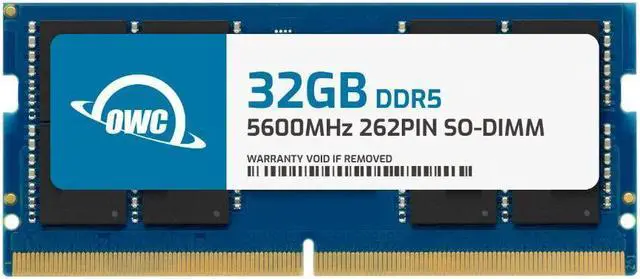
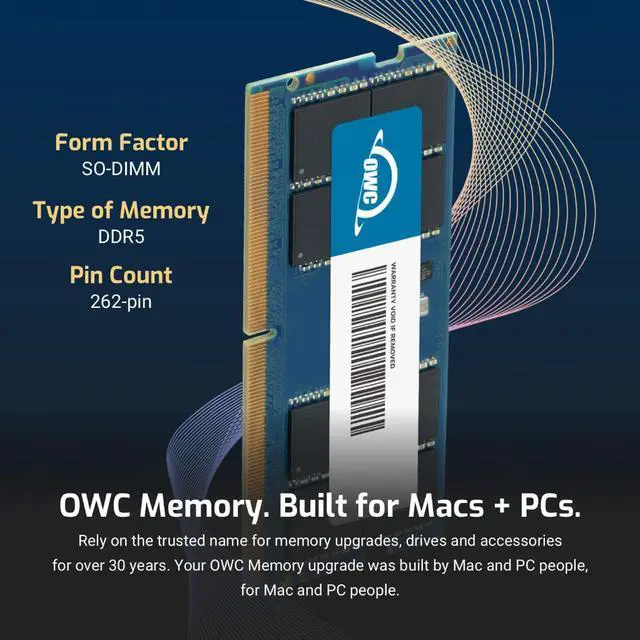
| Technology | DDR5 |
|---|---|
| Speed | PC5-44800 5600MHz CL46 |
| Form Factor | 262PIN SO-DIMM |
| ECC Type | NON ECC UNBUFFERED |
| Voltage | 1.1v |
| Compatibility | Laptops, Notebooks, , NAS System, All In One |
















The OWC 32GB DDR5-5600 CL46 SODIMM is a single-module memory upgrade for the HP Workstation Z2 Mini G9, suited to users seeking an additional 32GB of non-ECC, unbuffered RAM in a compatible system.
| Attribute | Value |
|---|---|
| Best For | Adding 32GB of DDR5 memory to an HP Workstation Z2 Mini G9 |
| Capacity And Compatibility | 32GB in a single memory module, compatible with the HP Workstation Z2 Mini G9 |
| Memory Performance | DDR5-5600 (PC5-44800) with CL46 latency at 1.1V |
| Module Configuration | 262-pin SODIMM; non-ECC, unbuffered, 2Rx8, with no heat spreader |
| Model Identifiers | OWC module, part number 5S6D52R832GB; model OWC5S6D52R832GB-C140-SF |
Q: OWC 32GB single stick or OWC 32GB (2×16GB) kit—which should I choose?
A: Choose this 32GB module when you want 32GB on one stick and, if a memory slot is available, the option to add another compatible module later. Choose OWC’s 2×16GB kit when you want 32GB supplied as two matched modules. Both options are DDR5-5600, CL46, non-ECC SODIMMs.
Q: Should I choose this OWC 32GB module or an OWC 16GB DDR5-5600 module?
A: Choose this 32GB module when you want twice the capacity of a single 16GB module for memory-intensive multitasking or larger project files. Choose the 16GB module when that capacity fits your needs. Both are DDR5-5600, CL46, non-ECC 262-pin SODIMMs; confirm the total capacity against your system’s supported configuration.
Q: Is this OWC 32GB module or an OWC 64GB (2×32GB) kit the better upgrade?
A: Choose this single 32GB module for a 32GB-per-module upgrade. Choose OWC’s 64GB kit when you want 64GB total in a matched pair of 32GB modules. Both options use DDR5-5600, CL46, non-ECC SODIMMs; check that the target system supports the planned total memory.
Q: Is this memory compatible with the HP Z2 Mini G9?
A: It is listed as compatible with the HP Z2 Mini G9. The module is a 32GB, 262-pin DDR5 non-ECC SODIMM; confirm your workstation’s configuration before purchasing.
Q: Will it run at 5600 MT/s in my workstation?
A: The module is rated for DDR5-5600, but its actual operating speed depends on the workstation’s supported memory speed and configuration. Check your HP system specifications if running at the rated speed is important.
Q: Does the package contain one 32GB stick or a two-stick kit?
A: It contains one 32GB SODIMM module, not two 16GB modules. Whether you can add it to existing memory or need to replace a module depends on the workstation’s available slots and configuration.
Q: Who is a 32GB memory upgrade suitable for?
A: It may suit users who run several applications at once or use memory-demanding software, if their workstation supports the module. More RAM provides additional capacity; it does not by itself guarantee faster performance when memory capacity is not the bottleneck.
Q: Is this memory compatible with the HP Z2 Mini G9?
A: The product is listed as compatible with the HP Z2 Mini G9. Its DDR5-5600 SODIMM format also matches memory configurations discussed by Z2 Mini G9 owners. Check your system’s current configuration and memory requirements before ordering.
Q: Does this module support ECC?
A: No. This is non-ECC memory. If your workstation configuration or workload requires ECC, choose an ECC module instead; Z2 Mini G9 owners discuss using ECC memory in their systems.
Q: Is this a 32GB kit or one 32GB stick?
A: It is one 32GB SODIMM, not a two-module kit. Z2 Mini G9 discussions distinguish between a single 32GB module and using two modules, so check how many slots are available and whether you want to add memory or replace existing memory.
Q: Can I install the memory myself?
A: A DIY installation is possible for users comfortable servicing a desktop workstation. HP’s Z2 Mini G9 service video includes a system-memory replacement section; follow its safety instructions and check your warranty before opening the unit.


