




 here!
I’m your shopping assistant for PC builds, upgrades, and everything tech.
Got questions? Ask away!
Start a conversation
here!
I’m your shopping assistant for PC builds, upgrades, and everything tech.
Got questions? Ask away!
Start a conversation







Any questions? Ask CelesteSM will help you find out quickly.
| Technology | DDR3 |
|---|---|
| Speed | PC3-8500 1066MHz CL7 |
| Form Factor | 240PIN DIMM |
| ECC Type | NON ECC |
| Voltage | 1.5v |
| Compatibility | DESKTOP, WORKSTATION |
















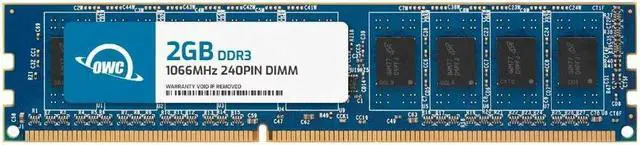
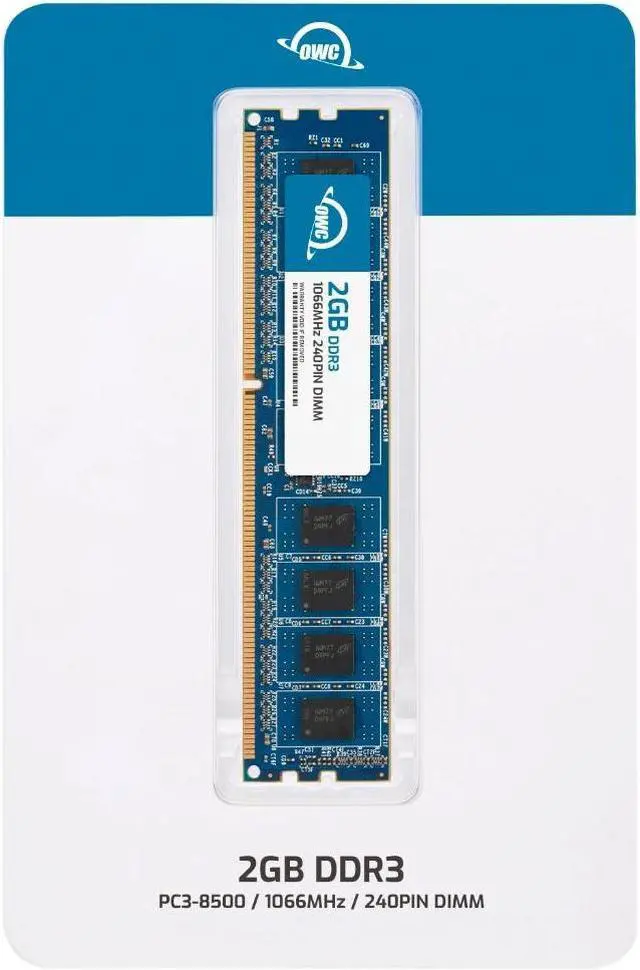
The OWC 8U5D31R802GB is a 2GB DDR3-1066 (PC3-8500) non-ECC unbuffered memory module for the HP 4000 Pro, suitable for users seeking a system-specific RAM upgrade with CL7 timing and 1.5V operation.
| Attribute | Value |
|---|---|
| Best For | Upgrading an HP 4000 Pro with a 2GB DDR3 desktop memory module |
| Capacity | 2GB |
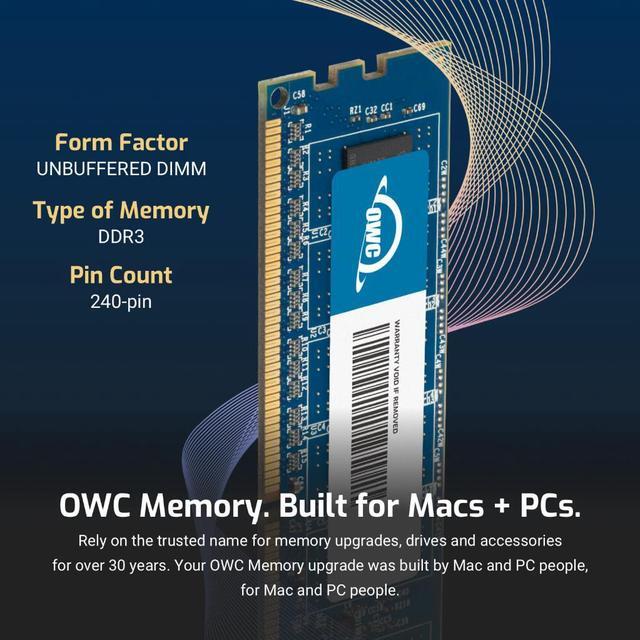
| Memory Type And Configuration | 240-pin DDR3 UDIMM, unbuffered and non-ECC, 1Rx8, with no heat spreader |
| Speed And Latency | 1066 MHz (PC3-8500) with CL7 latency |
| Power | 1.5V |
| Compatibility | Compatible with HP 4000 Pro |
| Model Identifiers | OWC memory module, part number 8U5D31R802GB, model OWC8U5D31R802GB-B450-SF |
Q: For an HP 4000 Pro, should I choose this OWC 2GB module or an OWC 4GB DDR3-1066 module?
A: Choose this 2GB OWC module when you want a single 2GB addition; choose OWC’s 4GB DDR3-1066 module when you want twice the capacity from one module. Both are 240-pin, 1.5V, non-ECC DDR3-1066 DIMMs. The HP 4000 Pro supports up to 8GB of memory, so check the installed configuration when planning an upgrade.
Q: Should I add this single 2GB OWC module or use two 2GB modules for a 4GB setup?
A: Choose this single 2GB module to add 2GB to a compatible existing configuration. Choose two 2GB modules when you want a 4GB total made from two equal-capacity DIMMs. The HP 4000 Pro has two DIMM slots and supports memory modules of the same or varied sizes; confirm the current installed memory before selecting a configuration.
Q: Is this OWC 2GB DDR3-1066 module a better match than an OWC 4GB module if I want to keep the upgrade to 2GB?
A: Yes. This OWC module provides 2GB in one 240-pin, non-ECC, unbuffered DIMM, while OWC’s comparable DDR3-1066 option provides 4GB in one DIMM. Choose the 2GB version when that capacity increment fits your upgrade plan; choose the 4GB version when you want a larger increment from one slot.
Q: Will this RAM work in my computer?
A: This module is listed as compatible with the HP 4000 Pro. It is 2GB DDR3-1066 (PC3-8500), 240-pin desktop UDIMM, non-ECC, unbuffered, and 1.5V. Check your exact computer model and supported memory specifications before buying; matching DDR3 alone does not confirm compatibility.
Q: Is this a desktop RAM stick or a laptop RAM stick?
A: It is a 240-pin DIMM for compatible desktops, not a laptop SO-DIMM. Confirm that your computer uses 240-pin DDR3 DIMMs and supports the module’s specifications before ordering.
Q: Can I add this to the RAM already in my computer?
A: Possibly, if the computer has an available slot and supports this module. The product is one 2GB stick. Check your computer’s supported memory configuration and existing RAM specifications; OWC recommends using DIMMs with the same capacity, speed, and manufacturer for optimal performance.
Q: Is one module enough, and how much memory will it add?
A: The package contains one 2GB module, so it adds 2GB if your system accepts and recognizes it. Whether that is enough for your needs depends on your current memory, available slots, and the computer’s supported maximum.
Q: Can I upgrade the HP Compaq 4000 Pro's RAM?
A: Yes. This module is specified as compatible with the HP 4000 Pro and adds 2GB of DDR3-1066 memory. Owner videos also document RAM upgrades on the 4000 Pro, but check your system’s existing memory and supported configuration before buying.
Q: Is a 2GB stick a reasonable upgrade for a 4000 Pro that already has 2GB?
A: It would bring the total to 4GB if the existing 2GB remains installed and the system recognizes both modules. One 4000 Pro owner described upgrading from 2GB to 4GB. This OWC module is 2GB, DDR3-1066, 1.5V, and non-ECC; confirm the existing memory and system configuration before purchasing.
Q: Is it worth upgrading a 4000 Pro, or should I avoid spending money on it?
A: That depends on the computer’s condition and intended use. A Reddit discussion about upgrading a 4000 Pro for resale questioned whether further spending was worthwhile. This 2GB module is a limited, low-capacity upgrade; compare its cost with the value and needs of the whole system before buying.
Q: Should I add another matching RAM stick to my 4000 Pro?
A: Matching the existing module’s type and speed is a practical consideration raised in a 4000 Pro upgrade discussion. This OWC module is a 240-pin DDR3-1066, 1.5V, non-ECC, unbuffered DIMM. Check that the existing module and your system configuration are compatible; the discussion does not confirm compatibility with this specific OWC part.


