




 here!
I’m your shopping assistant for PC builds, upgrades, and everything tech.
Got questions? Ask away!
Start a conversation
here!
I’m your shopping assistant for PC builds, upgrades, and everything tech.
Got questions? Ask away!
Start a conversation







Any questions? Ask CelesteSM will help you find out quickly.
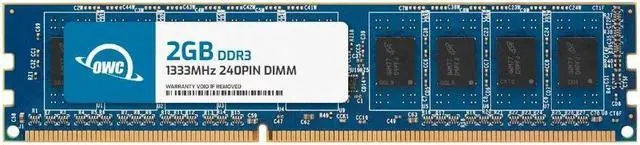
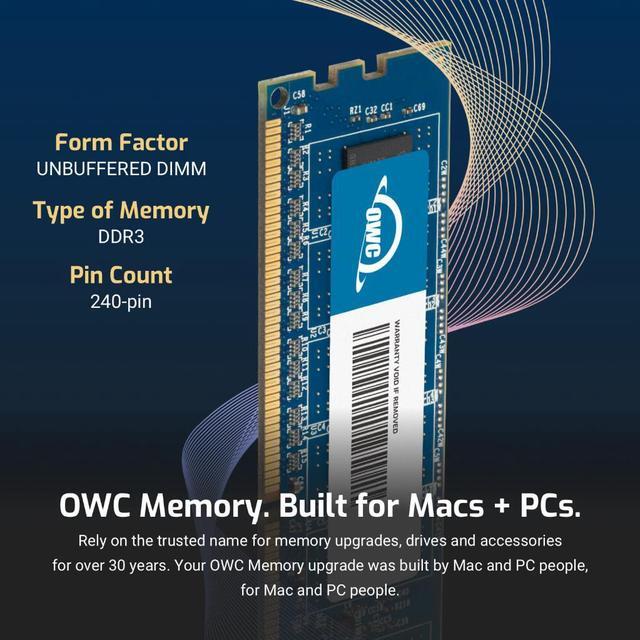
| Technology | DDR3 |
|---|---|
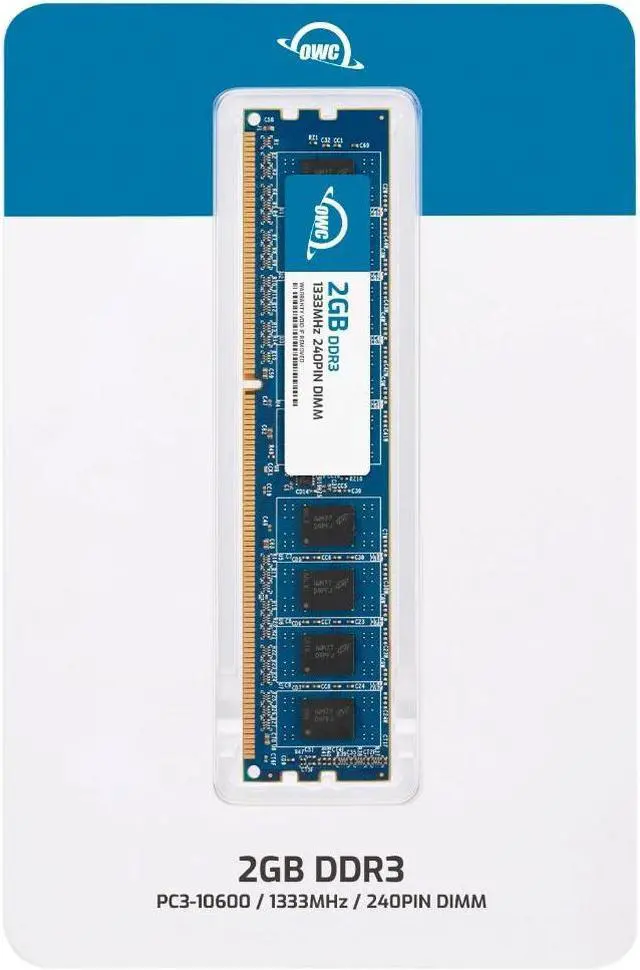
| Speed | PC3-10600 1333MHz CL9 |
| Form Factor | 240PIN DIMM |
| ECC Type | NON ECC |
| Voltage | 1.5v |
| Compatibility | DESKTOP, WORKSTATION |
















The OWC 1U3D31R802GB is a single 2GB DDR3-1333, 240-pin non-ECC unbuffered desktop memory module for HP Pro 3115, 3125, 3130, 3135, and 3300 systems that support this memory specification.
| Attribute | Value |
|---|---|
| Best For | Upgrading compatible HP Pro 3115, 3125, 3130, 3135, or 3300 desktop systems that use DDR3 UDIMM memory |
| Memory Configuration | Single 2GB, 240-pin DDR3-1333 (PC3-10600) desktop UDIMM; 1Rx8, CL9, 1.5V, non-ECC and unbuffered, with no heat spreader |
| System Compatibility | Compatible with HP Pro 3115, 3125, 3130, 3135, and 3300 systems |
| Model Identifiers | OWC part number 1U3D31R802GB; model number OWC1U3D31R802GB-B455-SF |
Q: Should I choose this OWC 2GB DDR3-1333 module or OWC’s 4GB DDR3-1333 module?
A: Choose this 2GB module when you want a single 2GB stick matching the listed HP Pro 3115, 3125, 3130, 3135, or 3300 compatibility. Choose OWC’s 4GB DDR3-1333 module when you want a higher-capacity single stick and have confirmed it fits your system’s supported memory configuration.
Q: Is this 2GB stick or OWC’s 4GB (2×2GB) DDR3-1333 kit a better match?
A: Choose this module for a one-stick, 2GB upgrade that matches the listed HP Pro compatibility. Choose OWC’s 4GB kit when you want 4GB total across two 2GB DDR3-1333 sticks, provided that configuration matches your computer’s memory requirements.
Q: Should I get this 2GB module or OWC’s 8GB (2×4GB) DDR3-1333 kit?
A: Choose this 2GB module when a single 2GB stick is the intended upgrade for one of the listed HP Pro models. Choose OWC’s 8GB kit when you’re planning a 2×4GB configuration and have confirmed that your specific system supports that capacity and layout.
Q: For a listed HP Pro desktop, should I choose this OWC 2GB DDR3-1333 stick or OWC’s 2GB DDR3-1600 stick?
A: Choose this DDR3-1333 module when you want the 1333 MT/s, PC3-10600 specification listed for the HP Pro compatibility match. Choose OWC’s 2GB DDR3-1600 option when your system’s supported memory specification calls for that speed.
Q: Will this memory work in my HP Pro desktop?
A: It is listed as compatible with the HP Pro 3115, 3125, 3130, 3135, and 3300. It is a 2GB DDR3-1333, 240-pin, 1.5V, non-ECC unbuffered DIMM; confirm your exact computer model and memory requirements before buying.
Q: Will this fit a laptop, or is it for a desktop?
A: It is a desktop memory module: the 240-pin UDIMM form factor is not the smaller SO-DIMM form factor commonly used in laptops. Check your computer’s memory type and slot before ordering.
Q: Can I install this alongside the RAM already in my computer?
A: Possibly, if the computer supports this module’s DDR3 type, speed, voltage, and capacity, and has an available slot. This product is one 2GB module; check your system’s memory limits and existing RAM specifications before combining modules.
Q: Will this 2GB module work in an HP Pro 3130?
A: The provided product specifications list the HP Pro 3130 as compatible. Before buying, check that your system uses 240-pin DDR3 UDIMM memory and that the module’s speed and voltage match what your motherboard supports; a Reddit user reported boot trouble after trying a different DDR3 module in a Pro 3130.
Q: Can I mix this 2GB stick with my existing DDR3 RAM?
A: It may work, but matching the existing memory’s specifications is the safer choice. A Reddit discussion about the HP Pro 3130 describes boot problems with a different DDR3 configuration and cautions that mixing DDR3 modules can be finicky. Check the motherboard’s supported configurations before combining sticks.
Q: Is a single 2GB module enough to upgrade an HP Pro 3130 for everyday use?
A: This is a 2GB module, so it provides only a modest capacity increase unless it replaces a failed stick or is added to compatible existing memory. In a Reddit discussion about upgrading a Pro 3130, the system was described as having 2GB, with suggestions to consider other upgrades as well; this module alone should not be treated as a substantial overall refresh.


