




 here!
I’m your shopping assistant for PC builds, upgrades, and everything tech.
Got questions? Ask away!
Start a conversation
here!
I’m your shopping assistant for PC builds, upgrades, and everything tech.
Got questions? Ask away!
Start a conversation








Any questions? Ask CelesteSM will help you find out quickly.
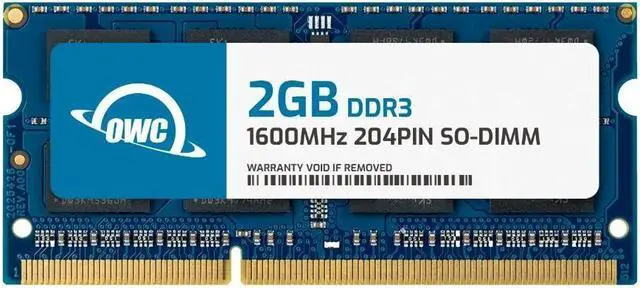
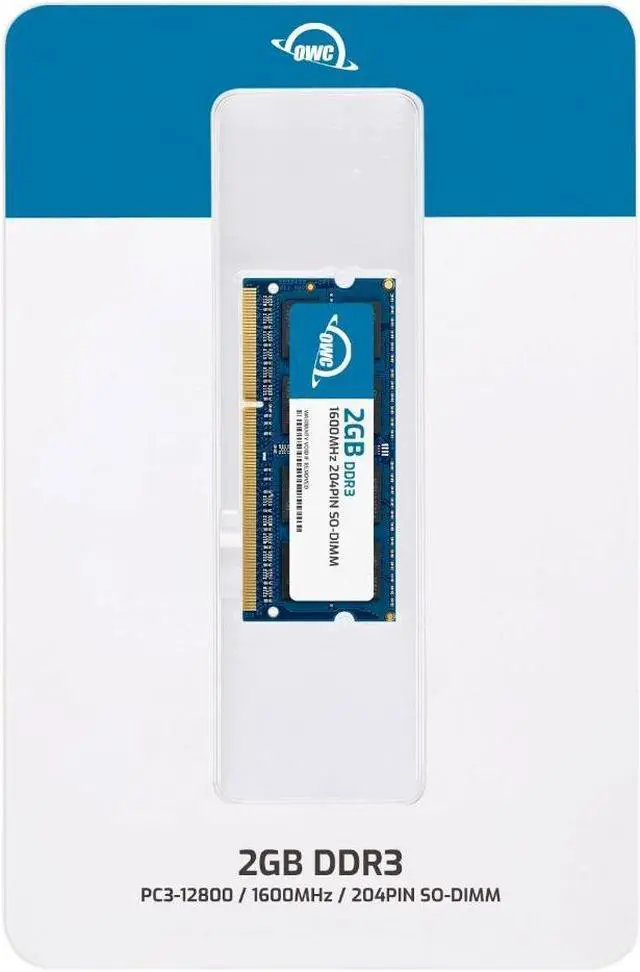
The OWC 1S6D31R802GB is a single 2GB DDR3-1600, 204-pin, 1.5V non-ECC SODIMM memory module for Synology RS812+, RS812RP+, RS814+, and RS814RP+ NAS owners seeking a compatible memory replacement or upgrade.
| Attribute | Value |
|---|---|
| Best For | A 2GB DDR3 SODIMM memory upgrade for Synology NAS RS812+, RS812RP+, RS814+, and RS814RP+ |
| Capacity | 2GB |
| Memory Type And Configuration | 204-pin DDR3 SO-DIMM; non-ECC, unbuffered, single-rank 1Rx8, with no heat spreader |
| Speed And Latency | DDR3-1600 (PC3-12800) with CL11 latency |
| Voltage | 1.5V |
| Compatibility | Synology NAS RS812+, RS812RP+, RS814+, and RS814RP+ |
| Model Identifiers | OWC; part number 1S6D31R802GB; model OWC1S6D31R802GB-B237-SF |
Q: For a Synology RS814+, should I stay at 2GB or use this OWC 2GB module?
A: Choose this OWC module when you want to expand the RS814+ memory from its 2GB starting configuration: Synology specifies support for up to 4GB, and its installation guide shows 4096MB recognized after an upgrade. The OWC module is a 2GB DDR3-1600 SODIMM listed for the RS814+.
Q: Do the RS812+ and RS812RP+ use different OWC 2GB memory modules?
A: No. OWC lists this same 2GB DDR3-1600 SODIMM for both the RS812+ and RS812RP+. Choose it by the RackStation model and its listed memory specifications; the RP+ suffix does not call for a different OWC module.
Q: Will this OWC 2GB module work in an RS812+ as well as an RS814+?
A: OWC lists the same 2GB, 204-pin DDR3-1600 SODIMM as compatible with both the RS812+ and RS814+ families, including their RP+ versions. It is a practical choice when you need one module specification for either listed RackStation model.
Q: Is this memory compatible with my Synology RS812+ or RS814+?
A: It is listed as compatible with the Synology RS812+, RS812RP+, RS814+, and RS814RP+. Confirm your exact NAS model before buying; this is a 2GB, 204-pin DDR3 1600, 1.5V, non-ECC unbuffered SODIMM.
Q: What should I check before ordering this RAM for my NAS?
A: Check the NAS model and memory requirements, including DDR3 type, 204-pin SODIMM form factor, 1.5V voltage, non-ECC support, and capacity. This module is specified for four Synology RackStation models; matching only the speed or pin count is not enough to establish compatibility.
Q: Does this add 2GB of RAM or replace the NAS’s existing memory?
A: The package contains one 2GB module, not a multi-module kit. Whether it adds to or replaces existing memory depends on the NAS model’s available slot and current configuration; check the model’s installation guide and memory limit before installing it.
Q: Can I install this memory myself?
A: It is intended as a DIY memory upgrade, and the product information says installation is easy in most cases. Follow the NAS’s installation instructions and handle the module by its edges; if you are unsure about opening the unit, use qualified service support.


















