




 here!
I’m your shopping assistant for PC builds, upgrades, and everything tech.
Got questions? Ask away!
Start a conversation
here!
I’m your shopping assistant for PC builds, upgrades, and everything tech.
Got questions? Ask away!
Start a conversation






Any questions? Ask CelesteSM will help you find out quickly.
| Technology | DDR3 |
|---|---|
| Speed | PC3L-10600 1333MHz CL9 |
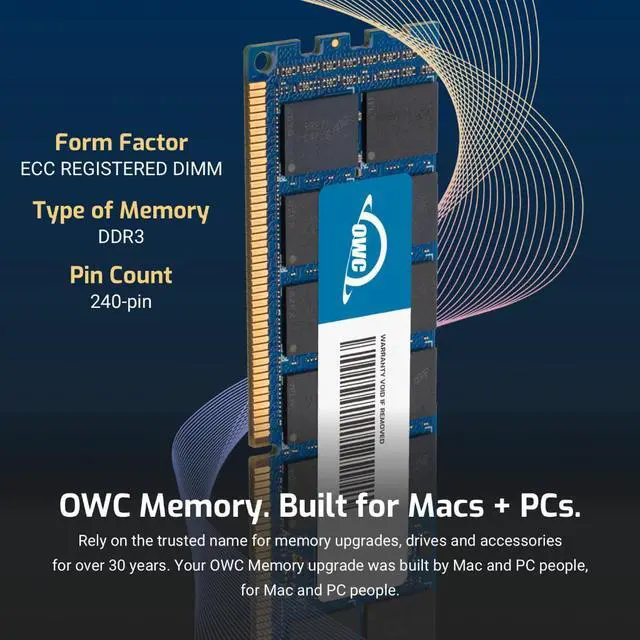
| Form Factor | 240PIN DIMM |
| ECC Type | ECC REGISTERED |
| Voltage | 1.35v |
| Compatibility | WORKSTATION , SERVER, NAS SYSTEM, ROUTER |
















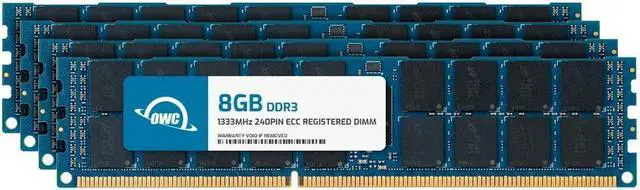
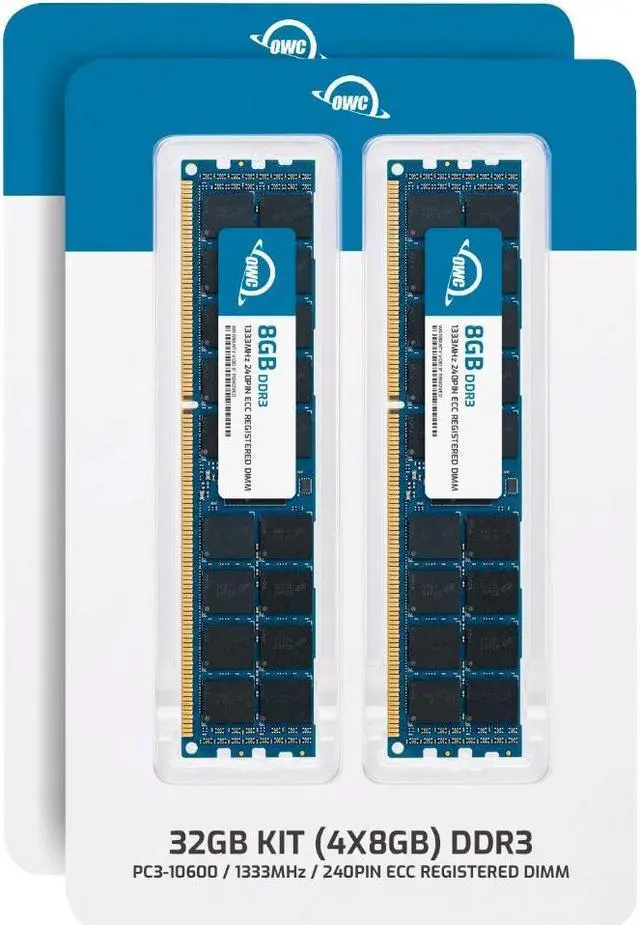
The OWC 32GB DDR3L ECC Registered RDIMM kit includes four 8GB, 1333MHz modules for upgrading a Cisco UCS B440 M2 server. It suits server operators seeking a system-specific memory upgrade; it requires a platform that supports registered ECC DIMMs.
| Attribute | Value |
|---|---|
| Best For | ECC registered server-memory upgrades for Cisco UCS B440 M2 systems |
| Capacity And Kit Configuration | 32GB kit with four 8GB modules |
| Memory Type And Compatibility | DDR3L ECC registered RDIMM memory for Cisco UCS B440 M2 |
| Speed And Timing | 1333 MHz (PC3L-10600), CL9 |
| Physical Configuration And Voltage | 240-pin, 2Rx4, 1.35V; black chips and no heat spreader |
| Model Identifiers | OWC part number 1R3T32R4032S; model OWC1R3T32R4032S-B748-SF |
Q: OWC 32GB (4x8GB) vs. OWC 64GB (8x8GB): which kit should I choose?
A: Choose the 32GB kit when your upgrade target is 32GB using four 8GB DDR3L-1333 ECC registered DIMMs. Choose OWC’s 64GB (8x8GB) kit when your memory plan calls for 64GB and eight DIMMs; both kits use DDR3L-1333, 1.35V, 2Rx4 RDIMMs. For a UCS B440 M2, follow Cisco’s matched-pair and DIMM-population guidance.
Q: OWC 32GB (4x8GB) vs. OWC 32GB (2x16GB): what’s the difference?
A: Both kits provide 32GB at DDR3L-1333, but this product supplies four 8GB 2Rx4 DIMMs, while OWC’s 2x16GB kit uses two 16GB 4Rx4 DIMMs. Choose this kit when your upgrade plan calls for four 8GB modules; choose the 2x16GB kit when the plan specifies two 16GB modules. For a UCS B440 M2, follow Cisco’s matched-pair and DIMM-population guidance.
Q: Should I choose the OWC 16GB (2x8GB) kit or this 32GB (4x8GB) kit?
A: Choose the 16GB kit when 16GB is the planned capacity. Choose this 32GB kit when you want 32GB supplied as four 8GB DDR3L-1333 ECC registered modules. Cisco’s UCS B440 M2 guidance calls for electrically matched DIMM pairs, so use the server’s population plan when installing either configuration.
Q: Will this memory work in a Cisco UCS B440 M2?
A: It is listed for the Cisco UCS B440 M2 and contains four 8GB DDR3L-1333 ECC registered RDIMMs. Before installing, check the server’s existing DIMM configuration and supported slot population; the four modules should be installed in the appropriate slots.
Q: Can I use this RAM in a regular desktop computer?
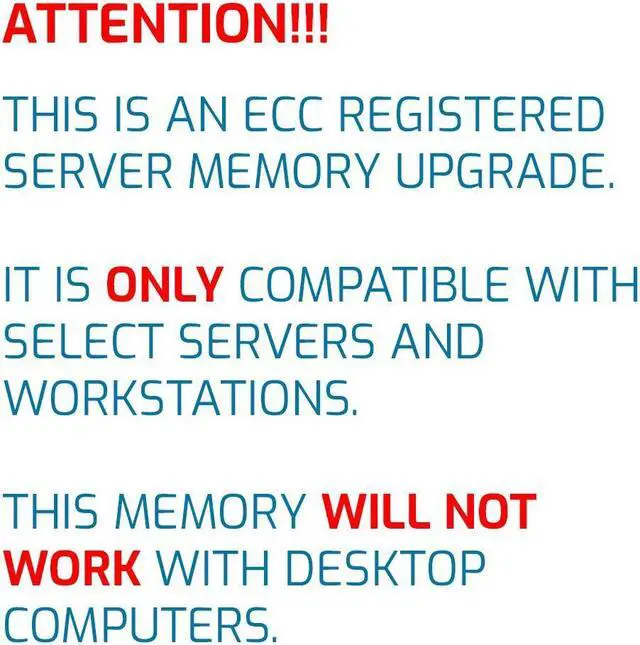
A: No. This is 240-pin ECC registered server memory, not standard desktop RAM. It requires a system that supports DDR3 ECC RDIMMs, such as the listed Cisco UCS B440 M2; it is not compatible with typical desktop memory configurations.
Q: Can I mix this kit with the memory already installed in my server?
A: Do not mix this kit with unbuffered or load-reduced memory. It is a four-module ECC registered RDIMM kit; check the server’s memory rules and existing DIMM configuration before combining it with other modules.
Q: Who is this 32GB memory kit suitable for?
A: It is suited to someone upgrading or maintaining a Cisco UCS B440 M2 server who needs 32GB of DDR3L-1333 ECC registered memory. It is a system-specific server upgrade, not a general-purpose desktop memory kit.


