




 here!
I’m your shopping assistant for PC builds, upgrades, and everything tech.
Got questions? Ask away!
Start a conversation
here!
I’m your shopping assistant for PC builds, upgrades, and everything tech.
Got questions? Ask away!
Start a conversation

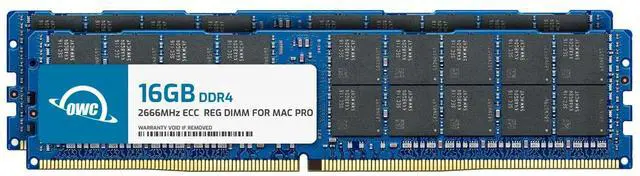
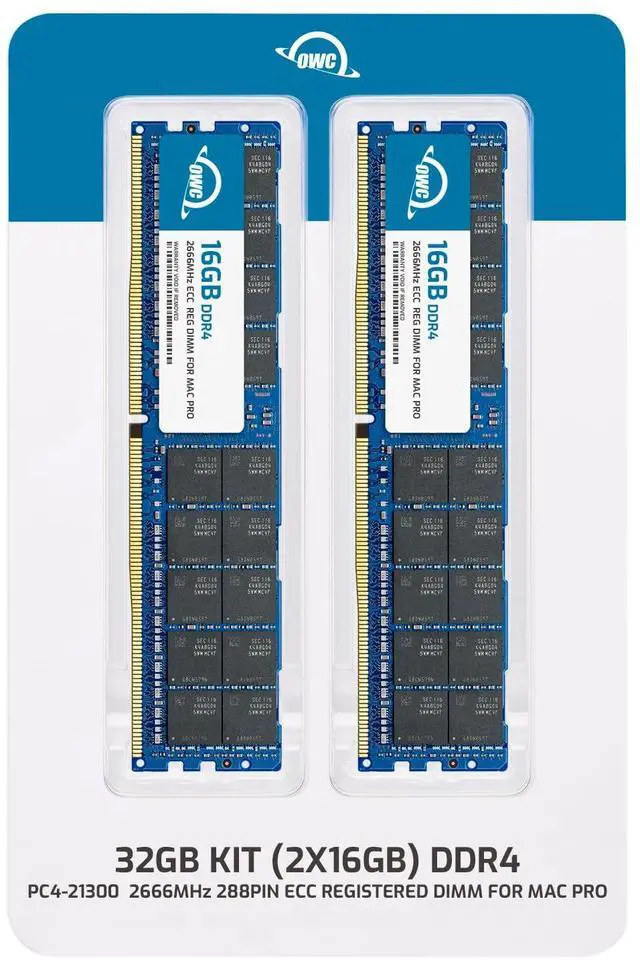
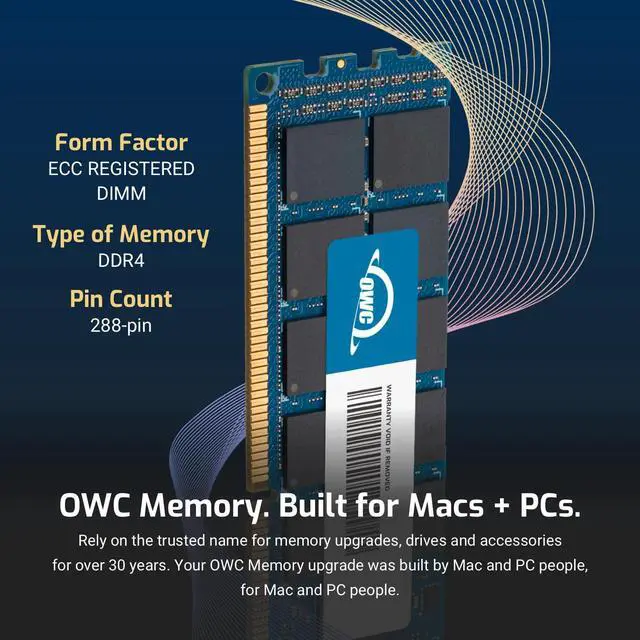





| Technology | DDR4 |
|---|---|
| Speed | PC4-21300 2666MHz |
| Form Factor | 288PIN DIMM |
| ECC Type | ECC REGISTERED |
| Voltage | 1.2v |
| CL Rating | 21 |
| Compatible With | Mac Pro 2019 7,1 TOWER, RACK OR 2017 IMAC PRO |
| Backward Compatible | WILL WORK WITH PC4-21300 2666MHz |
















Boost your supported Mac Pro's performance with the 32GB DDR4 2666 MHz R-DIMM Memory Upgrade Kit from OWC / Other World Computing. Delivering speeds up to 2666 MHz, this 2 x 16GB kit is a memory upgrade designed to improve your computer's start-up times, overall responsiveness, and ability to handle data-intensive applications. ECC (Error-correcting code) technology enables the modules to detect and correct the most common kinds of internal data corruption. The modules are registered, feature a CAS latency of 19 and a power rating of 1.2V, and work on systems with 288-pin DIMM slots and a DDR4-enabled chip.Note: Do not mix R-DIMMs and LR-DIMMs. Mixing R-DIMMs and LR-DIMMs will result in a memory error flash of the status indicator light when you turn on the Mac Pro.
OWC’s 32GB DDR4 ECC Registered memory kit pairs two 16GB, 2666MHz 288-pin DIMMs for compatible 2019 Mac Pro (7,1) and 2017 iMac Pro systems that support this memory type.
| Attribute | Value |
|---|---|
| Best For | Desktop systems that support 32GB of DDR4 ECC registered memory in a 2 x 16GB configuration |
| Capacity And Configuration | 32GB total, supplied as 2 x 16GB |
| Memory Type And Compatibility | DDR4 ECC registered memory for desktop systems |
| Speed And Latency | 2666 MHz data rate with CL21 latency |
| Form Factor And Pins | 288-pin RDIMM in DIMM form factor |
| Voltage | 1.2 V |
| Model Identifiers | OWC model OWC2666R1M32 15420983; model number 2666R1M32 |
Q: OWC 16GB (2x8GB) vs 32GB (2x16GB) DDR4-2666 ECC: which should I choose?
A: Choose the OWC 32GB (2x16GB) kit when you want twice the memory capacity in a two-module configuration. Both kits are 2666MHz DDR4 ECC DIMMs; the 16GB (2x8GB) kit suits a 16GB capacity target in a compatible system.
Q: OWC 32GB (2x16GB) vs 64GB (4x16GB) DDR4-2666 ECC: which capacity makes sense?
A: Choose the 32GB kit for a 32GB target using two 16GB modules. Choose OWC’s 64GB (4x16GB) kit when you want 64GB total and your system supports that capacity and four compatible ECC DIMMs; both kits are DDR4-2666 ECC.
Q: OWC 32GB (2x16GB) vs 32GB (4x8GB) DDR4-2666 ECC: what’s the difference?
A: Both OWC kits provide 32GB of DDR4-2666 ECC memory. Choose the 2x16GB kit if you want to use two DIMM slots; choose the 4x8GB kit if you want the kit to populate four slots. Check your motherboard’s slot layout and memory configuration guidance.
Q: Will this 32GB kit work in my desktop or workstation?
A: Only if the system supports DDR4 ECC Registered DIMMs (RDIMMs) and this kit’s 32GB capacity and 2 × 16GB configuration. The listing identifies compatible models including the 2019 Mac Pro and 2017 iMac Pro. A 288-pin DDR4 slot alone does not guarantee compatibility; check your system’s memory specifications before buying.
Q: Can I mix this kit with the memory already installed?
A: Do not assume it will work with existing memory. Check the system’s supported memory configurations and the installed modules’ type. This kit is registered ECC memory, and its listing warns against mixing RDIMMs with LRDIMMs.
Q: Will the memory run at 2666MHz in my system?
A: The kit is rated for DDR4-2666 (PC4-21300), but its actual operating speed depends on the system’s processor, motherboard, and memory configuration. Check your system documentation to confirm supported speed and configuration.
Q: How much memory is included, and who is this kit for?
A: The kit contains two 16GB DDR4 ECC Registered DIMMs, for 32GB total. It is suited to a compatible workstation or server that supports 288-pin DDR4 RDIMMs; it is not a general-purpose upgrade for any DDR4 desktop.
Q: How can I tell whether this ECC memory is compatible with my system?
A: Check the motherboard and CPU specifications and memory compatibility list before buying. Confirm support for DDR4-2666 ECC memory and the correct module type; this listing identifies 288-pin memory but does not specify whether it is unbuffered or registered.
Q: Does my system need to support ECC for this memory to work?
A: ECC support depends on the system. Reddit discussions caution that compatibility and whether error correction is active depend on the motherboard and memory controller; verify both before purchasing rather than assuming the kit will work as ordinary desktop RAM.
Q: Should I check whether the modules are registered or unbuffered?
A: Yes. ECC and registered/unbuffered are separate memory characteristics, and systems may require one specific type. The product information provided does not state which type this kit is, so confirm it with the seller or exact part number before ordering.



