




 here!
here!
I’m your shopping assistant for PC builds, upgrades, and everything tech.
Got questions? Ask away!
Start a conversation
here!
I’m your shopping assistant for PC builds, upgrades, and everything tech.
Got questions? Ask away!
Start a conversationShipped by Hebei XG Technology Co., Ltd.






Any questions? Ask CelesteSM will help you find out quickly.
1. Tailored Setup: Without pre - installed memory and disks, it gives users the freedom to configure storage and memory to match unique business demands.
2. Capable CPU: The 2314 CPU included ensures sufficient computing power for a wide range of server operations.
3. Compact 1U Size: The 1U form factor is perfect for conserving rack space in data centers, enhancing space utilization.
4. New and Reliable: Being brand new guarantees high - quality performance and long - lasting durability.
5. Warranty Protection: The 3 - year warranty offers peace of mind, safeguarding your investment over an extended period.
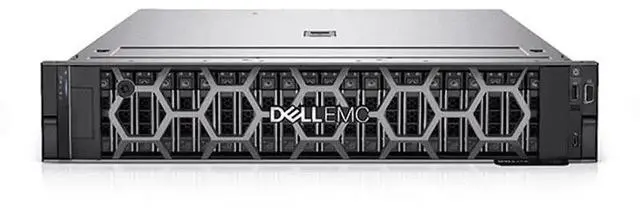
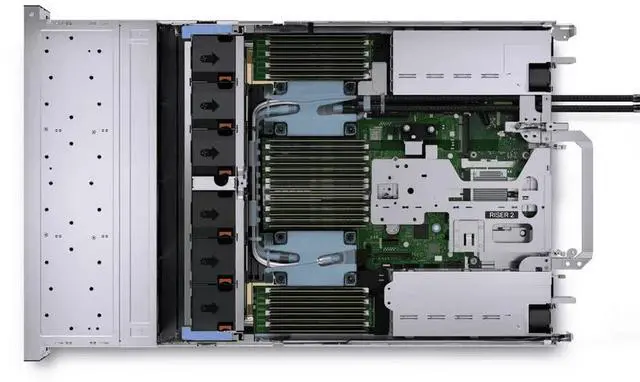
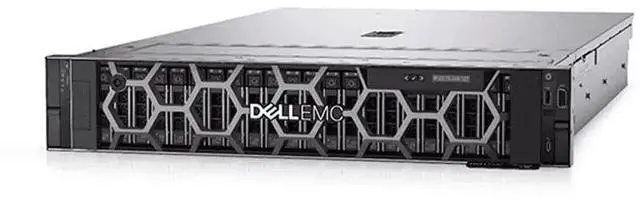
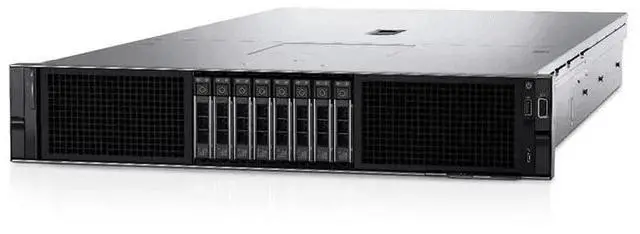
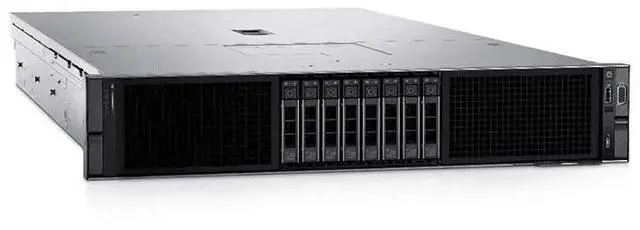
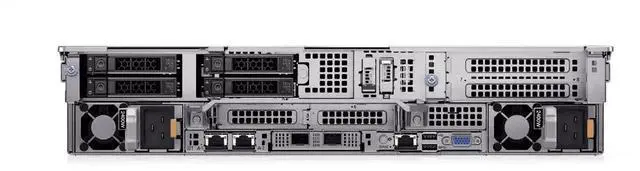
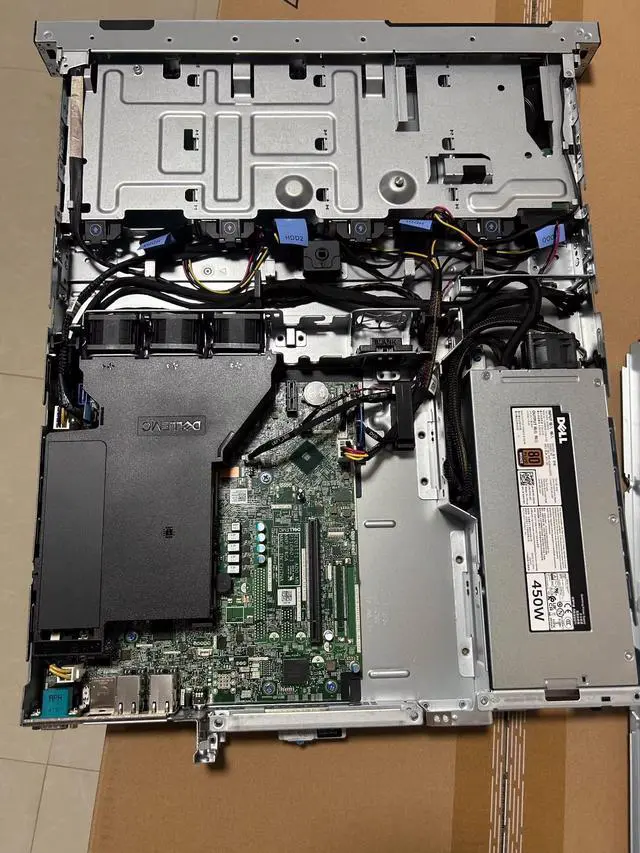
The Dell R250 is a brand-new 1U rack server with an Intel Xeon E-2314 CPU, designed for businesses, IT teams, and system integrators that want a compact server they can customize with their own memory and storage for entry-level infrastructure, branch office, or edge deployments.
| Attribute | Value |
|---|---|
| Best For | Organizations needing a compact 1U rack server platform that can be configured with customer-supplied memory and storage; suited to rack-dense data centers and deployments that require flexible drive and memory choices |
Q: Dell PowerEdge R250 vs PowerEdge T150: which should I choose?
A: Choose the PowerEdge R250 if you need a rackmount server for a shared rack, branch rack, or space-constrained IT closet. The R250 keeps the same basic Xeon E-2300 platform class, 128 GB UDIMM memory ceiling, and similar Dell management stack as the T150, but in a 1U rack form factor. Choose the T150 if you do not have rack infrastructure and want a tower system with easier physical access and more office-friendly placement. In short: R250 is the better fit for rack deployment, while T150 is the better fit for standalone office or small-site use.
Q: Is the Dell PowerEdge R250 enough, or should I step up to the R350?
A: Choose the R250 when your priority is an entry-level 1U rack server for file, print, branch office, light virtualization, or general SMB workloads with controlled expansion needs. Step up to the R350 if you expect heavier storage density, more expansion, or stronger enterprise-style infrastructure features over time. Dell positions the R250 as its most affordable rack option and explicitly points growing workloads toward the R350, while third-party coverage highlights the R350's broader drive and power options. The decision is mainly about expandability, not a different server class for basic workloads.
Q: Dell PowerEdge R250 vs previous-gen R240: is the newer model worth it?
A: Yes, the R250 is the better choice for a new purchase if pricing is reasonably close. Dell's official positioning for the R250 highlights newer Xeon E-2300 processors, faster 3200 MT/s memory support, and platform improvements over the prior generation. Dell also cites up to 28% faster I/O versus the R240 generation, which aligns with the move to a newer platform. Choose an R240 mainly when used-market pricing matters more than platform age, memory speed, or forward-looking support.
Q: Dell PowerEdge R250 vs newer R260: should I buy the older model or move to the newer generation?
A: Choose the R250 when cost control matters more than getting onto Dell's newer entry platform. Move to the R260 if you want the newer generation for better long-term platform value and a clearer performance uplift. Dell's own benchmark summary says the R260 class with Xeon E-2400 can deliver up to double compute performance versus the R250 generation in its tested comparisons, so the upgrade case is strongest for buyers planning a fresh deployment rather than filling an existing E-2300-based standard.
Q: Should I pick the Dell PowerEdge R250 or a tower/DIY-style server for quieter office or homelab use?
A: Choose the R250 if you specifically want a modern 1U server with Dell remote management and rackmount deployment. For office-adjacent or homelab environments where acoustics, internal expansion, or non-rack placement matter more, tower servers or DIY-style systems are often the more practical fit. Dell describes the R250 as low-acoustical for a rack server, and community discussions commonly view it as much quieter than older enterprise 1U and 2U servers, but it is still fundamentally a rack server rather than a tower replacement.
Q: Who is this server suitable for?
A: This configuration is best for IT buyers who want a new 1U rack server chassis and plan to choose their own memory and storage. It fits common small-business or edge roles such as file sharing, basic infrastructure services, light virtualization, or branch-office workloads, but it is not a ready-to-deploy system because RAM and drives are not included.
Q: Is this server ready to use out of the box?
A: No. This listing is a bare configuration with the CPU included, but no memory and no disks installed. Buyers should expect to add compatible RAM, storage, and likely an operating system before deployment.
Q: Can I customize the memory and storage later?
A: Yes. This model is suitable for buyers who want to configure memory and drives around a specific workload. The R250 platform supports multiple storage layouts, and this 3.5-inch 4-bay version is practical for users who want larger-capacity drives. The trade-off is that planning compatibility and installation is part of the purchase decision.
Q: What is the main trade-off of the non-hot-swappable power supply?
A: The main trade-off is serviceability. A non-hot-swappable power supply is fine for cost-sensitive deployments where brief downtime is acceptable, but it is less suitable for environments that require redundant, uninterrupted power servicing.
Q: Is a 1U 4-bay server like this a good fit for small offices or edge deployments?
A: Yes, if rack space is limited and the workload is modest to moderate. A 1U chassis helps conserve rack space, and four 3.5-inch bays can be enough for compact business storage or general-purpose server tasks. The trade-off is that 1U systems usually prioritize density over maximum expansion and easiest field service.
Q: Who is the Dell R250 with Xeon E-2314 best suited for?
A: This configuration fits buyers who want a basic new 1U rack server and plan to add their own RAM and drives. It is most suitable for small business infrastructure, branch office workloads, light virtualization, web hosting, file or print services, and homelab use where compact rack size matters more than high core count or bundled storage.
Q: Is this Dell R250 worth buying if it comes with no memory and no drives?
A: It can be worth buying if you specifically want a new Dell chassis, warranty coverage, and the freedom to choose your own memory and storage. The trade-off is that the server is not usable out of the box, so total cost depends heavily on the RAM, drive, and caddy parts you add afterward.
Q: What are the main trade-offs of this R250 configuration?
A: The main trade-offs are expandability and convenience. This is a compact 1U entry-level server with a Xeon E-2314, but this listing includes no RAM, no disks, and a non-hot-swappable power supply. That makes it a lower-friction fit for cost-controlled deployments and planned custom builds, but a weaker choice if you need built-in redundancy, hot-swap serviceability, or a ready-to-run configuration.
Q: Is the Xeon E-2314 strong enough for general server use?
A: Yes for entry-level server tasks, but not for heavy consolidation. Community discussion around the R250 and nearby E-2300 configurations treats this platform as suitable for light to moderate infrastructure workloads rather than dense virtualization or compute-heavy applications. If you expect many VMs or sustained multi-core demand, this base CPU is likely the limiting factor.
Q: Should I choose this R250 over a quieter tower or custom build?
A: Choose the R250 if you need a rackmount server, Dell management features, and a compact 1U footprint. Choose a tower or custom build if low noise, easier part swapping, or better value per dollar matters more. Community discussions around similar Dell entry servers often compare them against quieter custom systems for home or small-scale use.


