




 here!
I’m your shopping assistant for PC builds, upgrades, and everything tech.
Got questions? Ask away!
Start a conversation
here!
I’m your shopping assistant for PC builds, upgrades, and everything tech.
Got questions? Ask away!
Start a conversation
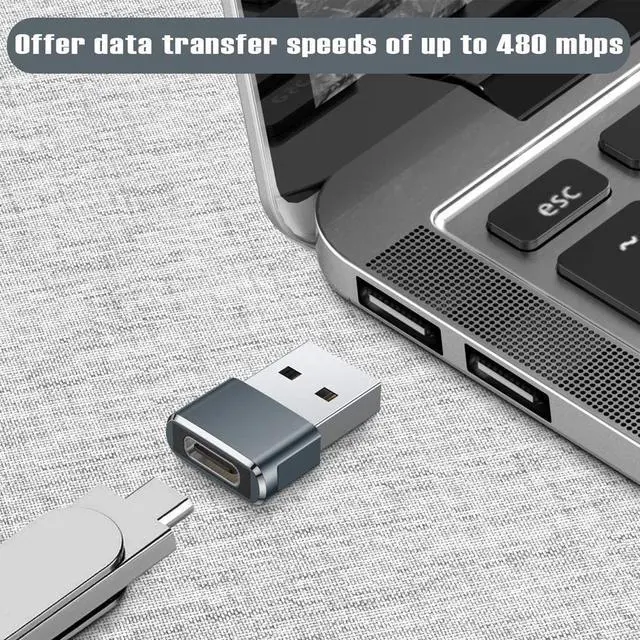
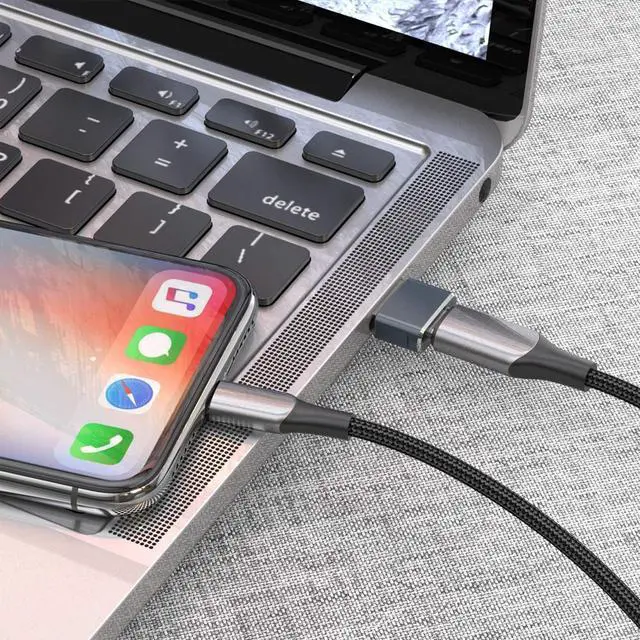
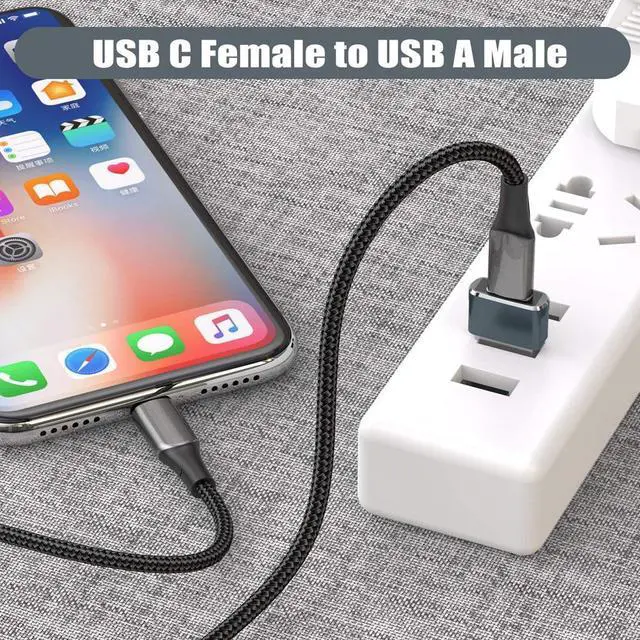



Any questions? Ask CelesteSM will help you find out quickly.
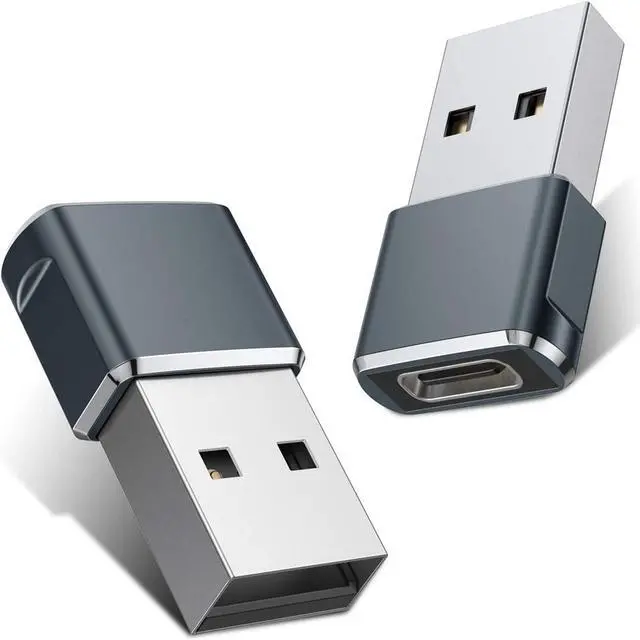
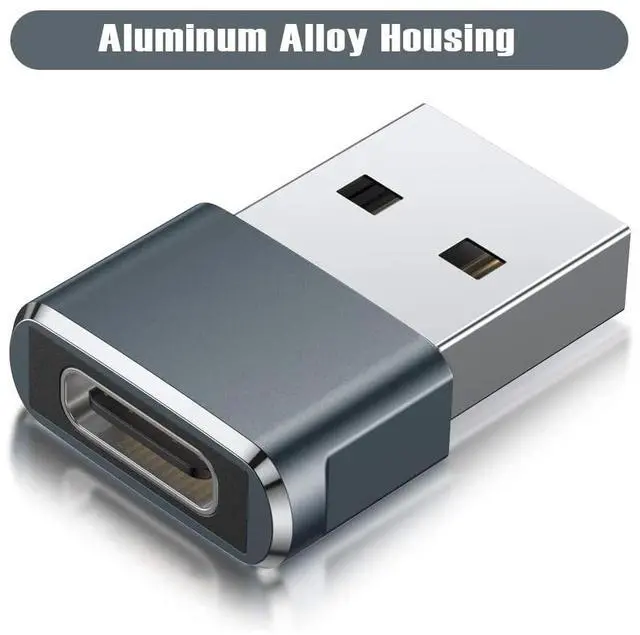
This is Type-C female to USB male connector.
Small and easy to carry.
High-quality materials ensure reliability and provide ultra-high-speed charging and transmission.
This is a universal adapter.
Connect to this converter with your own Lightnig cable to transfer data or charge.
Explanation:
Adapter for iPhone or Windows USB Type-C female-to-USB female connector phone or tablet by connecting female USB connector devices (eg keyboard, game controller, flash drive, memory card reader, external hard drive, etc.) as a PC host.
Specification:
Color: Black
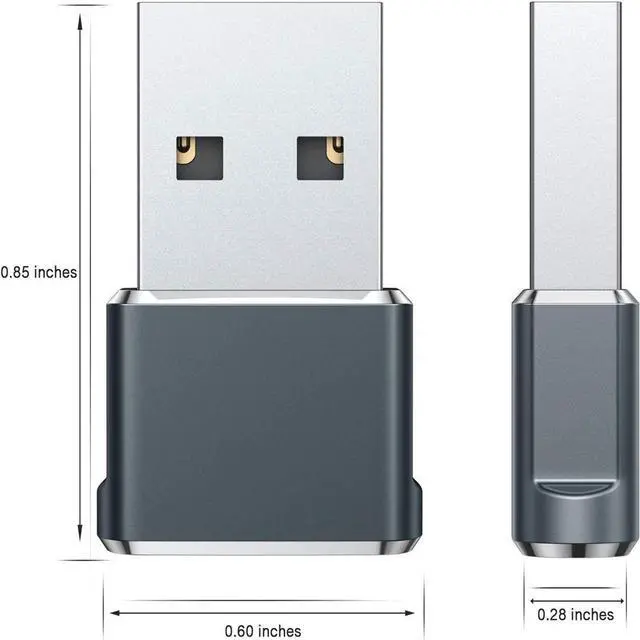
Size: 60 * 30 * 20mm/2.36 * 1.18 * 0.78inch(Approx.)
Package included:
6 x type-C female to usb male adapter
The Idealforce adapter converts a USB-A port to a USB-C female connection, helping people with USB-C phones, tablets, or laptops connect compatible USB-A accessories such as flash drives, keyboards, and game controllers.
| Attribute | Value |
|---|---|
| Best For | Connecting USB-A peripherals such as drives, keyboards, or game controllers to a device with a USB-C port |
Q: Should I use this adapter or a USB-C-to-USB-A cable?
A: Choose the Idealforce adapter when you already have a USB-C cable or accessory and want to connect its USB-C plug to a USB-A port. Choose a USB-C-to-USB-A cable when you want the cable itself to provide both connectors.
Q: How is this different from a USB-A-female-to-USB-C-male adapter?
A: The connector direction is reversed. This Idealforce adapter has a USB-A male plug and a USB-C female port, so it suits a USB-A port that needs to connect with a USB-C plug. Choose the opposite adapter when you need a USB-C port to connect with a USB-A plug.
Q: Is this adapter or a USB hub better for travel?
A: Choose the Idealforce adapter for a small, direct connection between a USB-A port and a USB-C plug; the listing describes it as small and easy to carry. Choose a hub when your setup calls for connecting several peripherals through one device.
Q: Can I use this with a USB-C cable and a USB-A charger or computer?
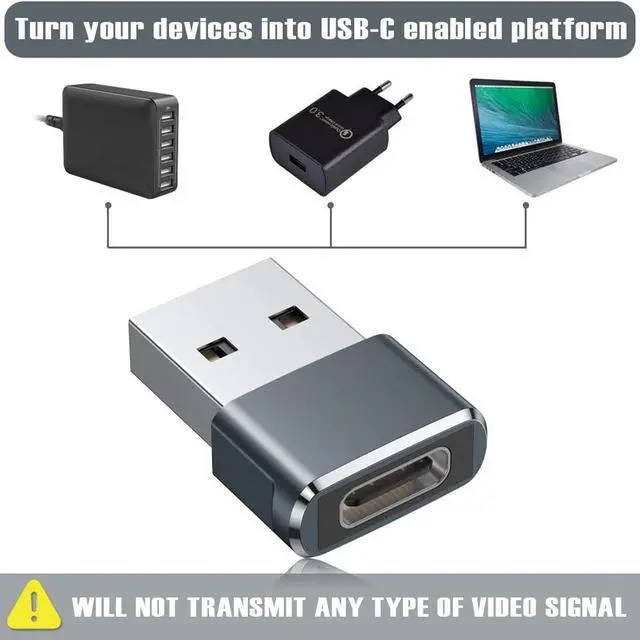
A: That is the connection direction indicated by the listing: the adapter’s USB-A male end plugs into a USB-A port, and its USB-C female end accepts a USB-C plug. The listing says it can charge or transfer data, but does not specify charging power or a maximum data rate.
Q: Can I use it to connect a USB-A flash drive or keyboard to a USB-C phone?
A: Not based on the listed connector direction. This adapter has a USB-A male plug and a USB-C female port; connecting a USB-A accessory to a USB-C phone generally requires the opposite connector arrangement. The listing’s explanation mentions peripherals, so confirm the intended orientation before buying.
Q: Does it support USB 3.1 speeds or fast charging?
A: The title describes the adapter as USB 3.1/USB 3.0, but the listing gives no maximum transfer rate or charging wattage. Do not assume a particular speed or fast-charging capability; performance depends on the adapter, cable, connected device, and USB-A port.
Q: Can I use it to connect a monitor or HDMI adapter?
A: The product information does not claim video output. Treat it as a charging or data adapter, not as a way to connect a monitor or HDMI display.


