Are you an E-Blast Insider?
Make informed decisions with expert advice. Learn More

Shop without retyping payment details. Secure shopping made faster.
Check out with PayPal.
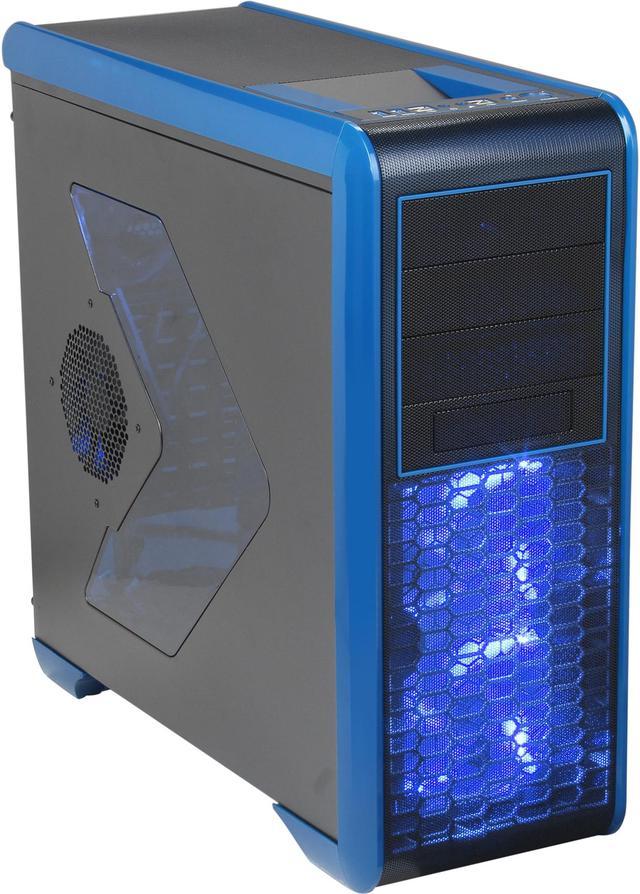
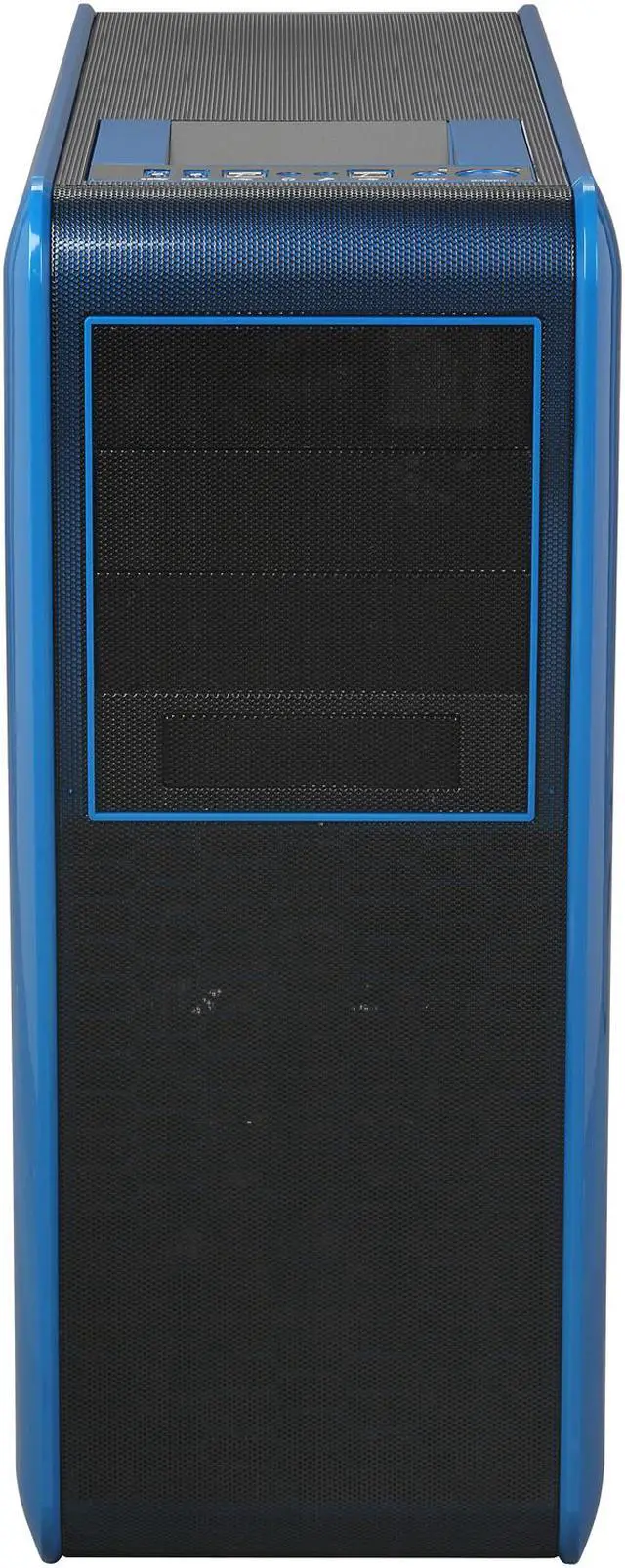
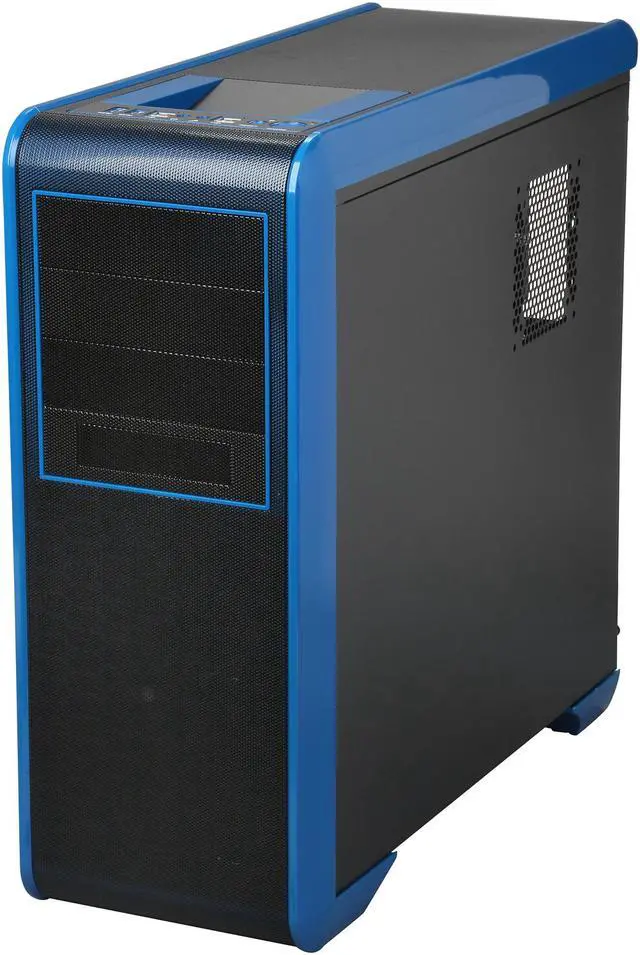
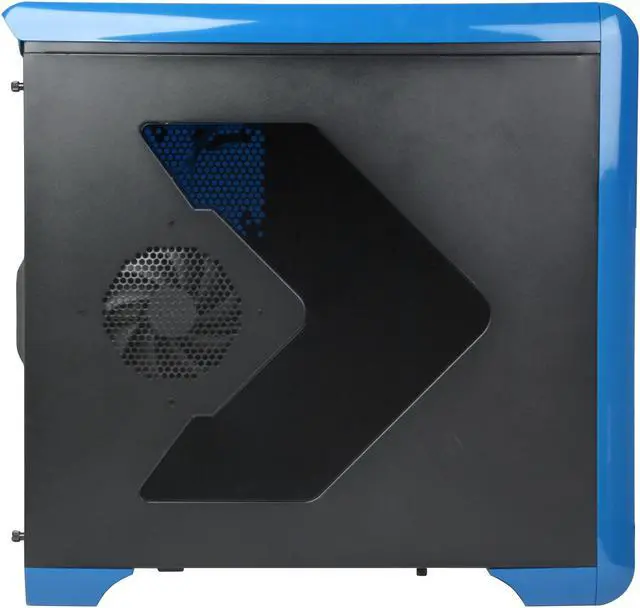
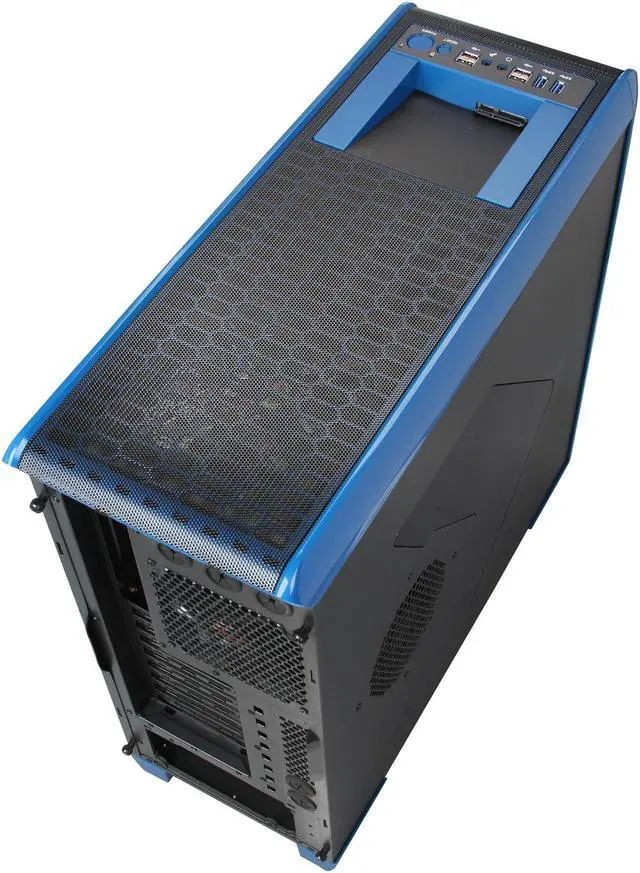
Rosewill BLACKHAWK - Gaming ATX Mid Tower Computer Case, Blue Edition - Five Fans Included, Side Window Panel, Top HDD Dock
- SECC Steel ATX Mid Tower
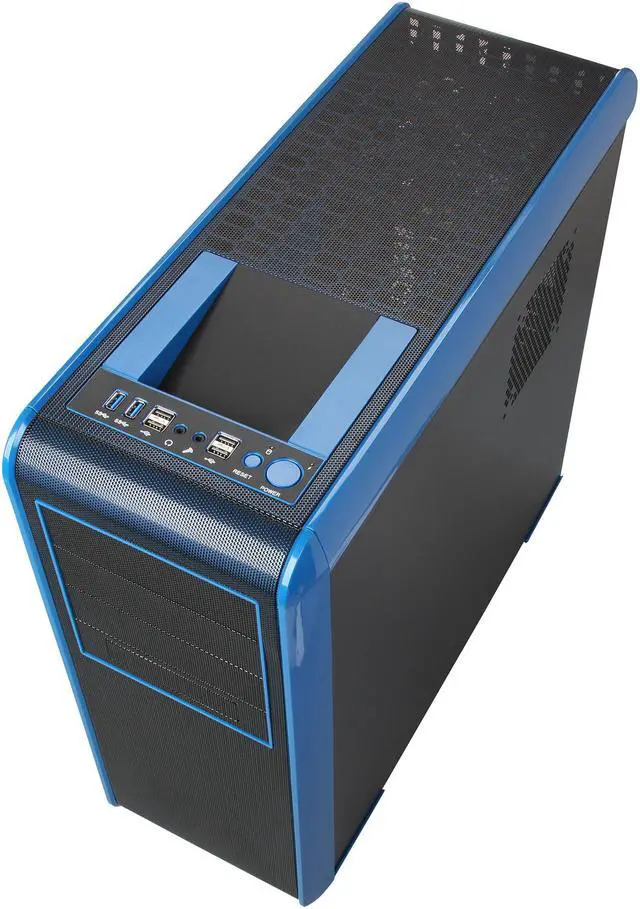
- 2 x USB 3.0 (20-Pin Internal Connector to MB) Ports
- 4 x USB 2.0 Ports
- 5 Fans Installed, Supports Up to 10 Fans
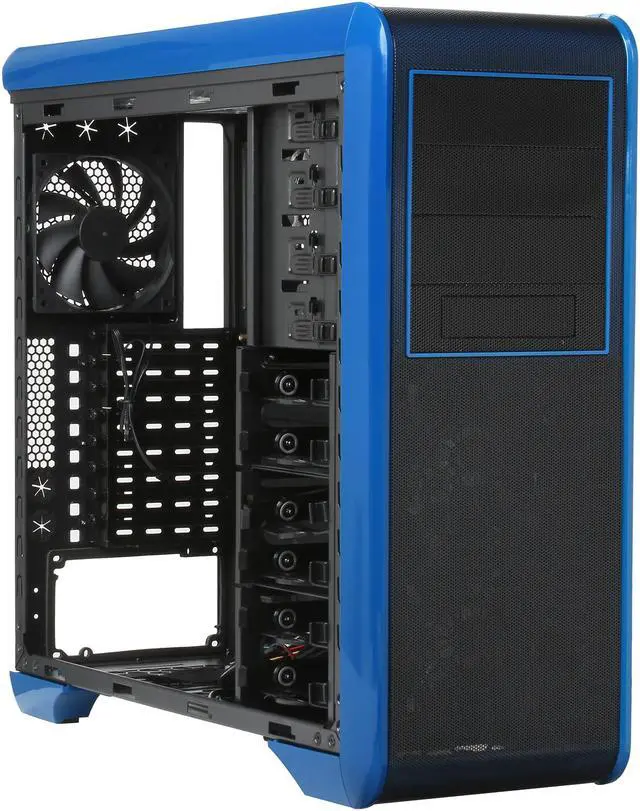
- 3 External 5.25" Drive Bays
- 6 Internal 3.5" Drive Bays

Blackhawk - Blue
Rosewill Blackhawk Blue Edition Gaming ATX Mid Tower Computer Case - Five Fans - Window Side Panel - Top HDD Dock
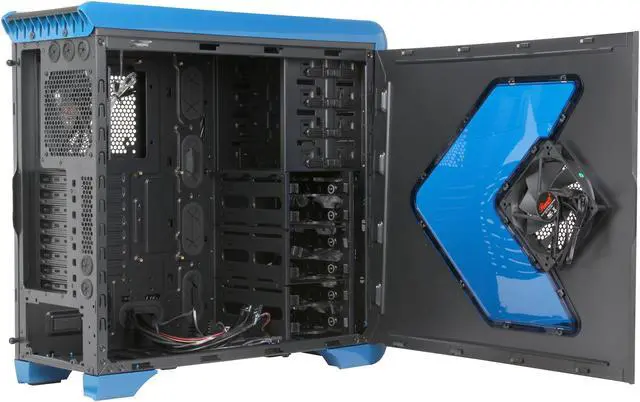
Rosewill's Blackhawk-Blue Edition features a good list of specifications: side panel windows, four 120mm and one 140mm fans for maximum cooling, two front-accessible USB 3.0 ports, a top-mounted SATA HDD dock, and more. It offers better cooling, higher quality, and a modern design inside and out, than most of the competitive cases in its price range. And with a long VGA card, water cooling support, integrated cable management, and an easy-clean PSU filter, the Blackhawk is an overall well-built, feature-rich gaming case on a budget.

- Note: Please make sure your motherboard is equipped with an on-board USB 3.0 socket before purchasing.
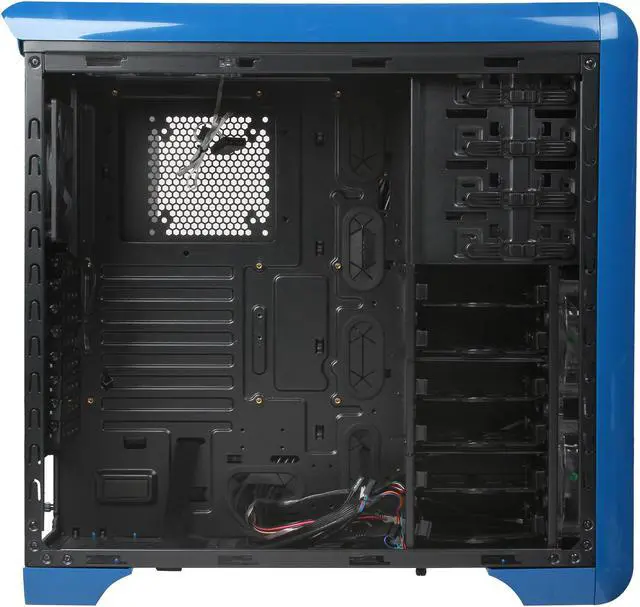
- Internal 3.5in. Drive Bays: Six (also supports 2.5in. HDD)
- Five types of HDD cage placement for your long VGA card or liquid cooling radiator needs.
- Supports up to 11.8in. (30cm) length VGA card (HDD cage NOT removed)
- Supports up to 16.5in. (42cm) length VGA card (HDD cage removed)
- Supports Corsair H100 CPU cooler top-mounted SATA HDD dock
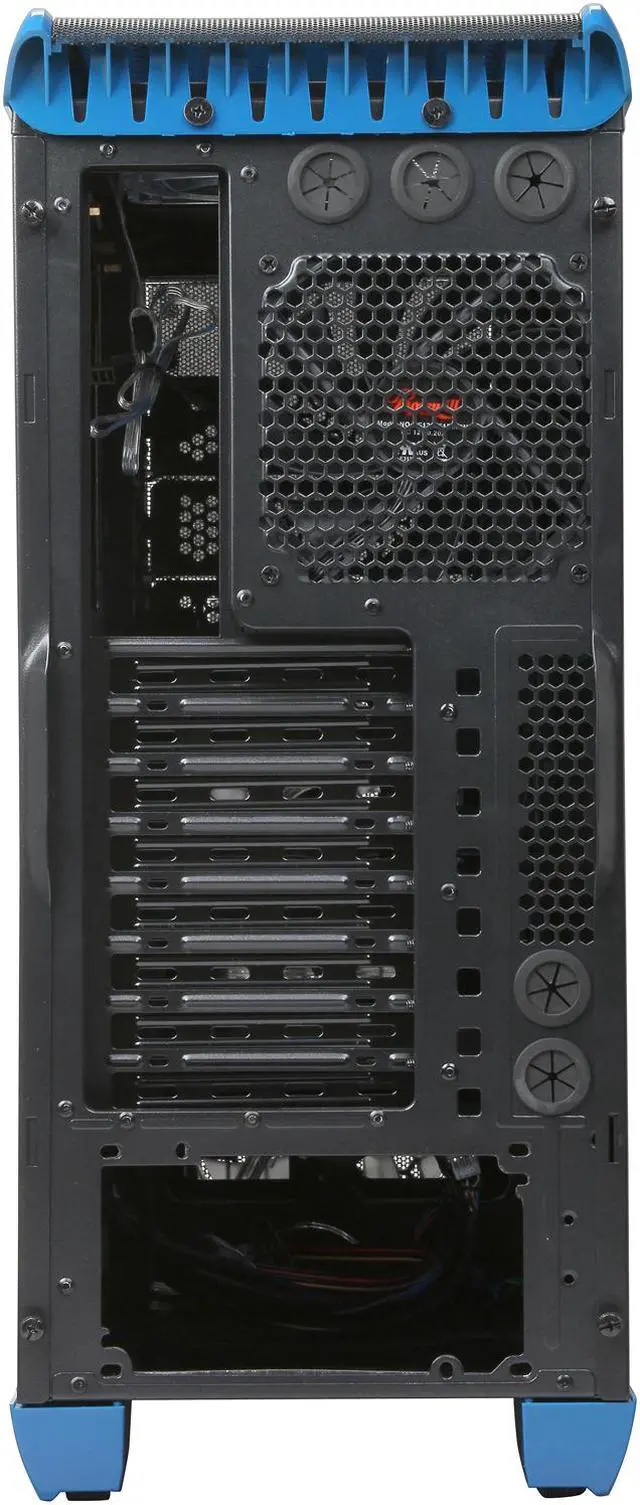
- Advanced cable management design
-
Advanced Cooling System :
- Two Front 120mm Blue LED Fans (pre-installed)
- One Rear 120mm Fan (pre-installed)
- One Top 140mm Blue LED Fan (pre-installed) or Two 120 / 140mm Fans (optional)
- One Side 120mm Fan (pre-installed)
- One Bottom 120 / 140mm Fan (optional)
- One 120mm Fan Behind Motherboard (18mm thickness only) (optional)
- Screw-Less Design for 5.25in. Devices and 3.5in. HDDs
- HDD trays support 3.5in. or 2.5in. HDD/SSD
- Easy-Clean PSU Filter
- Top-Mounted IO Ports - Two USB 3.0 (internal 20-pin connector to MB), Four USB 2.0, Audio Out, MIC In
- Advanced Bottom-Mounted PSU Design
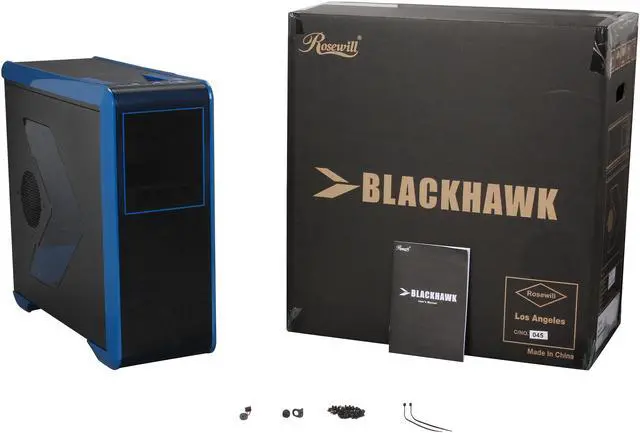
What's in the Box

Warranty & Returns
Warranty, Returns, And Additional Information
Warranty
- Limited Warranty period (parts): 1 year
- Limited Warranty period (labor): 1 year
- Read full details
Return Policies
- Return for refund within: 30 days
- Return for replacement within: 30 days
- This item is covered by Newegg.com's Standard Return Policy
Manufacturer Contact Info
- Manufacturer Product Page
- Manufacturer Website
- Support Phone: 1-800-575-9885
- Support Email: techsupport@rosewill.com
- Support Website
- View other products from Rosewill


Eggxpert Review
Pros: This is what should be an excellent case. I bought mine in April of this year, and, with some exceptions, have been pleased. However, the exceptions are kind of important...like really really important...which is why the 3-star review today.
Cons: I have encountered two serious issues with this case. First, using the top-mounted USB ports has caused tight system lockups. It's rare, maybe one in fifty times or less, but it has happened several times and not even the mouse will move--all you can do is reset the system. The second system relates to the expansion cards. This is the third case for this particular motherboard (Gigabyte GA-Z77-D3H), and the only case that has had this particular issue. It is difficult to seat the expansion cards, especially the graphics card, with this case. The card wants to lean in a bit towards the motherboard, and if you don't catch and correct that, it can stop the PC from booting or even POST'ing. To properly seat the card, you have to push the card gently into the slot with one hand, and at the same time push the backplate on the card down with the other so that it stays straight. If you try to put the card in one-handed, you have a good chance of the card actually not being seated correctly in the expansion slot on the motherboard, even though it looks ok, and the computer will not boot with the card at that slight angle. This is the only case I've ever encountered this issue on. All of these components have been in two other cases with no issues.
Overall Review: I still like the case, but not being able to use the top USB ports for fear of locking up the system is frustrating. Regarding the graphics card alignment issue, I am lucky that my system escaped damage from being powered on with the graphics card not seated correctly.