

Your Browsing History


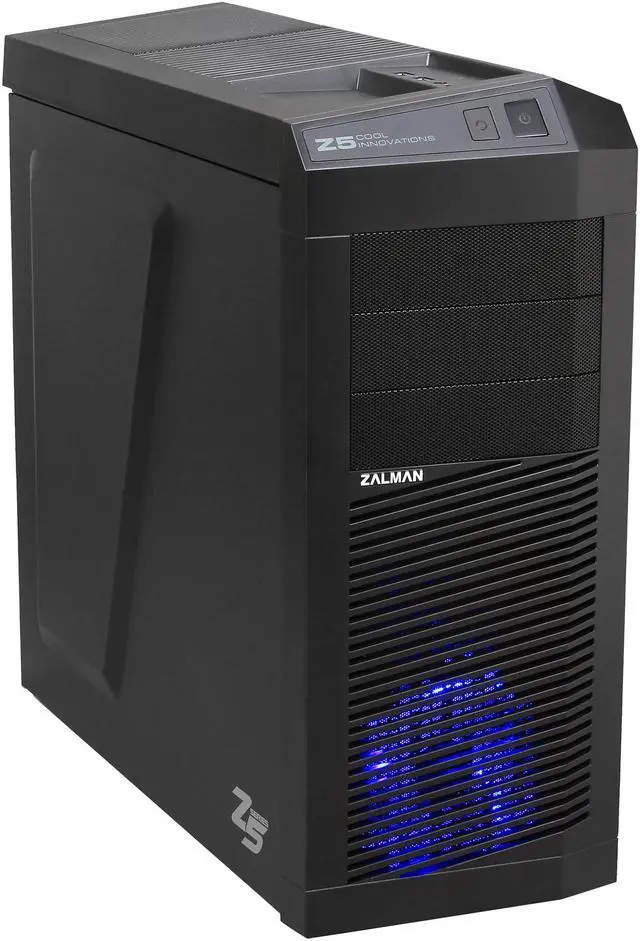
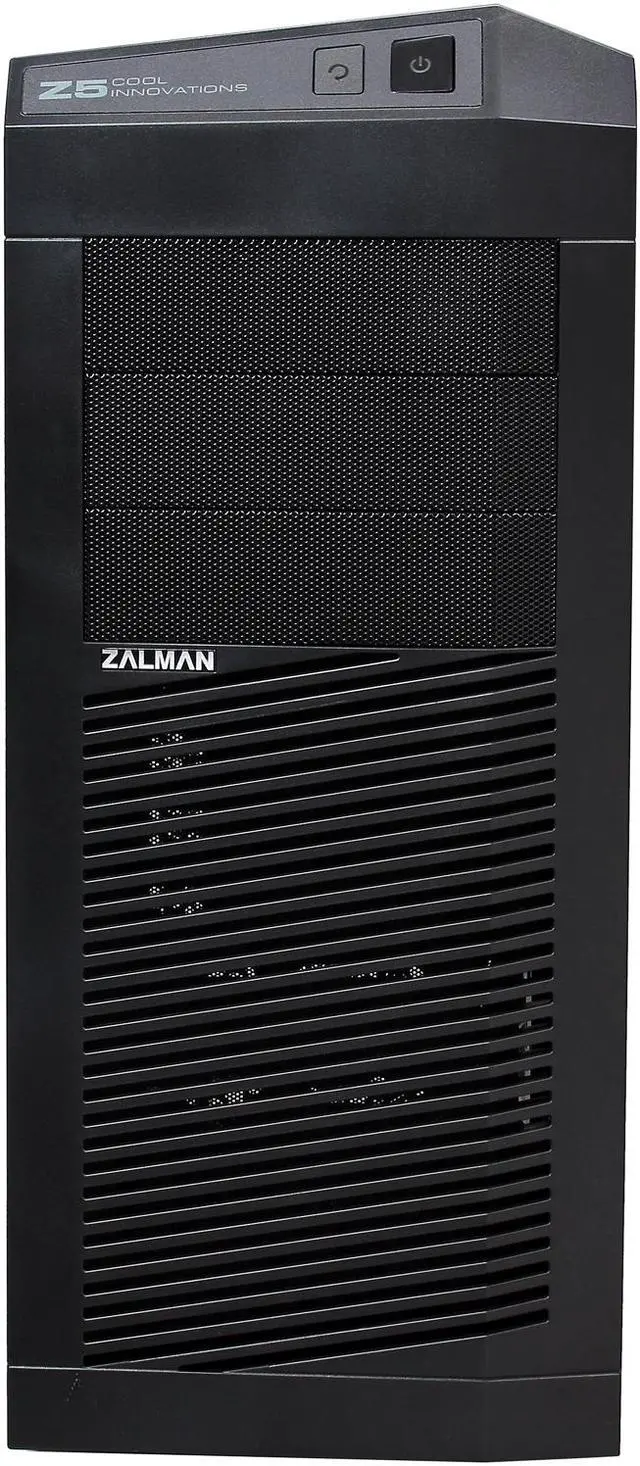
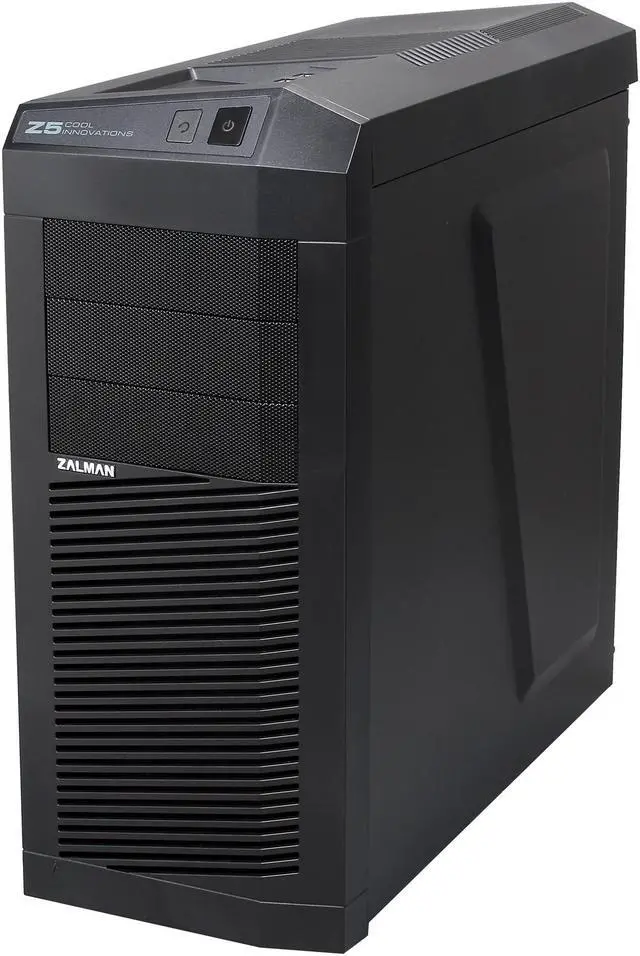
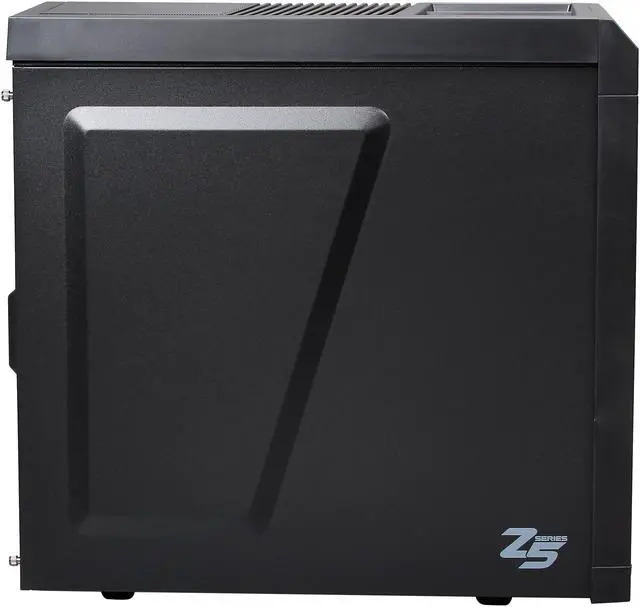
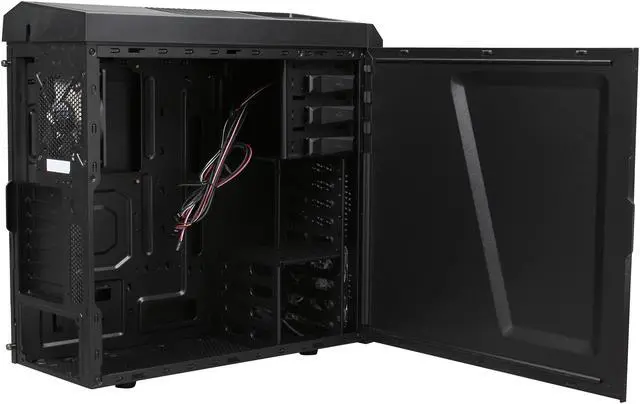
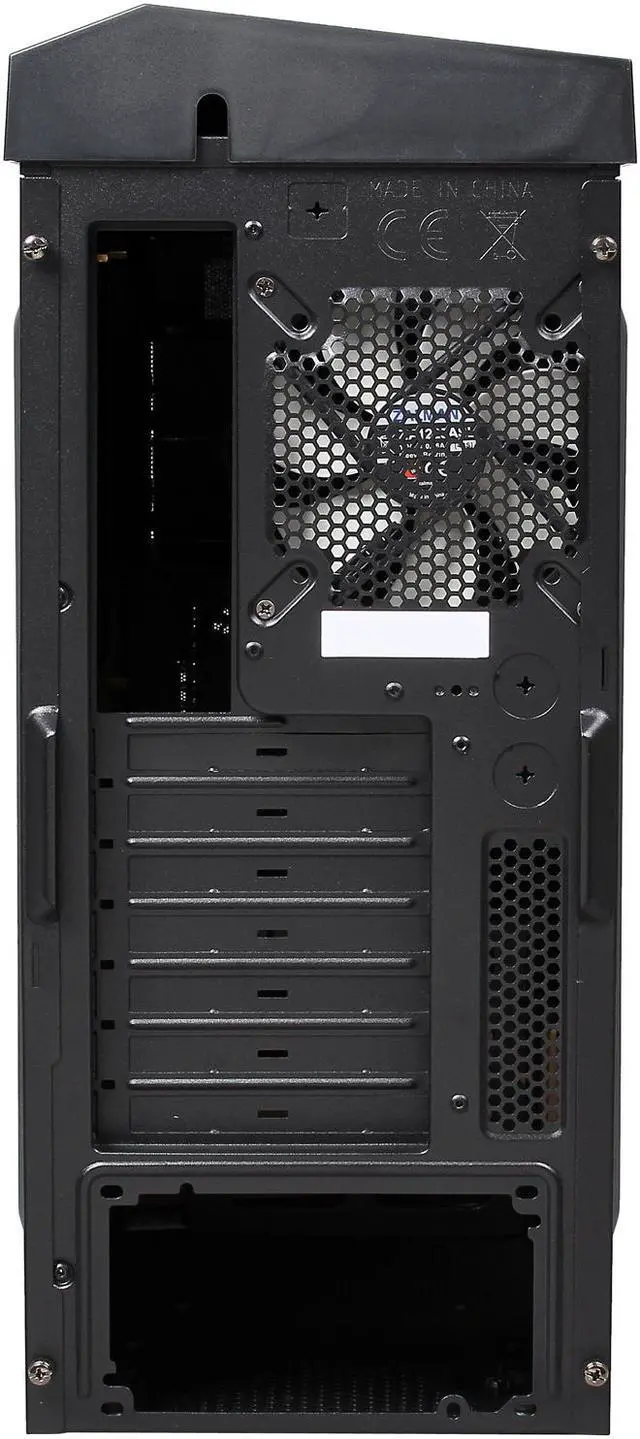
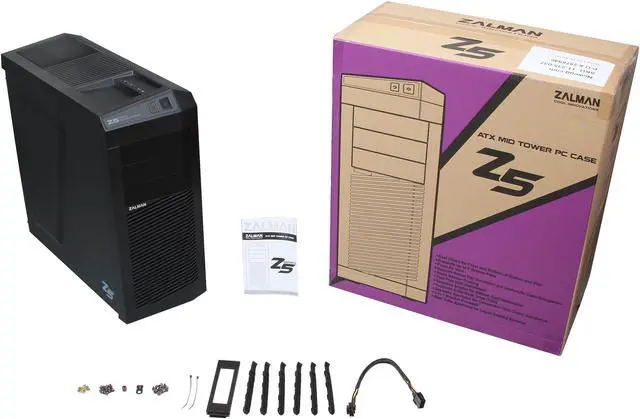


ZALMAN Z5 Black Steel / Plastic ATX Mid Tower Computer Case Compatible with Standard ATX / ATX12V (not included) Power Supply
- Steel / Plastic ATX Mid Tower
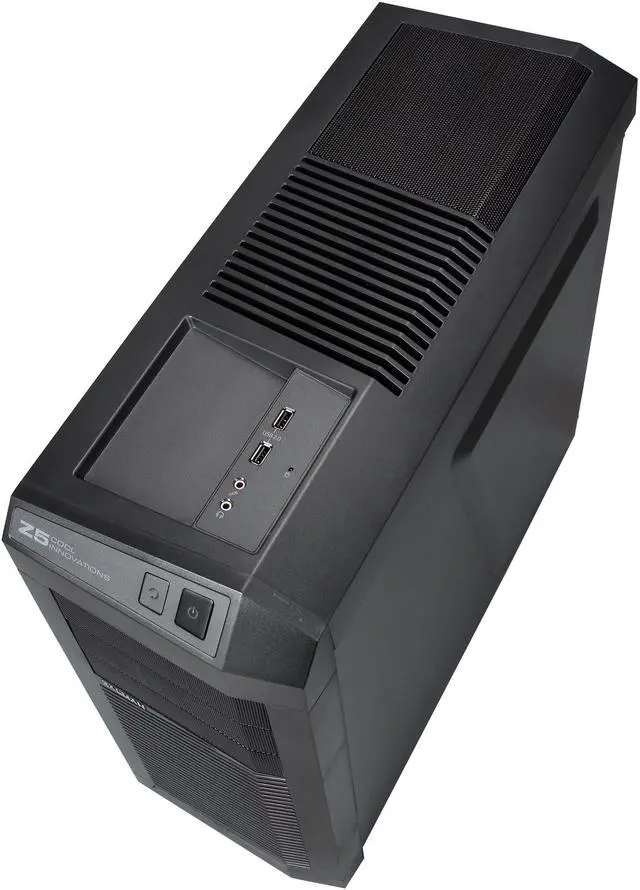
- 2 x USB 2.0 / Audio Front Ports
- Compatible with Standard ATX / ATX12V (not included) Power Supply
- 3 External 5.25" Drive Bays
- 3 Internal 3.5" Drive Bays
Overview
Specs
Reviews (39)
See all Q & A 
Any questions? Our AI mode will help you find out quickly.
Try me now
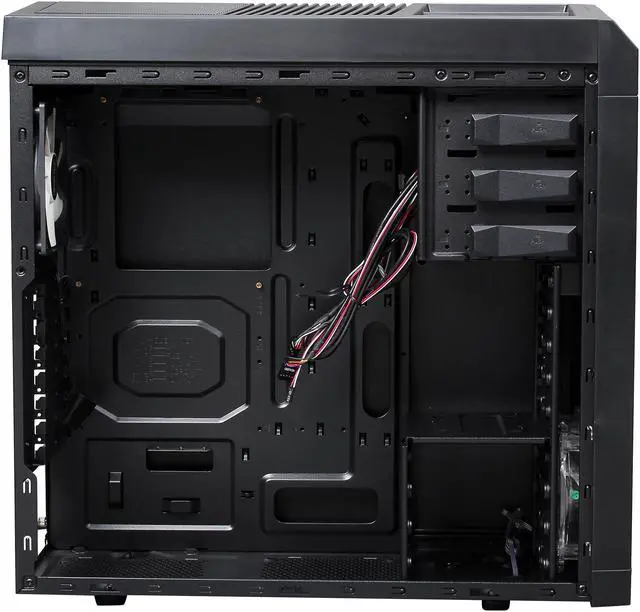
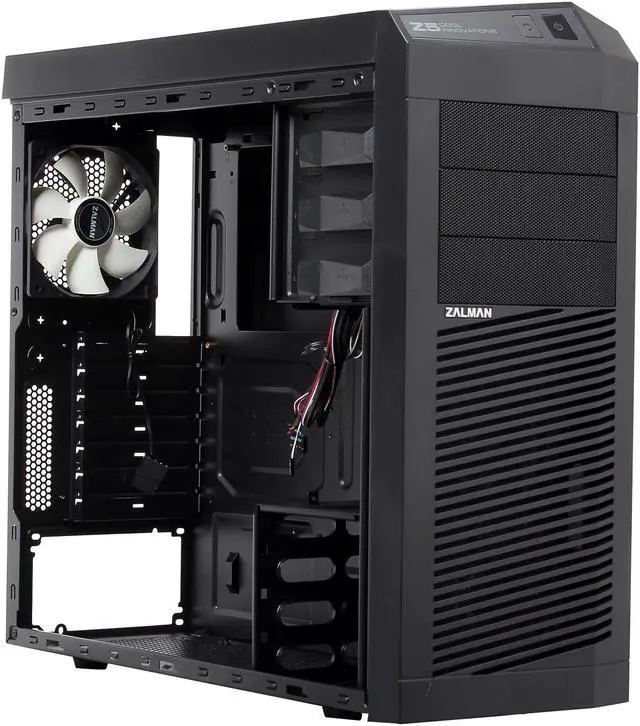
The Zalman Z5 Mid Tower Case features a luxurious interior, with black coating as a finishing touch. With its supreme cooling system, all of your components stay cool, even when the battle heats up! This case can accommodate a high-end VGA card, three external 5.25-inch drives, three internal 3.5-inch drives, two internal 2.5-inch drives, and seven expansion cards. The tool-less design and safe edge molding ensure easy and safe installation. Anti-slip rubber, at the bottom of the case and the PSU, helps to eliminate vibration sound.
 Advanced thermal designTube apertures are provided at the rear of the case for convenient water cooling setup and maintenance. Up to five fans can be mounted, with a pre-installed 120mm front LED fan and a 120mm back fan. The bottom PSU installation support allows for effective cooling of the PSU and efficient use of inner space. The aerodynamically designed front- and top vents bring cool air into the system.
 Easy installationThe tool-free HDD trays make HDD installation effortless. A separate aperture for the CPU cooler is provided for convenient installation, without having to remove the motherboard from the case. The 2-in-1 adapter tray is provided for installing an FDD/3.5-inch HDD. In addition, the safe edge molding makes for a more secure installation environment.
 Spacious interiorThe spacious interior provides seven PCI extension slots. Without the side guide, a 330mm-high performance VGA card can be installed. Space is provided on the bottom of the case for the installation of an additional 2.5-inch HDD/SSD.
 Convenient top interfacesUSB ports, audio socket, power, and rest buttons, set on the top, offer great convenience. You can place a smart phone or an external hard drive on the stand next to the USB port for convenient charging and connection.
 Advanced thermal designTube apertures are provided at the rear of the case for convenient water cooling setup and maintenance. Up to five fans can be mounted, with a pre-installed 120mm front LED fan and a 120mm back fan. The bottom PSU installation support allows for effective cooling of the PSU and efficient use of inner space. The aerodynamically designed front- and top vents bring cool air into the system.
 Easy installationThe tool-free HDD trays make HDD installation effortless. A separate aperture for the CPU cooler is provided for convenient installation, without having to remove the motherboard from the case. The 2-in-1 adapter tray is provided for installing an FDD/3.5-inch HDD. In addition, the safe edge molding makes for a more secure installation environment.
 Spacious interiorThe spacious interior provides seven PCI extension slots. Without the side guide, a 330mm-high performance VGA card can be installed. Space is provided on the bottom of the case for the installation of an additional 2.5-inch HDD/SSD.
 Convenient top interfacesUSB ports, audio socket, power, and rest buttons, set on the top, offer great convenience. You can place a smart phone or an external hard drive on the stand next to the USB port for convenient charging and connection.
Warranty & Returns
Warranty, Returns, And Additional Information
Warranty
- Limited Warranty period (parts): 1 year
- Limited Warranty period (labor): 1 year
- Read full details
Return Policies
- Return for refund within: 30 days
- Return for replacement within: 30 days
- This item is covered by Newegg.com's 30-Day Return Policy.
- Read full return policy for details.
Manufacturer Contact Info
- Manufacturer Product Page
- Manufacturer Website
- Support Phone: 1-888-925-6266
- Support Email: [email protected]
- Support Website
- View other products from Zalman
LOADING...