




 here!
I’m your shopping assistant for PC builds, upgrades, and everything tech.
Got questions? Ask away!
Start a conversation
here!
I’m your shopping assistant for PC builds, upgrades, and everything tech.
Got questions? Ask away!
Start a conversationShipped by Newegg
 Hot Seller


Make informed decisions with expert advice. Learn More





Any questions? Ask CelesteSM will help you find out quickly.
We want to ensure your holiday shopping this year is hassle-free. That’s why we’re automatically extending our return policies on almost every product! For purchases placed between November 1st, 2026 and December 31, 2026 you will have until January 31, 2027 to return your product.
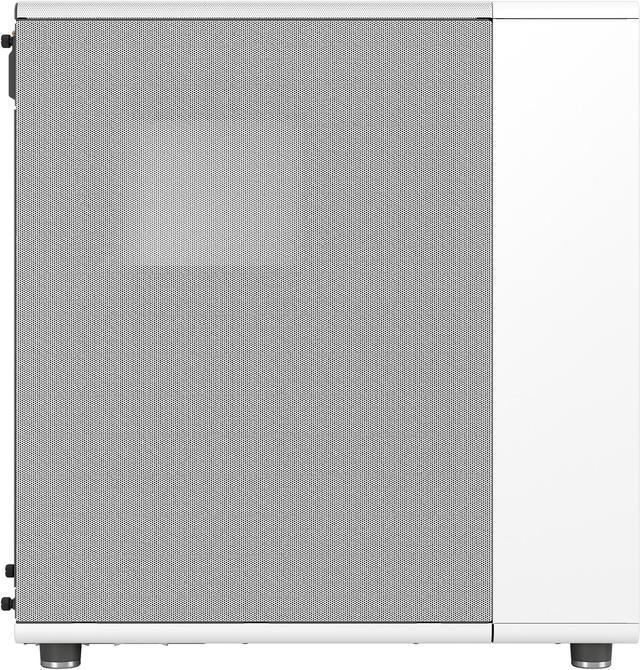
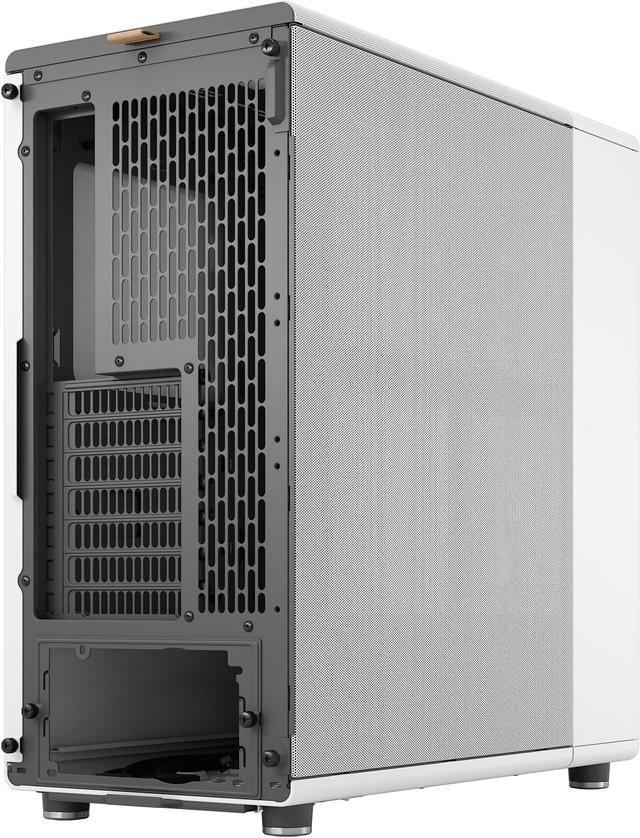
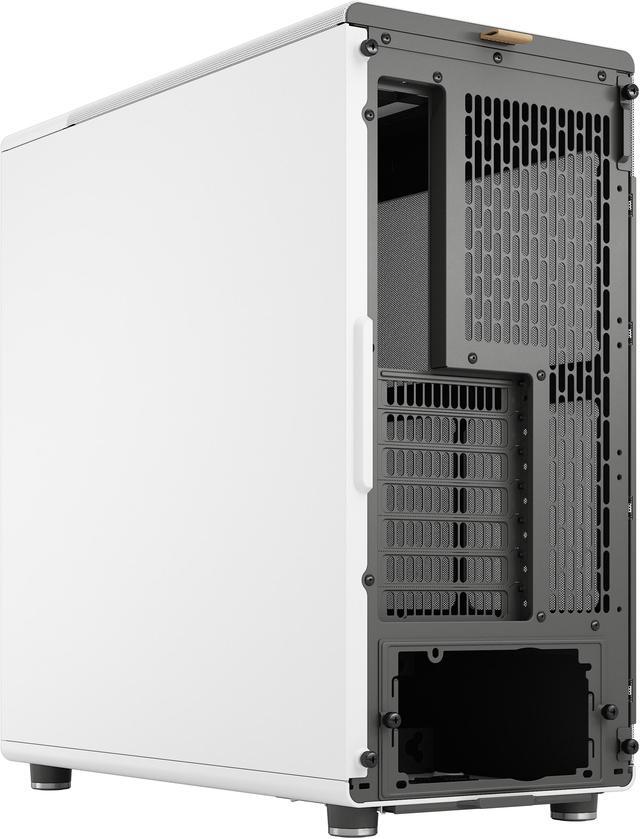
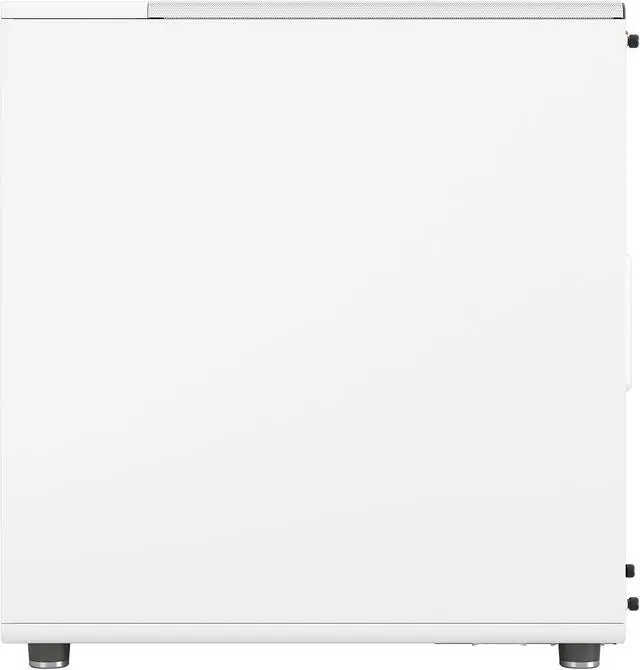
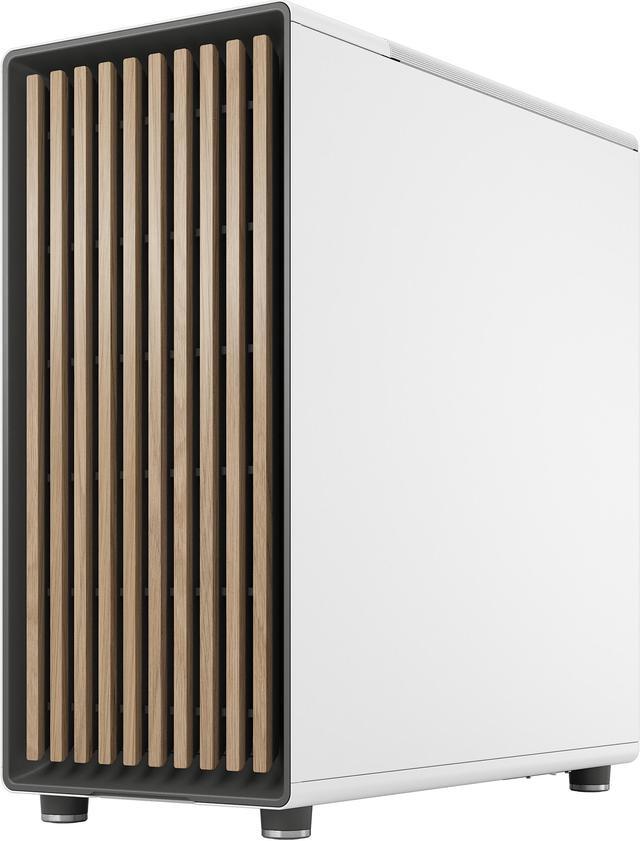
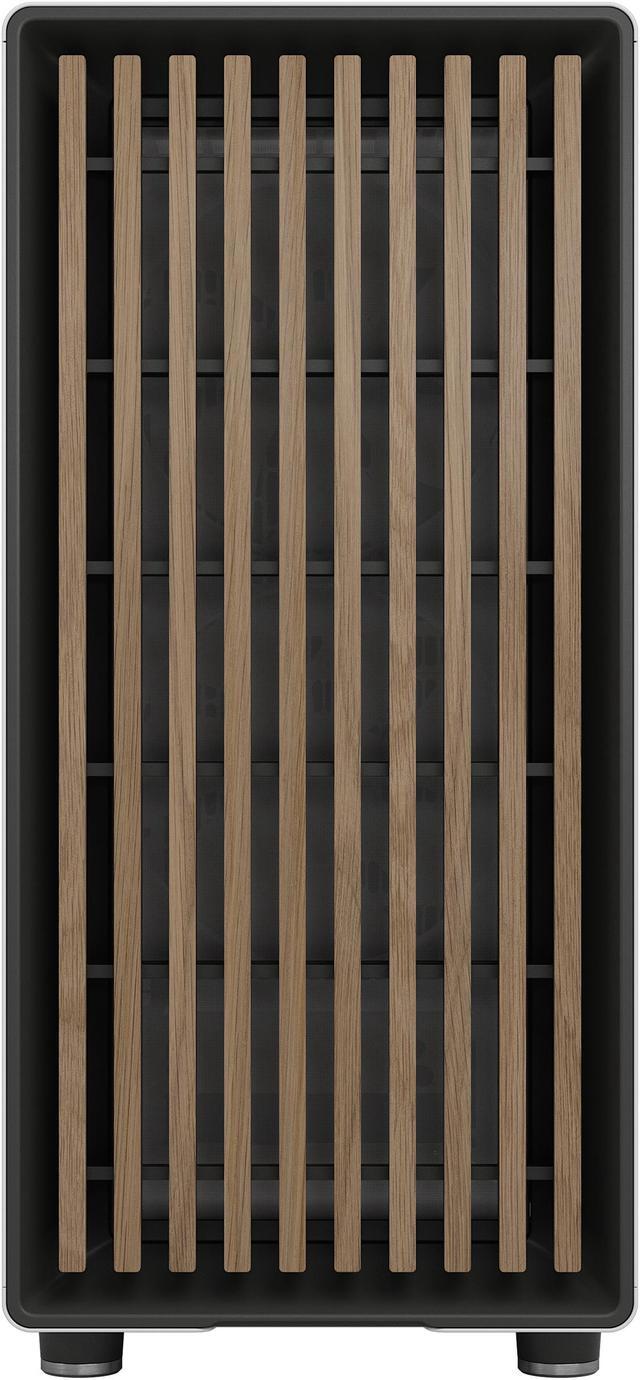
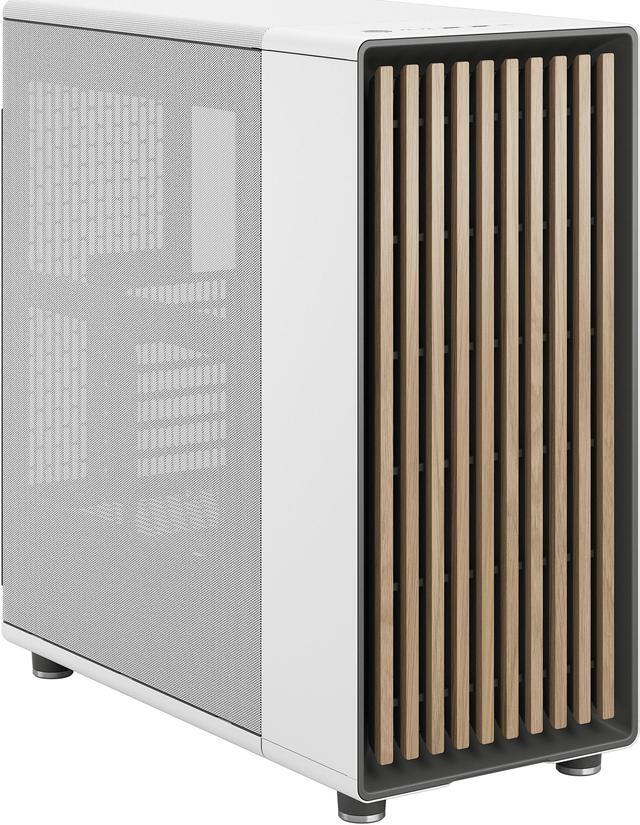
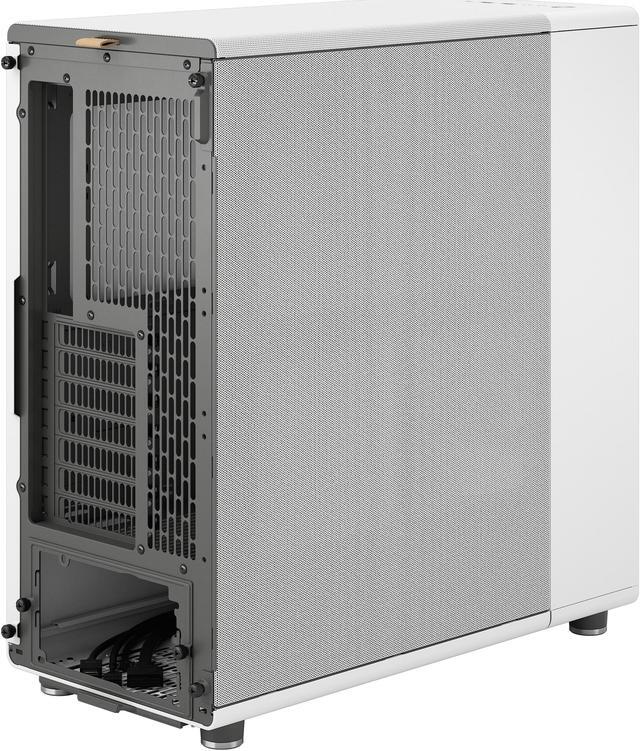
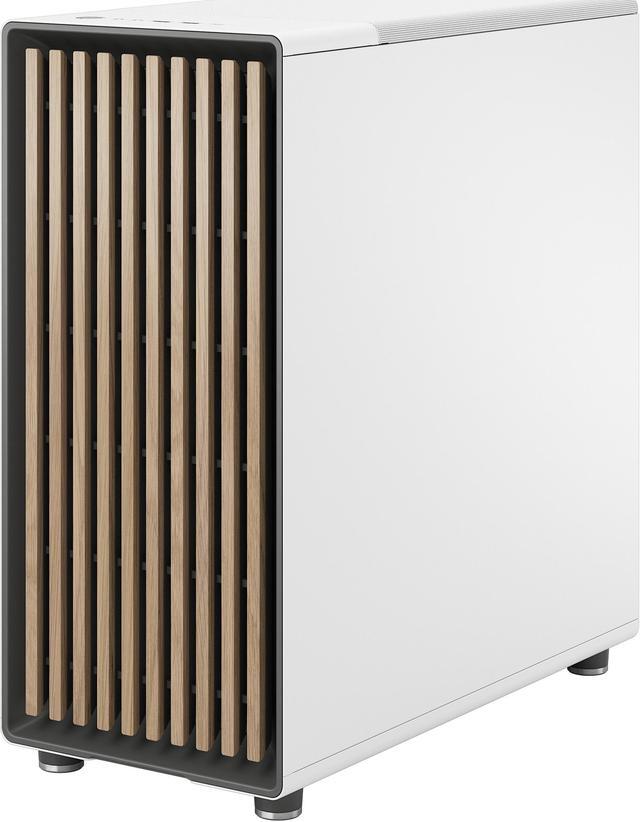
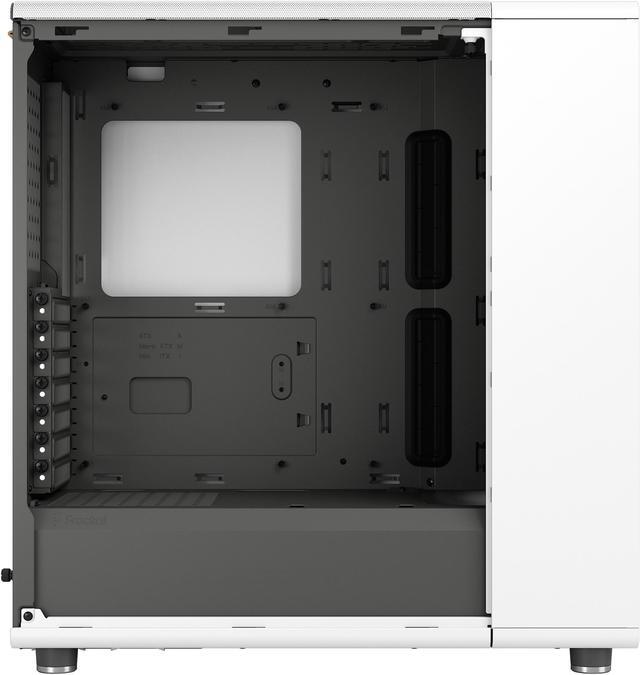
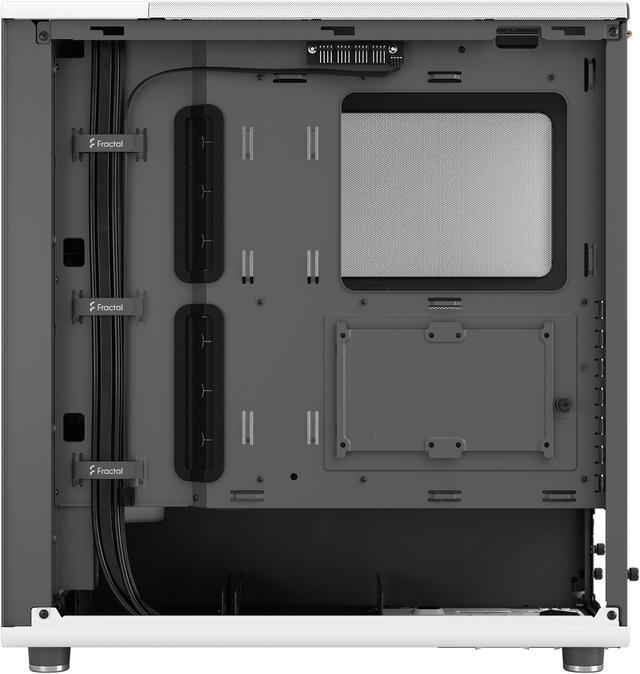
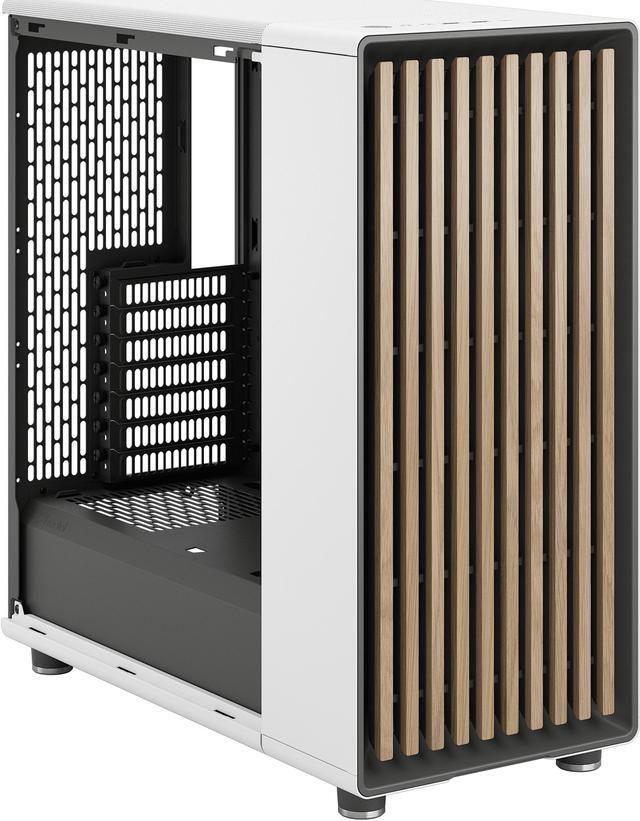
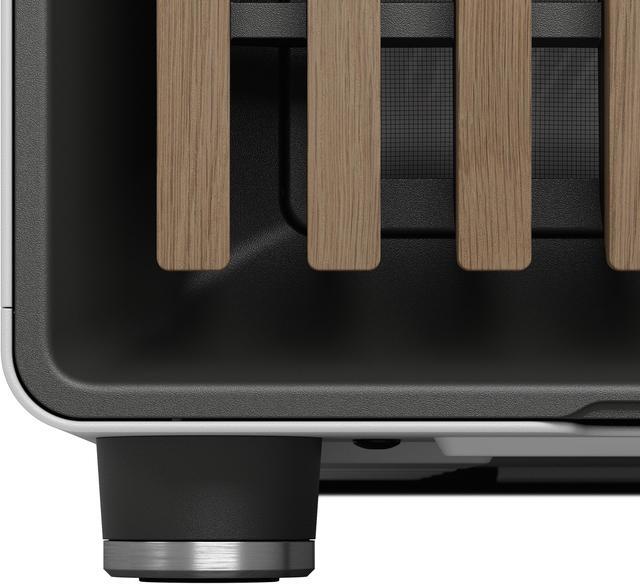
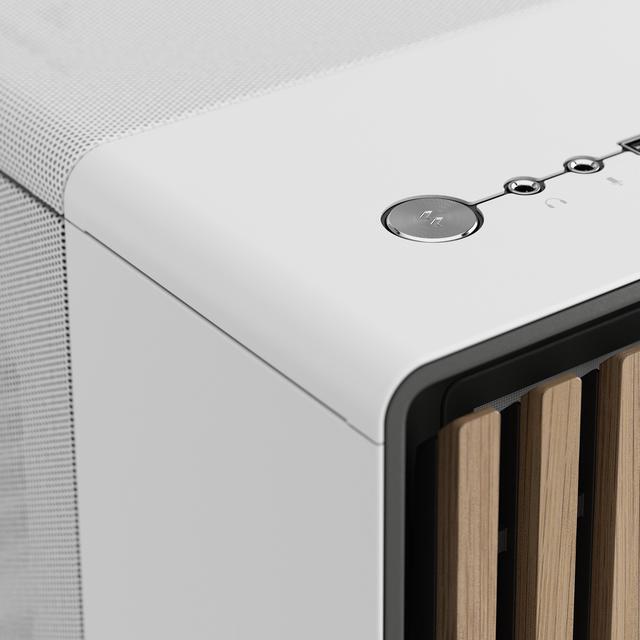
The Fractal Design North is a chalk white ATX mid-tower PC case with a real oak front, mesh side panel, and strong airflow support, making it a great fit for builders who want a stylish desktop case for gaming or creator PCs using ATX, Micro ATX, or Mini ITX motherboards.
| Attribute | Value |
|---|---|
| Best For | Builders seeking a mid-tower that fits ATX/micro-ATX/mini-ITX motherboards, accommodates long GPUs (up to 355 mm) and front 360 mm radiators, and offers an oak-accented chassis for aesthetic desktop builds |
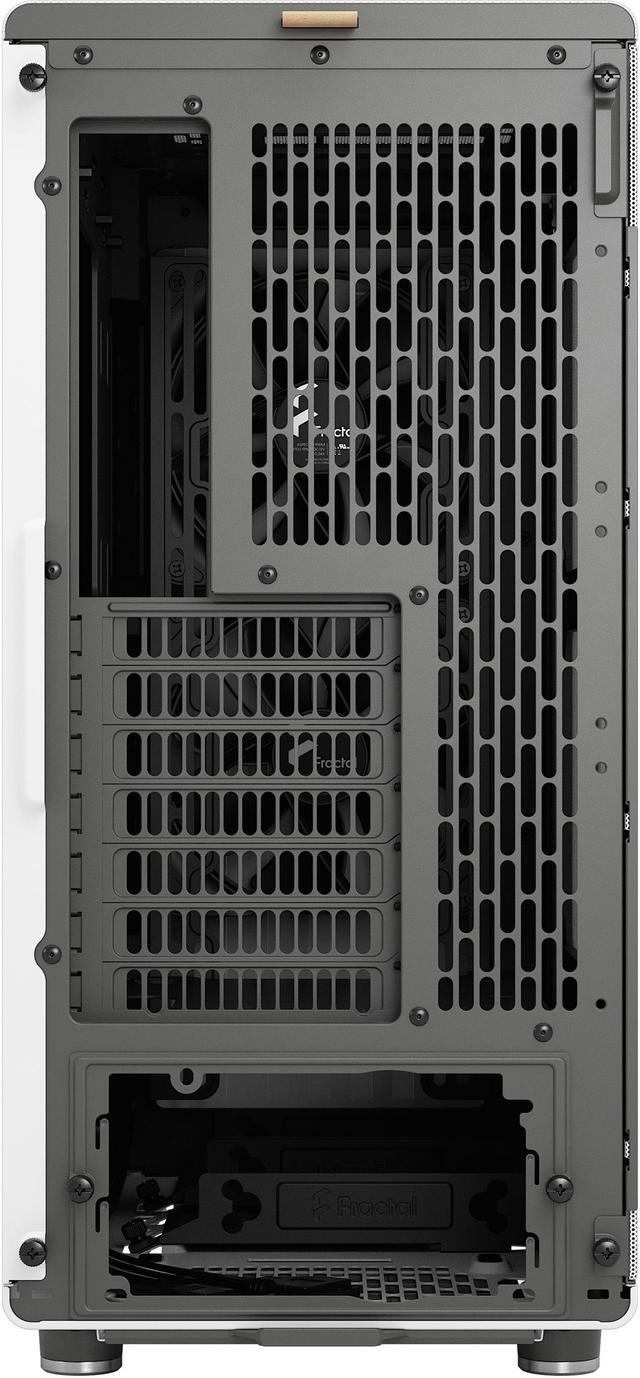
| Compatibility And Expansion | Supports ATX, Micro ATX and Mini ITX motherboards with seven bridgeless expansion slots and GPU clearance of 355 mm with front fans (or 300 mm when a 360 mm front radiator is installed) |
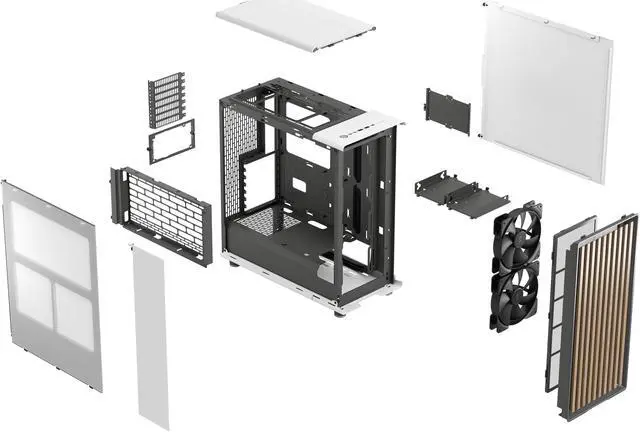
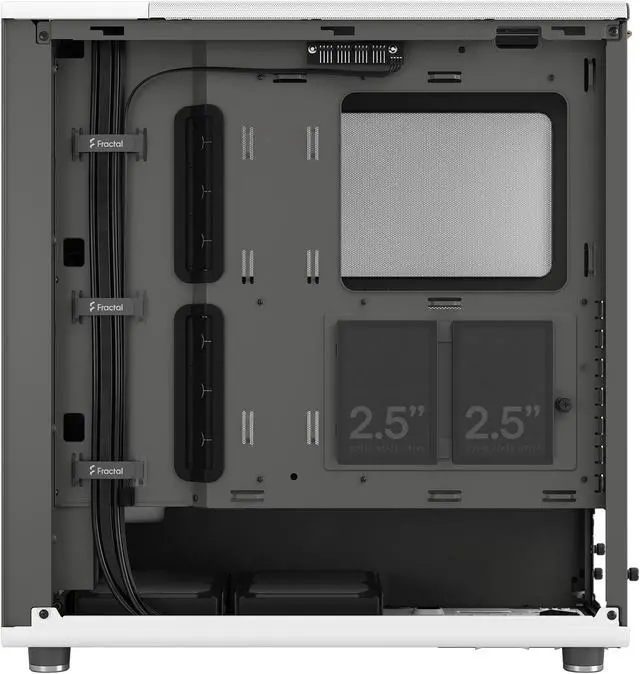
| Cooling And Radiator Support | Includes two pre-installed Aspect 140 mm PWM front fans; supports up to 8×120 mm or 6×140 mm total fan mounts (front 3×120 or 2×140, top 2×120/140, rear 1×120, side bracket 2×120/140); radiator support front up to 360/280/240/140/120 mm (151 mm max width), top up to 240/120 mm (122 mm max width, 35 mm max motherboard component height), rear 120 mm; cooling method: air |
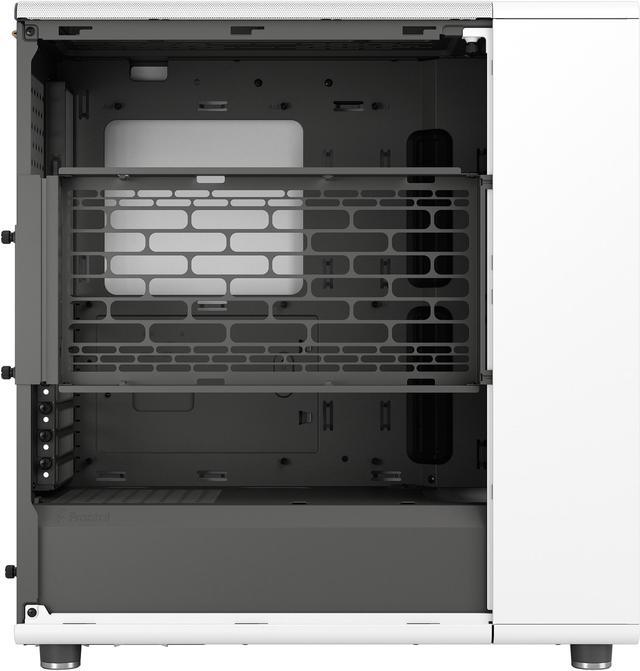
| Drive Bays And Storage | Three 3.5" drive bays (2 included), plus two dedicated 2.5" mounts and three additional 2.5" mounts on drive trays (two trays included); also includes two combined 3.5"/2.5" mounts |
| Case Construction And Dimensions | Steel chassis in Chalk White with a real oak front; dimensions 17.60" × 8.46" × 18.46"; weight 16.76 lbs |
| Power Supply And Clearance | No power supply included; bottom-mounted PSU design with max PSU length 255 mm with one HDD tray installed or 155 mm with two HDD trays |
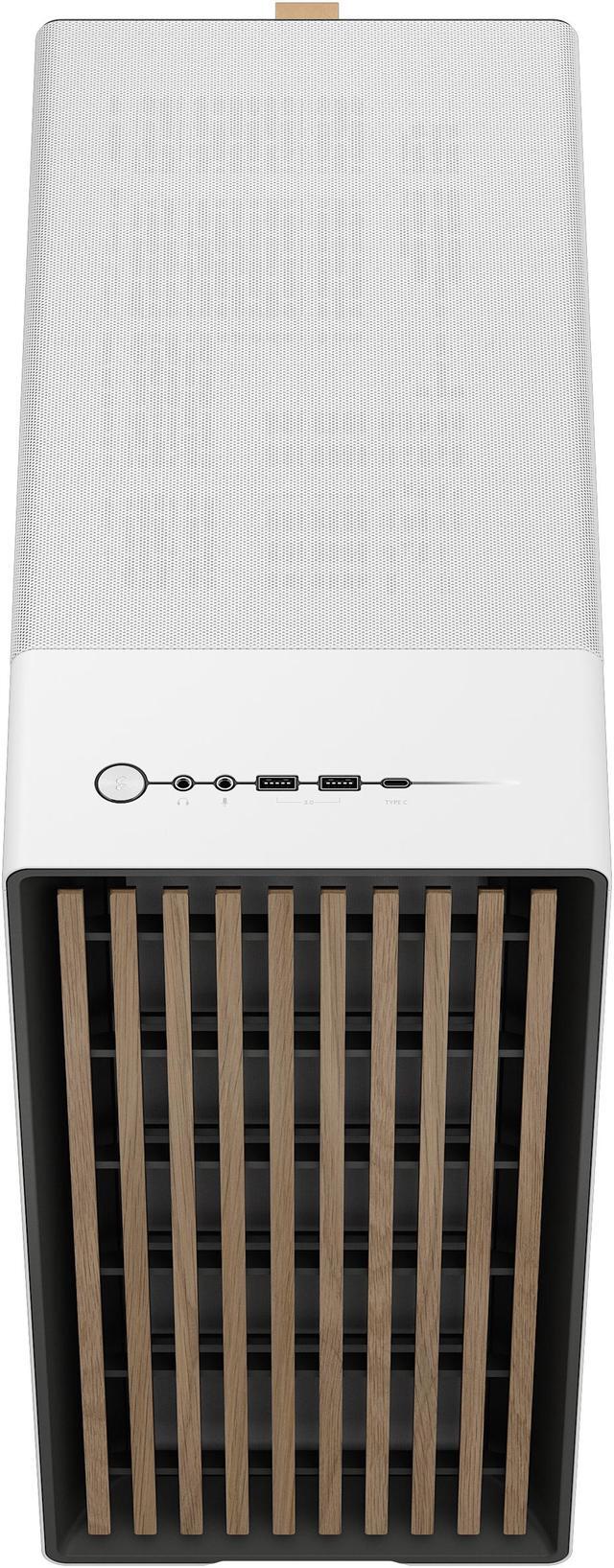
| Front I/O And Connectivity | Front I/O includes 1× USB 3.2 Gen 2x2 Type-C, 2× USB 3.0 and headphone/microphone jacks (total USB ports: 3) |
| Additional Features | Front dust filter(s); designated cable-management area behind the motherboard wall; side panel without side window; no LED lighting specified |
| Package Contents | Includes North case, accessory box, fan bracket accessory box and user manual |
| Model Identifiers | Fractal Design FD-C-NOR1C-03 (Model Name: North Chalk White), ATX Mid Tower |
Q: Should I buy the Fractal Design North or the Meshify 2 Compact?
A: Choose the Fractal Design North if you want an airflow-focused ATX case with more furniture-friendly styling and you do not need the most service-oriented interior layout. Professional reviews show the North delivers strong thermals, while the Meshify 2 Compact is more often recommended when buyers prioritize easier access, broader filtration coverage, and a more utility-first chassis. In short: North is the better fit for design-led builds that still need real airflow; Meshify 2 Compact is the better fit for builders who value tool access and classic mesh-case practicality.
Q: Is the Fractal Design North worth choosing over the NZXT H5 Flow?
A: Choose the Fractal Design North when you want a more premium-material design, two included 140 mm front fans, and stronger emphasis on blending airflow with appearance. Choose the NZXT H5 Flow if you want a simpler modern layout and you are comfortable with a more value-oriented stock setup. Review coverage indicates both cases handle mainstream gaming hardware well, but the North is the more style-forward option, while the H5 Flow is the more straightforward function-per-dollar choice.
Q: Should I get the Fractal Design North or move up to the North XL?
A: Choose the standard Fractal Design North for a typical ATX gaming build where desk footprint and room-friendly size matter more than maximum clearance. Move up to the North XL if you plan to use E-ATX boards, very large GPUs, taller air coolers, or more ambitious liquid-cooling layouts. Official positioning and reviews consistently frame the XL as the same design idea with more headroom, not as a replacement for the original. The standard North remains the better choice when you want the North look in a more compact package.
Q: Fractal Design North vs Torrent Compact: which is better for airflow-first builds?
A: Choose the Torrent Compact if your priority is maximizing stock airflow behavior over visual subtlety, especially for an air-cooled build. Choose the Fractal Design North if you want strong cooling without moving to a more aggressive case design. Review consensus places the Torrent family closer to a pure airflow product, while the North is typically treated as the balanced option that keeps thermals competitive while looking more refined in shared spaces.
Q: Is the Fractal Design North mesh version a good choice for a high-airflow gaming PC build?
A: Yes, if you want a mid-tower case that prioritizes airflow and clean design over maximum internal volume. The mesh-side North includes an open front, fine-patterned ventilation, and two included 140 mm PWM front fans, so it suits mainstream to high-performance air-cooled gaming builds well. The main trade-off is space: it supports strong hardware, but it is not as forgiving as larger cases for very long GPUs or oversized liquid-cooling setups.
Q: Will this case fit a large modern GPU?
A: Usually yes, but check your exact card length before buying. The North supports GPUs up to 355 mm with front fans installed, or up to 300 mm if you install a 360 mm front radiator. That means many modern cards fit, but extra-long triple-fan GPUs can become a tight fit, especially in liquid-cooled builds. If GPU upgrade headroom is your top priority, a larger case such as the North XL is the safer option.
Q: Is this case a good pick for air cooling, or should I choose something bigger for liquid cooling?
A: It is a better fit for air cooling or moderate liquid cooling than for maximum radiator-heavy builds. The case supports a front radiator up to 360 mm and a top radiator up to 240 mm, but top clearance depends on motherboard component and RAM height, and a front 360 mm radiator reduces GPU clearance to 300 mm. If you want simpler compatibility and more room for large radiators and future upgrades, a larger chassis is easier to work with.
Q: Who is the Fractal Design North best suited for?
A: It is best suited for buyers who want a stylish ATX mid-tower with good airflow, standard motherboard support, and enough room for a modern gaming or creator PC without moving to a bulky full-size chassis. It makes the most sense for users building a clean-looking desk setup and using ATX, microATX, or Mini-ITX boards. It is less ideal for buyers who need maximum storage density, extreme GPU clearance, or the easiest possible fit for oversized custom water-cooling parts.
Q: Is the mesh-side version better than a tempered-glass version for most buyers?
A: The mesh-side version is usually the better choice if cooling performance matters more than showing off components. It provides extra ventilation and is better aligned with quiet, airflow-focused builds. A tempered-glass version is the better pick if display aesthetics and internal visibility matter more to you than maximizing side-panel airflow. The core layout and hardware support are similar, so the choice mainly comes down to airflow versus showcase appearance.
Q: Is the Fractal Design North mesh version worth buying if I want a stylish case with good airflow?
A: Yes, if you want a case that prioritizes design and solid airflow without going oversized. The mesh version suits mainstream ATX, mATX, and ITX builds, includes two 140 mm front fans, and supports up to a 355 mm GPU. The main trade-off is that it is more airflow-focused than noise-focused, so it may sound more open than quieter closed-panel cases.
Q: Who is the Fractal Design North mesh best suited for?
A: It is best for buyers who want a living-room- or office-friendly case design but still need support for full-size components. It fits ATX boards, large air coolers up to 170 mm, and GPUs up to 355 mm with front fans installed. It is a better fit for clean-looking gaming or productivity builds than for maximum-expansion or heavy storage builds.
Q: What are the main trade-offs of the Fractal Design North mesh compared with more performance-focused cases?
A: The main trade-off is balance rather than maximum cooling headroom. It offers good airflow and broad fan support, but some buyers compare it against cases with stronger out-of-box thermal performance or lower noise. It is a good choice if aesthetics and a normal-size footprint matter, but less ideal if your top priority is squeezing out the lowest possible temperatures from very high-wattage hardware.
Q: Is the Fractal Design North mesh a good choice for large GPUs or liquid cooling?
A: It can work well, but you need to check clearances carefully. The case supports GPUs up to 355 mm with front fans, but that drops to 300 mm with a 360 mm front radiator. Top radiator support is up to 240 mm, and that setup can be restrictive for taller RAM. It is suitable for performance builds, but not as forgiving as a larger case when combining long GPUs, top radiators, and tall memory.
Q: Should I choose the mesh side panel version over glass?
A: Choose the mesh version if you want side-mounted fan or radiator flexibility and slightly more airflow-oriented behavior. Choose glass if you prefer a more enclosed look and potentially slightly lower perceived noise. The mesh version is the better fit when cooling flexibility matters more than showcasing the interior.


