




 here!
I’m your shopping assistant for PC builds, upgrades, and everything tech.
Got questions? Ask away!
Start a conversation
here!
I’m your shopping assistant for PC builds, upgrades, and everything tech.
Got questions? Ask away!
Start a conversationShipped by Newegg
 Hot Seller
 Top Rated


Make informed decisions with expert advice. Learn More





Any questions? Ask CelesteSM will help you find out quickly.
We want to ensure your holiday shopping this year is hassle-free. That’s why we’re automatically extending our return policies on almost every product! For purchases placed between November 1st, 2026 and December 31, 2026 you will have until January 31, 2027 to return your product.
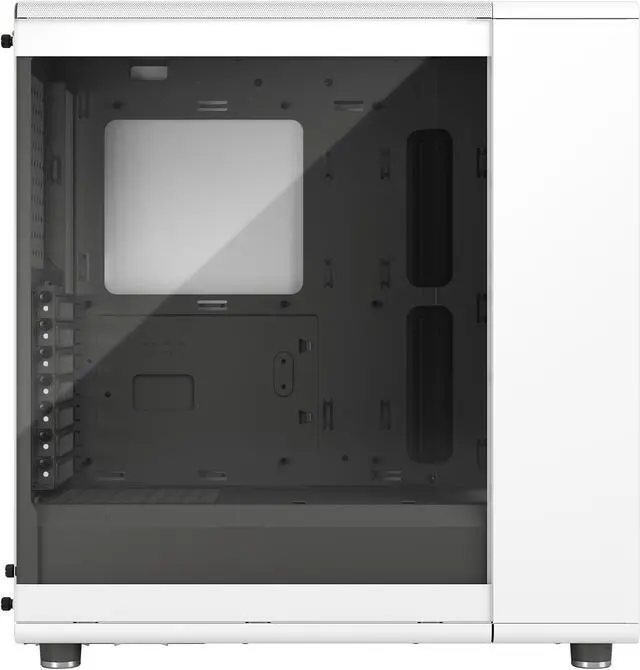
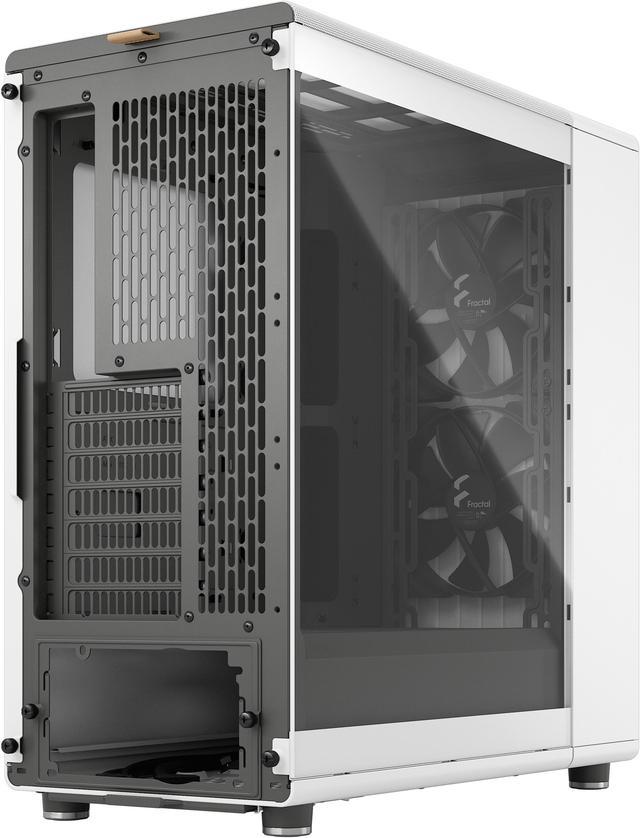
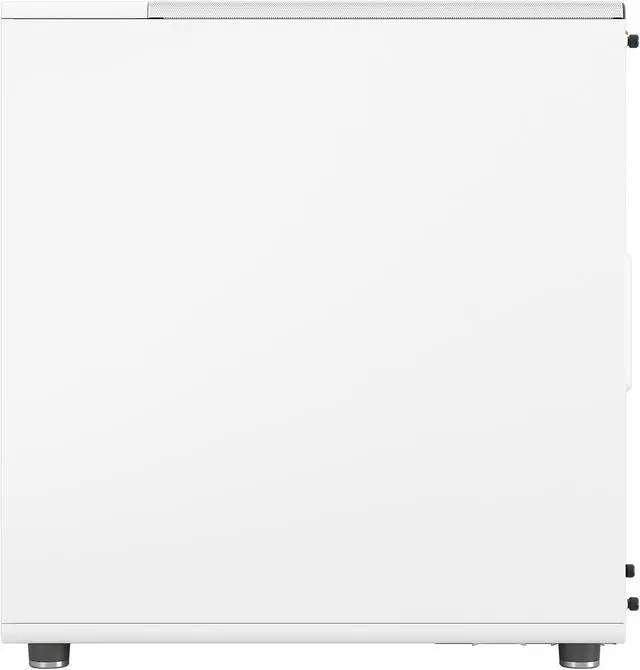
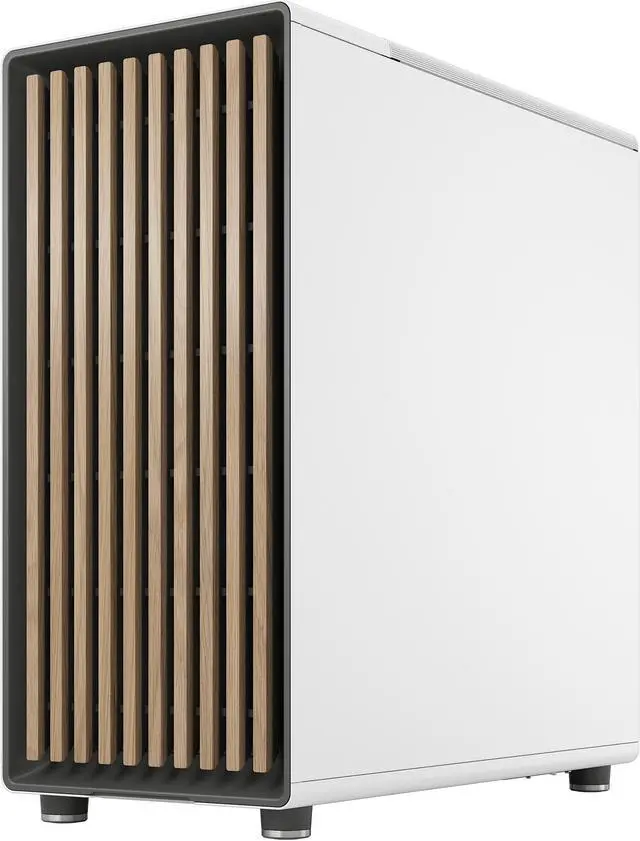
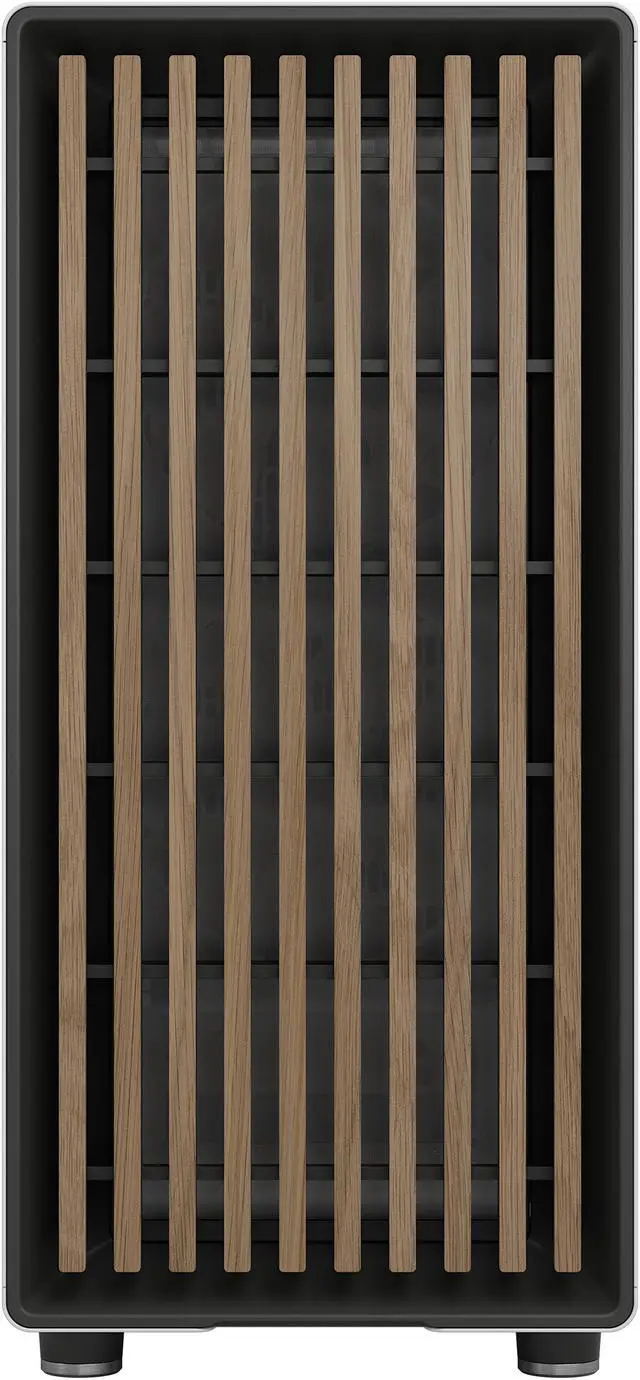
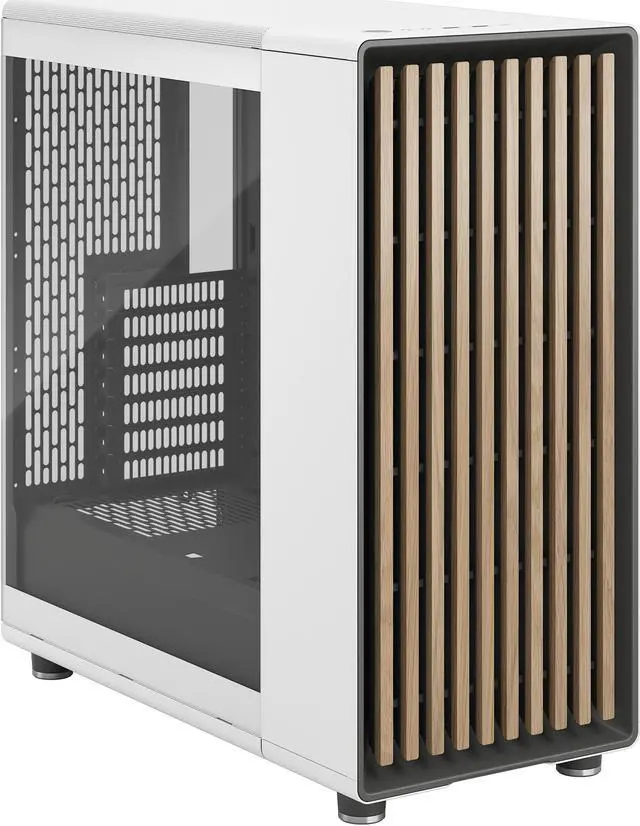
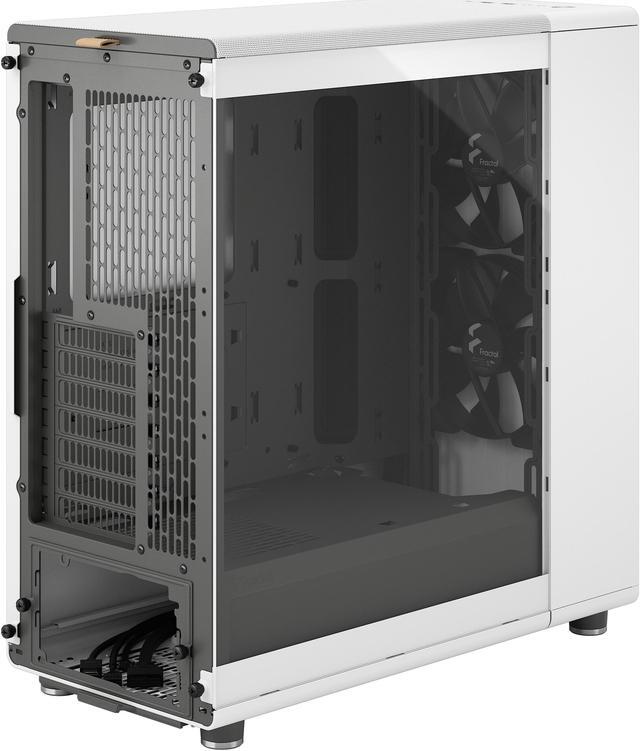
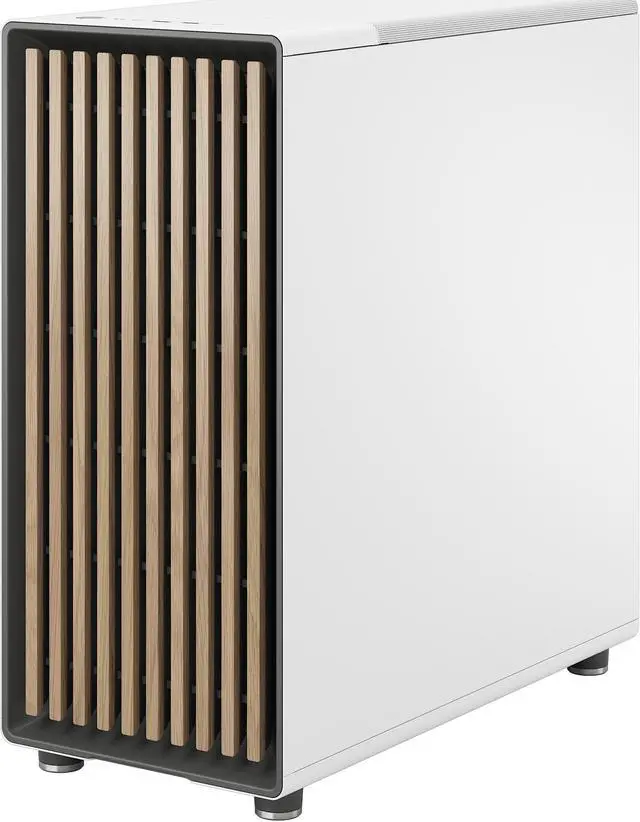
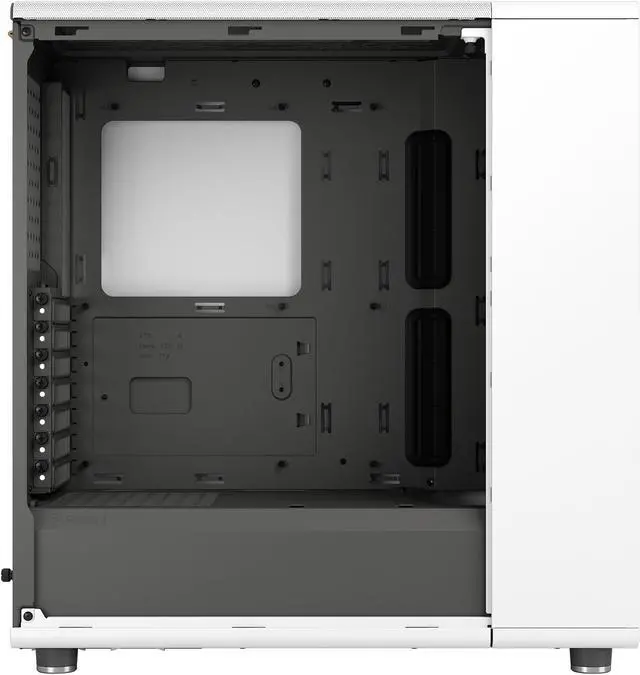
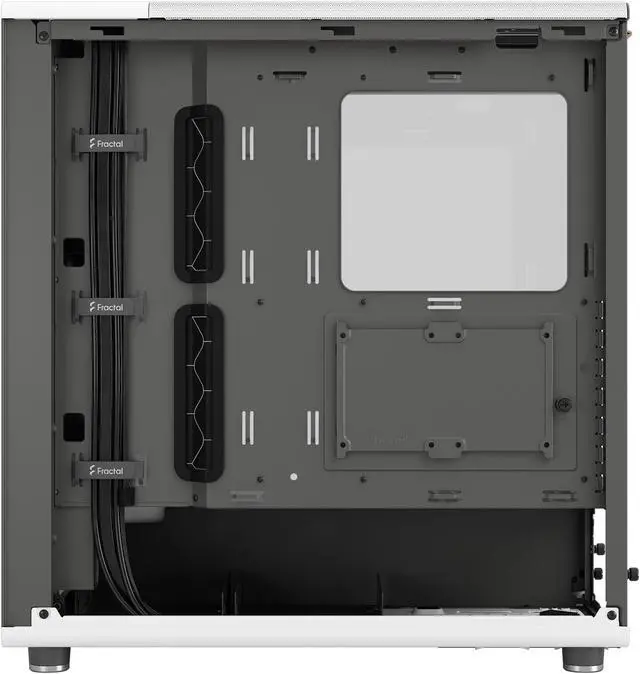
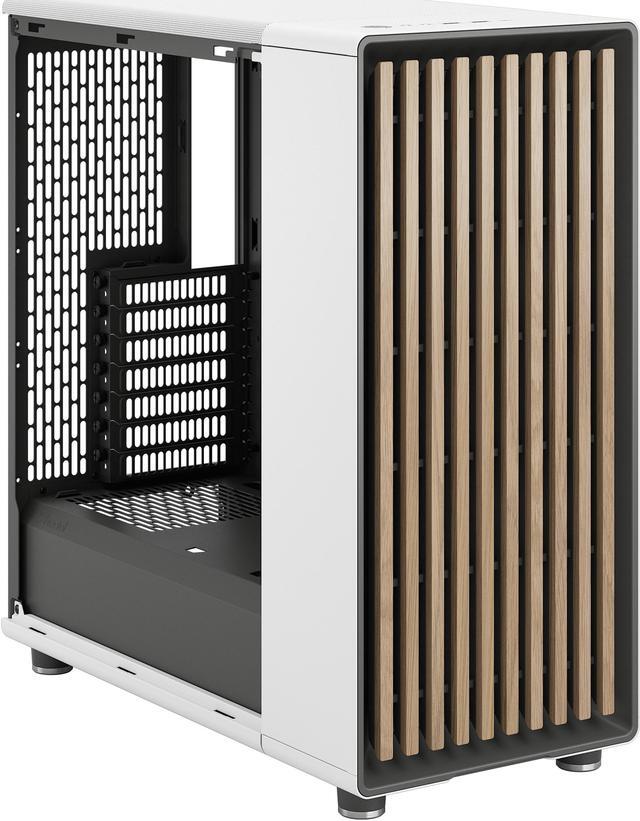
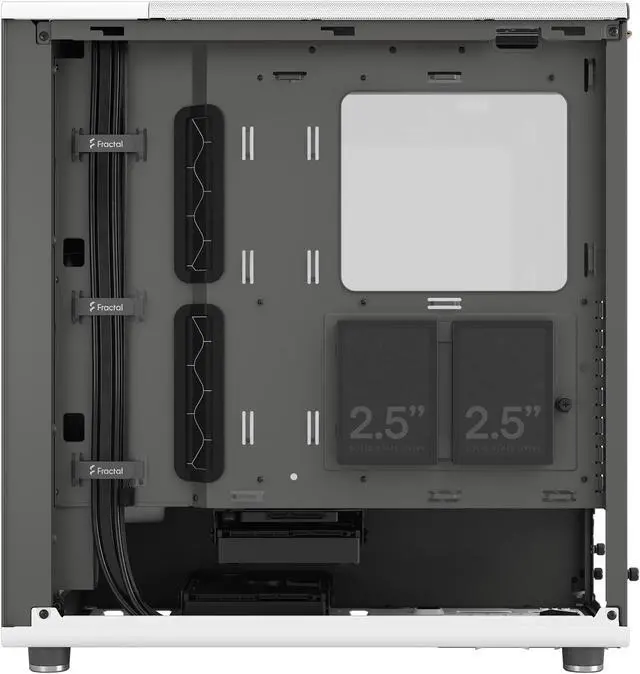
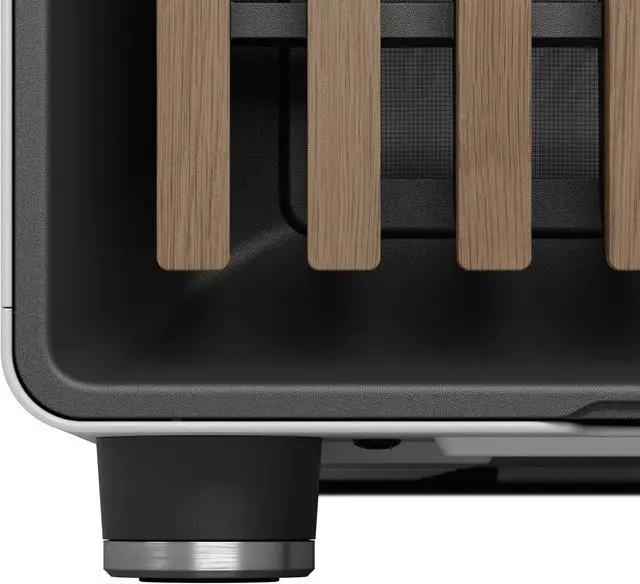
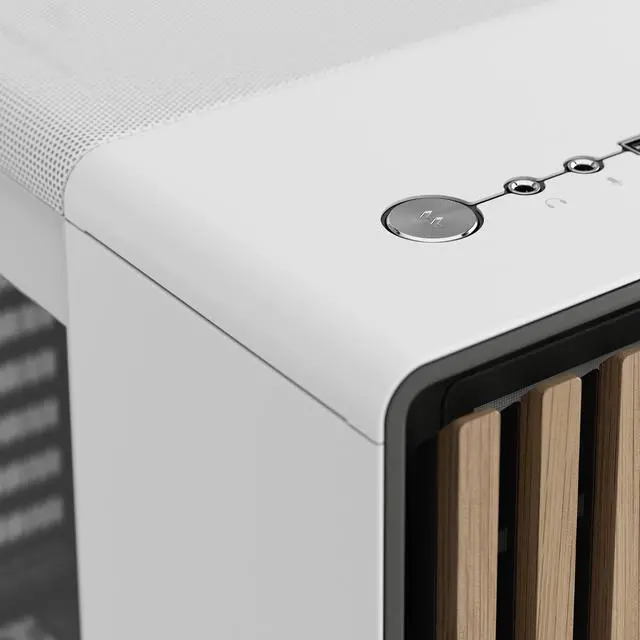
The Fractal Design North is a mid-tower PC case for ATX, Micro ATX, and Mini ITX builds that pairs airflow-focused cooling support with a real oak front and tempered glass side panel, making it a strong fit for gamers, creators, and builders who want a modern white case that looks furniture-friendly in a home or office setup.
| Attribute | Value |
|---|---|
| Best For | Building ATX, Micro‑ATX or Mini‑ITX desktops that need a mid‑tower with tempered glass side and real oak front, GPU support up to 355 mm (with front fan) or up to 300 mm when a 360 mm front radiator is installed, and flexible air cooling/fan layouts |
| Model Identifiers | Fractal Design FD-C-NOR1C-04 (North Chalk White TG Clear) |
| Case And Materials | ATX mid‑tower steel enclosure in Chalk White with a real oak front accent and a tempered glass side panel |
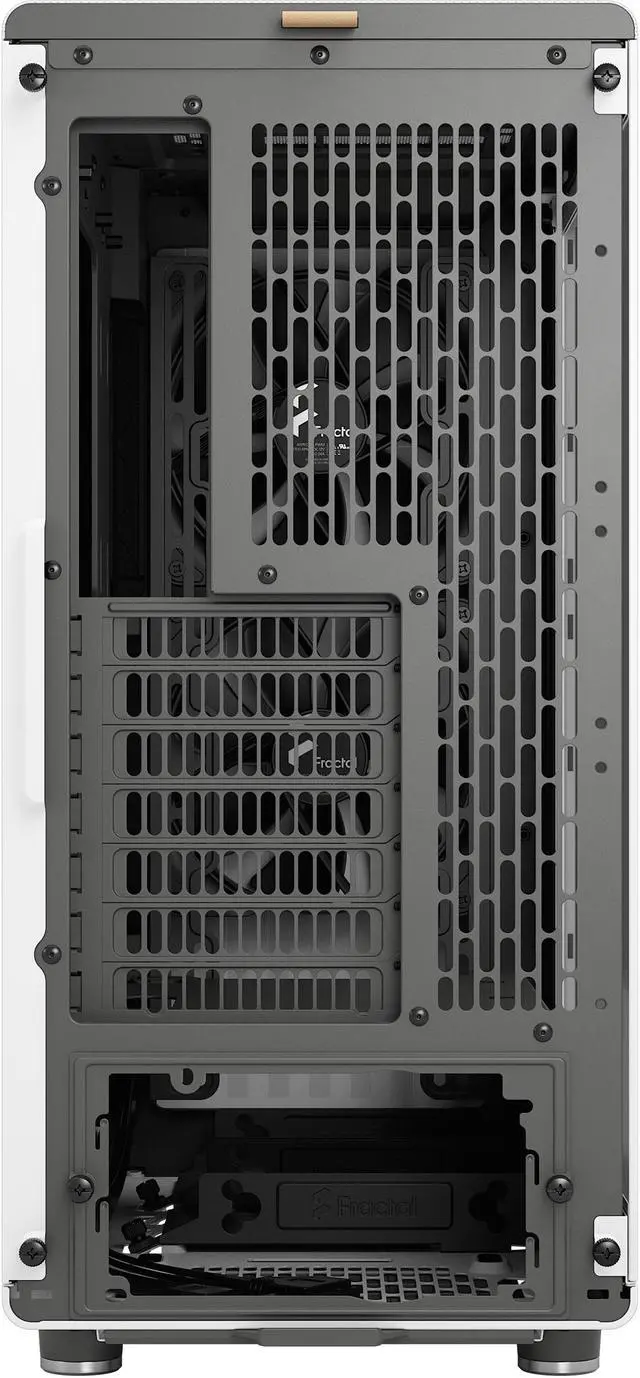
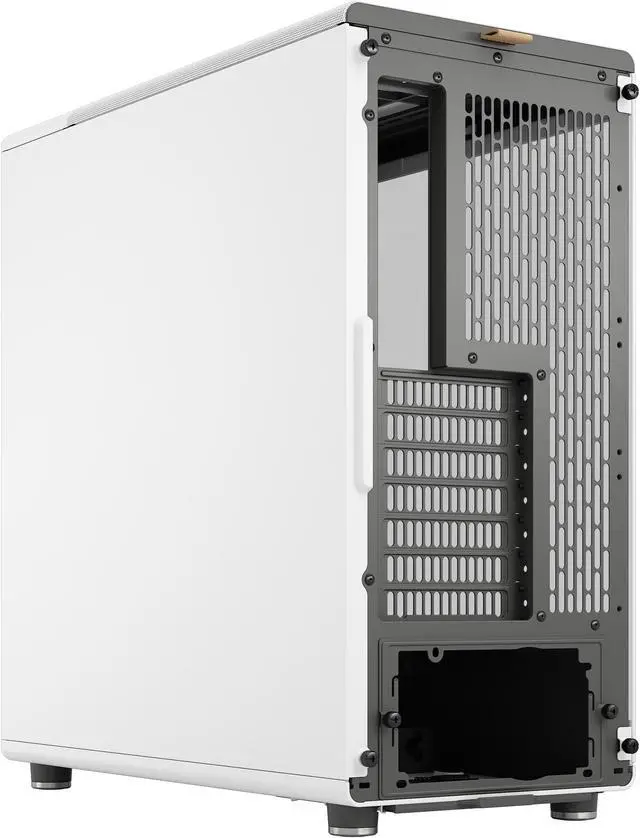
| Motherboard And Expansion | Supports ATX, Micro‑ATX and Mini‑ITX motherboards with seven bridgeless expansion slots |
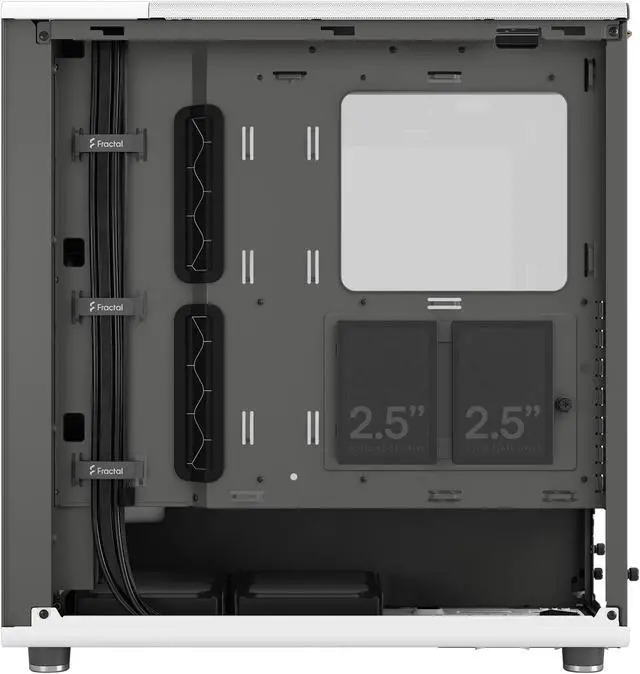
| Storage And Drive Bays | Three internal 3.5" bays (2 included) plus two dedicated 2.5" mounts and two combined 3.5"/2.5" mounts on drive trays (two trays included) |
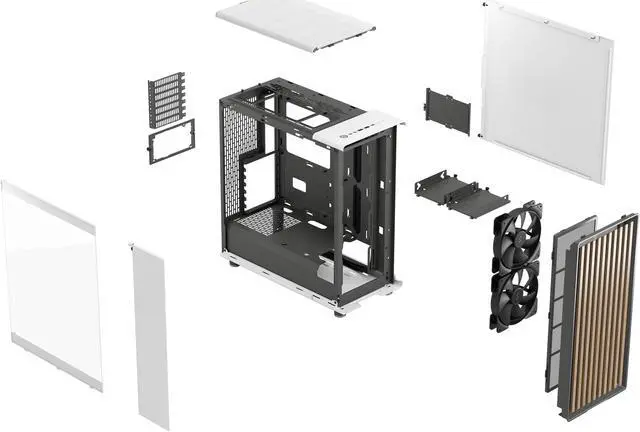
| Cooling And Radiator Support | Air cooling with front dust filter; front supports 3×120 mm or 2×140 mm (2×Aspect 140 mm PWM pre‑installed), top supports 2×120/140 mm, rear 1×120 mm; radiator support — front up to 360/280/240/140/120 mm (151 mm max width), top up to 240/120 mm (122 mm max width, 35 mm max motherboard component height), rear 120 mm |
| Fans Included | Includes two Aspect 140 mm PWM front fans (two fans pre‑installed) |
| GPU And Cooler Clearance | GPU clearance up to 355 mm with front fan installed or up to 300 mm with a 360 mm front radiator; CPU cooler height limit 170 mm |
| Power Supply And Clearance | No power supply included; supports bottom‑mounted PSUs with max lengths of 255 mm with one HDD tray installed or 155 mm with two HDD trays |
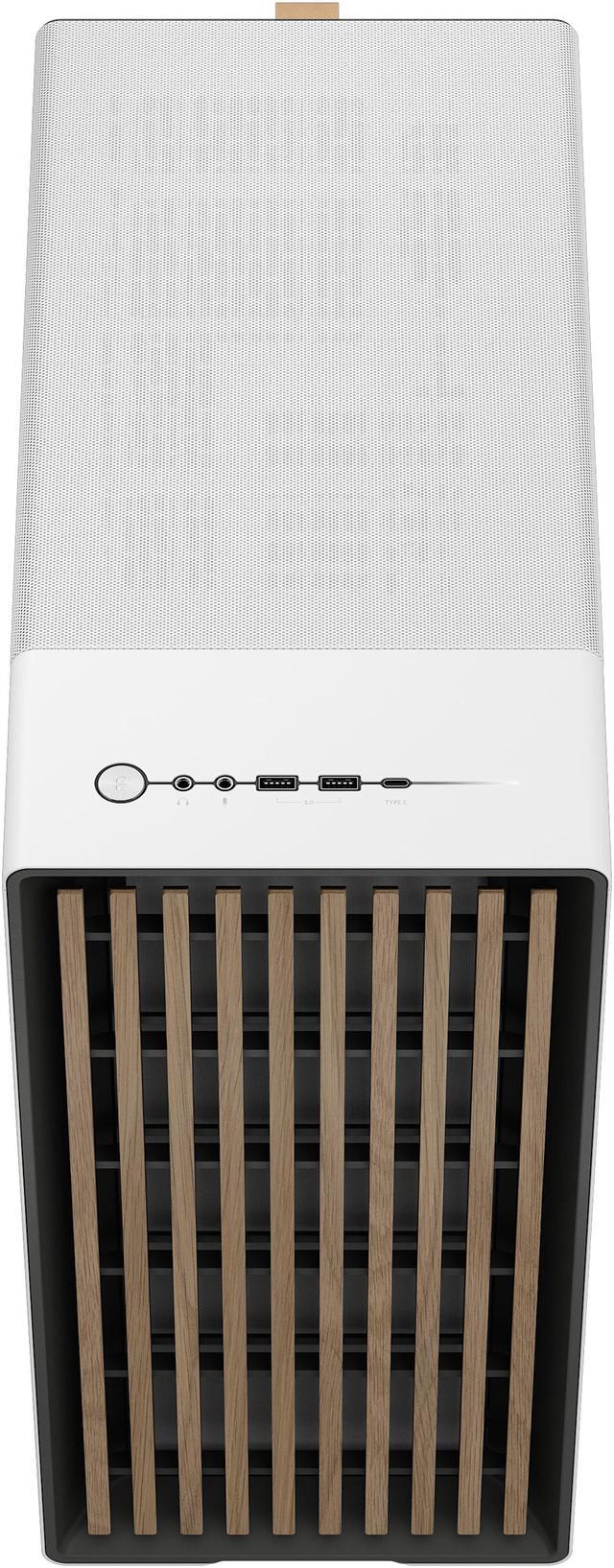
| Front I/O And Internal Ports | Front I/O includes 1 × USB 3.2 Gen 2x2 Type‑C, 2 × USB 3.0 and headphone/microphone jacks |
| Dimensions And Weight | 17.60 × 8.46 × 18.46 inches (depth × width × height); weight 16.98 lbs |
| Features And Package Content | Designated cable management area behind the motherboard wall, front dust filter, easy to build in; package includes the North case, accessory box and user manual |
Q: Should I buy the Fractal Design North or the Fractal Design North XL?
A: Choose the Fractal Design North if you want the same design language in a smaller ATX case and your build fits within its limits: ATX/mATX/ITX boards, up to 355 mm GPU length with front fans, up to 300 mm GPU length with a 360 mm front radiator, up to 170 mm CPU cooler height, and top radiator support up to 240 mm. Choose the North XL if you need more expansion headroom for newer long GPUs, thicker cooling setups, E-ATX support, or easier clearance planning. Official specs and review coverage position the XL as the roomier option for higher-end or less constrained builds, while community discussions commonly treat the standard North as the better fit when you want the North look without moving to a larger chassis.
Q: Fractal Design North vs Meshify 2 Compact: which one makes more sense?
A: Pick the Fractal Design North when you want a case that balances airflow with furniture-friendly styling and modern front I/O, including 20 Gbps USB-C. Pick the Meshify 2 Compact when your priority is a more conventional airflow case with a highly practical internal layout, strong cable management, and three included fans out of the box. Review coverage places both cases in the airflow-focused mid-tower category, but the North is more often chosen for design-led setups, while the Meshify 2 Compact is more often chosen for straightforward performance-first builds.
Q: Fractal Design North vs NZXT H5 Flow: which should I choose for a mid-tower gaming build?
A: Choose the Fractal Design North if you want a more premium exterior, larger stock front fans, broader storage flexibility, and stronger emphasis on blending airflow with appearance. Choose the NZXT H5 Flow if you want a simpler airflow-focused layout with NZXT's well-known cable management approach and a more understated steel-and-mesh design. Both are aimed at mainstream ATX gaming builds, but the North is the better fit when case appearance is part of the buying decision, while the H5 Flow is the more utilitarian choice when you want a clean internal layout and compact footprint.
Q: Is the Fractal Design North a better choice than the Fractal Design Torrent for airflow-heavy builds?
A: Choose the Fractal Design North if you want strong airflow in a more compact and decor-friendly mid-tower. Choose the Fractal Design Torrent if your build is centered more heavily on maximum air-cooling performance and you are comfortable with a larger, more purpose-built airflow chassis. Professional reviews consistently position the Torrent as the more aggressive thermal design, while the North is positioned as the more style-conscious option that still delivers strong cooling for mainstream high-performance gaming systems.
Q: Is the Fractal Design North good for a compact-looking setup, or should I get a more portability-focused case?
A: Choose the Fractal Design North if you want a case that looks compact on a desk but still supports full ATX hardware, long GPUs, tall air coolers, and front radiators up to 360 mm. It is a better choice for desktop-friendly appearance than for frequent transport. If portability is the main goal, a smaller ITX-oriented case will usually make more sense because the North remains a standard steel-and-glass mid-tower at about 17 pounds before components. In practice, the North suits users who want a cleaner footprint and home-friendly look without giving up mainstream performance hardware.
Q: Will this case fit a large modern GPU and an ATX motherboard?
A: Yes for most ATX builds. The Fractal Design North supports ATX, Micro ATX, and Mini ITX motherboards, and it fits GPUs up to 355 mm with front fans installed. The main limitation is front radiator use: if you install a 360 mm front radiator, GPU clearance drops to 300 mm. For buyers choosing between style-focused mid-towers, this means the case works well for many air-cooled or modest liquid-cooled gaming builds, but very long GPUs plus a large front radiator can create fit constraints.
Q: Is the Fractal Design North a good choice if I want strong airflow without an overly flashy gaming look?
A: Yes. This case is a good fit for buyers who want good airflow and a cleaner, furniture-style design instead of RGB-heavy styling. Retail discussions around the North repeatedly emphasize airflow, build quality, and aesthetics, and the included setup of two 140 mm PWM front fans gives it a solid starting point for quiet, balanced cooling. The trade-off is that you are partly paying for design and materials, not just raw capacity.
Q: What is the main trade-off versus a Corsair 4000D Airflow or NZXT H5 Flow?
A: The North is usually the better pick if you want a case that combines good airflow with premium exterior styling. A Corsair 4000D Airflow is the more utilitarian alternative, with similar airflow-first positioning, slightly longer listed GPU clearance at 360 mm, and a stronger reputation for straightforward cable management. An NZXT H5 Flow is also airflow-focused, but retail Q&A often centers on radiator placement and fan configuration rather than premium materials. In short: choose the North for design plus good cooling, the 4000D Airflow for function-first value and clearance, and the H5 Flow for a simpler airflow-focused build.
Q: Is this case a good fit for a first-time PC builder?
A: Yes, if the builder wants a mid-tower with mainstream compatibility and is willing to check part dimensions before buying. The North supports standard ATX, Micro ATX, and Mini ITX boards, includes two front fans, and is repeatedly described on retail pages as easy to build in. The caution for first-time builders is compatibility planning: GPU length, front radiator choice, PSU length, and drive-tray usage can affect available space more than in a larger case.
Q: Is the Fractal Design North a good buy if I want an attractive ATX case with solid airflow?
A: Yes, if your priority is a clean, furniture-style case with good airflow and standard ATX support. Reddit and YouTube discussion repeatedly frame the North as a case people choose for its design, quiet operation, and generally good thermals. The main trade-off is value: some owners feel the price is high for a case with only two included fans and a more compact interior than some airflow-focused alternatives.
Q: Who is the Fractal Design North best suited for?
A: It is best suited for builders who want a standard ATX mid-tower with tempered glass, understated styling, and an air-cooled or moderately cooled setup. Community discussion consistently points to the North being a strong fit for people who dislike flashy RGB-heavy cases and prefer a quieter, visually restrained build. It is less ideal for buyers who need maximum internal space or highly flexible liquid-cooling layouts.
Q: Is the Fractal Design North better for air cooling than for large AIO builds?
A: Usually yes. The case supports strong front airflow and includes two 140 mm front fans, which makes it straightforward for air-cooled builds. Discussion on Reddit repeatedly highlights that the regular North is more restrictive for large liquid-cooling setups, especially because a 360 mm front radiator reduces GPU clearance and the top only supports up to a 240 mm radiator with RAM-height limits.
Q: Will the Fractal Design North fit a large GPU or front radiator without compromise?
A: Not always. Based on the product specs, the case supports GPUs up to 355 mm with front fans, but only up to 300 mm with a 360 mm front radiator. Reddit discussion repeatedly focuses on this clearance trade-off, so it is a case that rewards careful part-checking. It is suitable for many modern GPUs, but large GPU plus large front radiator combinations can become tight quickly.
Q: Is the Fractal Design North easy to build in, and what are the main trade-offs?
A: For a standard air-cooled build, generally yes. The product information includes a dedicated cable-management area, and community discussion often describes the case as easy enough to work in with tidy results. The main trade-offs mentioned repeatedly are limited extra space behind the motherboard area, fewer ideal cable pass-throughs than some competitors, and occasional complaints about screw quality or small finishing details.


