Sponsored Products
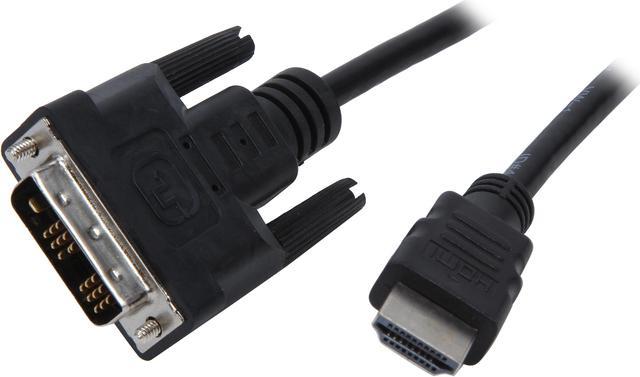
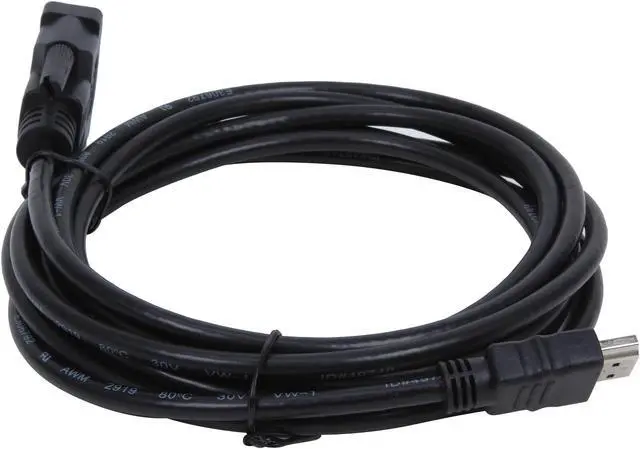
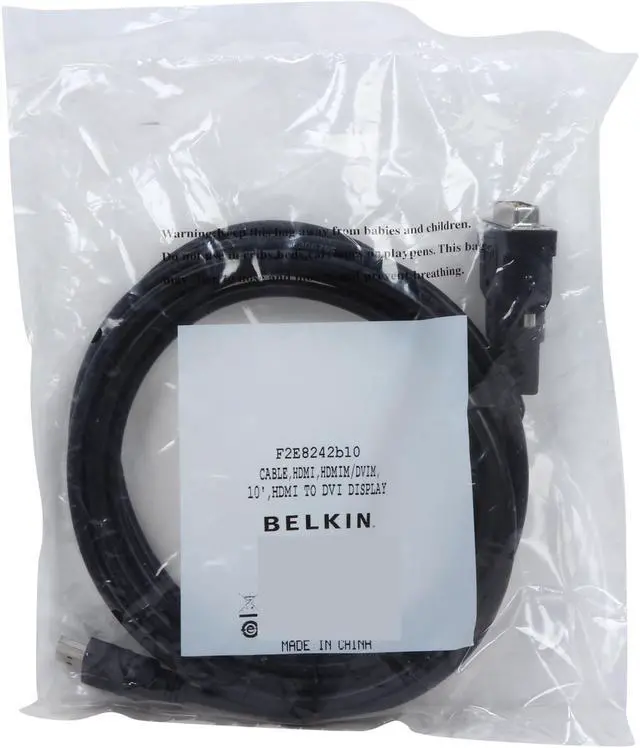
Belkin F2E8242b10 10 ft. Black Connector on First End: 1 x DVI Connector on Second End: 1 x HDMI HDMI to DVI Cable
- 2 Connector Number
- Black
+
+
Overview
Specs
Reviews (2)
See all Q & A
Any questions? Ask CelesteSM will help you find out quickly.
Try me now
Belkin manufactures the highest quality and largest selection of computer cables in the world. All Belkin cables carry an assurance of excellence obvious both inside and out. From our tough-but-flexible casings to our exclusive wiring configurations, Belkin cable technology guarantees peak performance and optimal data transmission. It's not surprising each also carries a Manufacturer's Lifetime Warranty.Cable Type: HDMICable Length: 10 ftConnector on First End: 1 x DVIConnector on Second End: 1 x HDMI
Warranty & Returns
Warranty, Returns, And Additional Information
Warranty
- Limited Warranty period (parts): Lifetime
- Limited Warranty period (labor): Lifetime
- Read full details
Return Policies
- Return for refund until: January 31, 2026
- Return for replacement until: January 31, 2026
- This item is covered by Newegg.com's Extended Holiday Return Policy.
- Read full return policy for details.
We want to ensure your holiday shopping this year is hassle-free. That’s why we’re automatically extending our return policies on almost every product! For purchases placed between November 1st, 2025 and December 31, 2025 you will have until January 31, 2026 to return your product.
Manufacturer Contact Info
- Manufacturer Product Page
- Manufacturer Website
- Support Phone: 1-800-223-5546
- Support Website
- View other products from Belkin
LOADING...
LOADING...
The Belkin F2E8242b10 is a 10-foot HDMI-to-DVI cable for users connecting HDMI- and DVI-equipped devices across a longer distance, such as a computer and display.
Recommended For
- People connecting an HDMI-output computer or media player to a DVI-input monitor, when the display setup only needs video up to 1920×1080 at 60 Hz.
- Home-theater users connecting an HDMI-equipped DVD or Blu-ray player, satellite receiver, or similar video source to a DVI-equipped TV or projector.
- People whose devices are separated by several feet and need a 10-foot cable for a fixed video connection between HDMI and DVI ports.
Real-World Use Scenarios
- Connect a desktop PC’s HDMI output to an older DVI monitor to keep using the display for everyday work; video can appear up to 1920×1080 at 60 Hz, but audio needs a separate connection.
- Use a computer’s DVI video output with a TV’s compatible HDMI/DVI input to show the computer screen on the TV; plan on separate audio because this connection carries video only.
- Connect an HDMI-equipped computer or video device to a DVI-equipped projector for presentations; the picture can display without replacing the projector, provided its supported resolution matches the source.
- Add an older DVI monitor as a second screen for an HDMI-equipped computer; it can extend or mirror the desktop if the computer and monitor support the chosen display mode, while audio remains separate.
Spec Summary
| Attribute | Value |
|---|---|
| Best For | Connecting HDMI and DVI equipment, including televisions, monitors, PCs, and gaming consoles; listed uses include home theater, gaming, and professional AV |
| Connector Configuration | HDMI-to-DVI cable with one HDMI connector and one DVI connector; both connectors are male |
| Cable Length And Design | 10 ft. long, round, and black for indoor use |
| Signal And Construction | Listed data transfer rate of 18 Gbps; copper construction |
| Model Identifiers | Belkin F2E8242b10 |