




 here!
here!
I’m your shopping assistant for PC builds, upgrades, and everything tech.
Got questions? Ask away!
Start a conversation
here!
I’m your shopping assistant for PC builds, upgrades, and everything tech.
Got questions? Ask away!
Start a conversationShipped by Newegg
 Hot Seller Hot Seller


Make informed decisions with expert advice. Learn More





Any questions? Ask CelesteSM will help you find out quickly.
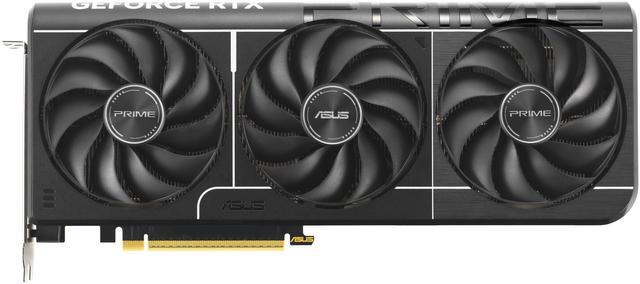
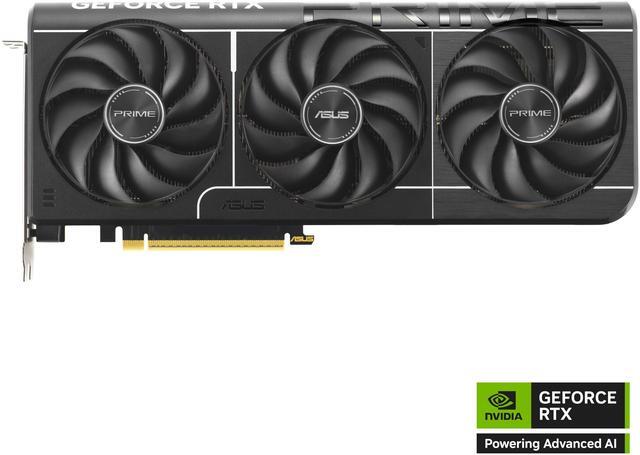
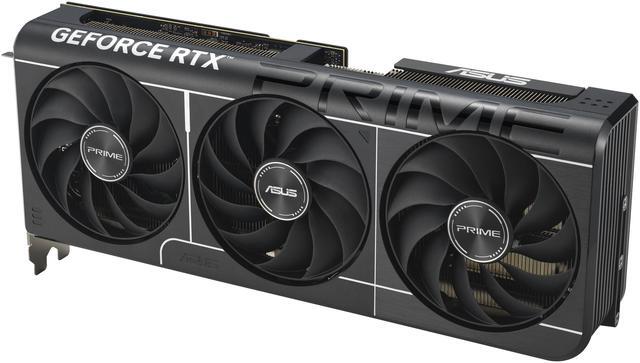
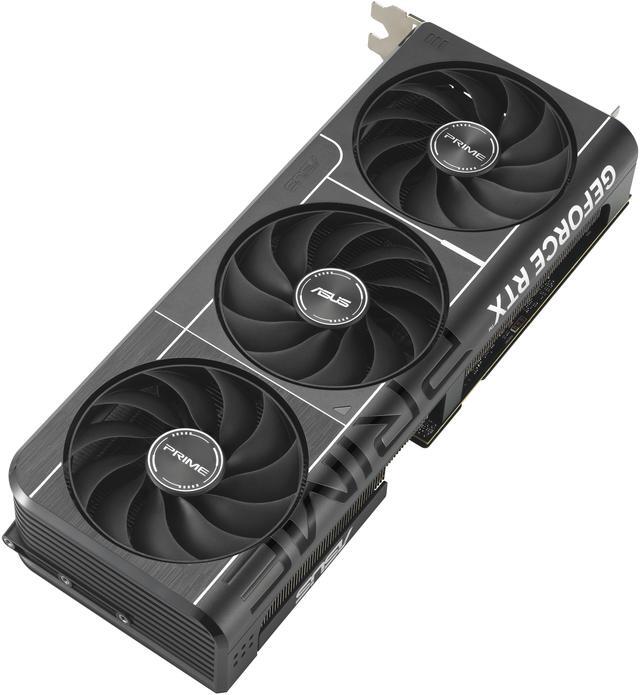
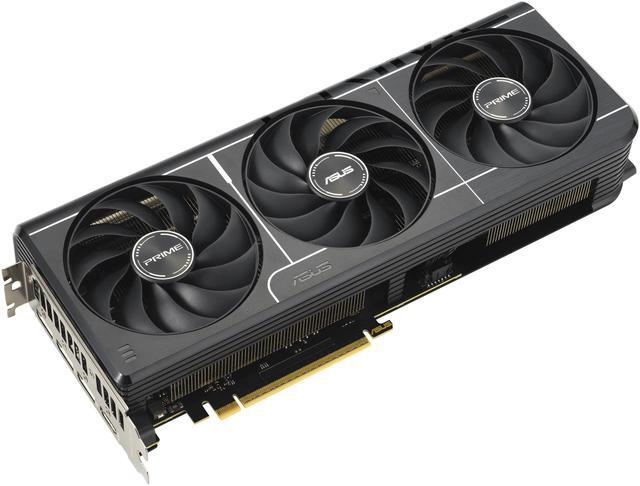
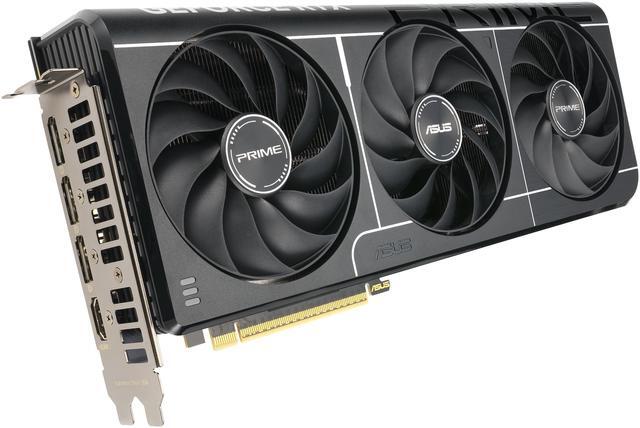
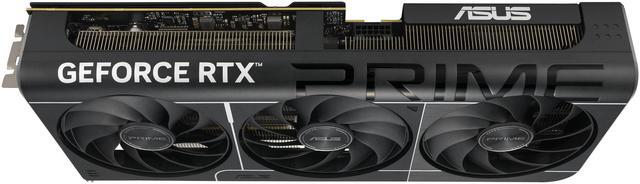
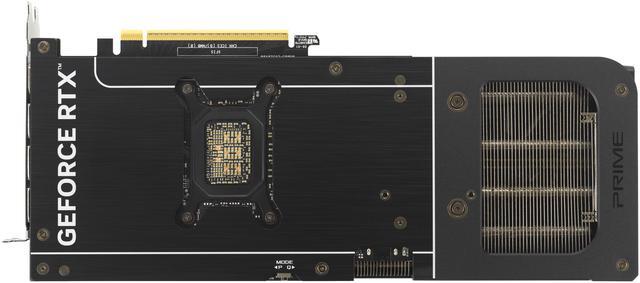
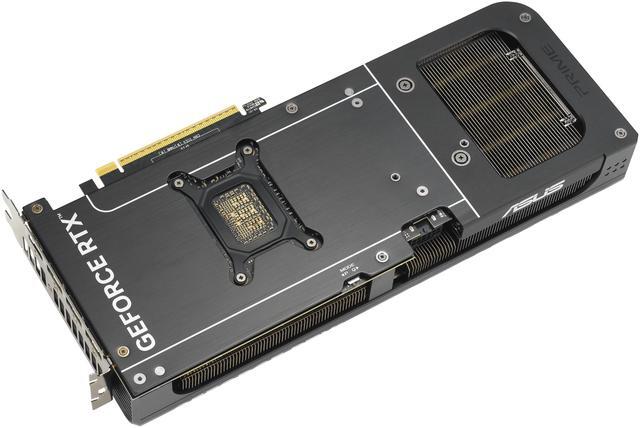
The ASUS PRIME GeForce RTX 5070 OC 12GB is a triple-fan ATX graphics card built for gamers and creators who want current-generation NVIDIA performance, 12GB of GDDR7 memory, and modern display connectivity for high-resolution, multi-monitor PC setups.
| Attribute | Value |
|---|---|
| Best For | Desktop gaming and VR-capable creative or professional workloads using an NVIDIA GeForce RTX 5070 with 12GB GDDR7; suited for multi-monitor setups |
| Model Identifiers | ASUS PRIME model PRIME-RTX5070-O12G (Part Number 90YV0M10-M0AA00); Prime OC style in black |
| GPU And Architecture | NVIDIA GeForce RTX 5070 (Blackwell architecture) with 6144 CUDA cores |
| Memory And VRAM | 12GB GDDR7 VRAM on a 192-bit memory bus with a 4000 MHz memory clock |
| Display Outputs And Max Resolution | 1 x HDMI 2.1b and 3 x DisplayPort 2.1b; supports up to 7680 x 4320 and up to 4 displays |
| Interface And Installation | PCI Express 5.0 x16 interface; occupies 2.5 expansion slots; ATX form factor |
| Cooling And Fans | Triple-fan cooler (3 fans) |
| Power And PSU | Requires a single 16-pin power connector; ASUS recommends a 750W PSU |
| Dimensions And Weight | Card dimensions 12 x 5 x 2 inches (max GPU length 304 mm); item weight 2.3 lb; package weight 1.628 kg; package dimensions 8.89 L x 23.3934 W x 40.7924 H cm |
| Features And APIs | Supports DirectX 12 Ultimate and OpenGL 4.6; HDCP ready and VR ready; dedicated graphics |
| Package Contents | Includes Speedsetup Manual, ASUS Velcro Hook & Loop, Thank You Card, and adapter cable (1 to 2); single-unit package |
| Compatibility And Multi-GPU | Designed for desktop systems; does not support CrossFireX or SLI |
Q: Should I buy the RTX 5070 or RTX 4070 Super for 1440p gaming?
A: Choose the RTX 5070 if you want a newer NVIDIA feature set, including Blackwell-generation improvements, GDDR7 memory, and DLSS 4 support. In third-party reviews, the RTX 5070 is usually only a modest step ahead of the RTX 4070 Super in traditional rasterized gaming, so the decision often comes down to price and whether you value the newer platform features. If both cards are priced closely, the RTX 5070 is the more forward-looking choice. If the RTX 4070 Super is meaningfully cheaper, it remains a practical alternative for similar 1440p gaming results.
Q: Is the RTX 5070 worth it over the RTX 4070?
A: Yes, the RTX 5070 is the better buy over the RTX 4070 if the price gap is reasonable. Reviews consistently show a noticeable generational uplift, and the RTX 5070 also adds newer display support, GDDR7 memory, and DLSS 4-era features. This makes the RTX 5070 a stronger fit for buyers building a new system or replacing an older midrange GPU. The RTX 4070 still makes sense mainly when it is available at a clearly lower price.
Q: Should I step up from the RTX 5070 to the RTX 5070 Ti?
A: Choose the RTX 5070 Ti if you want a more durable high-end 1440p or entry 4K setup, especially for heavier ray tracing workloads or games that benefit from extra VRAM. NVIDIA positions the RTX 5070 Ti above the RTX 5070 with more CUDA cores, a wider 256-bit memory bus, and 16GB instead of 12GB. The RTX 5070 is the better fit when you want to stay closer to the mainstream price tier and your main target is strong 1440p gaming rather than maximizing headroom.
Q: Is the RTX 5070 or a used RTX 4070 Ti Super the better choice?
A: A used RTX 4070 Ti Super is usually the better pick if your priority is higher native gaming performance and 16GB of VRAM for demanding games or creator workloads. The RTX 5070 is the better choice if you prefer buying new, want current-generation NVIDIA features, and value warranty coverage and Blackwell-era software support. This comparison is usually decided by condition, price, and whether you prefer extra memory or newer-generation features.
Q: Should I choose the RTX 5070 or AMD Radeon RX 9070?
A: Choose the RTX 5070 if you specifically want NVIDIA features such as DLSS 4 support, stronger NVIDIA software ecosystem alignment, and a simpler path for buyers already committed to GeForce technologies. Choose the Radeon RX 9070 if your focus is value in standard gaming performance and you are comparing cards at similar street prices. Across reviews, this is typically a close class of product, so the decision is less about category difference and more about feature preference, pricing, and the games you play.
Q: Is the ASUS PRIME RTX 5070 OC a good fit for 1440p gaming, and is 12GB of VRAM enough?
A: Yes for most 1440p buyers. The ASUS PRIME RTX 5070 OC uses the GeForce RTX 5070 GPU with 6144 CUDA cores and 12GB of GDDR7 memory, which makes it a strong fit for high-settings 1440p gaming and a reasonable option for some 4K use with settings trade-offs. The main limitation is memory headroom: 12GB is fine for mainstream 1440p gaming today, but buyers who want more margin for heavier 4K textures, larger creator workloads, or longer-term VRAM comfort should compare it against 16GB-class alternatives such as RTX 5070 Ti models.
Q: Will this graphics card fit in most PC cases?
A: It fits many mid-tower ATX builds, but you should check clearance before buying. This card is listed at 304 mm long and 2.5 slots thick, so compact cases and some prebuilt systems may be too tight. Case-fit questions are common on retail GPU Q&A pages, especially from buyers upgrading OEM desktops or smaller towers. Measure your available GPU length, slot clearance, and front-radiator space before purchase.
Q: Do I need a new power supply or cable for the ASUS PRIME RTX 5070 OC?
A: Maybe. ASUS lists a 750W recommended PSU and this card uses one 16-pin power connector. If your current power supply does not provide the correct cable natively, you may need to use the included adapter cable or upgrade your PSU or cabling. This is a common decision question on retail GPU pages because power connector changes and PSU sizing often affect upgrade cost more than the card itself.
Q: Who is the ASUS PRIME RTX 5070 OC best suited for?
A: It is best suited for buyers building or upgrading a desktop for gaming, general GPU acceleration, and multi-monitor use, especially at 1440p. It is less ideal for very small-form-factor PCs because of its triple-fan, 2.5-slot, 304 mm design. It is also not the best value choice for buyers who specifically need maximum VRAM for heavier 4K workloads or more demanding content creation, where a 16GB alternative may be easier to justify.
Q: Should I buy this ASUS PRIME RTX 5070 OC instead of stepping up to an RTX 5070 Ti?
A: Choose the ASUS PRIME RTX 5070 OC if you want a simpler 1440p-focused upgrade and do not need extra VRAM. Step up to an RTX 5070 Ti if you want more performance headroom and 16GB memory, especially for heavier 4K gaming, larger texture packs, or creator workloads. The trade-off is cost: retail listings show 5070 Ti models selling materially higher than standard RTX 5070 cards, so the better choice depends on whether your workload benefits from the extra memory and performance enough to justify the price increase.
Q: Is the ASUS PRIME RTX 5070 OC a good buy for a compact or smaller mid-tower build?
A: Yes, if you want a shorter triple-fan RTX 5070 that is easier to fit than many larger models. Its 304 mm length and 2.5-slot width make it more build-friendly than oversized cards, while still offering full RTX 5070-class hardware. It is a better fit for buyers who want solid cooling without moving up to a much larger premium model.
Q: Who is the ASUS PRIME RTX 5070 OC best suited for?
A: It is best suited for buyers targeting modern 1440p gaming, multi-monitor setups, and current NVIDIA features such as DLSS 4. It also fits users who want an ASUS triple-fan card without paying for a larger, heavier flagship-tier cooler. It is less ideal for buyers who specifically want extra VRAM headroom for longer-term 4K-heavy use.
Q: Are noise and thermals good enough on the ASUS PRIME RTX 5070 OC?
A: Generally yes for a mainstream triple-fan design, but this is not the quietest or coolest class of ASUS card. Repeated discussion focuses on it being acceptable to good out of the box, with some buyers preferring quiet BIOS or undervolting for lower noise and temperatures. If acoustics are your top priority, a larger premium cooler may be the safer choice.
Q: What are the main trade-offs of choosing the ASUS PRIME RTX 5070 OC instead of a higher-end 5070 model?
A: The main trade-off is that you get a more compact, simpler 2.5-slot design instead of the larger coolers and lower-noise tuning often found on premium variants. You still get RTX 5070 hardware, 12GB of GDDR7, and modern display outputs, but not the same margin for quieter operation or extra thermal headroom. It is the practical choice, not the most overbuilt one.
Q: Should you buy this model if 12GB of VRAM is a concern for you?
A: Only if 12GB fits your expected workload. For current mainstream gaming, 12GB is still workable, but repeated buyer discussion shows that VRAM capacity is one of the main hesitation points versus keeping a card longer or pushing heavier 4K settings. If long-term VRAM headroom is a top buying factor, this model is a more cautious buy.


